

AI Mirror
Hot Novels
Install Tips
Mobile safety & integrity report for the latest package. We provide verifiable checksums and a timestamped scan summary. Latest package AI Mirror 6.8.4(179) scanned by multiple engines; no threats detectedas of Tue, 28 Jul 2026 11:13:53 GMT.
After downloading, use a system or third-party checksum tool to calculate the SHA256 and ensure it matches the value provided on this page (case-sensitive, without spaces).
Each engine uses different signature databases and heuristics, so results may vary slightly. We provide a timestamp and checksum to allow you to independently verify the package.
AI Mirror Review
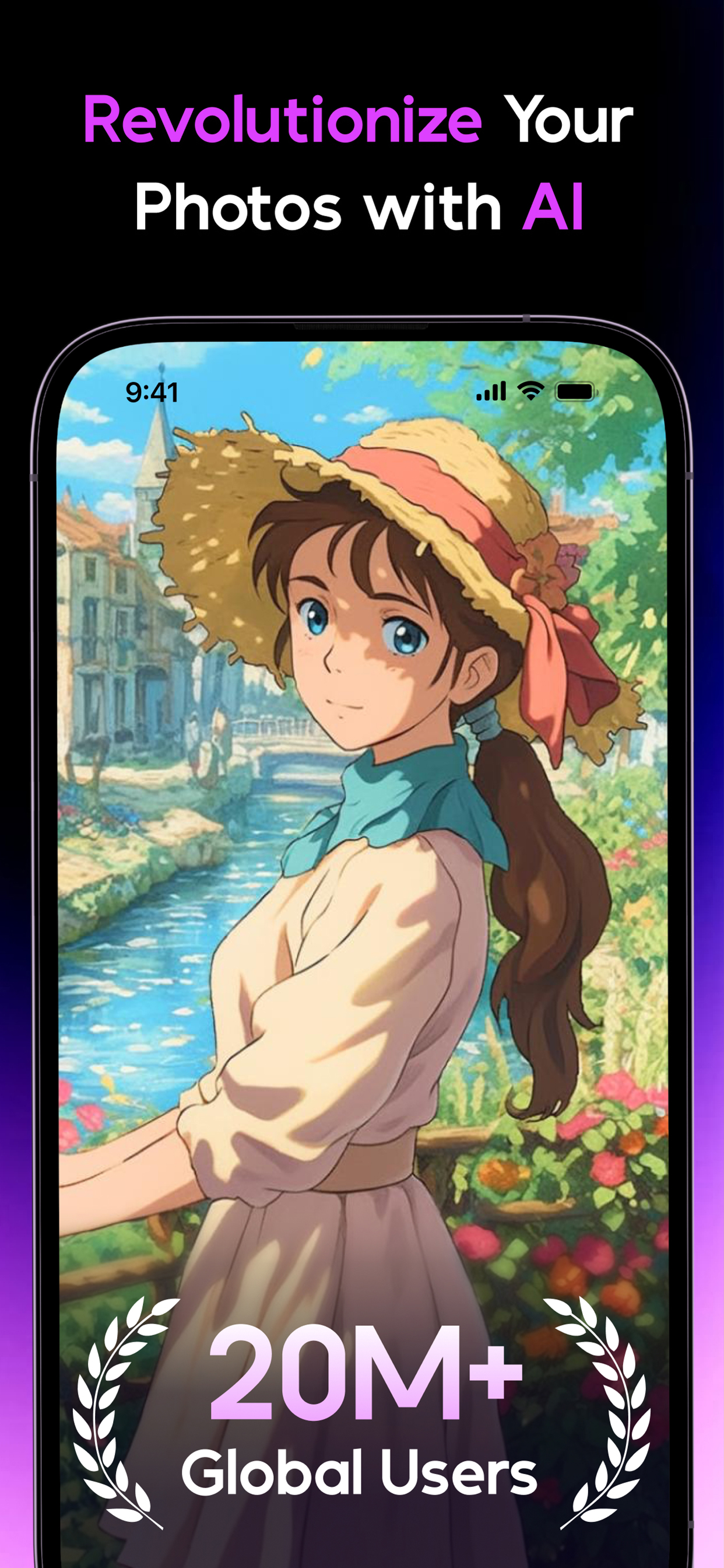
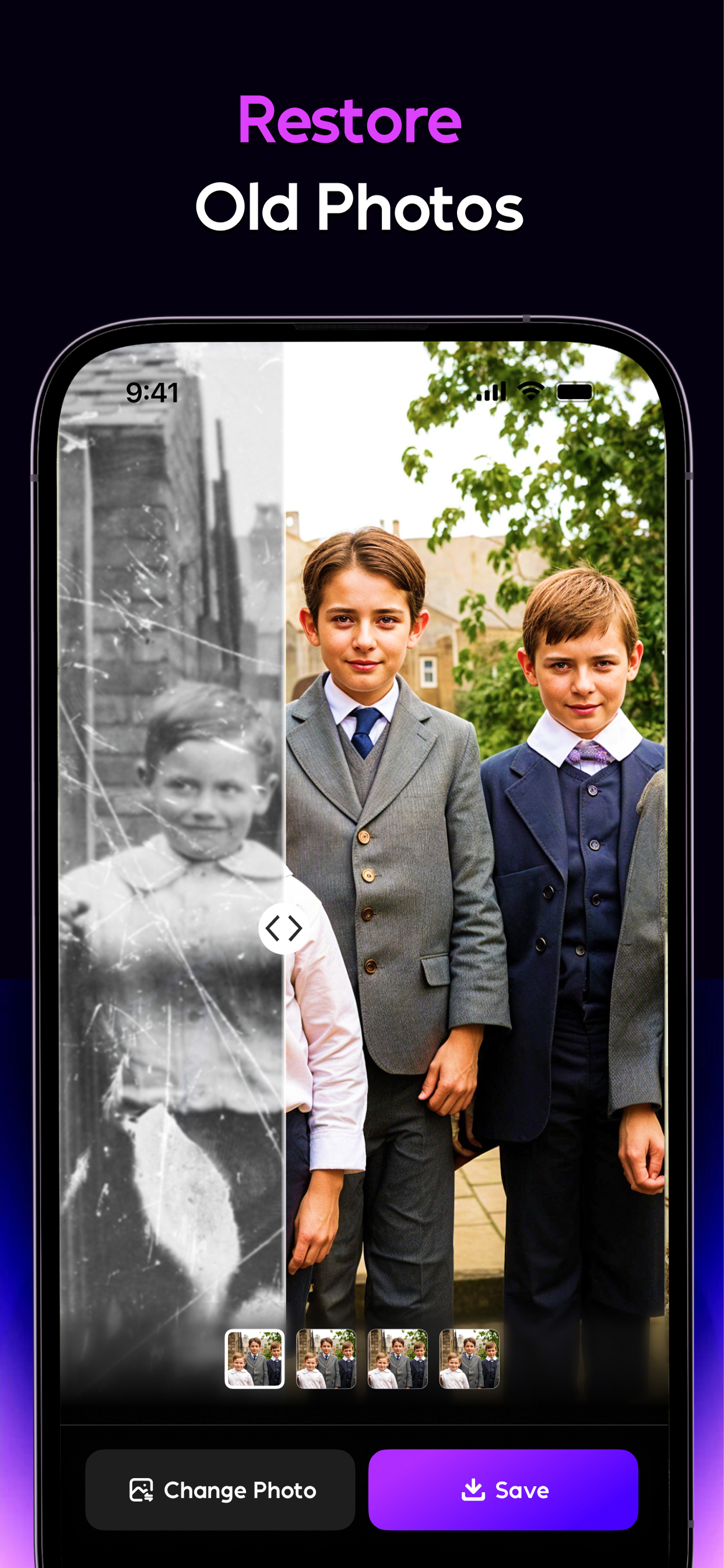
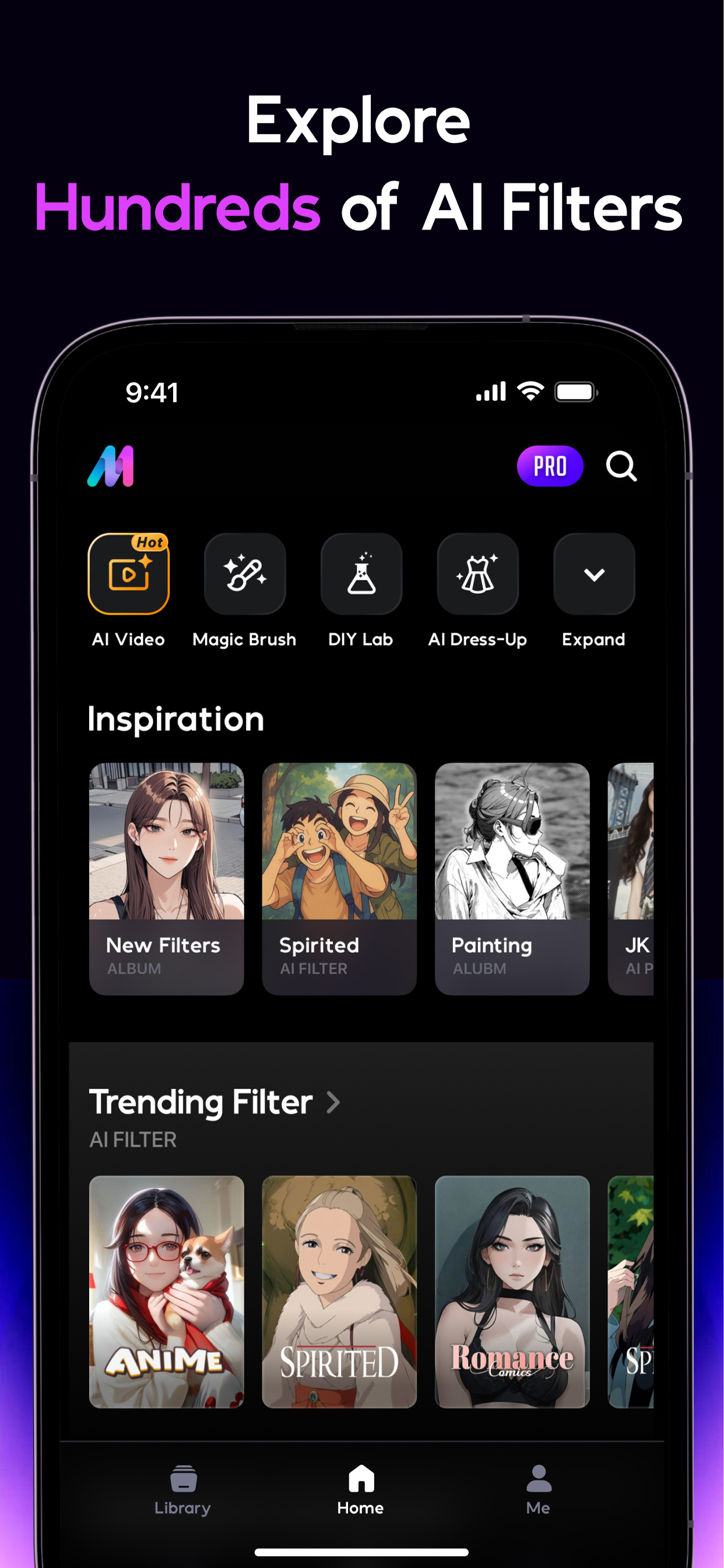
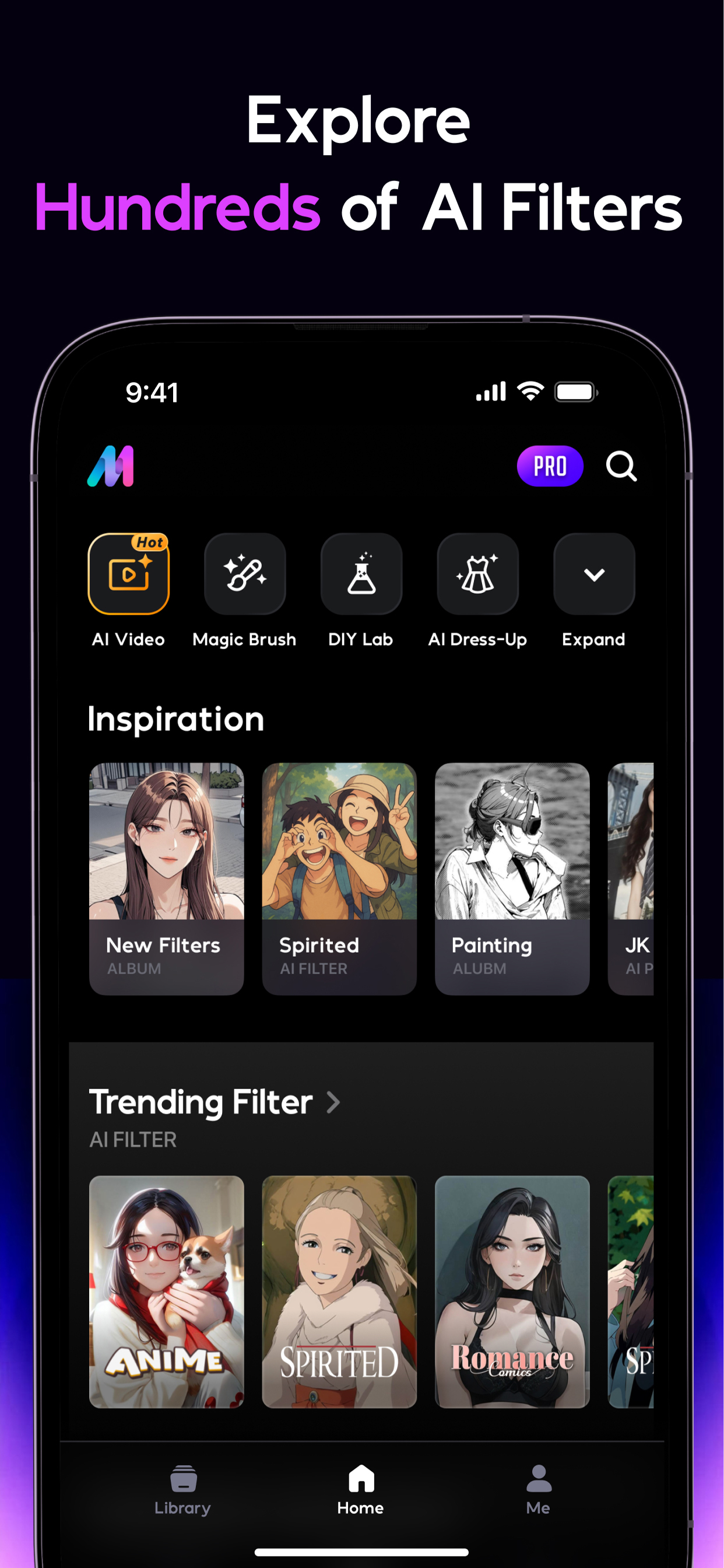
📸 AI Mirror is the ultimate AI-powered Genius photo editor and video creator. Instantly transform your images and videos with dozens of AI filters and style transformations—turn snapshots into anime characters, game avatars, action figures, sketches, or any Nano Banana trend in seconds. We have top‑tier old photo restoration technology that brings your cherished memories back to life by enhancing details and repairing scratches, fading, and damage, so your photos look as vivid as the day they were taken. Whether you're crafting viral TikTok clips, personalized avatars, or treasured family moments, AI Mirror delivers studio-quality results. Our signature Image-to-Video feature converts still photos into live photos and the latest AI-powered hugs. Plus, we release new filters and templates weekly to keep you ahead of trends on social medias like TikTok, X, Instagram, and Facebook. From interactive duo videos to the trending AI baby effect, we've got you covered!
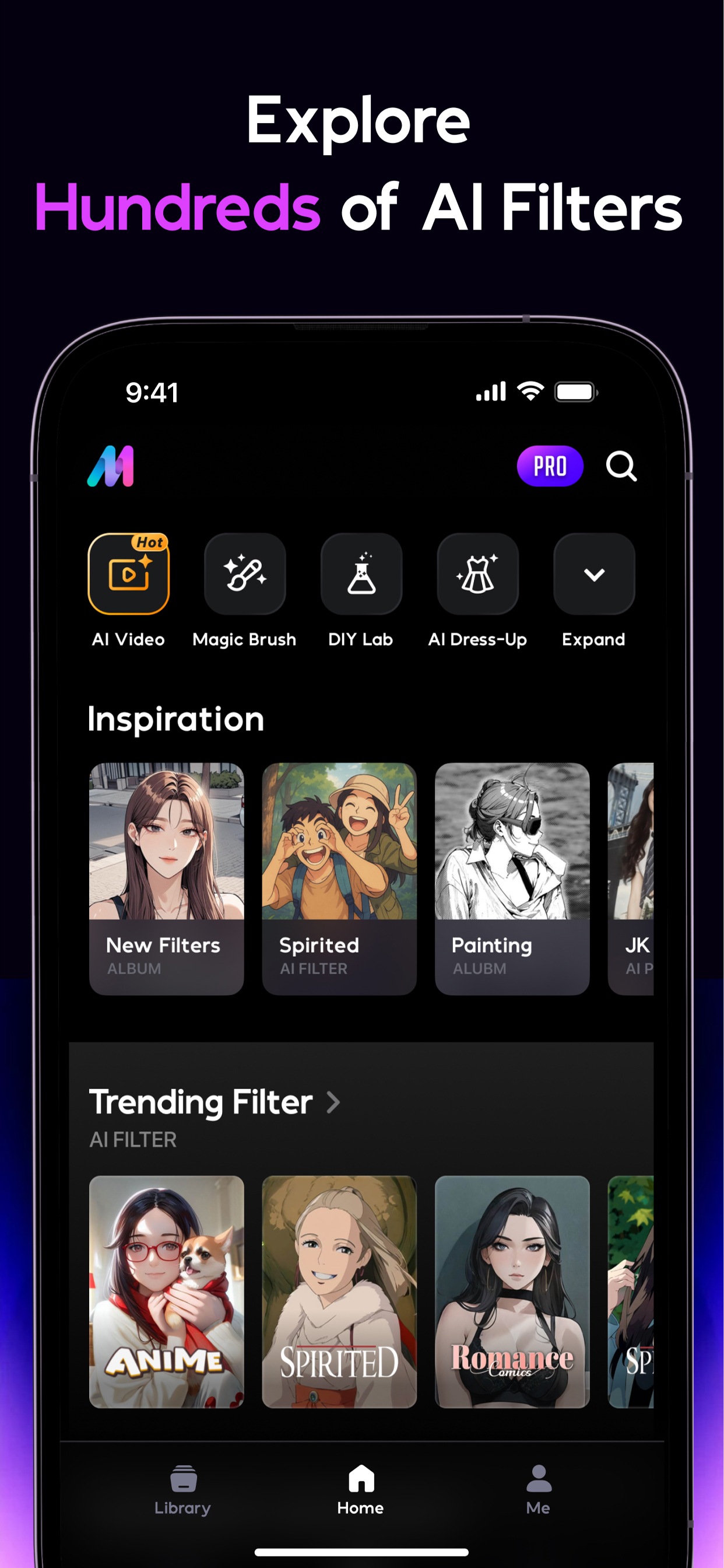
🎨 AI Filter:
🌟 Cosplay Creator: Step into iconic roles with our dynamic AI filters—transform into a mischievous jester, a creepy skeleton, or a magical witch.
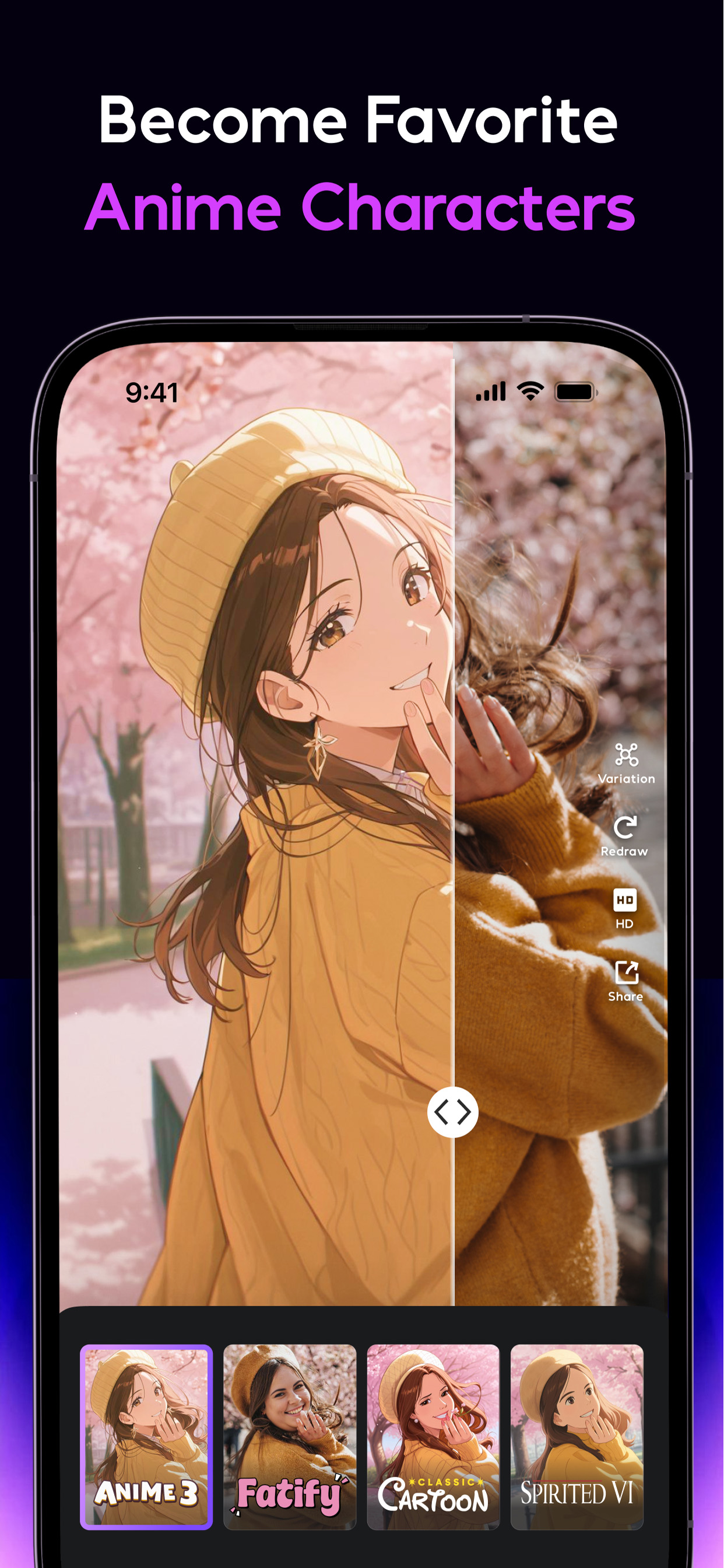
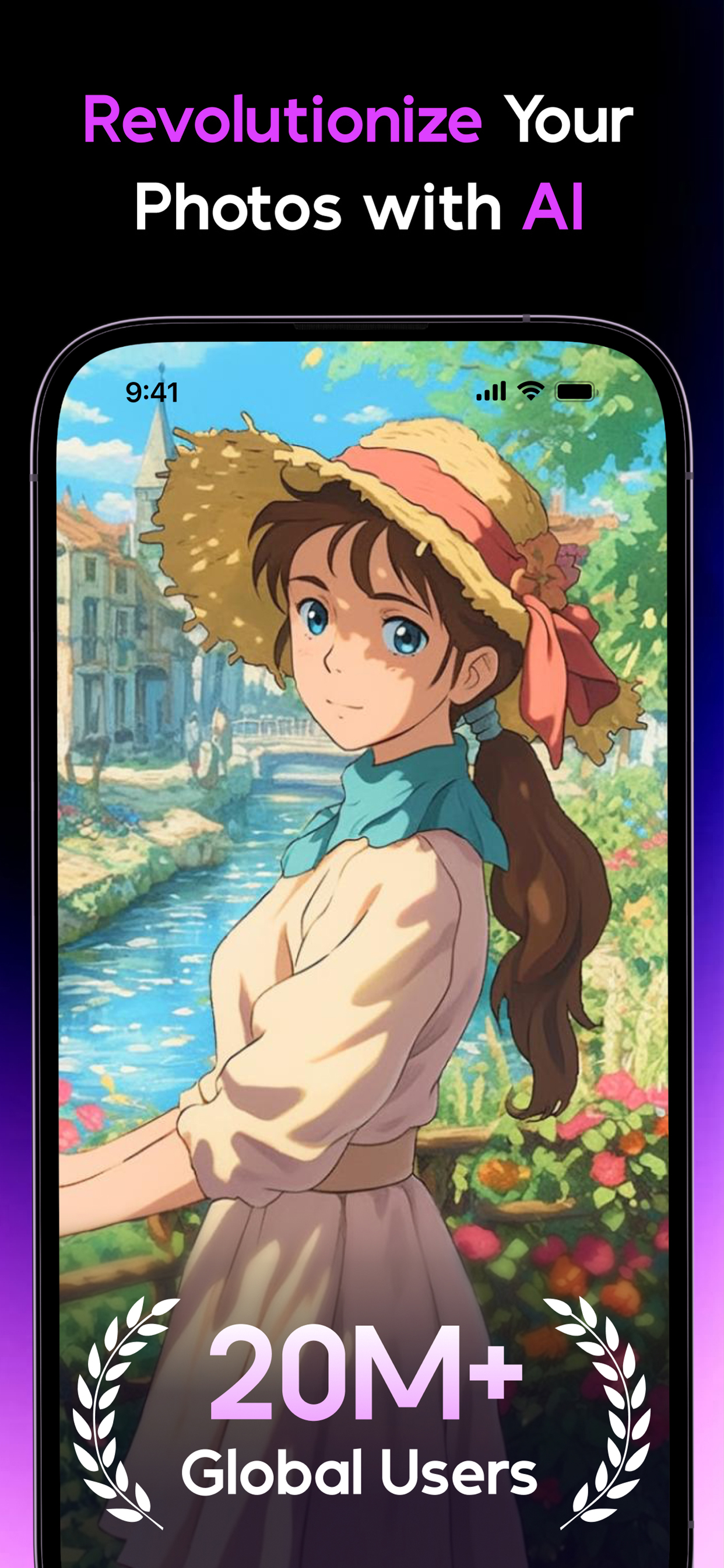
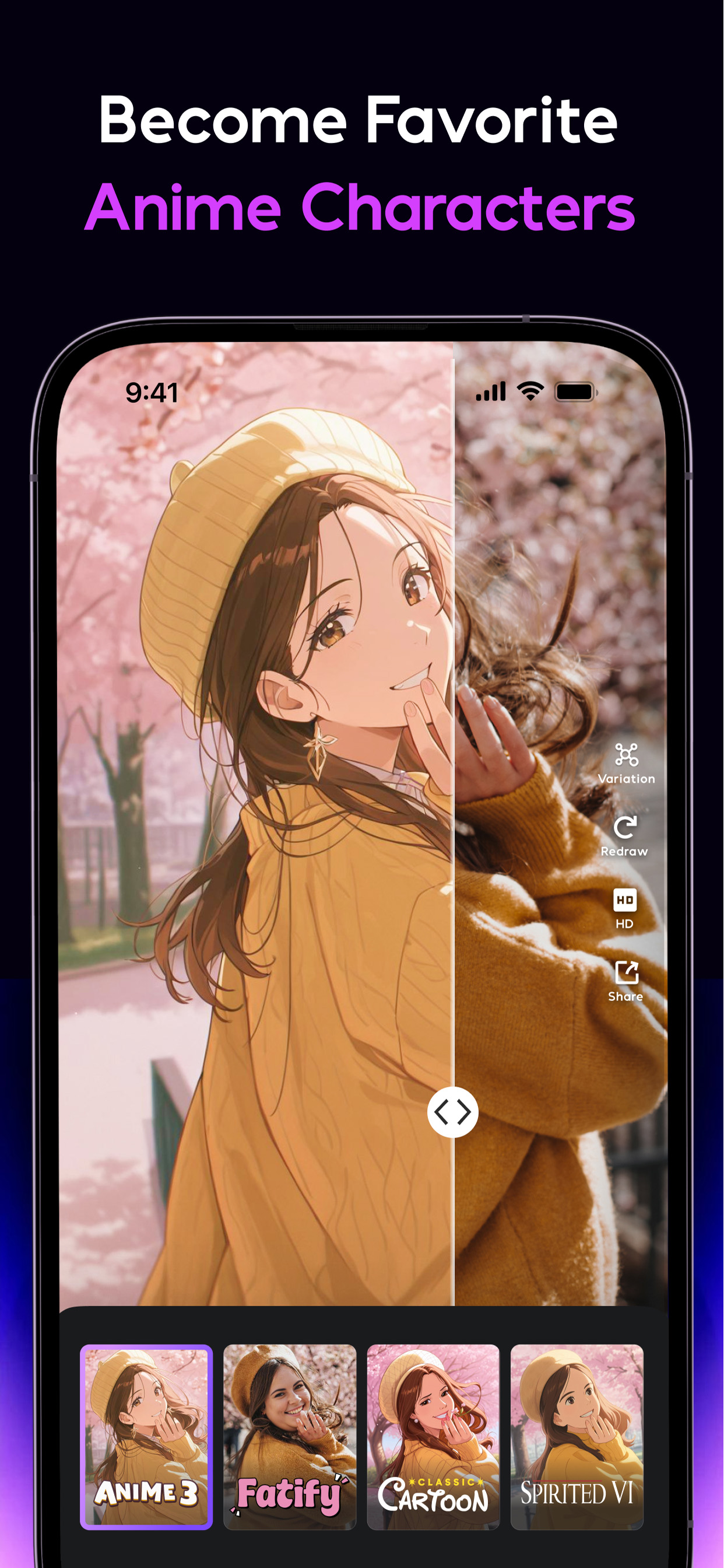
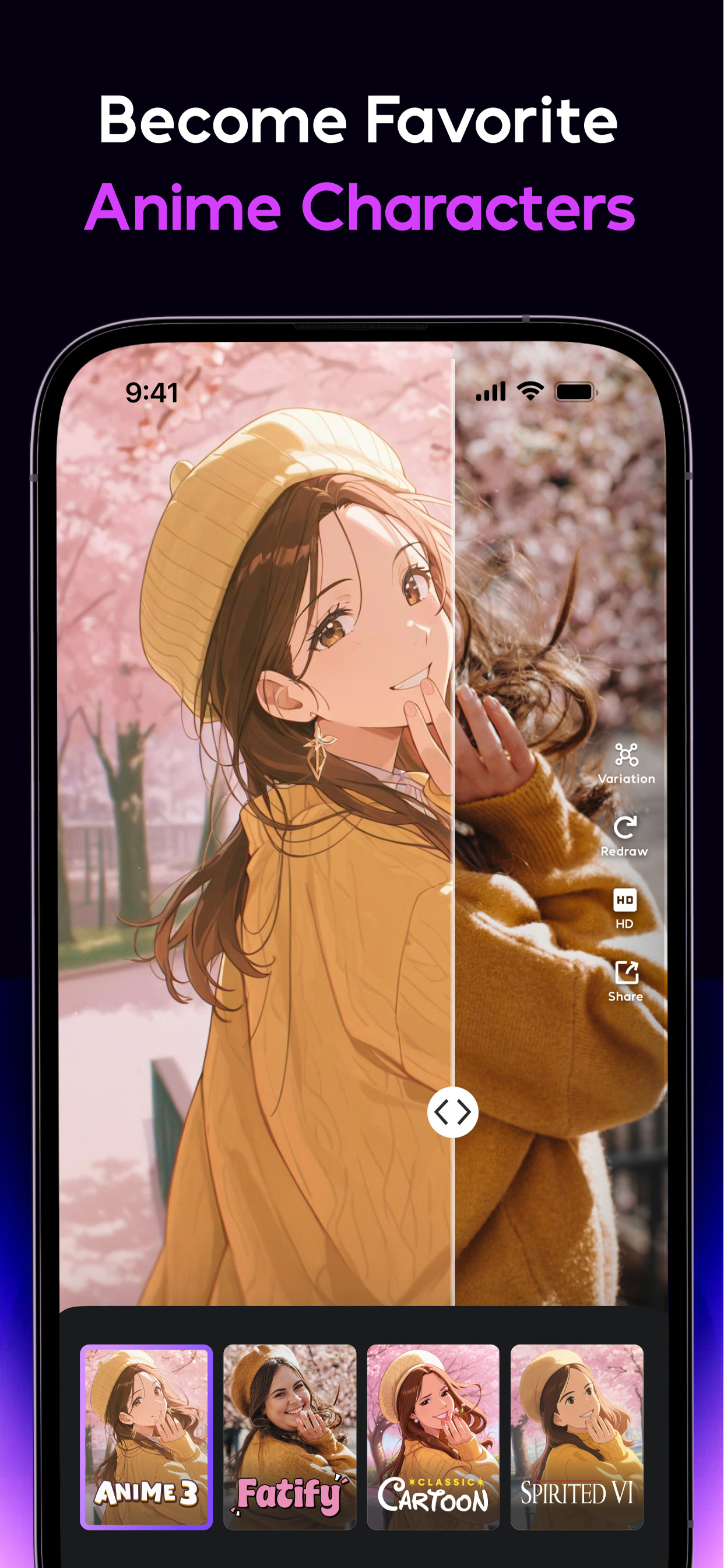
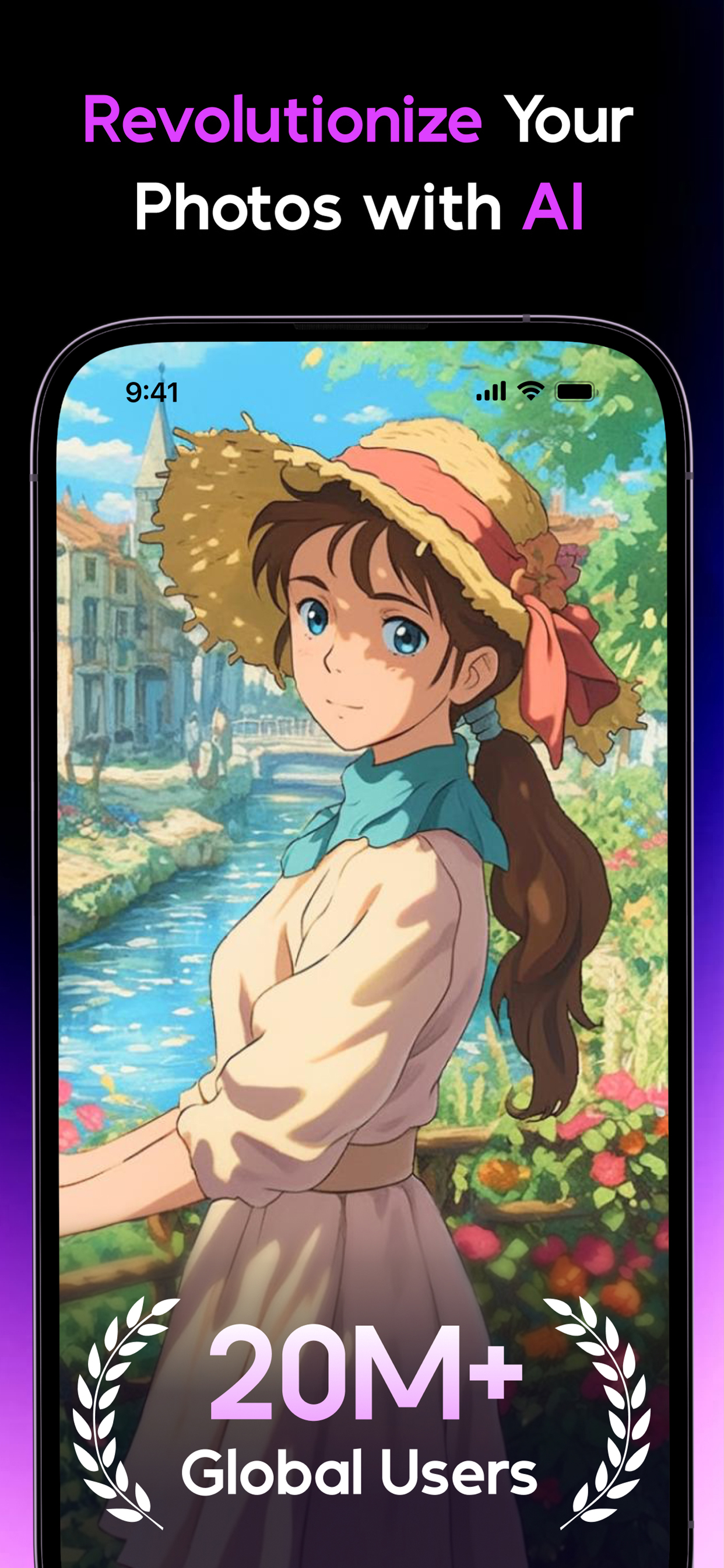
🧙 Anime Generator: Dive into anime worlds with our anime maker and animate photos into digital avatars. With our photo animator, you can explore a variety of styles including spirited wind, fairy princess, and sketch photo maker.
🎨 Cartoon Filters & Avatars: Use our cartoon photo editor to turn your photos into cartoons, such as superhero comics and cartoon figures.
🤩 Figure Maker: Personalize your collectible figures with Nano Banana.
🎞️ AI Video:
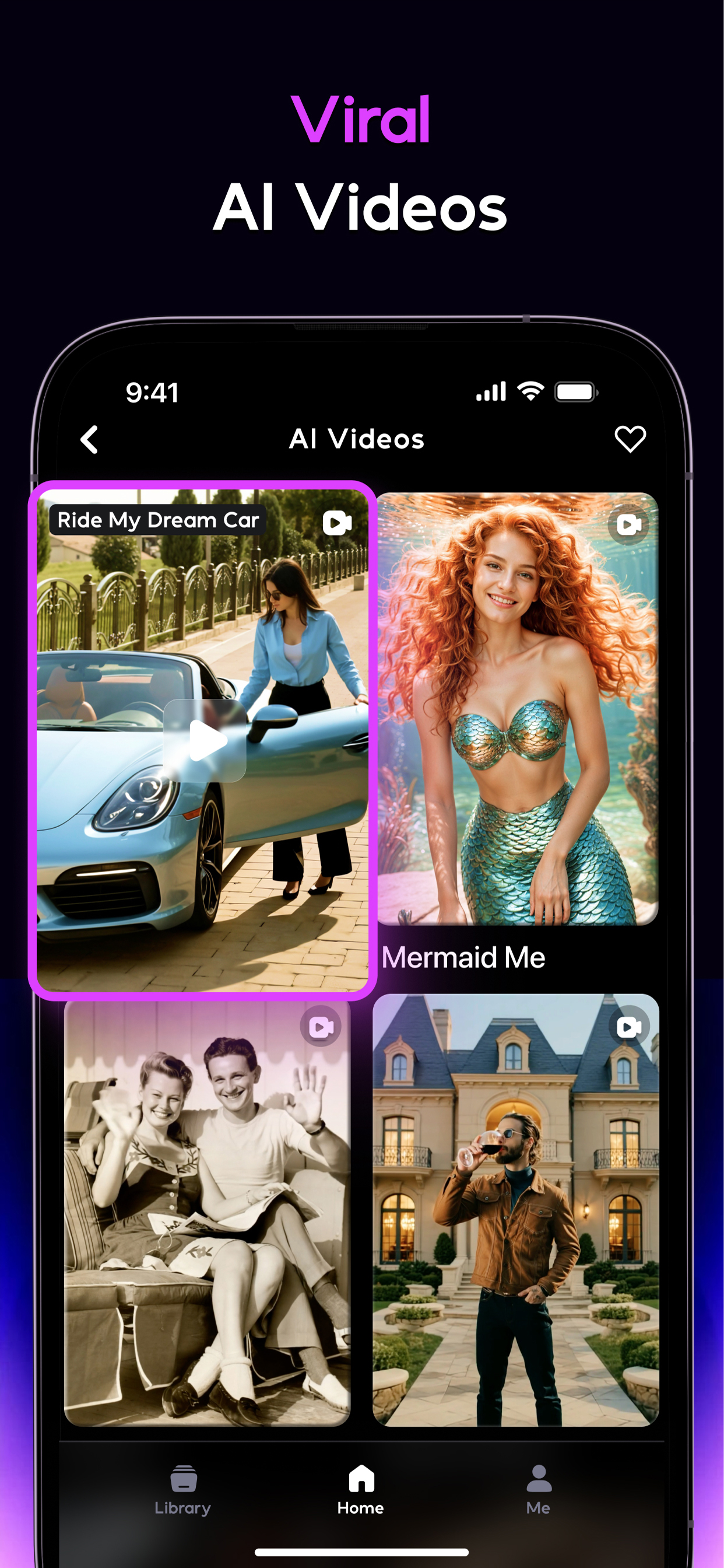
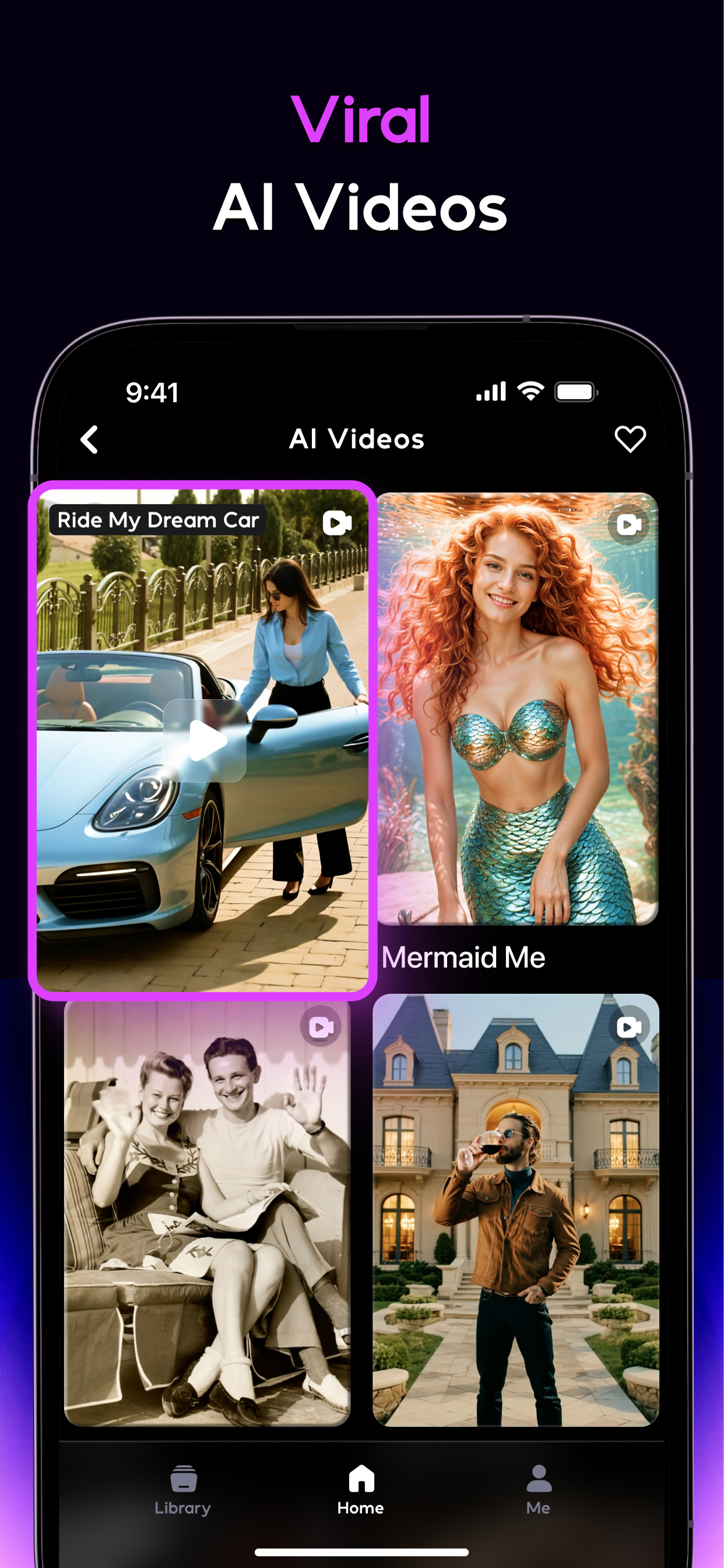
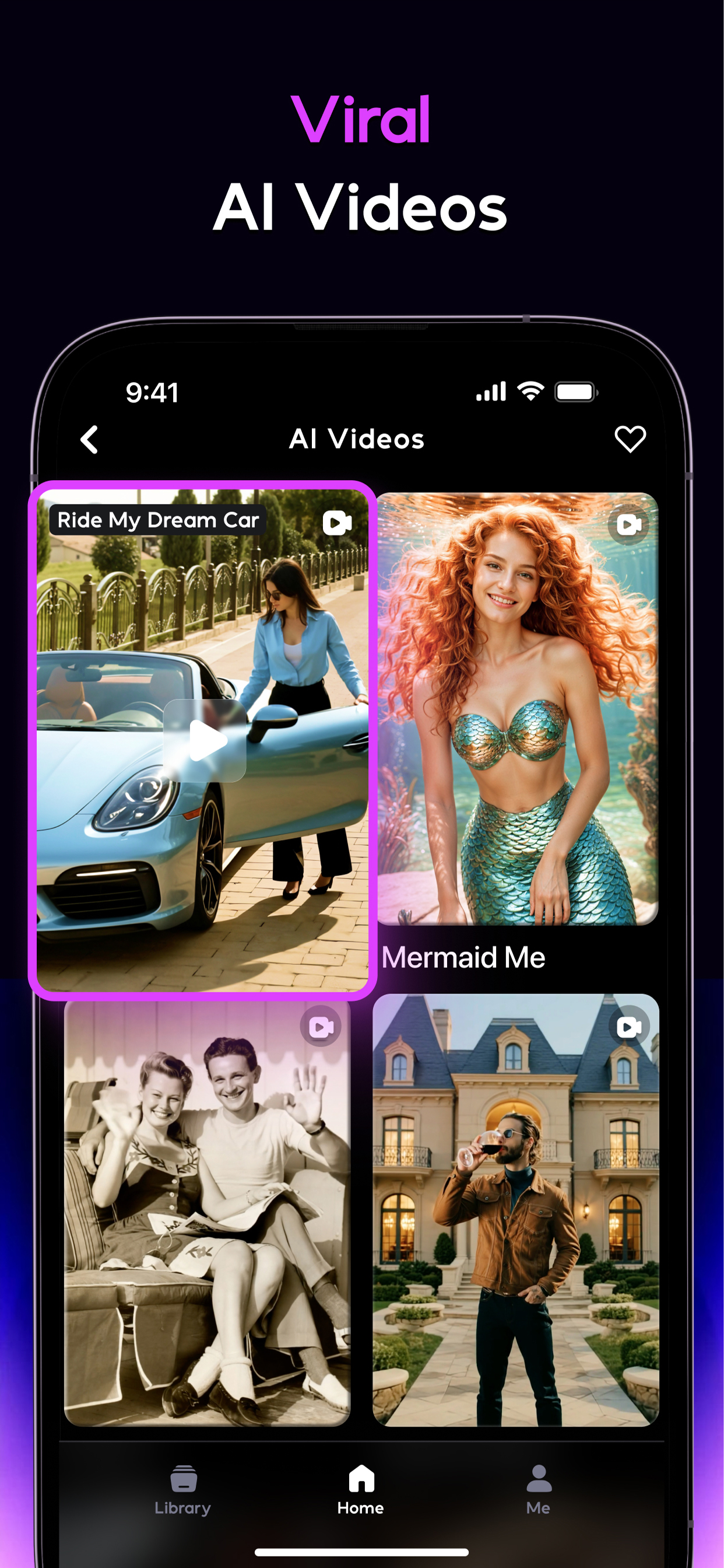
🔥 Trending AI Video Effect: Explore the hottest AI video effects from across social platforms.
🧙 Magic Live Photo: Bring still images to life! Our AI transforms still images into live photos, adding motion and emotion to your cherished memories.
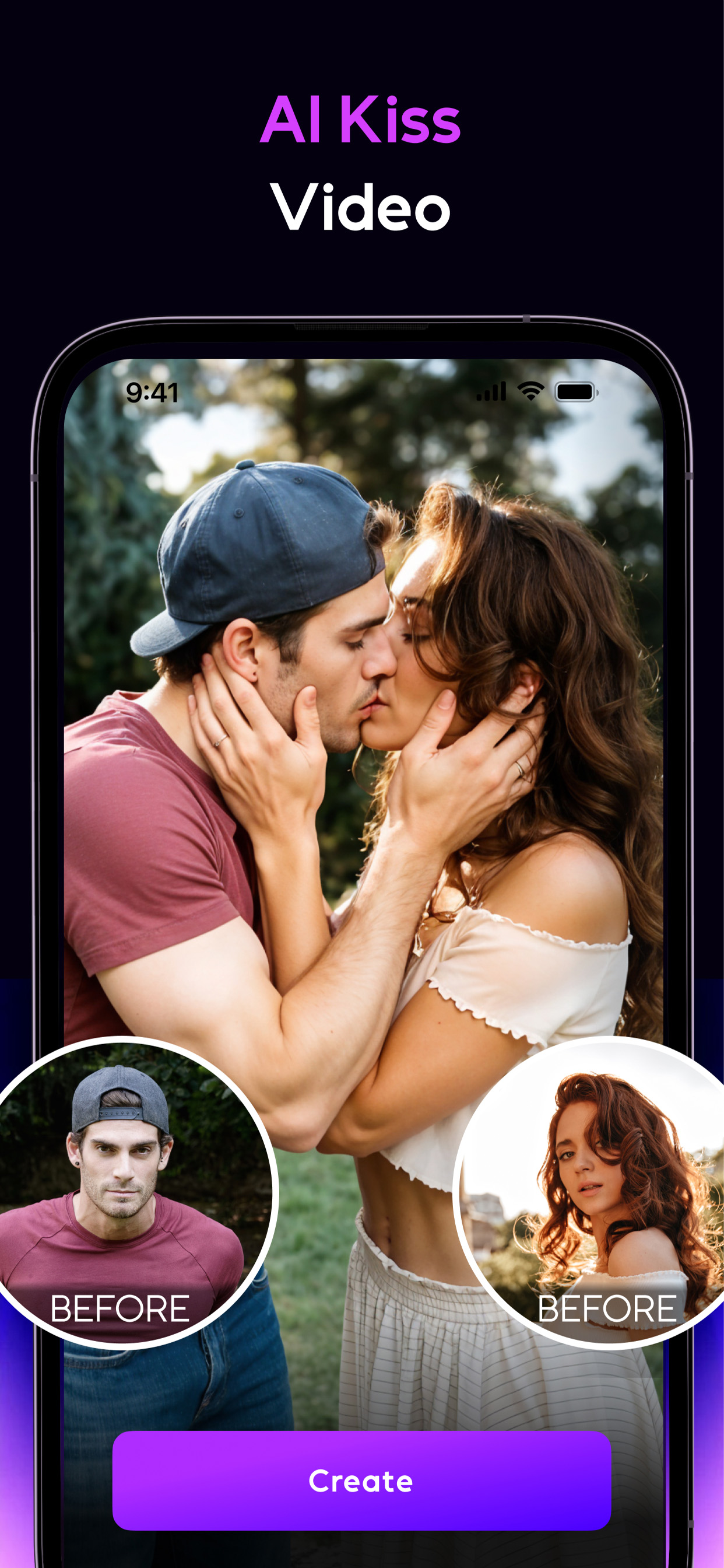
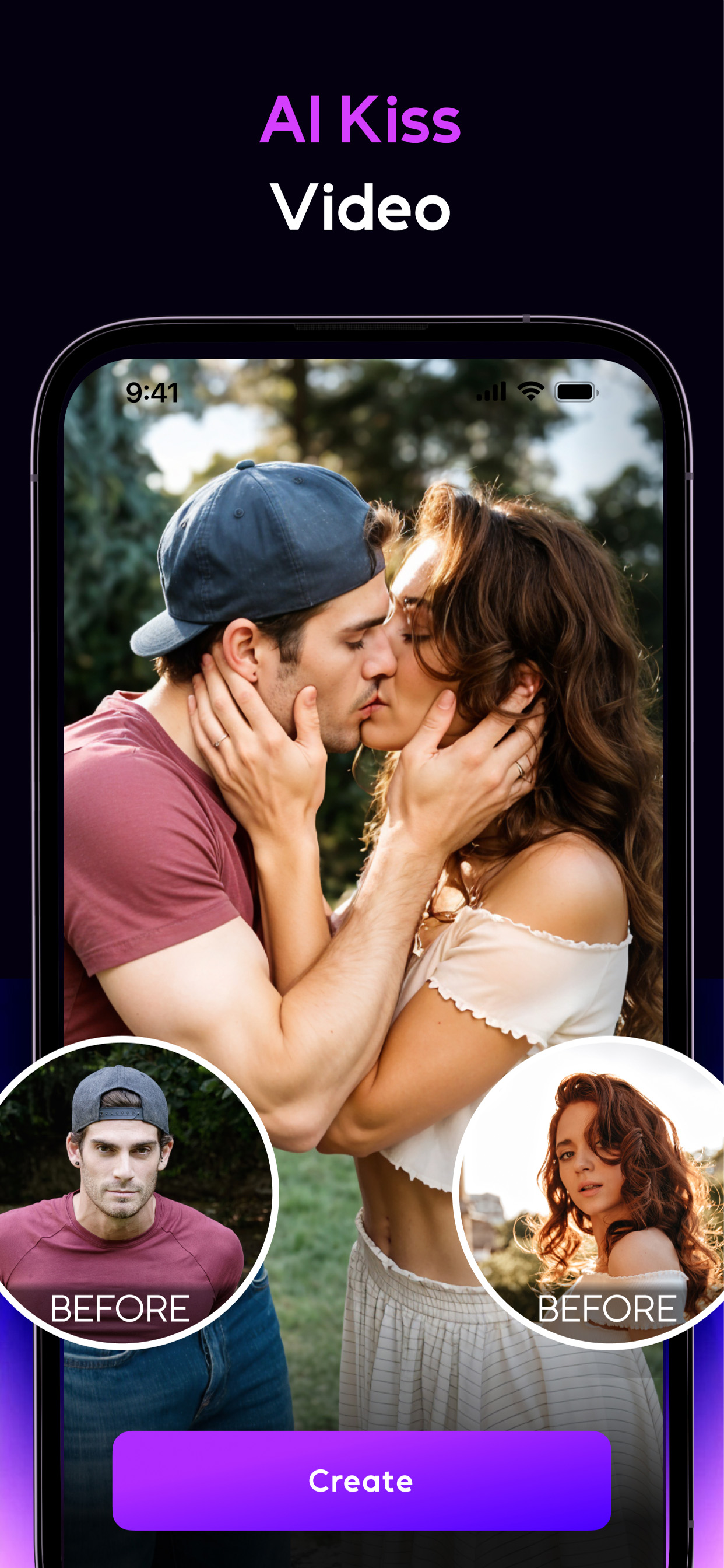
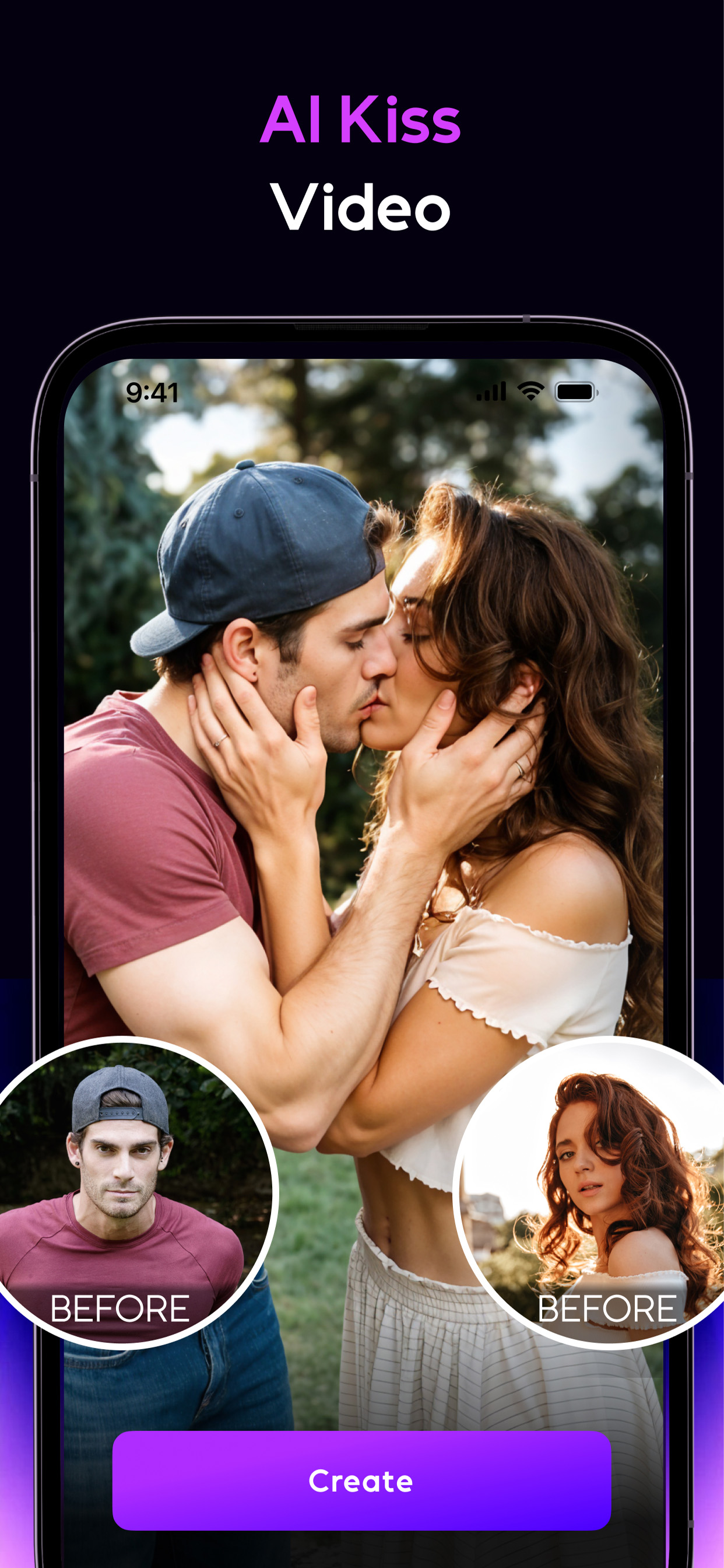
❤️ AI Hugging and Kissing: Upload two individual photos to create lifelike interactions, such as heartfelt hugs, tender kisses or even AI baby. Experience the magic of connecting moments through AI animation.
🖼️ Stylized Video: Reimagine your videos with stunning artistic styles. Apply unique filters to turn your footage into visually captivating, stylized creations.
🎨 AI Editor
🖌️ AI Magic Brush: Transform any area of your photo into stunning visuals with just a brush stroke.
🔍 AI Photo Enhancer: Enhance your photo quality, bringing clarity to every shot.
🚫 AI Removal: Remove everything you do not want in your photos.
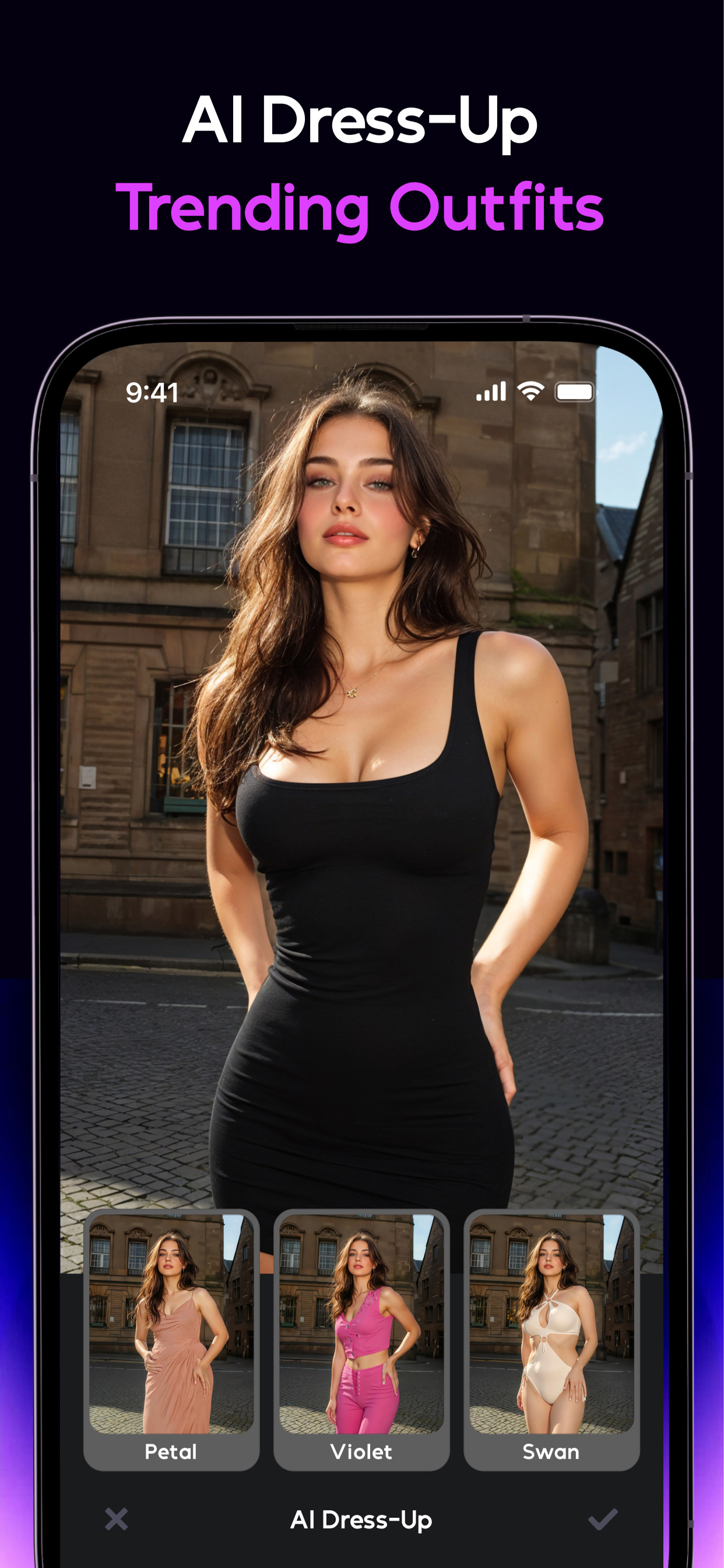
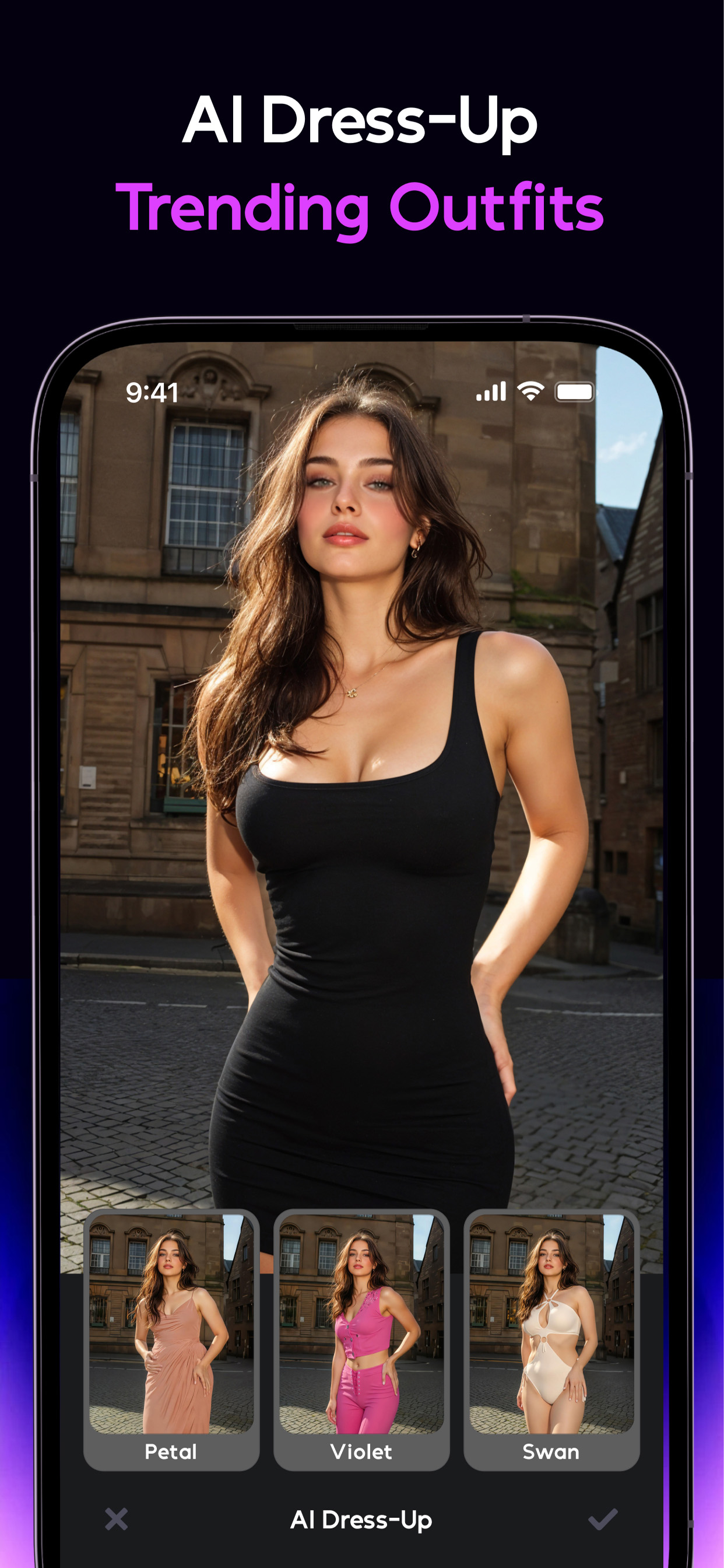
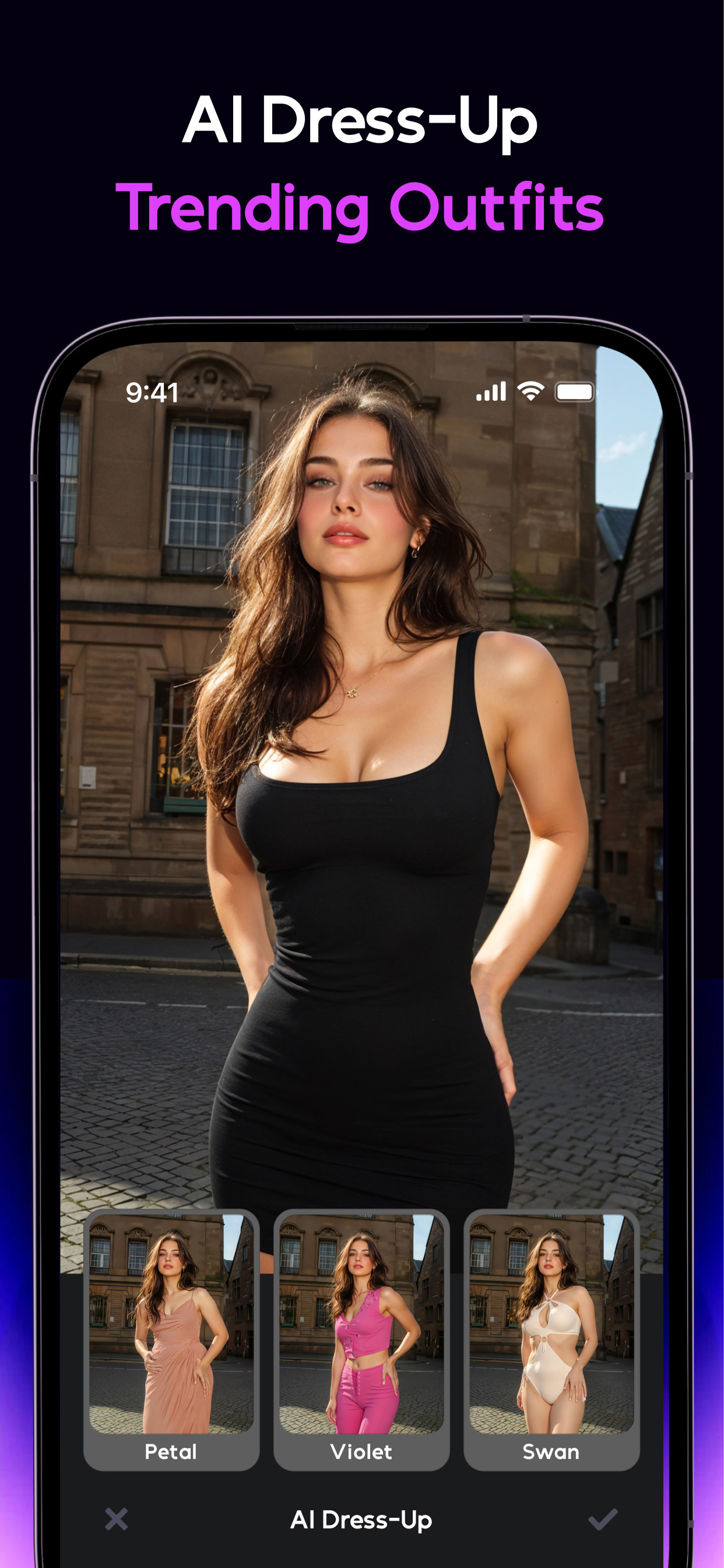
💃 AI Dress-Up: Upload a full-body photo of yourself, pair it with any clothing image you love, and watch as our cutting-edge AI instantly creates a realistic virtual try-on.
🏞️ AI Background: Replace or redesign your photo background using either another image or just a text prompt.
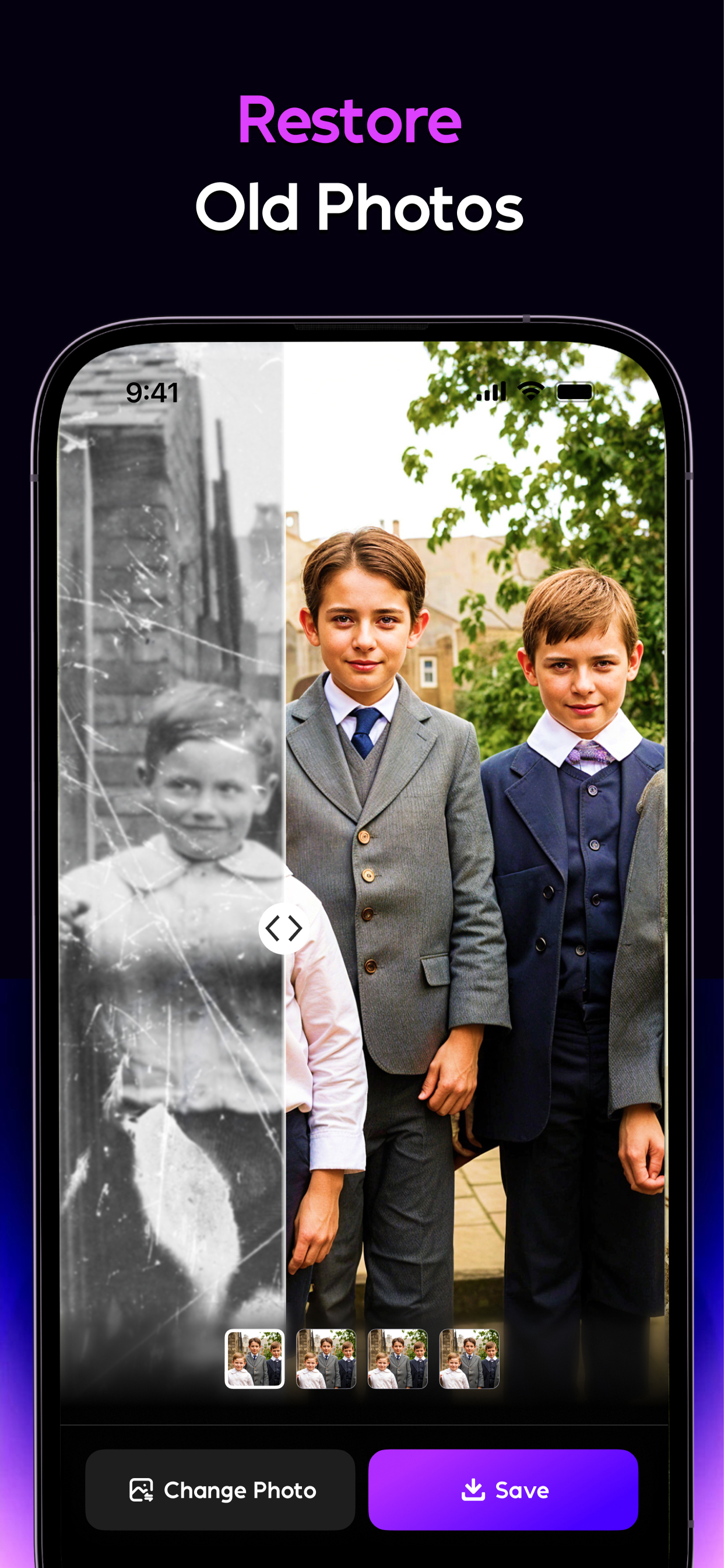
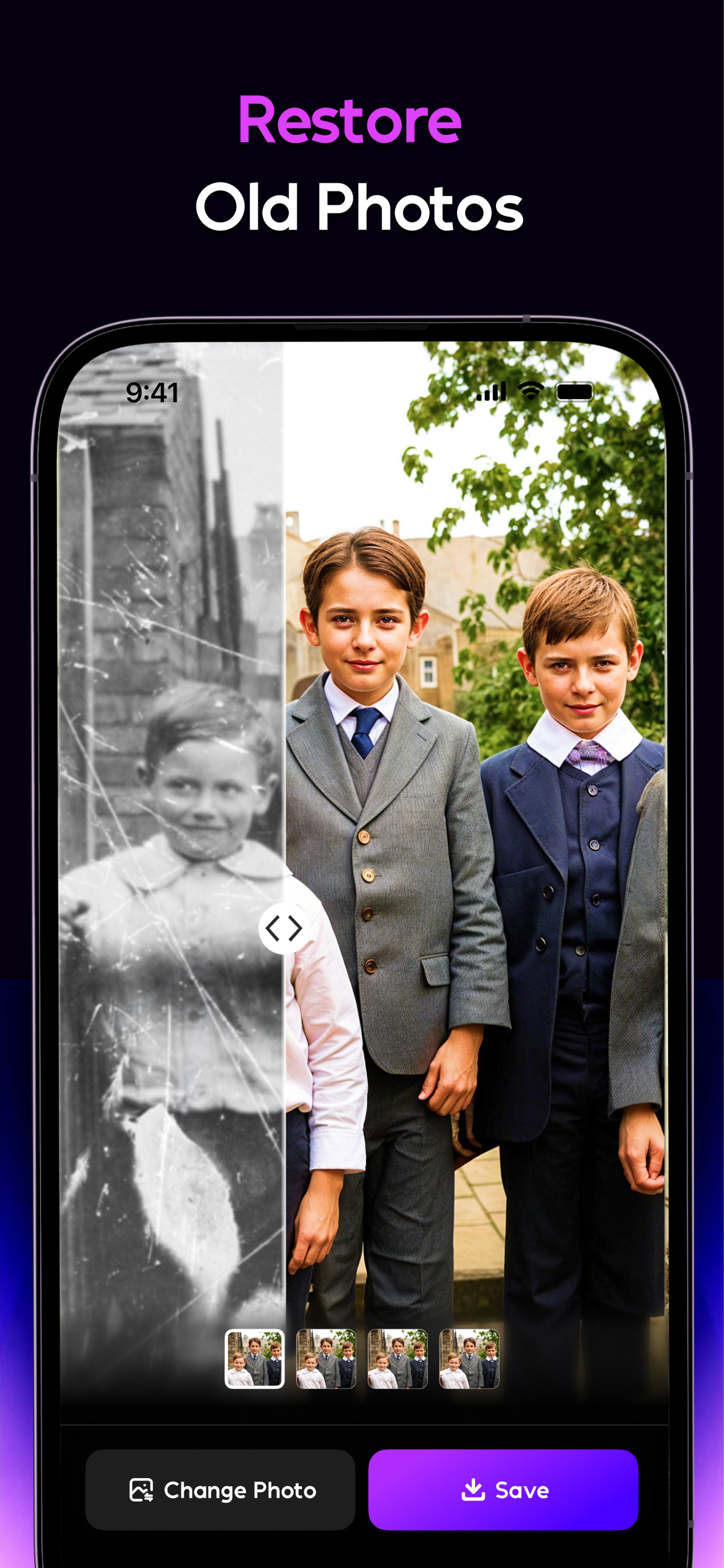
🕰️ Old Photo Restoration: Instantly repair scratches, sharpen details, and even colorize black-and-white photos.
💬 Chat Edit: The next evolution of Magic Brush. No more tapping or smudging, Chat Edit lets you edit images freely using natural language. Just type what you want, and our AI will instantly apply your edits, whether it's changing the background, adjusting facial features, adding objects, or transforming styles.
🧑🎨 AI Photo
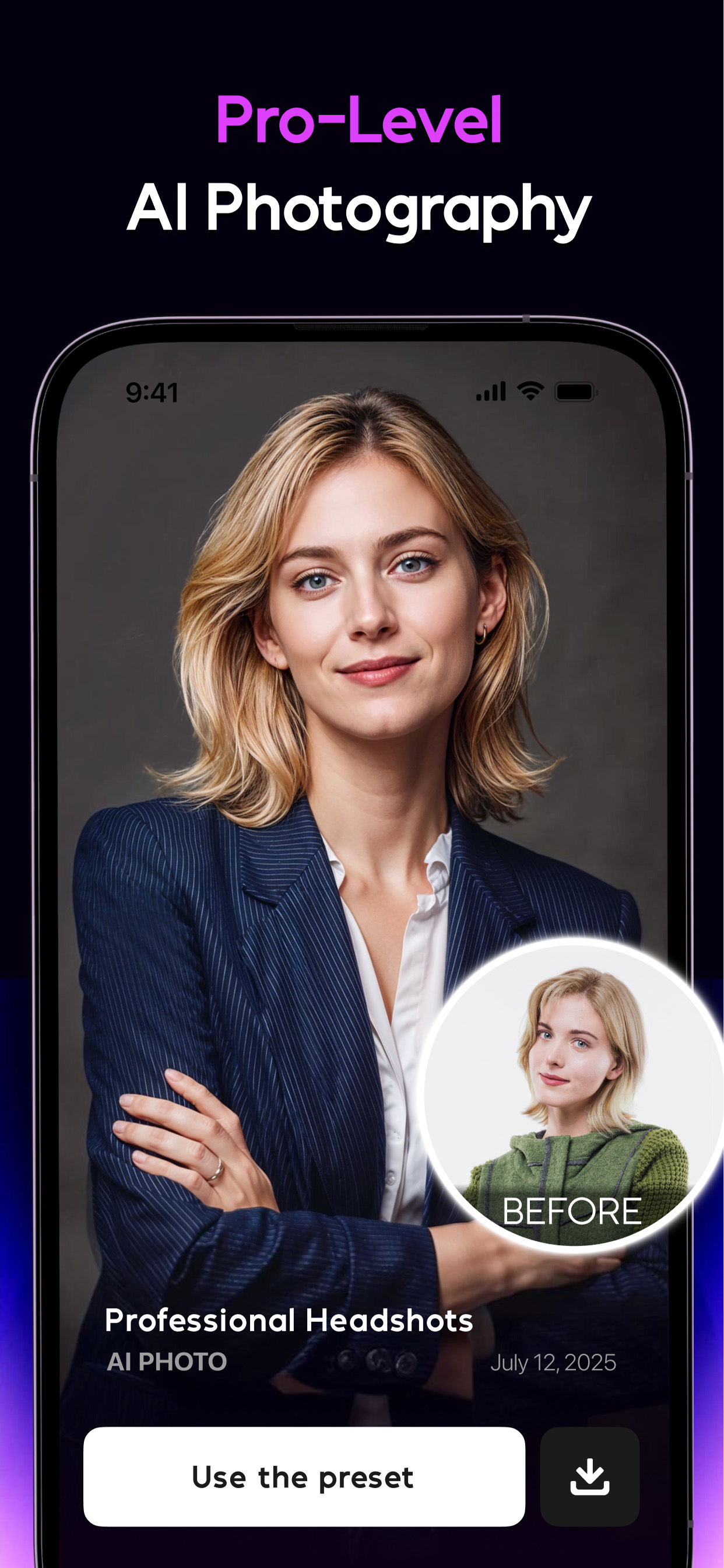
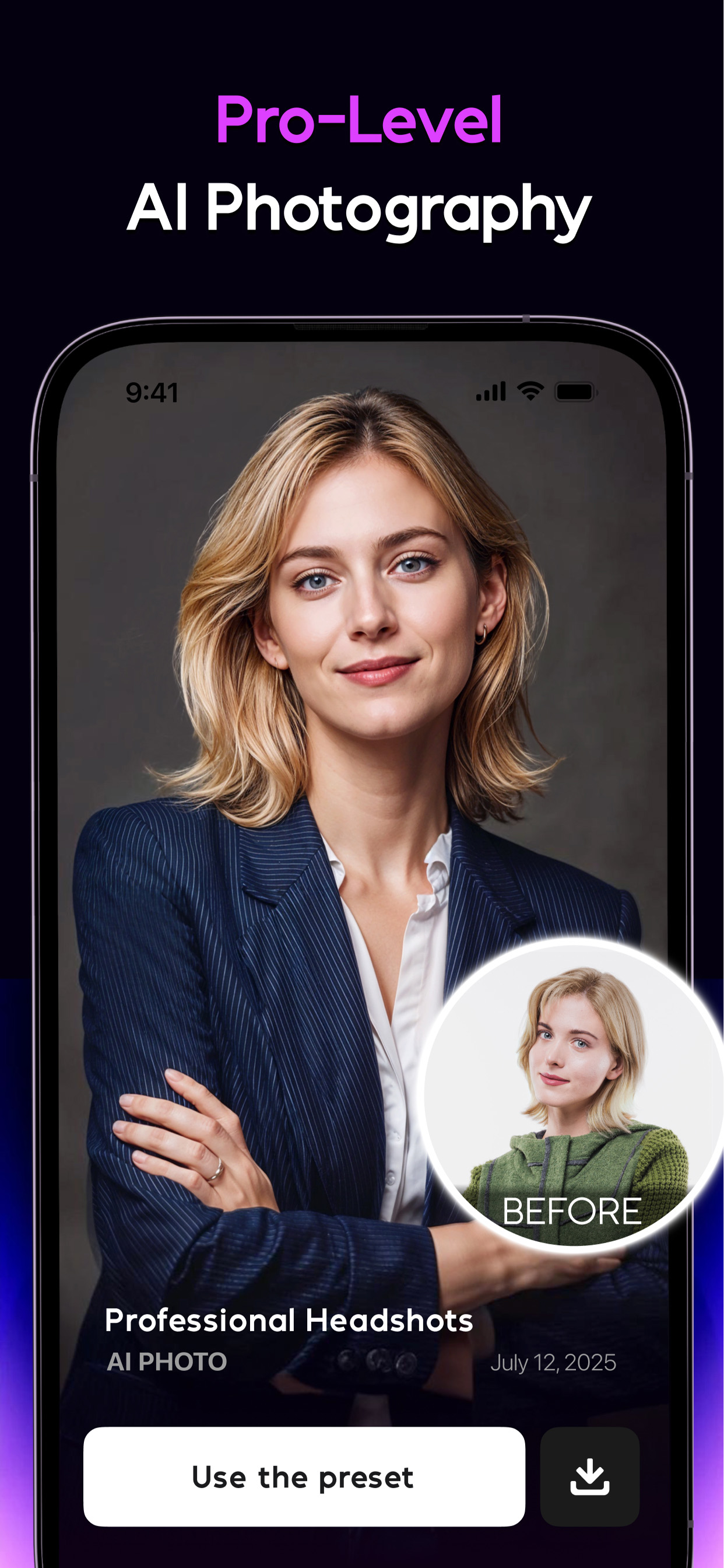
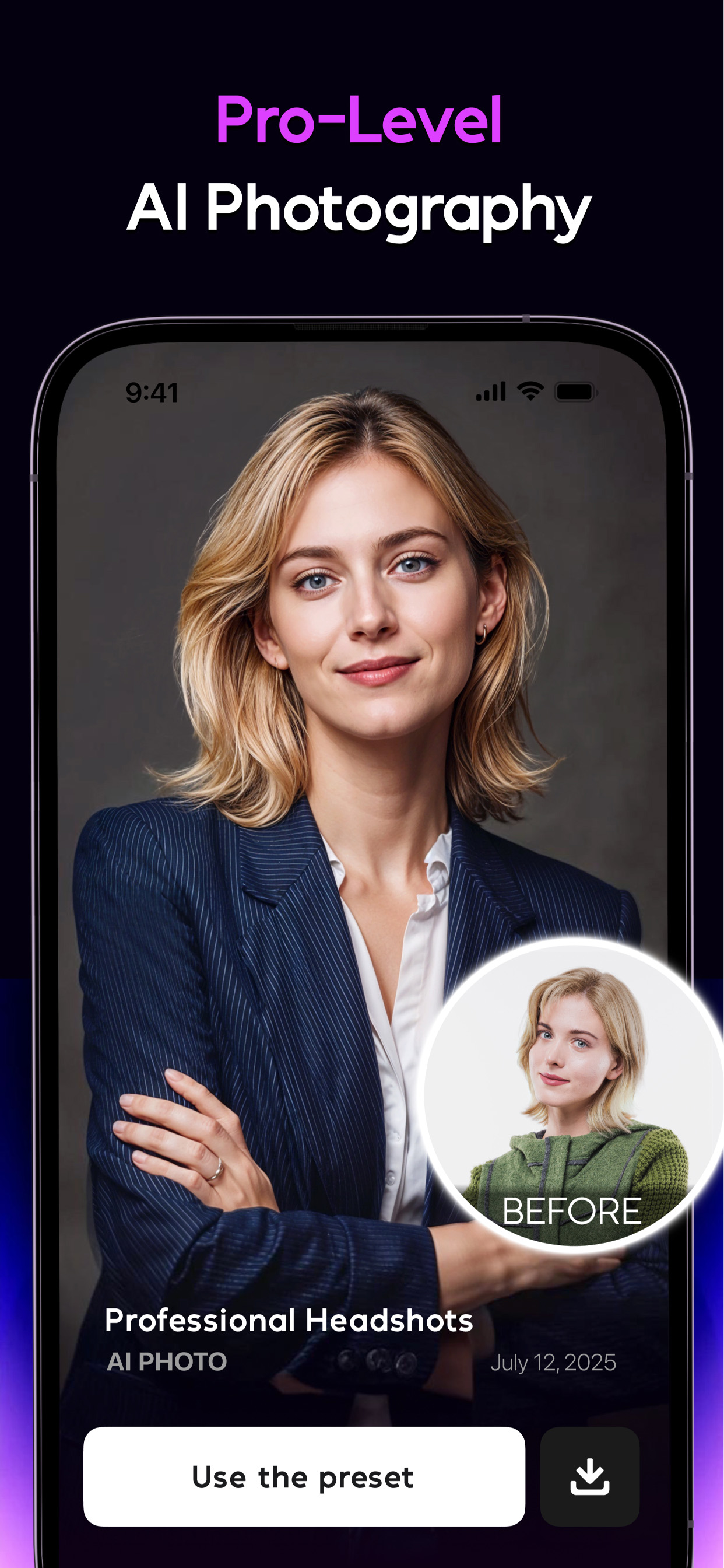
Now you can generate a full set of high-quality AI portraits that look styled, polished, and studio-ready with our Genius AI Photo Generator. From LinkedIn professional headshots, vacation outfits to street shots, your creativity has no bounds.
🌍 Community & Inspiration:
💬 Join our Discord community and explore an extensive array of styles and themes. Stay with AI Mirror's regular updates and discover why it's the best AI App for photo and video editing, making fun easy.
👥 Passionate about creativity and AI? Become an official ambassador to earn rewards and share the excitement!
🔗 Stay Connected:
Instagram: @aimirror.official
Discord: AI Mirror
Privacy Policy: https://aimirror.fun/policy
Terms of use: https://aimirror.fun/terms_of_service
Changelog
Major Update: AI Video, AI Makeup, AI Hairstyles & AI Muscle
New Features:
AI Video Model Upgrade: Longer, clearer AI videos.
New AI Makeup: Realistic effects with diverse templates.
New AI Hairstyles: Transform your look instantly.
AI Muscle Effect Upgrade: Enhanced, natural body transformations.
Update now to experience the most powerful version of AI Mirror yet.
The AI Mirror Team
Additional information
Screenshots
Reviews
Recommend Article



Similar Apps
Secret photo vault to hide photos. Lock your private vault for pics and videos

Enjoy your precious moments with Samsung Gallery for more cool and fun

Manage your Skylight Frame and Skylight Calendar on the go!

Film Simulation Camera in a wide Panoramic format
Birthday photo frames app with amazing photo effects to send birthday wishes

Instantly Turn Real-World Objects into 3D Models Using Just Your Phone