

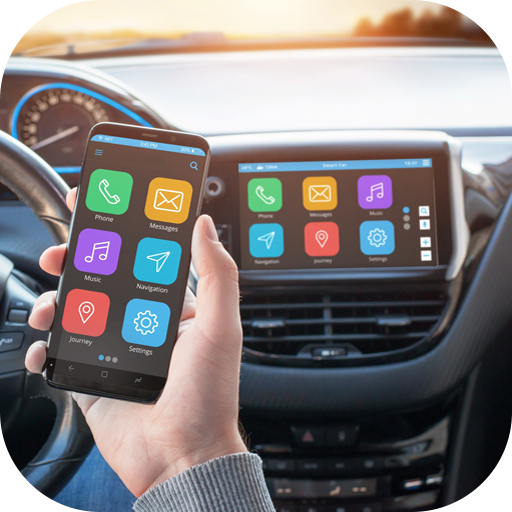
CarPlay Link & Auto Mirror
Hot Novels






Install Tips
CarPlay Link & Auto Mirror Review
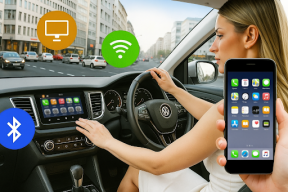
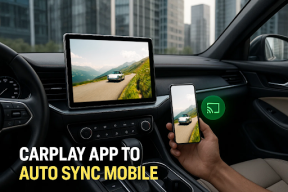
CarPlay Link & Auto Mirror transforms your in-car experience by enabling seamless phone mirroring, wireless connectivity, and smart control—bringing your favorite apps, music, videos, and navigation directly to your car display.
Whether you're using Android Auto, Apple CarPlay, or Zlink-based systems, this app helps you connect your smartphone wirelessly to your car multimedia system for a full-screen, intuitive dashboard interface.
🚘 Key Features:
Enjoy a CarPlay-style interface with wireless phone mirroring
Supports major platforms: Android and iOS
Access to Navigation Apps, Music Players, Video Apps, and more
Control your content with touch or steering controls
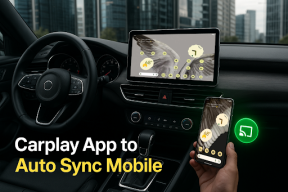
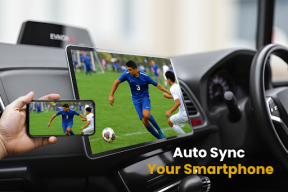
Experience Auto Sync without complicated cables
Compatible with most modern Car Display systems and TVs
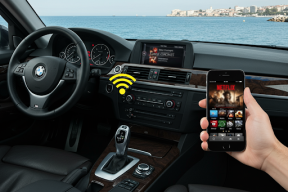
Smooth performance over Bluetooth Connect or Wi-Fi
Fast setup, no root required, no extra hardware
Optimized for in-car connection, keeping you connected and entertained
With Mirror Link, Wireless CarPlay, and Phone Mirroring technologies combined in one app, you can use your phone’s content directly from your dashboard interface—safe, smart, and hands-free.
🔒 Disclaimer: This app is not affiliated with Apple Inc. or Google LLC. CarPlay and Android Auto are registered trademarks of their respective owners. This app offers a compatible experience and mirroring interface, not official Apple CarPlay or Android Auto service.
Additional information
Screenshots
Reviews
Recommend Article







Similar Apps

CloudEye 365 is a easy-handling APP

Stream videos, music, or photos from Android to TV using Air Play.

Protect Your Privacy by Blocking Unauthorized Camera Access.

Quick and Easy Spanish Portuguese translator

This is a security monitoring app.

this app allowed you to check if your Device supporting SD Card Repair checker.