

Challenger Comics Viewer
Hot Novels






Install Tips
Mobile safety & integrity report for the latest package. We provide verifiable checksums and a timestamped scan summary. Latest package Challenger Comics Viewer 3.00.30.x86_64(30003006) scanned by multiple engines; no threats detectedas of Tue, 28 Jul 2026 11:17:09 GMT.
After downloading, use a system or third-party checksum tool to calculate the SHA256 and ensure it matches the value provided on this page (case-sensitive, without spaces).
Each engine uses different signature databases and heuristics, so results may vary slightly. We provide a timestamp and checksum to allow you to independently verify the package.
Challenger Comics Viewer Review
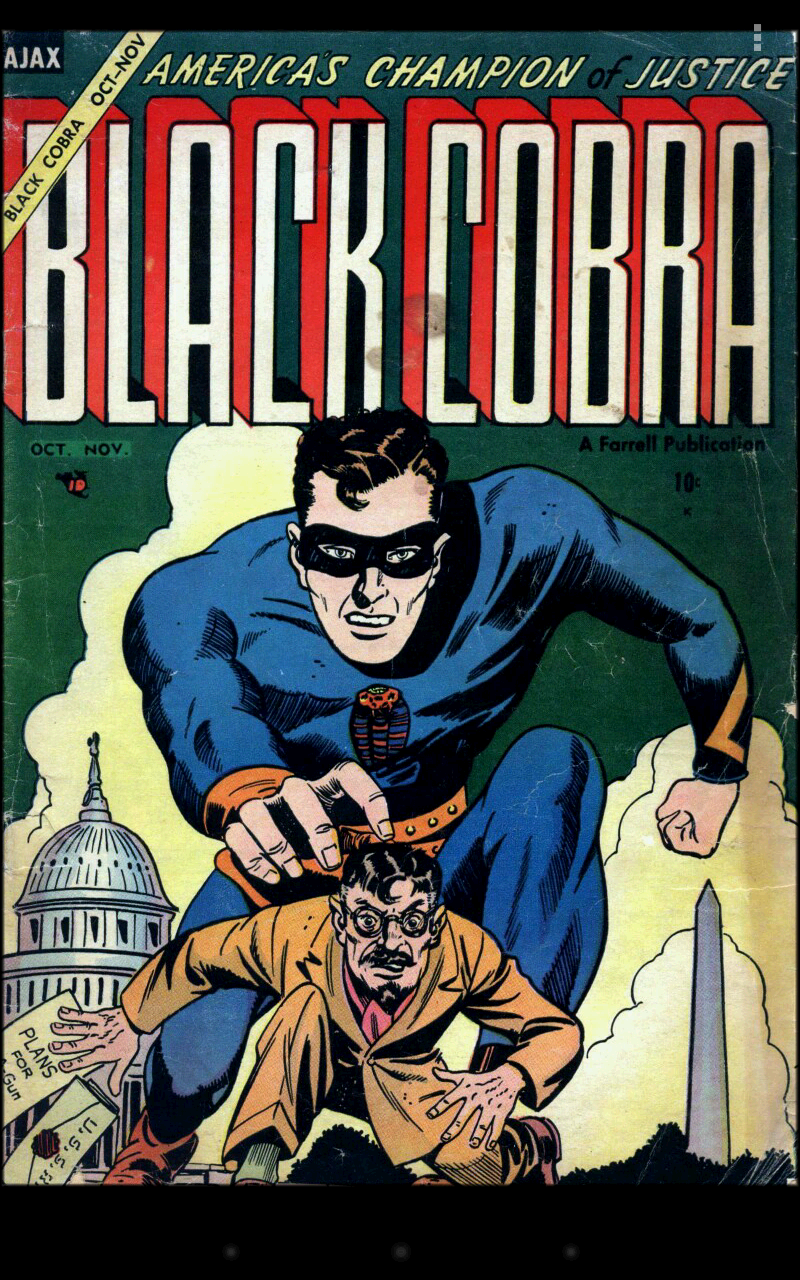
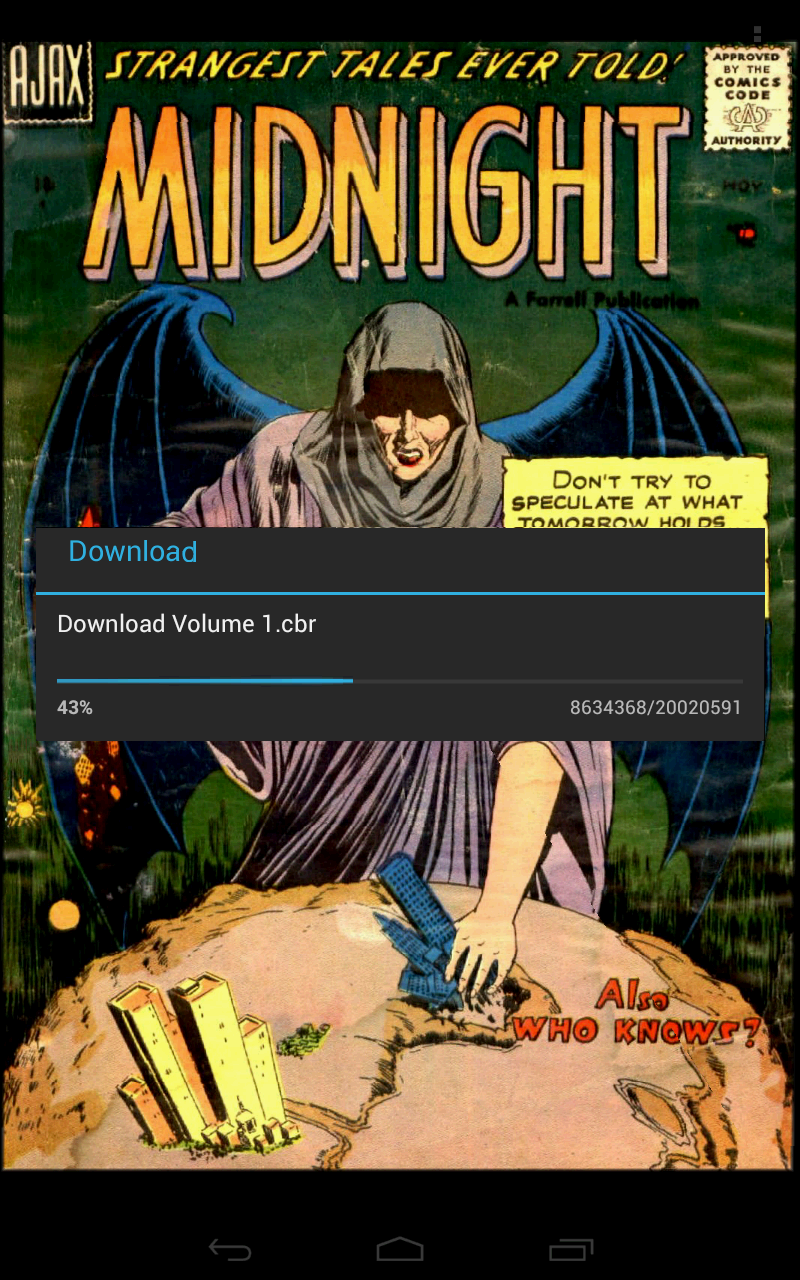
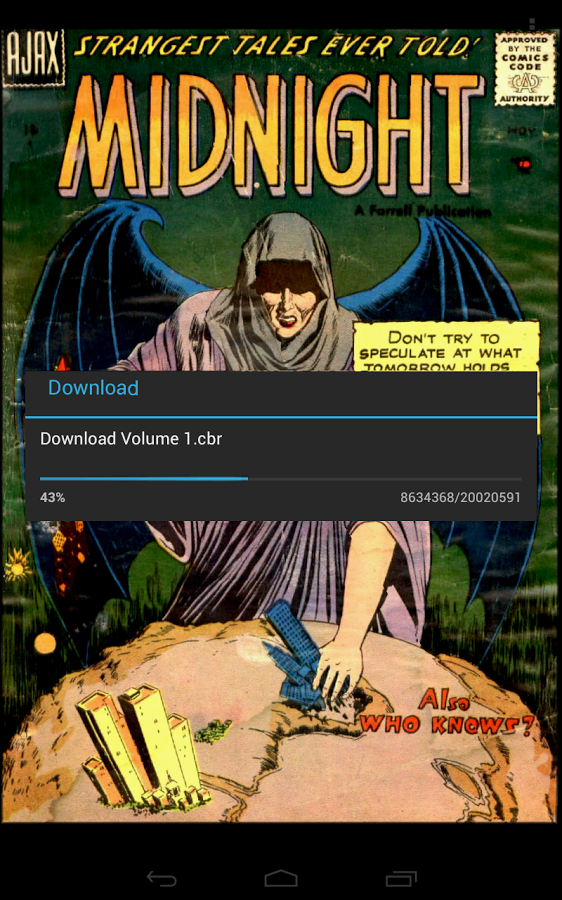
Challenger Comics Viewer is a FREE (NO ADS) advanced comics, manga, books and PDF viewer.
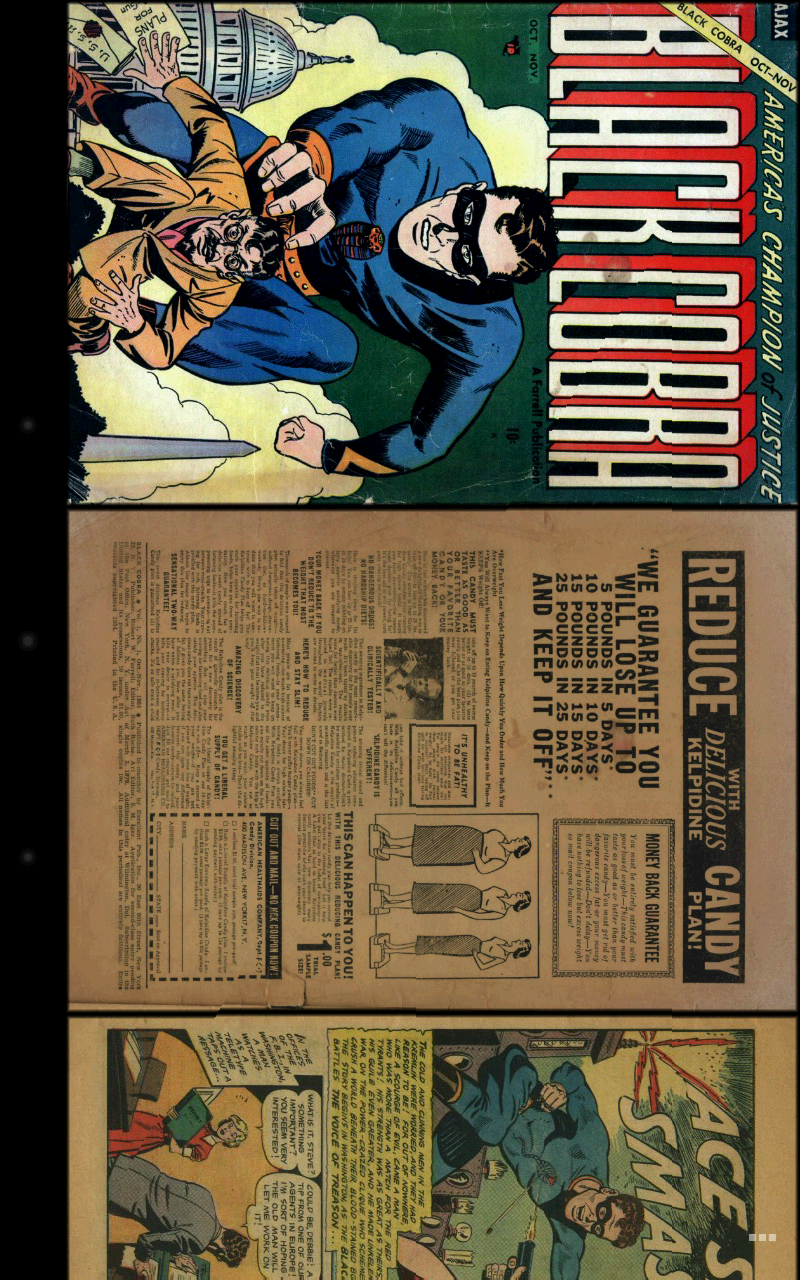
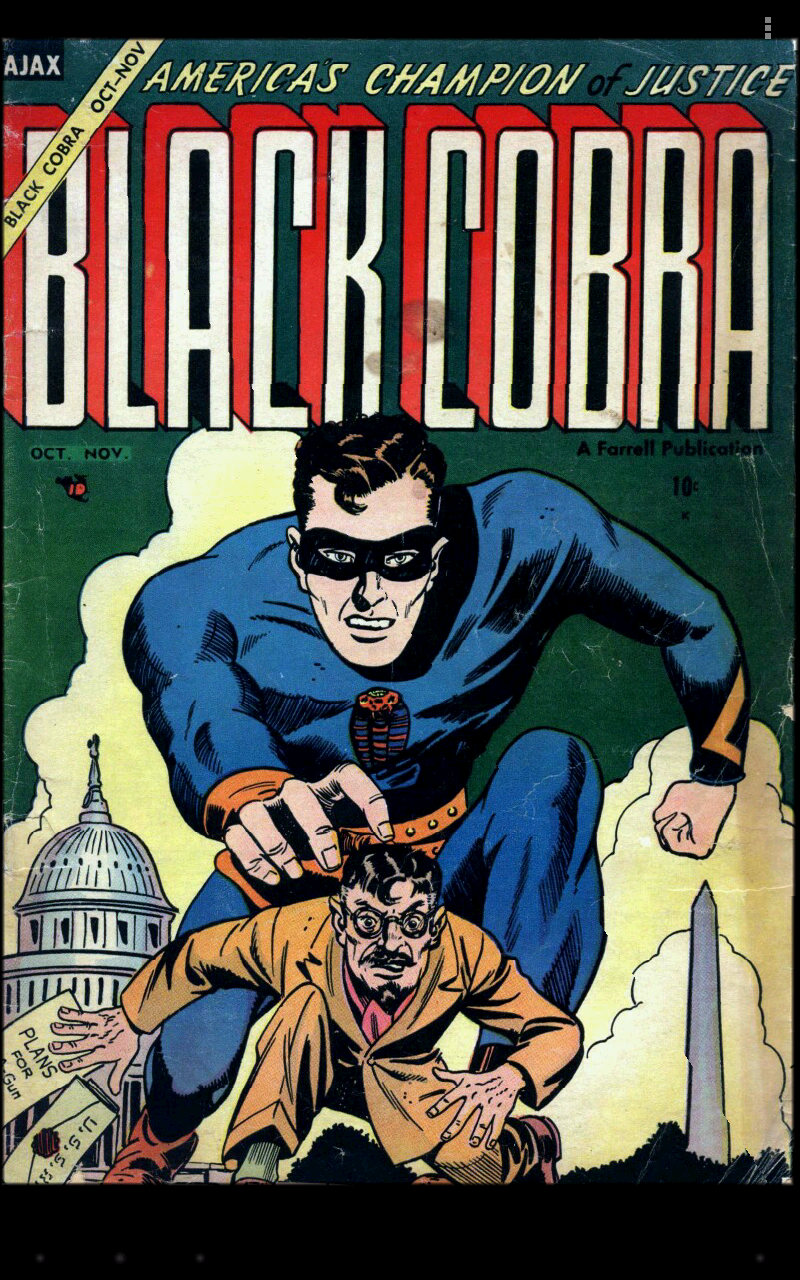
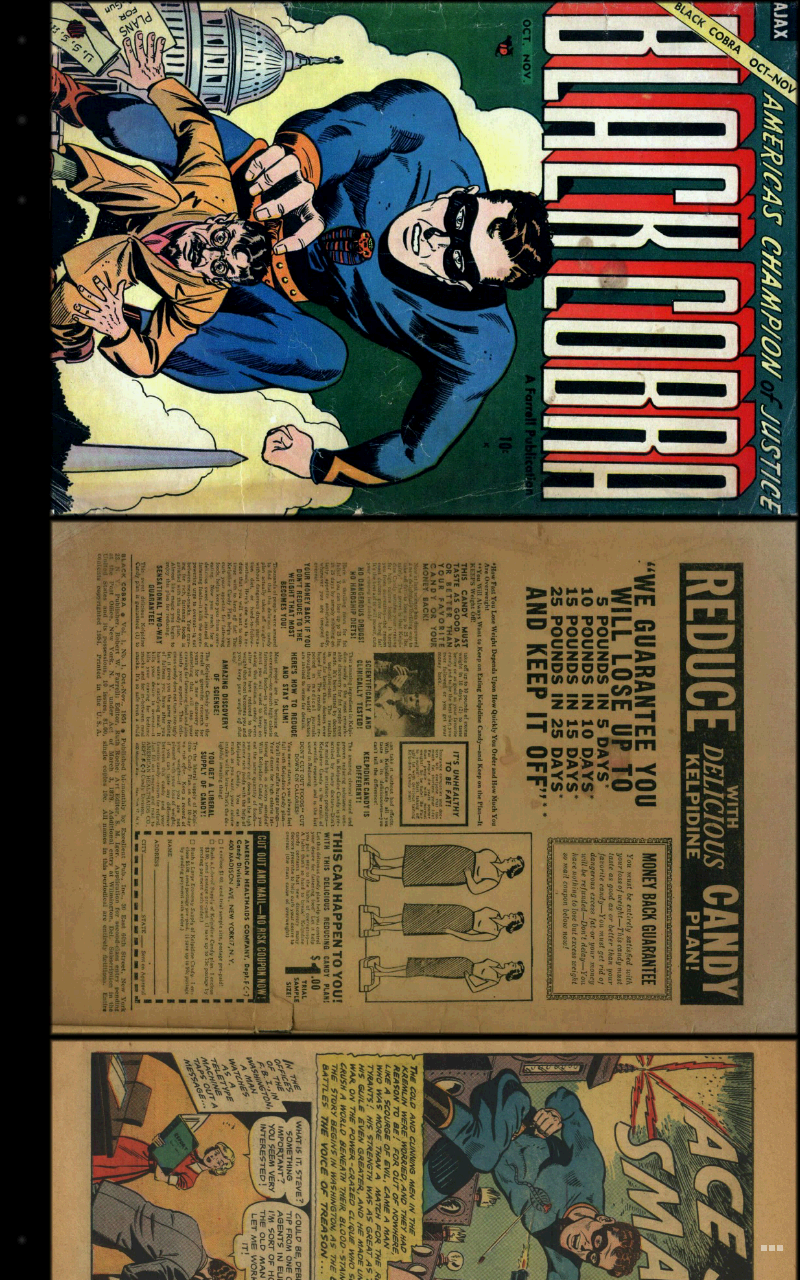
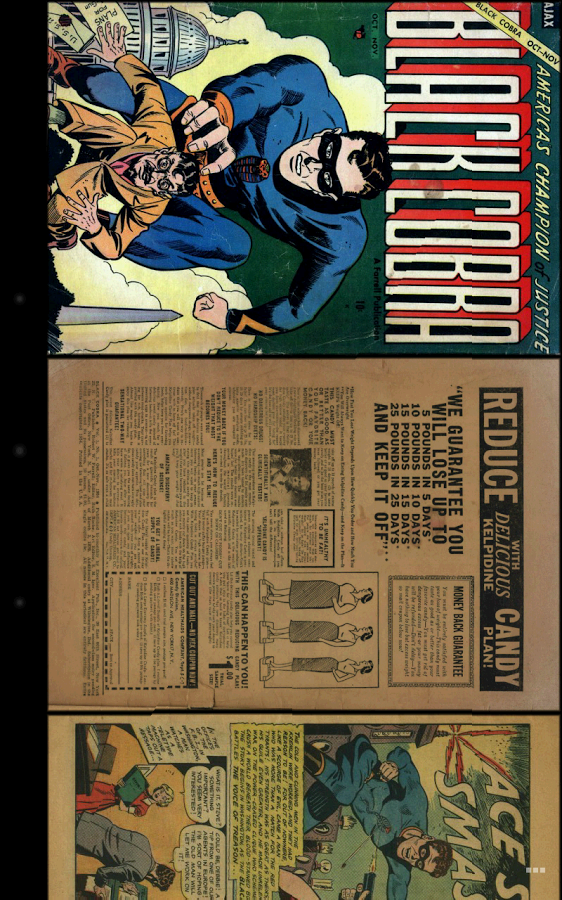
It's really simple to use. You just have to scroll ! Pages are automatically loaded and displayed (no need to click to go to next page).
It's FREE and THERE ARE NO ADS.
This version works perfectly on phones AND tablets.
Supported image file formats are JPG, PNG, GIF, WebP (Android 4.0+) and BMP.
Supported book file formats are PDF, CBZ/ZIP, CBR/RAR, CBT/TAR, CB7/7Z, DjVu and ePUB.
Main features are :
• Automatic page loading
• Zoom using multi-touch
• Vertical/Horizontal scrolling
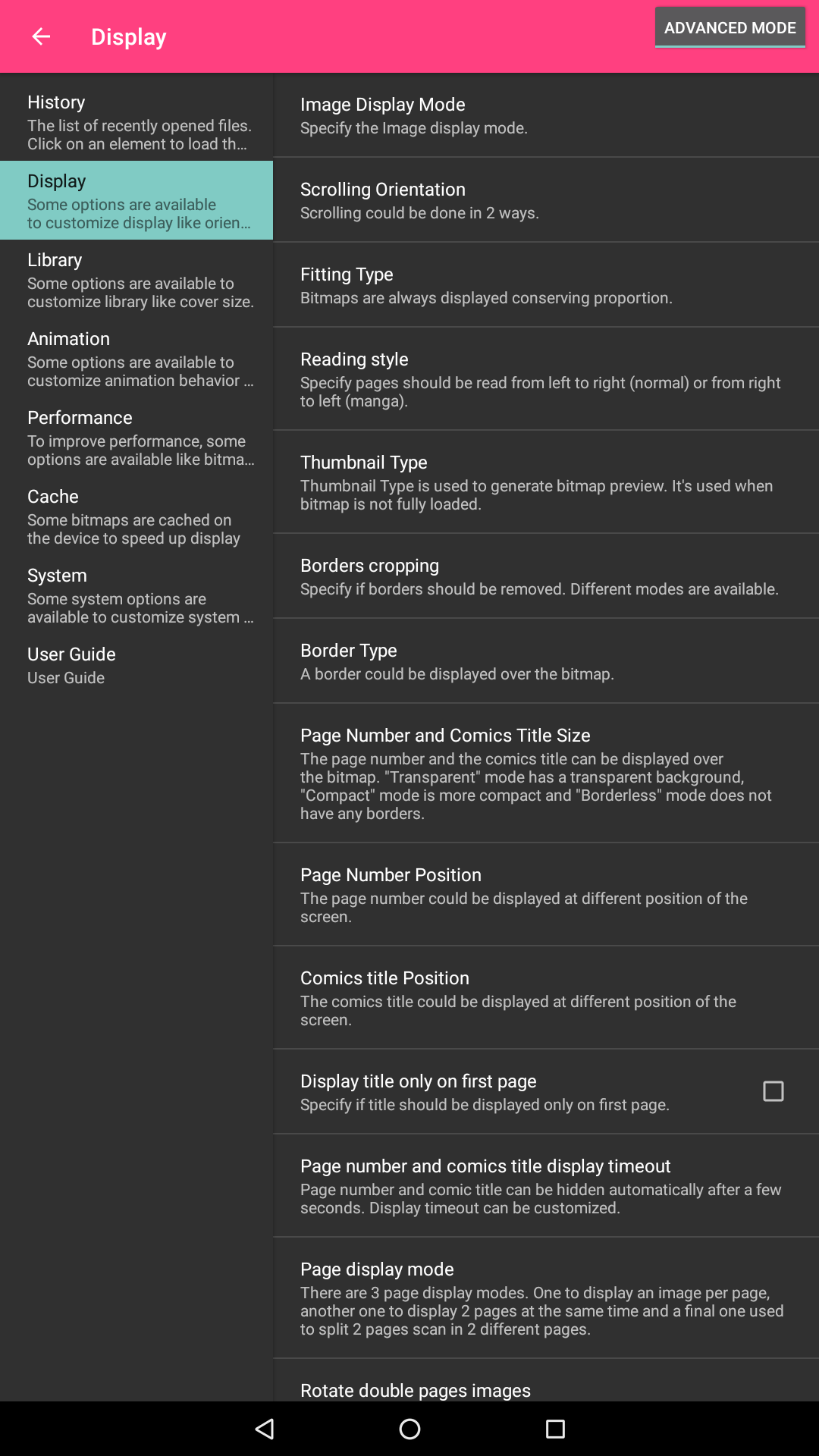
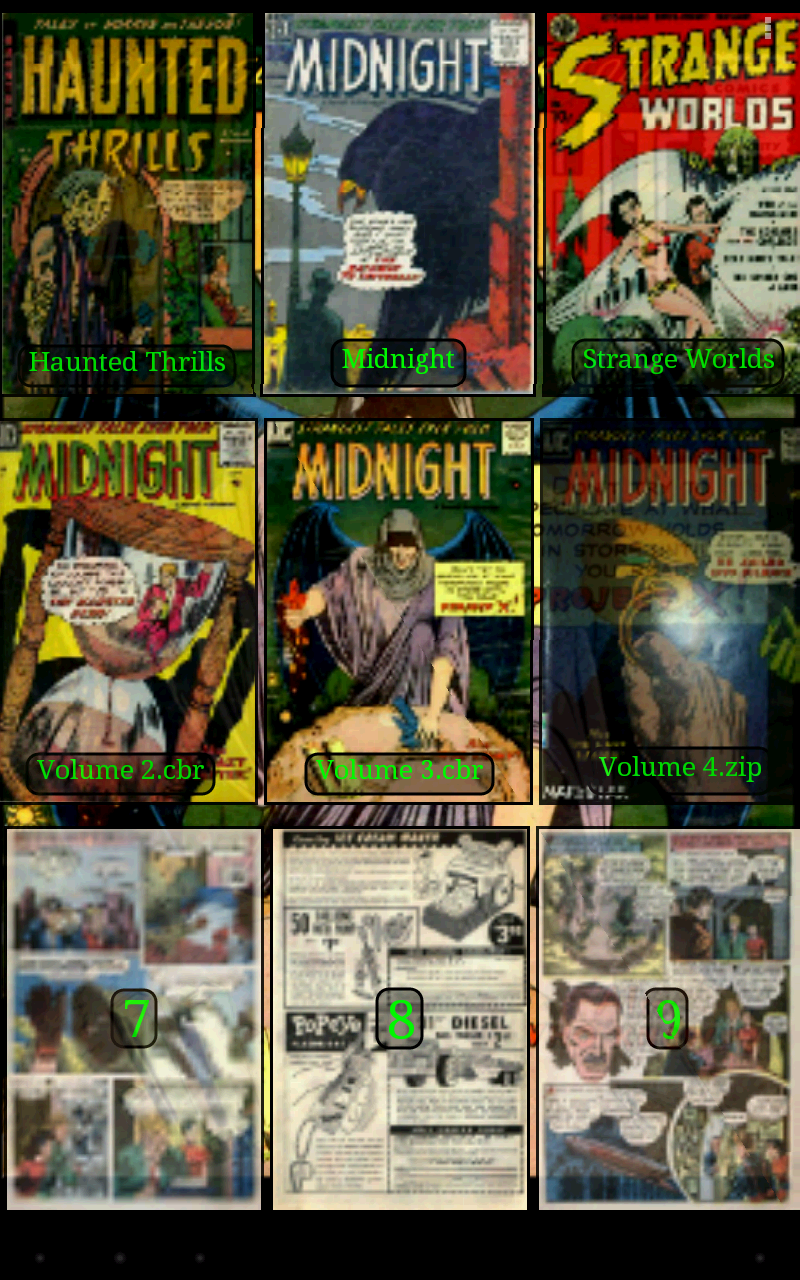
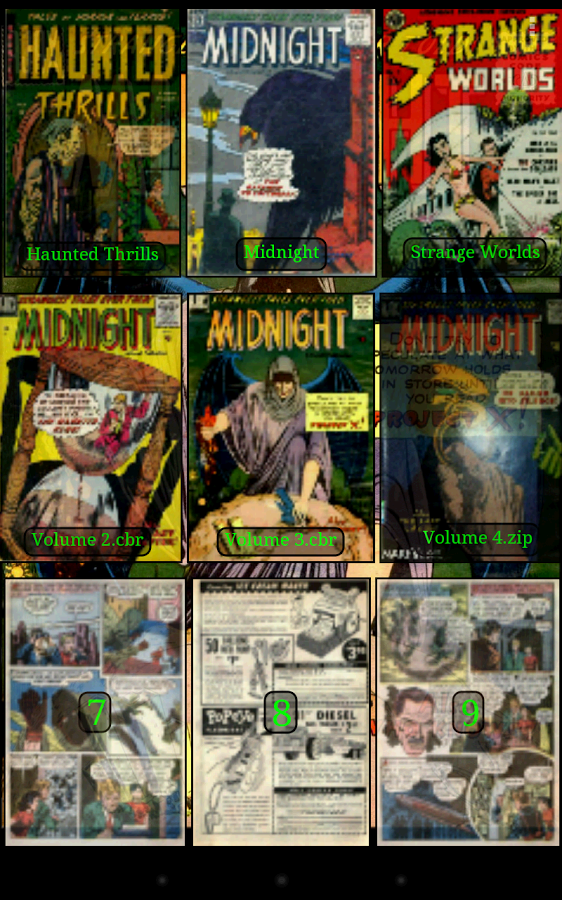
• 2 display modes (Simple View which displays pages one by one and Multiple Image View which displays all pages one after the other)
• Scale filters: Bilinear, Bicubic, Lanczos4
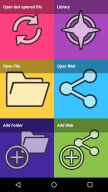
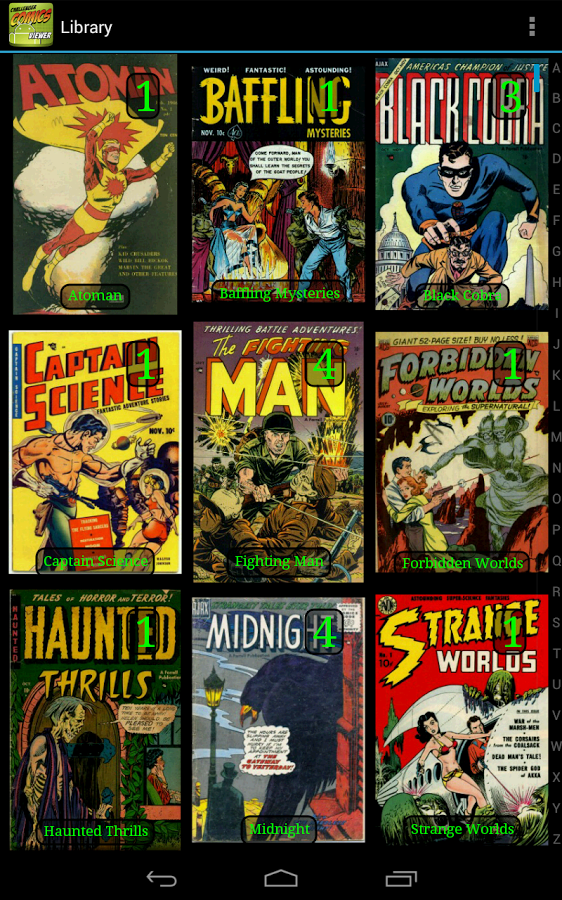
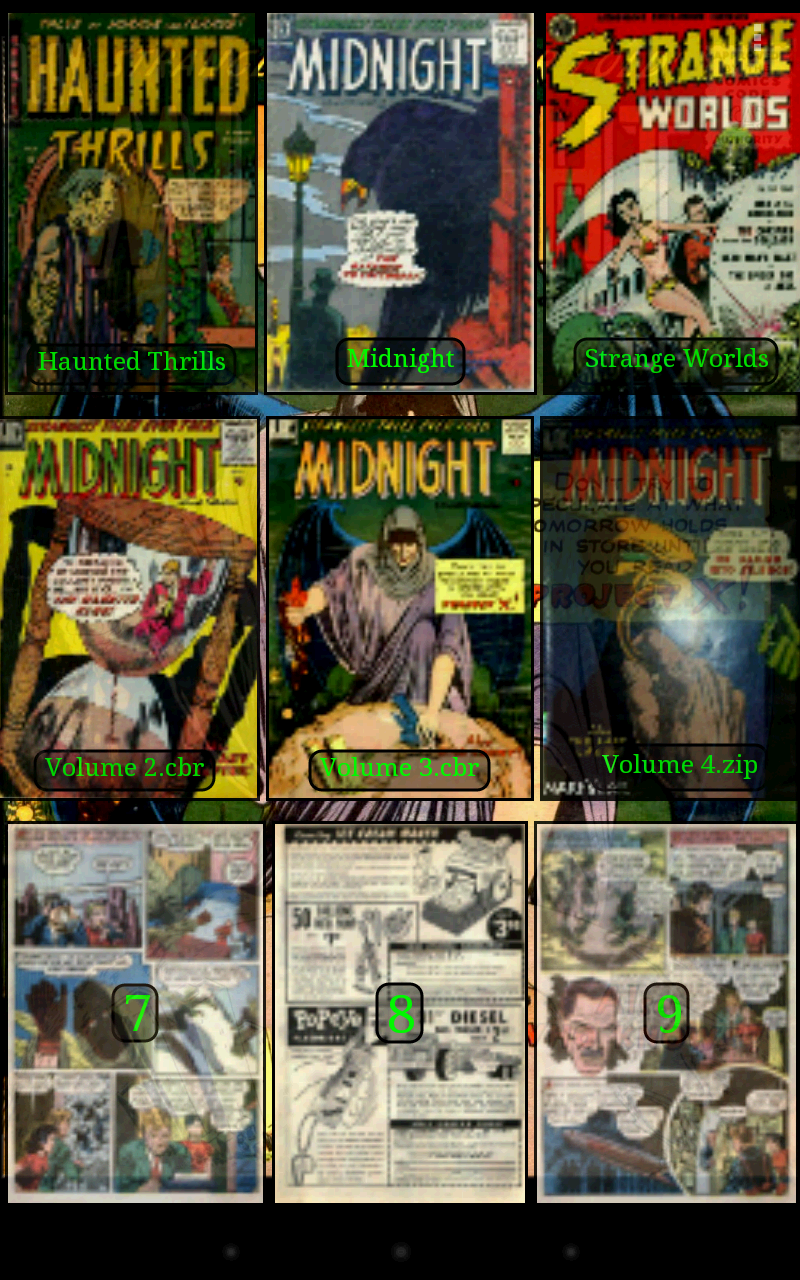
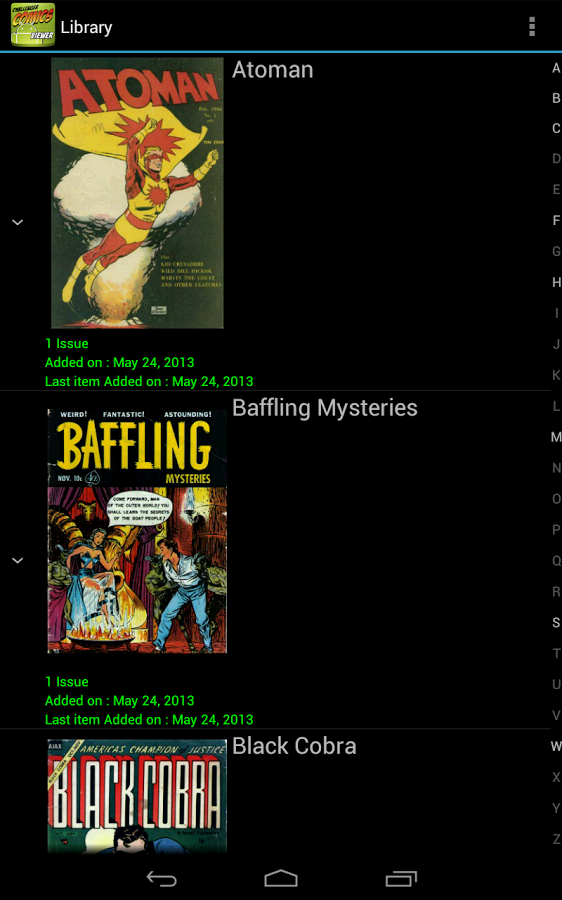
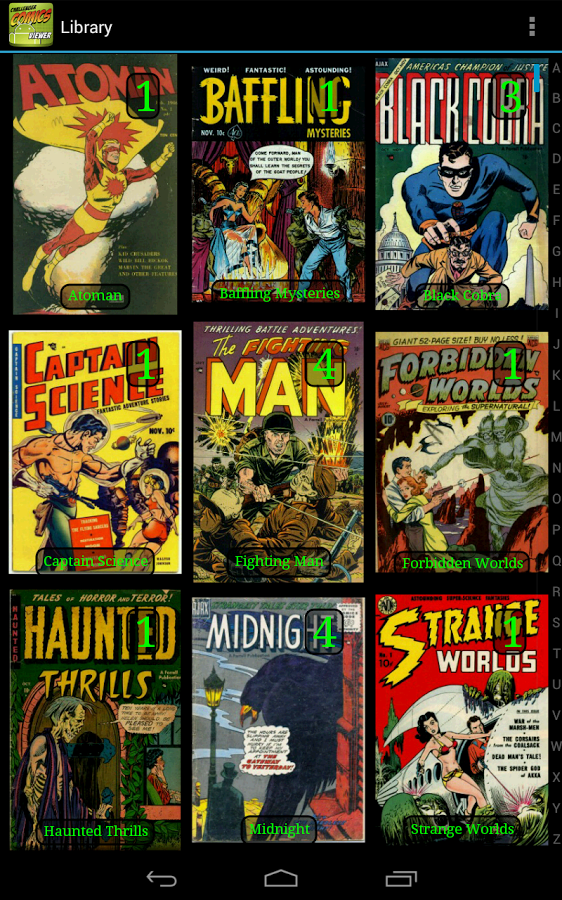
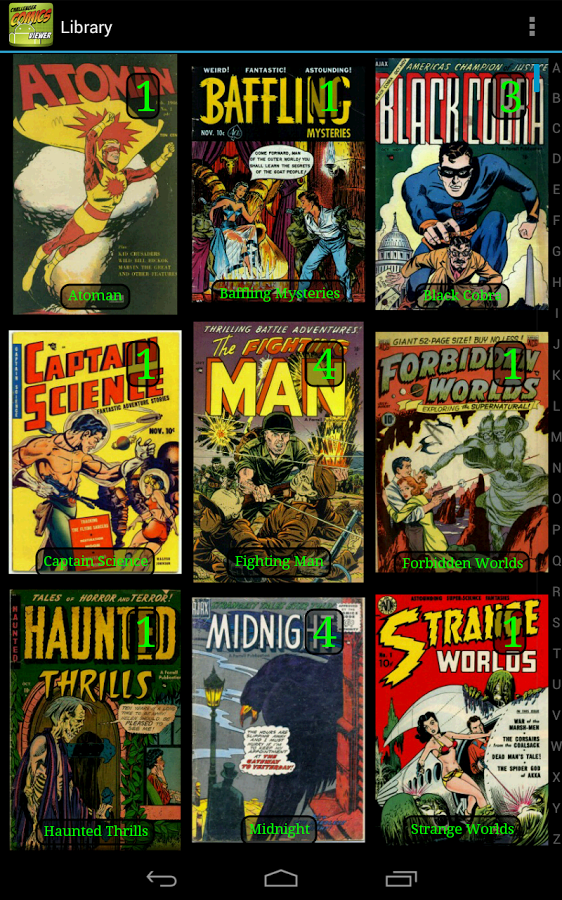
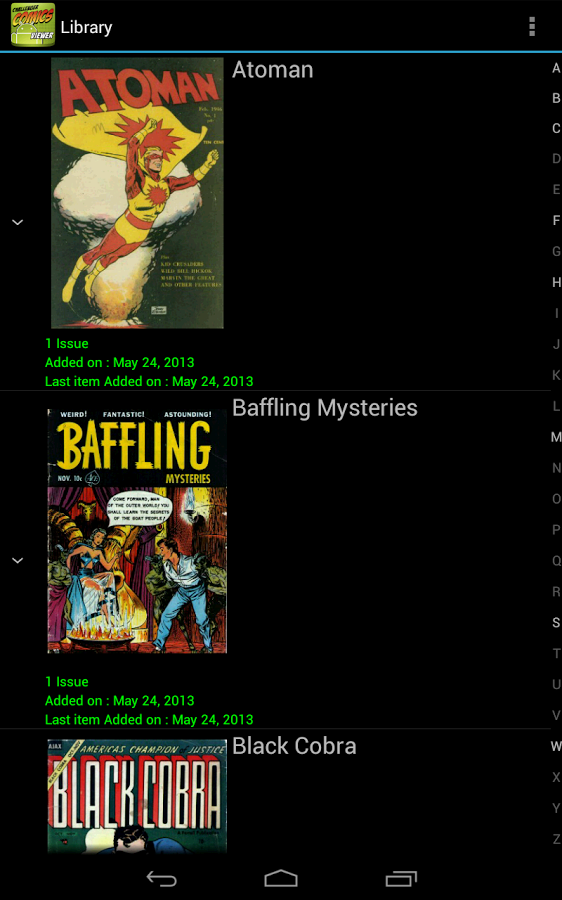
• Library with covers displayed to quickly open comics (multiple kind of views available)
• Automatically switch to next issue when last page of the comic is displayed
• Border cropping
• Read from left to right or right to left
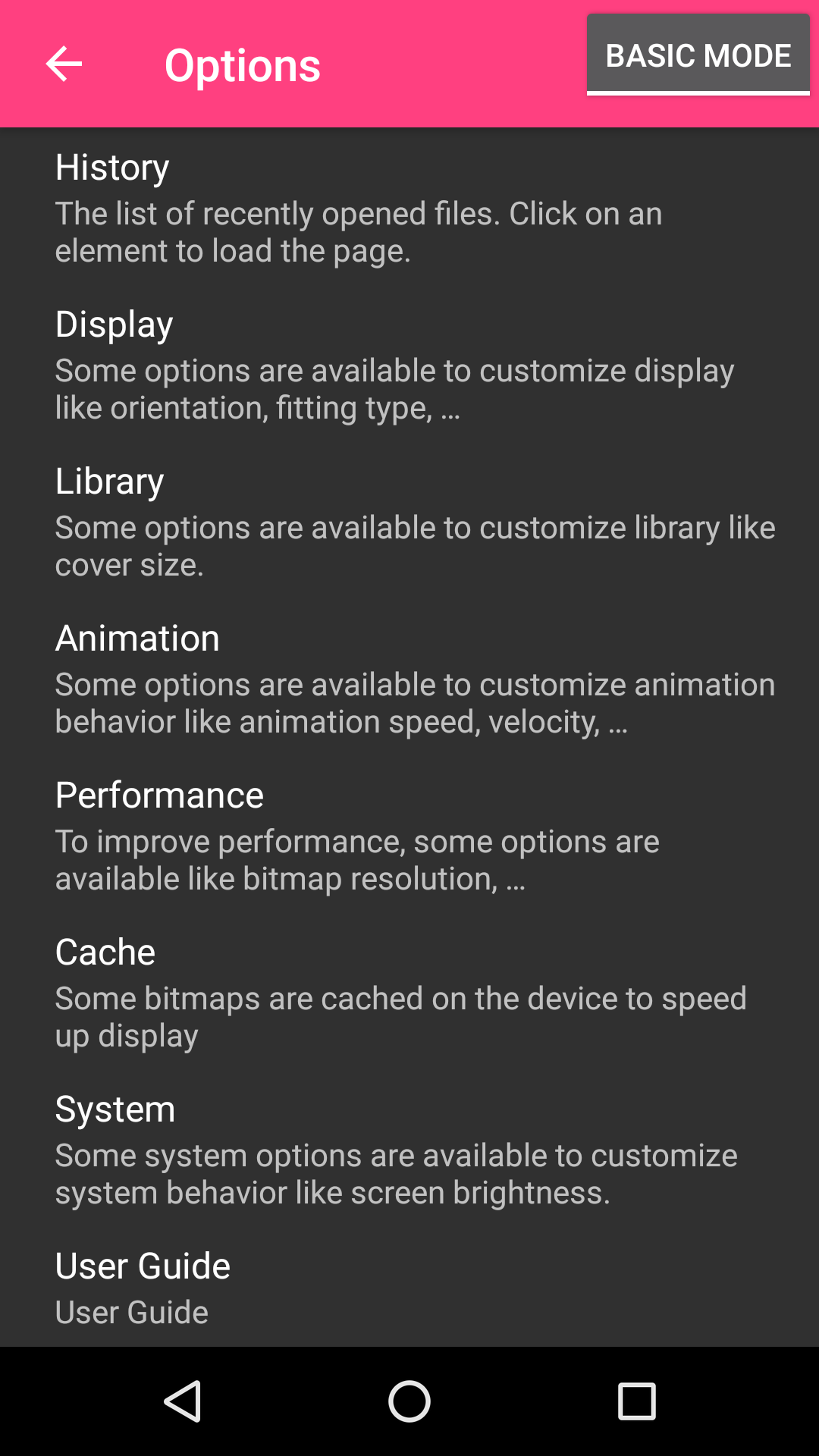
• Actions can be customized
• Single page and "2 page" display mode
• Filter to improve displayed image quality
• Manual scrolling by moving finger on screen
• Autoscrolling by long pressing on screen
• Tap to go to Next/Previous pages
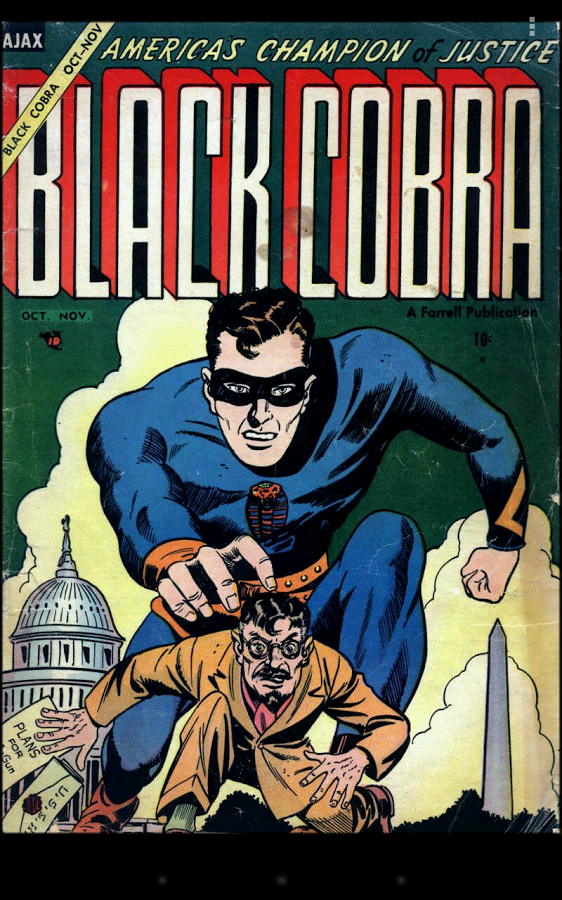
• Fit to Width/Height/Screen display
• Multiple Image preview type
• Option to direct access to page
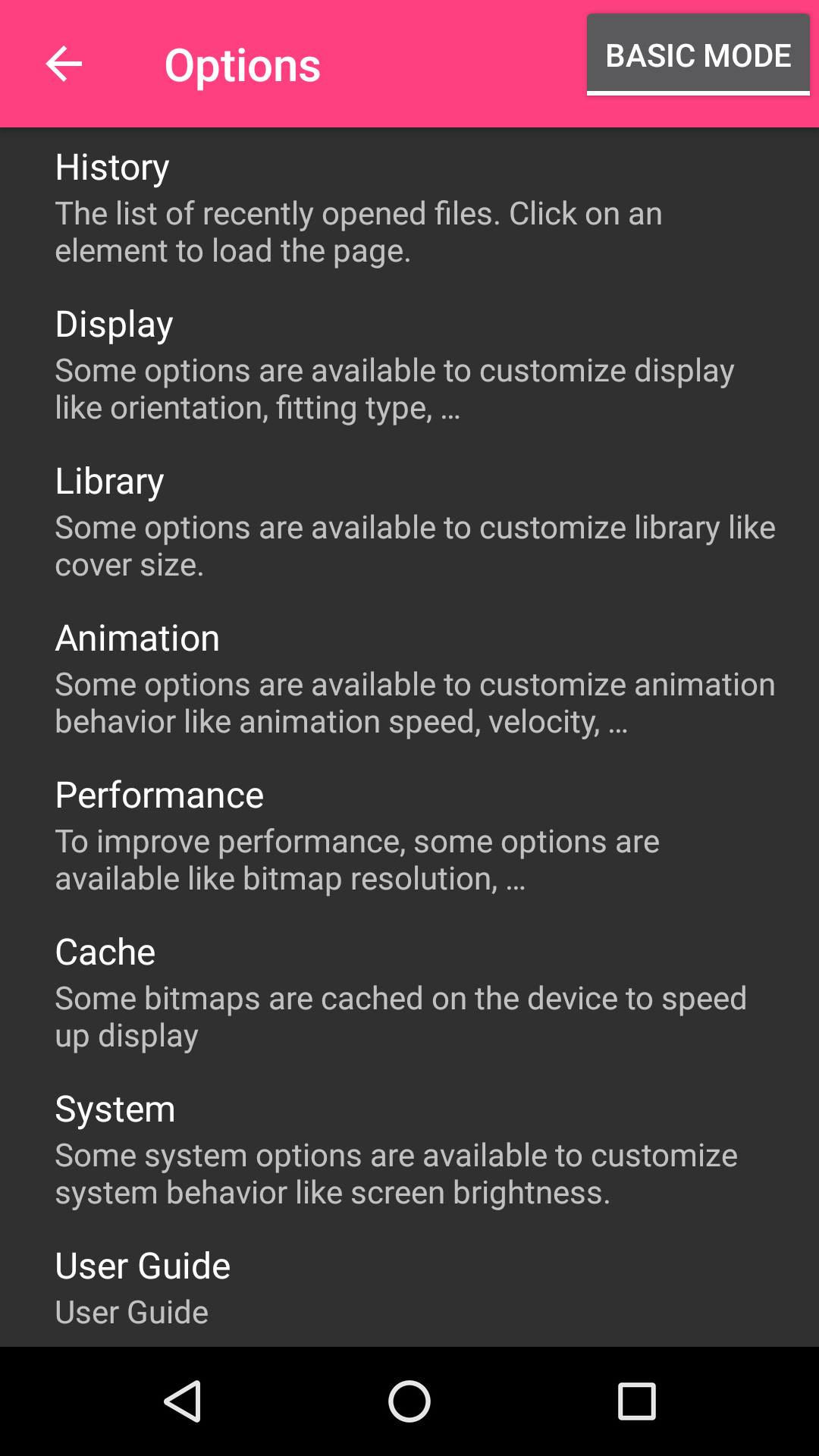
• History management
• Support multi-language (for now, english, french, russian, italian)
• Border can be display over Bitmap to easily identify each pages
• Contrast/Brightness/Saturation management
• Screen brightness management
• Application can be moved to SD Card
• Cached data can be stored in internal memory or SD Card
• Supports Samsung "Multi-Window" mode
• Color themes
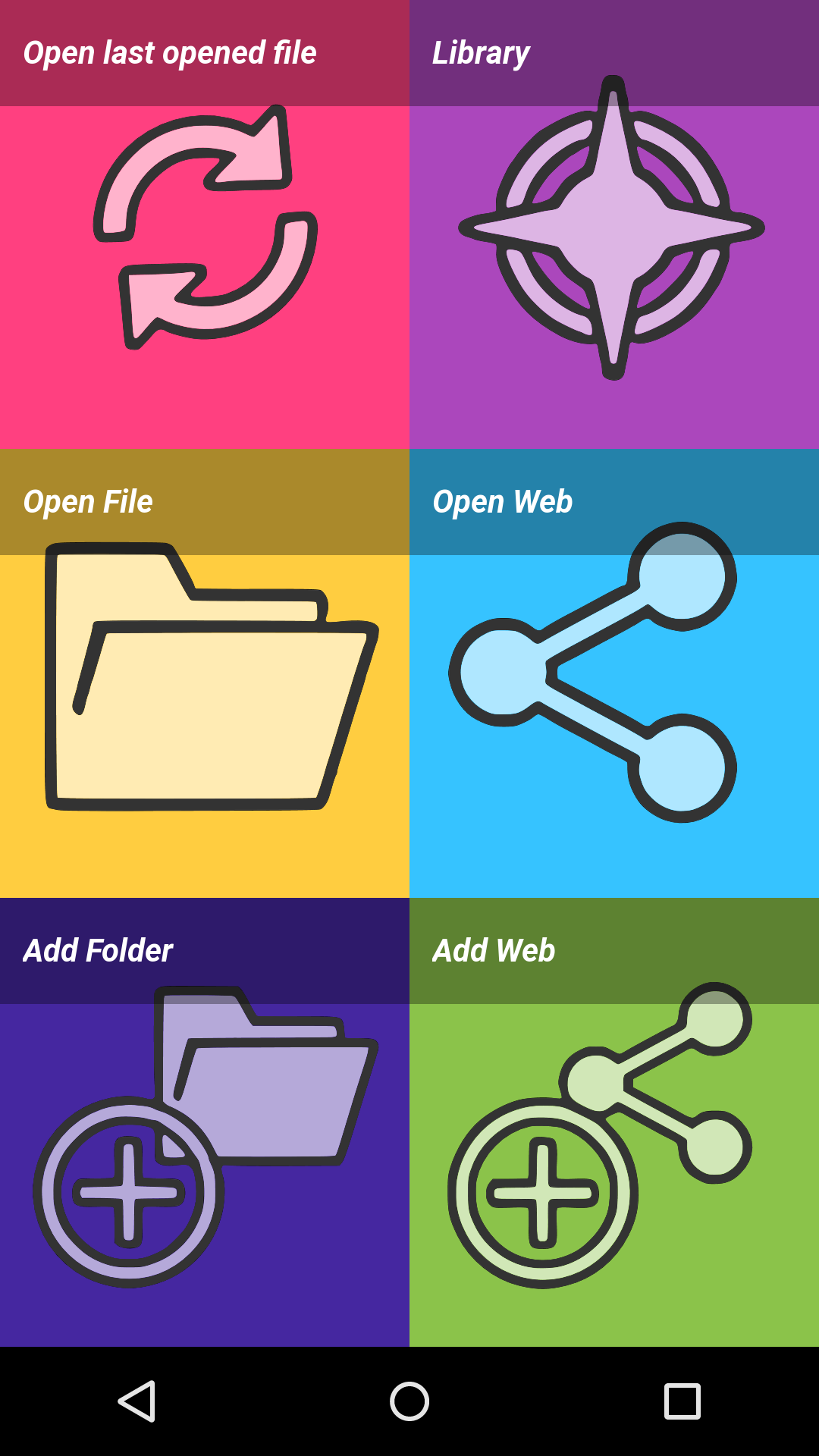
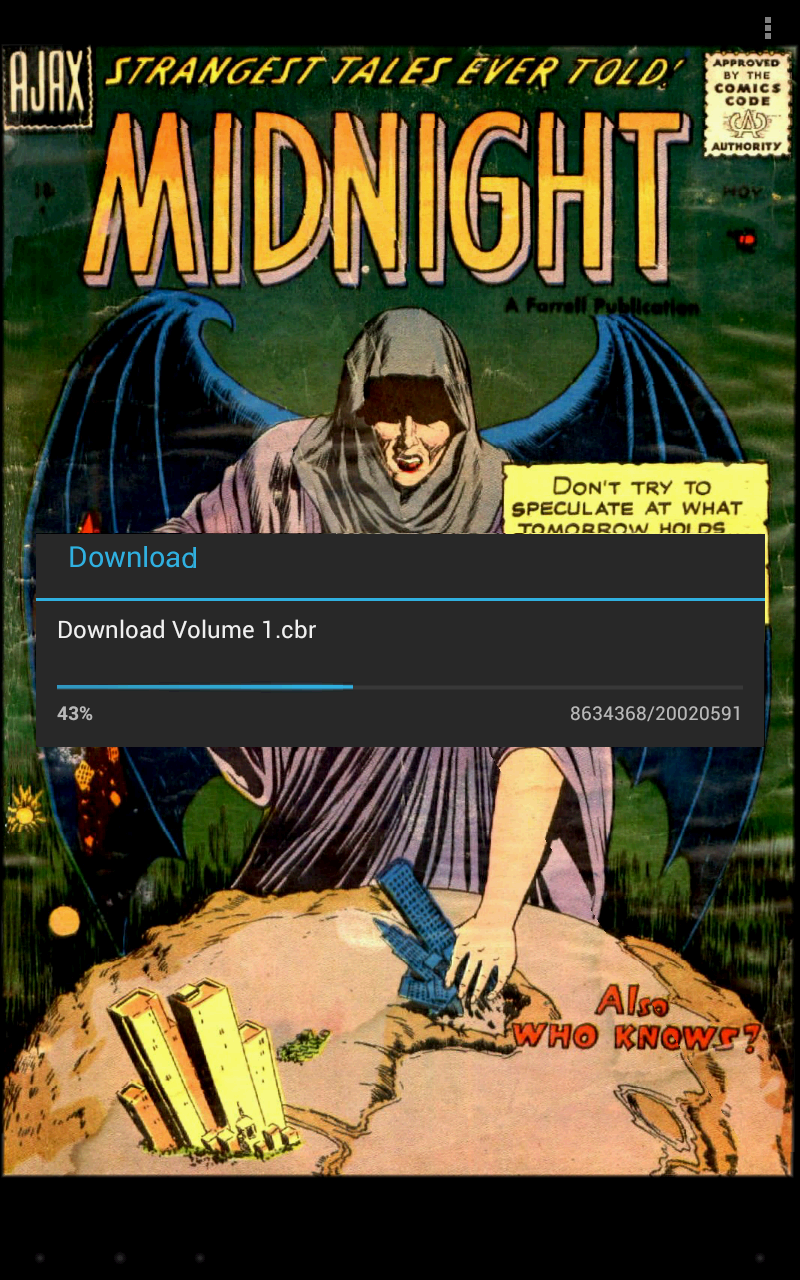
Files can be accessed on the device or network.
Supported network protocols are :
• Google Drive
• OneDrive/SkyDrive
• Mega
• Ubooquity (http://vaemendis.net/ubooquity)
• DLNA/Upnp (Need Android >= 4.0.3)
• OPDS (beta)
• Windows/SAMBA/CIFS
• DropBox
• Webdav/Cloud (like box.com, 4shared.com, alwaysdata.com, ...)
• FTP
• SFTP
The application needs a phone/tablet with lots of memory and a powerful processor, so don't be disappointed if your phone is quite old and performance is not good.
For instance, it works perfectly on Nexus 4, Nexus 7, Nexus 10, Galaxy S2, Galaxy S3, Galaxy S4, Galaxy S5, Galaxy S6, Galaxy S7, Galaxy Tab, ...
Documentation is available at : http://challengerviewer.wordpress.com/challenger-comics-viewer-documentation/
An FAQ is available at : http://challengerviewer.wordpress.com/challenger-comics-viewer-faq/
The English forum : http://forum.xda-developers.com/showthread.php?t=1389440
Please add comments if you like this app or if you have some new features idea.
To report bugs, don't hesitate to send me e-mail.
Thanks !
Changelog
Version 3.0.27:
• Compatible with Android 14
Additional information
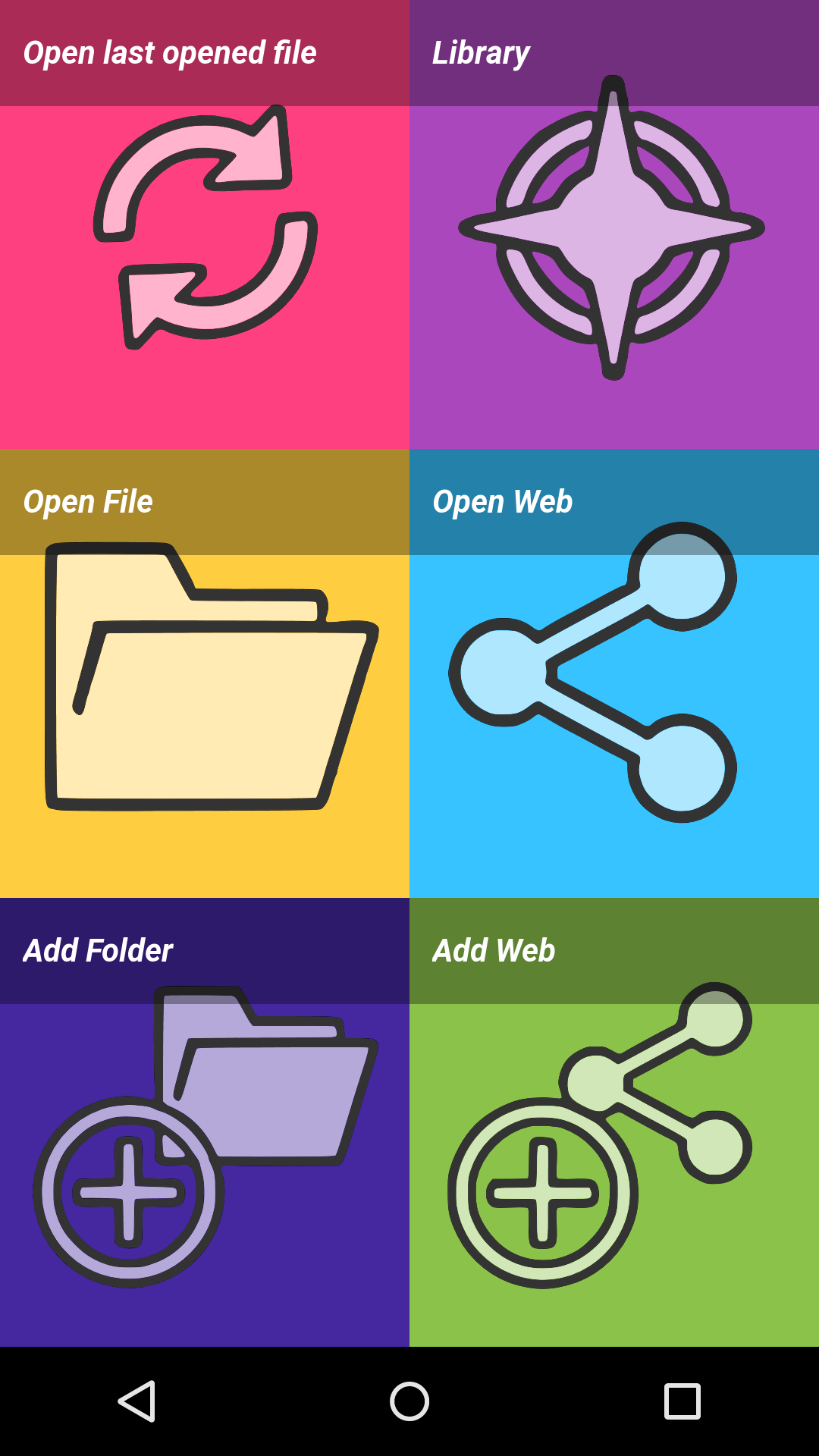
Screenshots
Reviews
Recommend Article








Similar Apps

Comics, Manga, Webtoons & Webcomics in हिंदी, English, Bahasa, தமிழ், & తెలుగు!

Stay up-to-date with the latest 5play androeed discovered

The legendary comic 2000 AD now on Android!

Transform three beautiful sisters that are looking for a makeover.

Discover manga stories & stream anime series with unlimited entertainment access

Kodansha official Manga app