

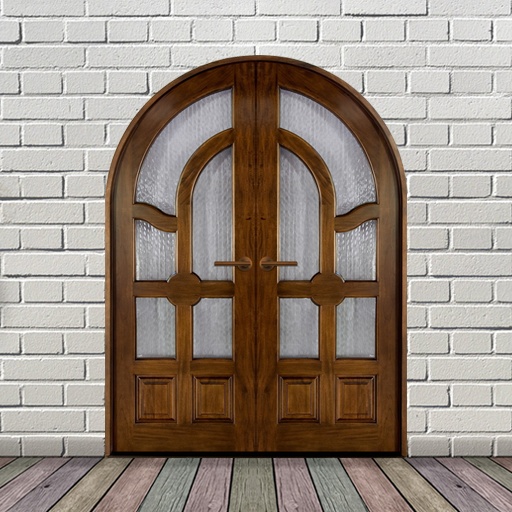
Door Lock Screen
Hot Novels






Install Tips
Door Lock Screen Review
🏆
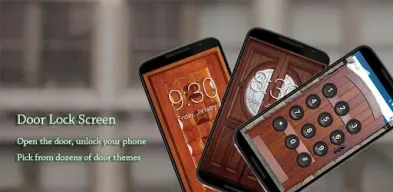
15+ HD door themes
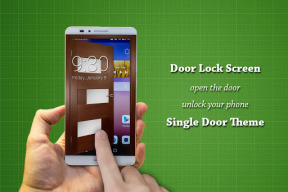
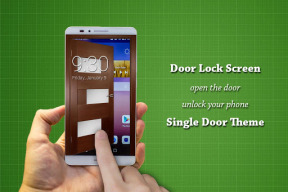
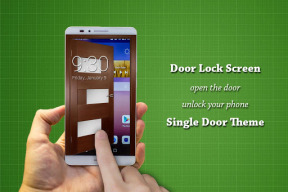
Single door themes
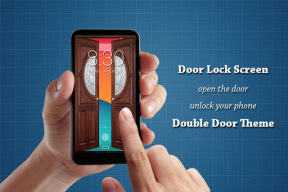
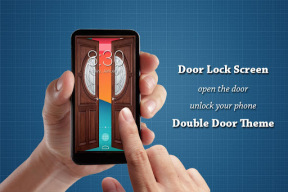
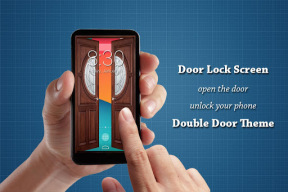
Double door themes
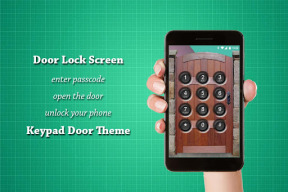
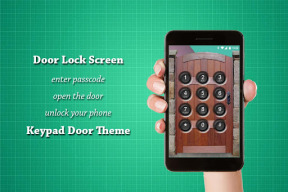
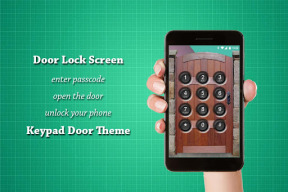
Keypad door themes
Keypad themes
Door themes lock screen
🏆
Best door simulator
3 door sounds: lock, unlock & open door sounds
Smooth door open & close animations
Authentic door light & shadow
Drag, swipe, slide to open the door
🏆
Security
Enter PIN to open the door & unlock your phone
Enter PIN to turn off locker
4~8-digit PINs
Secure PIN door lock screen
🏆
Intruder Selfie
Snaps a secret photo of intruder who entered wrong PINs or fingerprints
Send intruder photo directly in your email inbox
Show intruder notification on unlock
Show date and time on intruder photo
Custom intruder wrong attempts
Intruder selfie door lock screen
🏆
Advanced
Switch between dark & light theme
Lock notification bar:
Stop notification drawer from being pulled down on lock screen.
Unlock notification bar:
Allow users to pull down notification drawer on lock screen to access quick settings like flashlight.
FAQ
❓ How does it work?
A: When your phone is locked by Door Lock Screen, swipe from right to left for single door themes, or swipe horizontally for double door themes, to open the door and unlock your phone.
If PIN lock is enabled, please enter the PIN first to unlock your phone.
❓ Why doesn't intruder selfie work?
Please add a PIN first to enable intruder selfie
Please turn on Storage & Camera permissions first to enable intruder selfie
Download Door Lock Screen now, open the door, unlock your phone, or enter PIN to unlock your phone.
Additional information
Screenshots
Reviews
Recommend Article







Similar Apps

Explore a vast collection of ringtones songs for Android phone
Elevate your style with an interactive watch face.

Make Money & Earn Cash Rewards - Get Paid to Play Music & Games
Phone locator app to find your phone by clapping, easy to find phone.
Explore 10000+ HD, 4K, Live Wallpapers, and more.

Aesthetic Widgets, HD Wallpapers, Themes in Mico Widget for Home and Lock Screen