


EasyViewer-PDF,epub,heic,Tiff
Hot Novels





Install Tips
Mobile safety & integrity report for the latest package. We provide verifiable checksums and a timestamped scan summary. Latest package EasyViewer-PDF,epub,heic,Tiff 25.10.14+1823(1823) scanned by multiple engines; no threats detectedas of Tue, 28 Jul 2026 11:19:49 GMT.
After downloading, use a system or third-party checksum tool to calculate the SHA256 and ensure it matches the value provided on this page (case-sensitive, without spaces).
Each engine uses different signature databases and heuristics, so results may vary slightly. We provide a timestamp and checksum to allow you to independently verify the package.
EasyViewer-PDF,epub,heic,Tiff Review
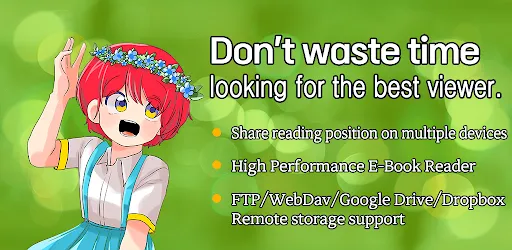
EasyViewer provides two types, an ad version that provides all functions and an ad-free version with some function limitations.
💎 Features
✔️ File sync support
You can view the file in the same read position on different devices.
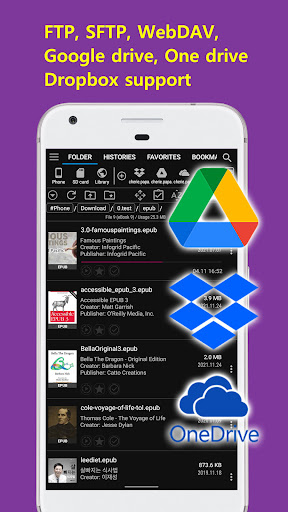
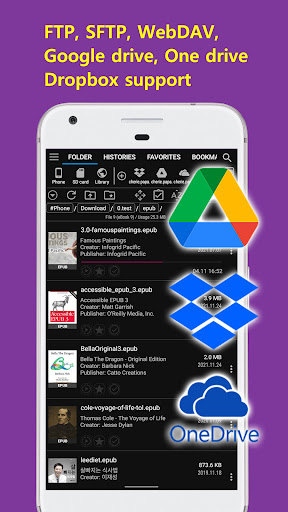
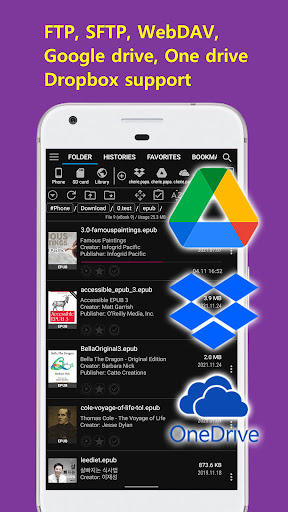
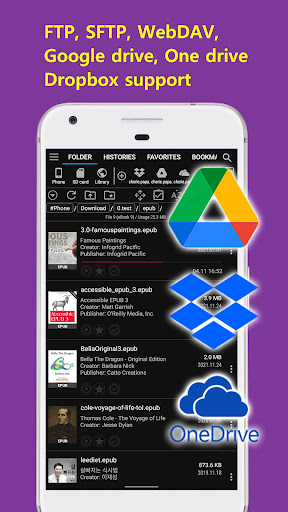
It supports almost all type such as Google Drive, Dropbox, OneDrive, FTP, SFTP, etc.
Look at it comfortably on your smartphone when you go out and on your tablet at home.
(This feature is supported by CherieViewer.)
✔️ OPDS (network library) support
Numerous network libraries around the world are at your fingertips.
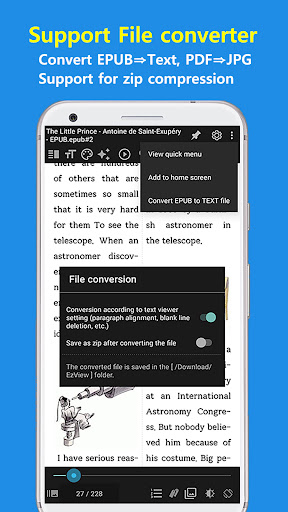
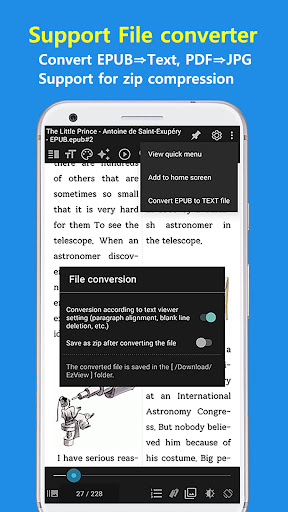
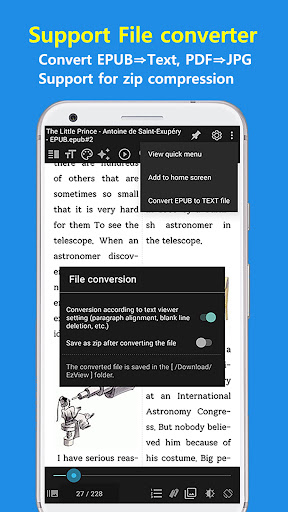
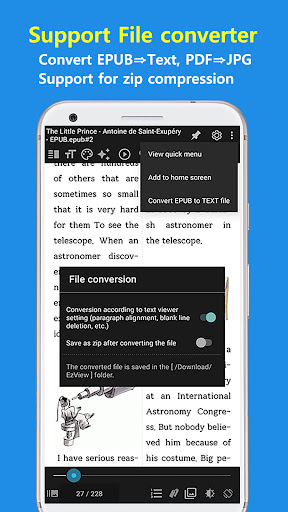
✔️ Support EPUB⇒Text, PDF⇒JPG conversion
Convert epub, pdf files to text and image files.
Supports the option to zip the converted files to minimize wasted space.
(This feature is supported by CherieViewer.)
✔️ Support forced line break document conversion function
Converts forced line-break text to make it easier to read.
It also supports various functions such as removing whitespace, arranging paragraphs, etc.
✔️ Support title list feature
Even documents without a table of contents can conveniently use the table of contents with simple settings.
✔️ Everything is automatic.
The image is automatically detected and divided into 1 or 2 sheets, or displayed in webtoon mode.
There is no inconvenience to constantly change the split mode according to the image.
✔️ One touch run
There is no need to touch several times to change a specific function or setting.
It is convenient to be able to operate function with minimal touch.
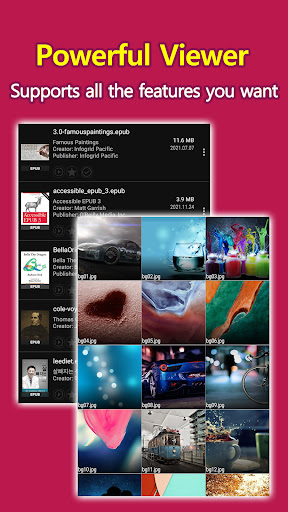
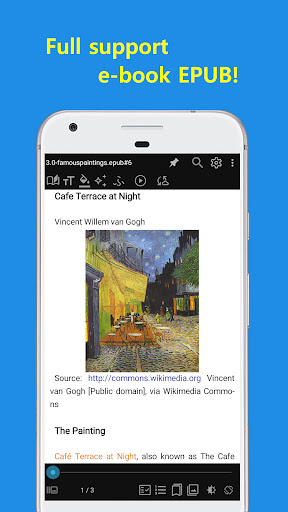
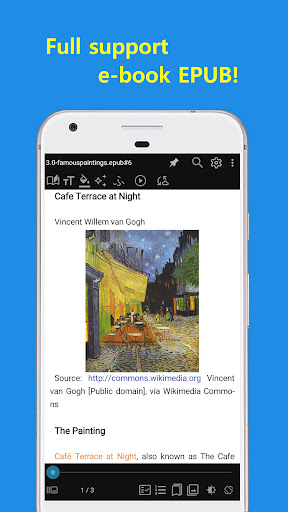
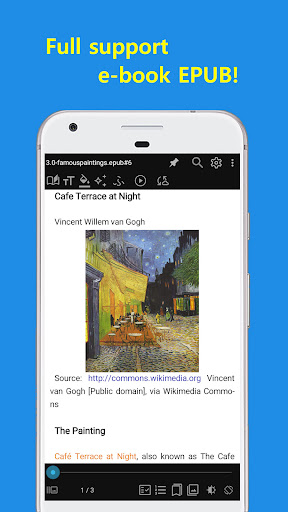
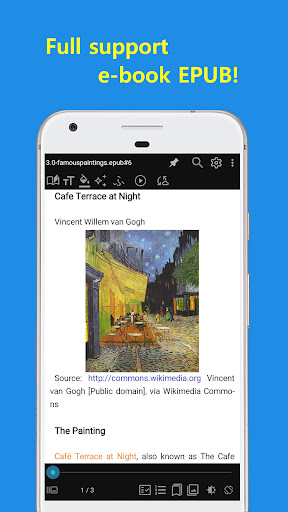
✔️ Full support of e-books
E-books (EPUB, MOBI, FB2, Amazon Kindle(AZW,AZW3,AZW4), CBZ, CBR) can be read immediately, and two pages on a screen like a paper book are convenient.
Not only the text but also the image is displayed properly.
✔️ FTP, SFTP, SMB, Dropbox, OneDrive, Google Drive, WebDAV supported
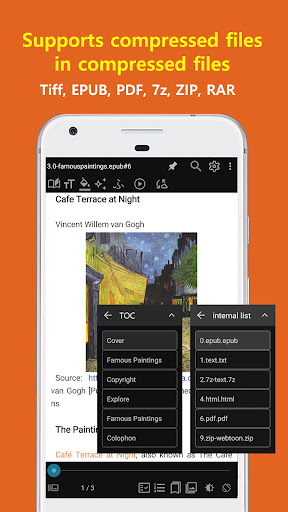
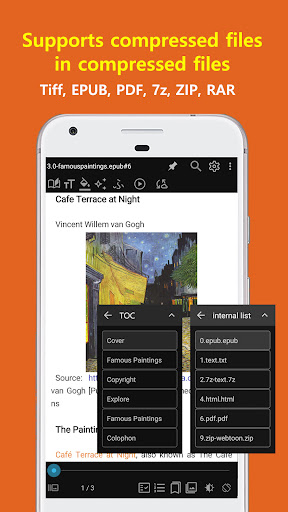
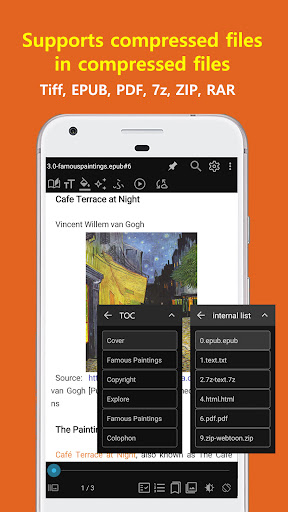
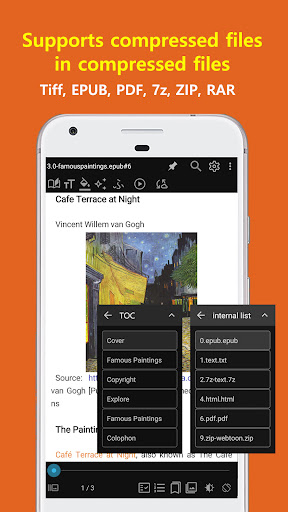
✔️ Supports unlimited multiple compressed files (zip、7z、rar、arj、cbz、cbr、tar)
Supports compressed files in compressed files, so you can view documents and images without extracting the compressed files.
Also, it provides more convenient by providing folder view function to navigate inside compressed file.
📚 text viewer
- Supports 2-stage split output
(Shows 2 pages per screen like a paper book)
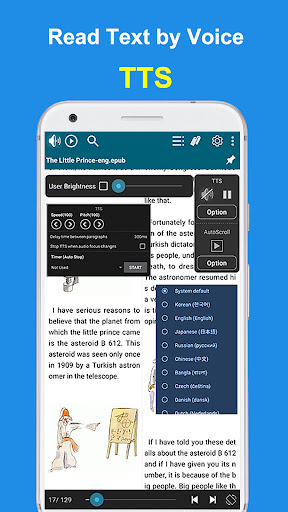
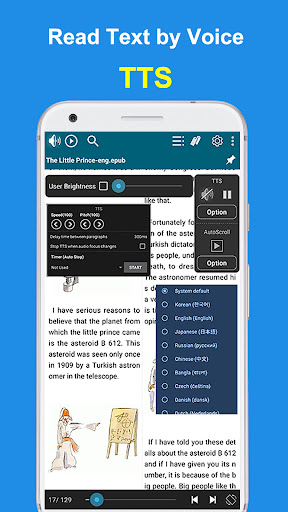
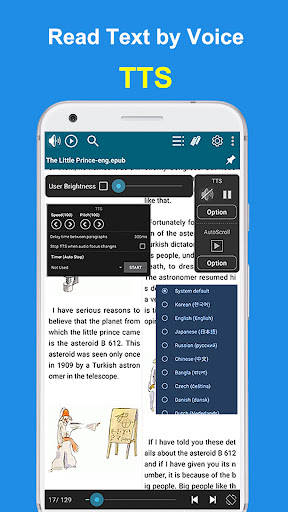
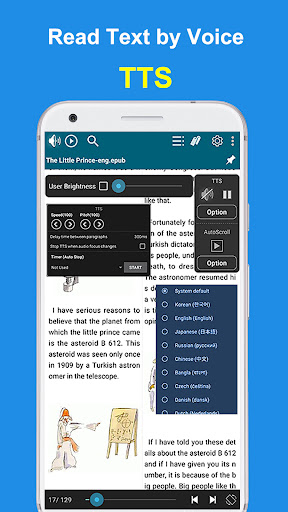
- Text to Speech support (TTS)
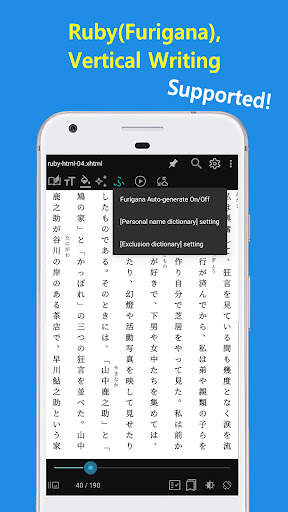
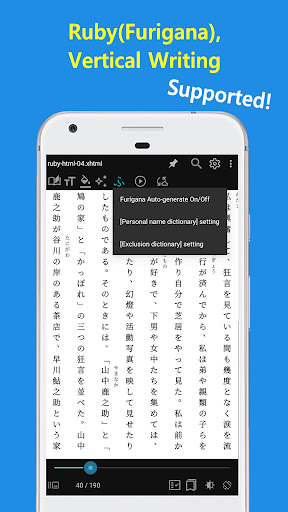
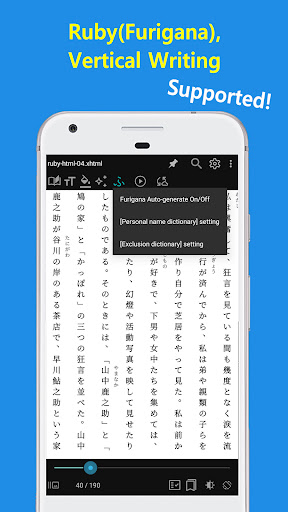
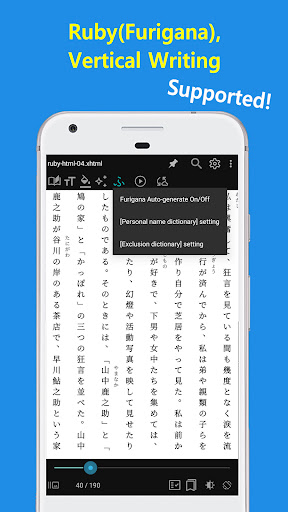
- Furigana (Ruby) support
- Vertical writing support
It supports vertical writing used in Chinese characters/Japanese books.
- Comment/hyperlink support
Supports comments/hyperlinks in e-books, so you can conveniently view the contents of comments by touching the comments.
- E-book support (EPUB, MOBI, FB2, Amazon Kindle(AZW,AZW3,AZW4), CBZ, CBR)
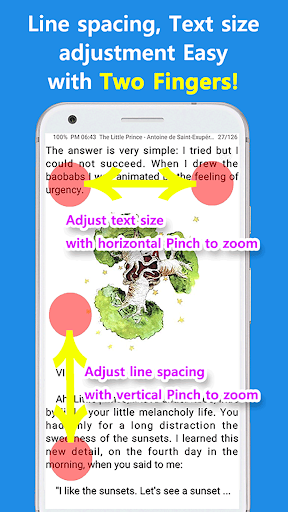
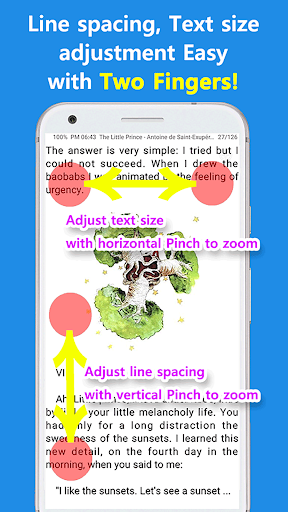
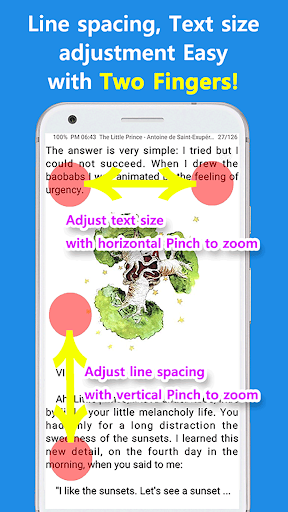
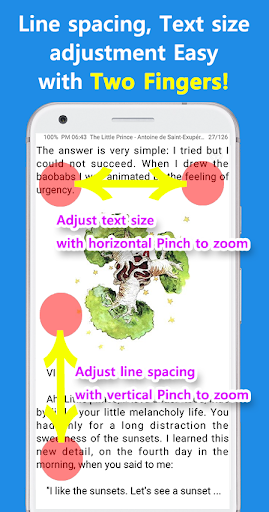
- Adjust font/size/line spacing/character spacing/left/right margin/upper and lower margins
🌄 Image Viewer
- Animated GIF support
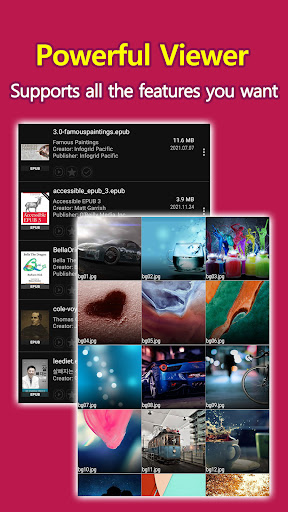
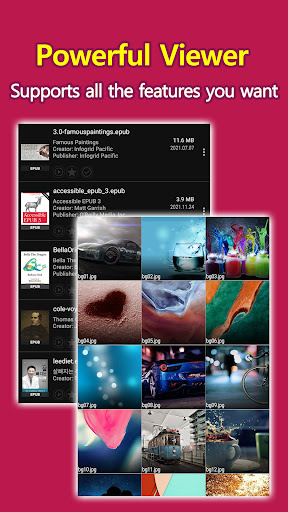
- Support various image formats (webp, TIFF, PDF, HEIC, HEIF, SVG, ico, jpg, png, bmp, gif, pic, zip, 7z, cbz)
- Split, Auto Split, View Direction (Left-> Right, Right-> Left)
When set to Auto Split, the image is automatically detected and divided into 1 or 2 images.
- Webtoon View Support: You can conveniently view long vertical images.
- Support various effects (Inverse/Mono/Sepia/Sharp/Bold/Dark/Bright)
💎 Other features
- Google Drive, Google Team Drive, Shared Drive support
- Bluetooth devices support
- Create a shortcut icon on the home screen
- PDF to JPEG converter
* Permissions explained
- Access all files - Browse files and folders (required)
- Storage - View text/image files (required)
- Phone (state) - Used during TTS playback (optional)
- Bluetooth - Control the viewer function with the Bluetooth headset button (optional)
- Contacts - Permissions required by OneDrive/Google Drive (optional)
* Etc
- EasyViewer PC version can be downloaded from http://ezne.tistory.com/301.
- If you have any inconvenience or improvement while using it, please leave a comment at http://ezne.tistory.com.
Changelog
- Fix image scroll (Thanks to Jung Geon Choi)
- Fix line break handling (Thanks to 임신환)
- Add menu to remove/reset histories for selected folder (Thanks to 佐藤貴史)
- Fix thumbnails (Thanks to 佐藤貴史)
Apply image with filename 000 first
- Fix app theme and UI
- epub (Thanks to exxxi)
SVG tag support
Fix ePub parser
Fix image handling
- PDF password support
- Text Viewer
Fix line break handling
Fix hyperlink handling bug
- MD (MarkDown), MHTML file support (Thanks to sai sujith)
Additional information
Screenshots
Reviews
Recommend Article










Similar Apps

Toomics is a premium comic service with every genre for all readers to enjoy!

Read the highest quality Action, Fantasy, Romance and BL comics!

Comics, Manga, Webtoons & Webcomics in हिंदी, English, Bahasa, தமிழ், & తెలుగు!

The largest manga, comics, and manhwa community with millions of fans!

Full of great features such as reading popular works for free every day and events where you can get coins for free! It is a manga app with a wealth of free works such as animated boys' manga, girls' manga, and romance manga.

Read officially manga titles from Japan including Attack on Titan