

Gboard
Hot Novels






Install Tips
Mobile safety & integrity report for the latest package. We provide verifiable checksums and a timestamped scan summary. Latest package Gboard 16.2.4.815623744-release-armeabi-v7a(175458133) scanned by multiple engines; no threats detectedas of Tue, 28 Jul 2026 11:21:45 GMT.
After downloading, use a system or third-party checksum tool to calculate the SHA256 and ensure it matches the value provided on this page (case-sensitive, without spaces).
Each engine uses different signature databases and heuristics, so results may vary slightly. We provide a timestamp and checksum to allow you to independently verify the package.
Gboard Review
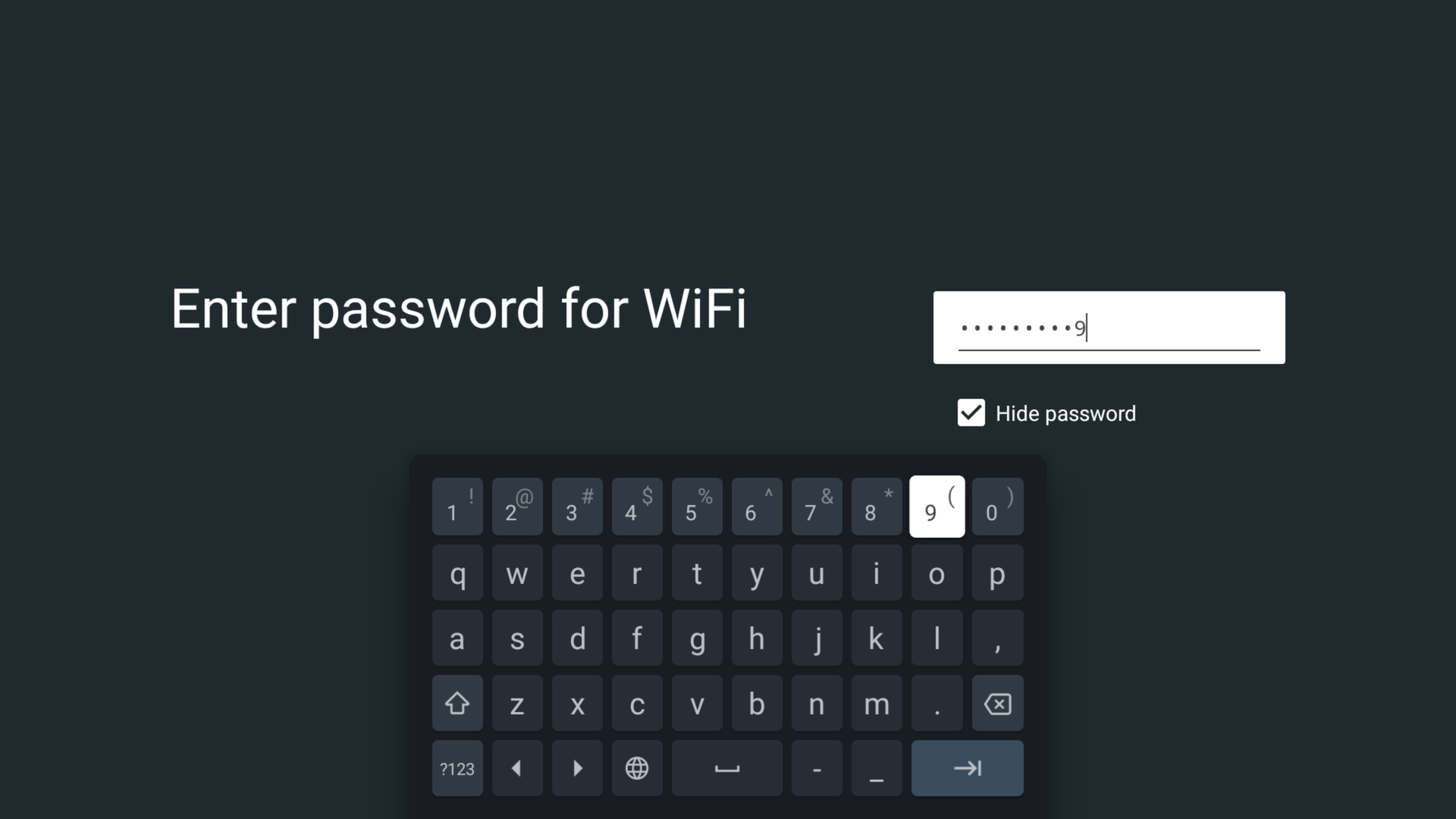
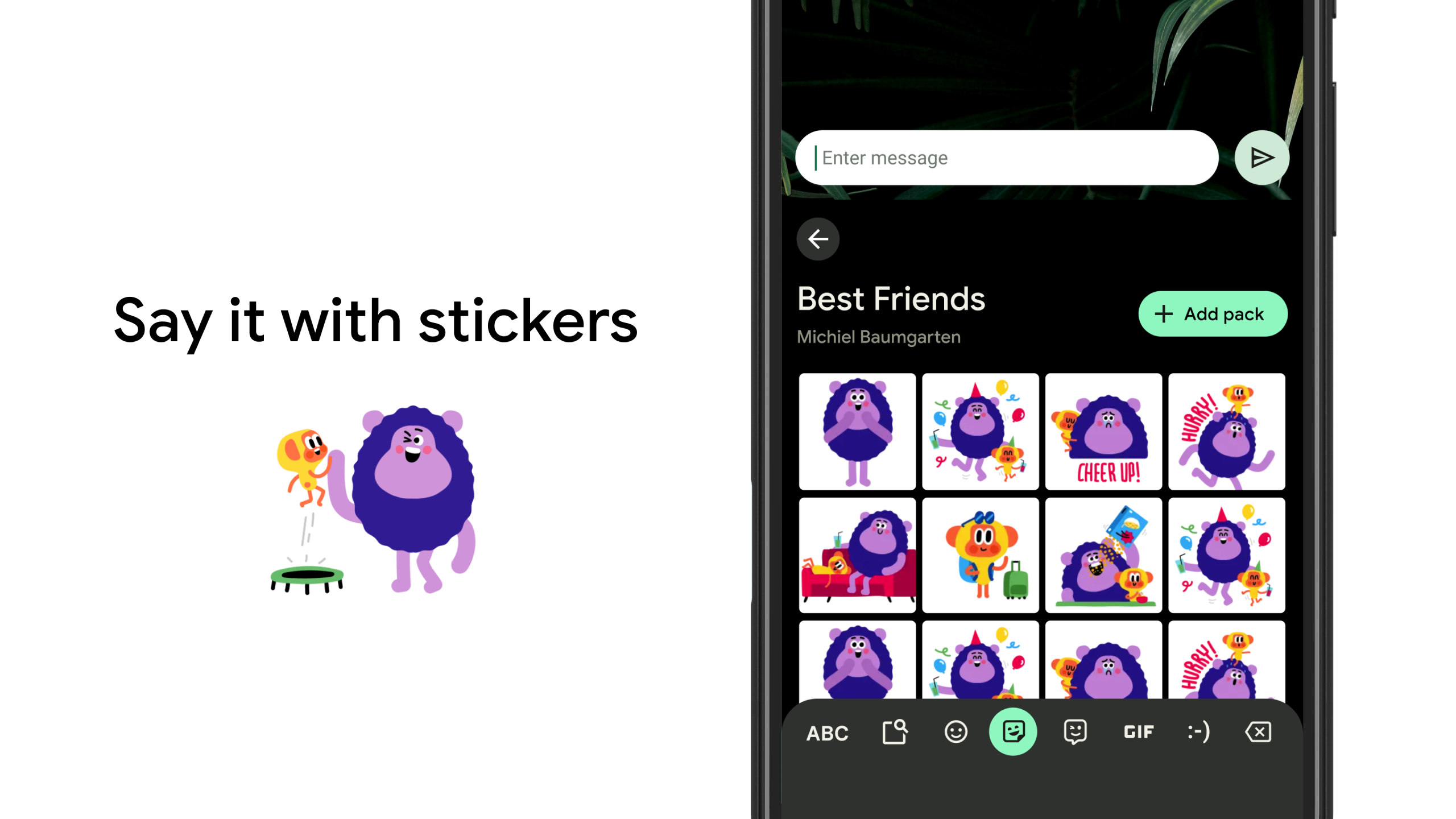
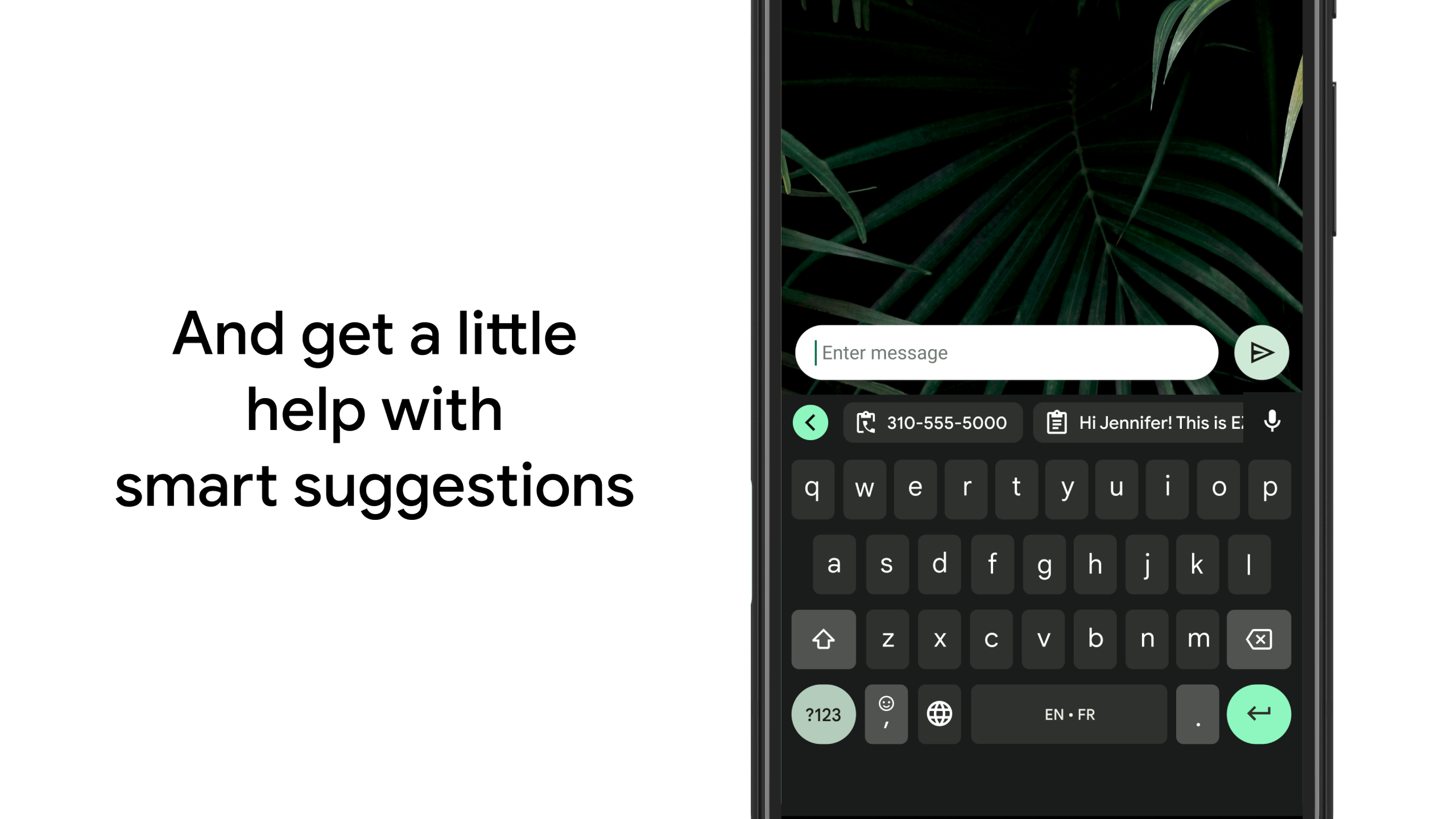
Gboard has everything you love about Google Keyboard—speed and reliability, Glide Typing, voice typing, Handwriting, and more
Glide Typing
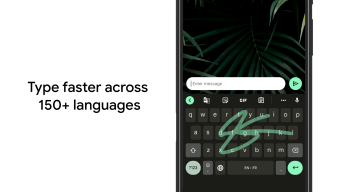
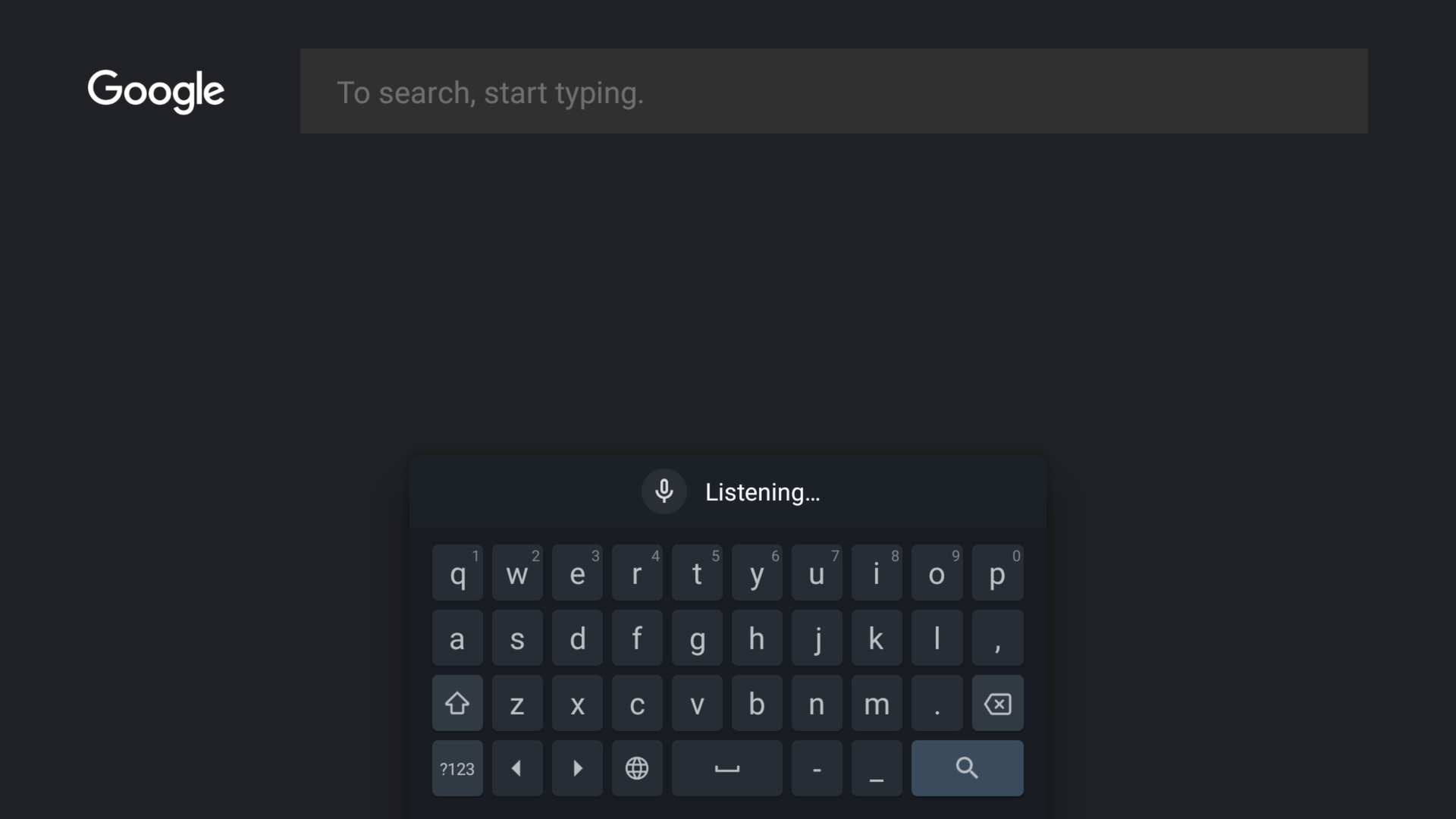
— Type faster by sliding your finger from letter to letter
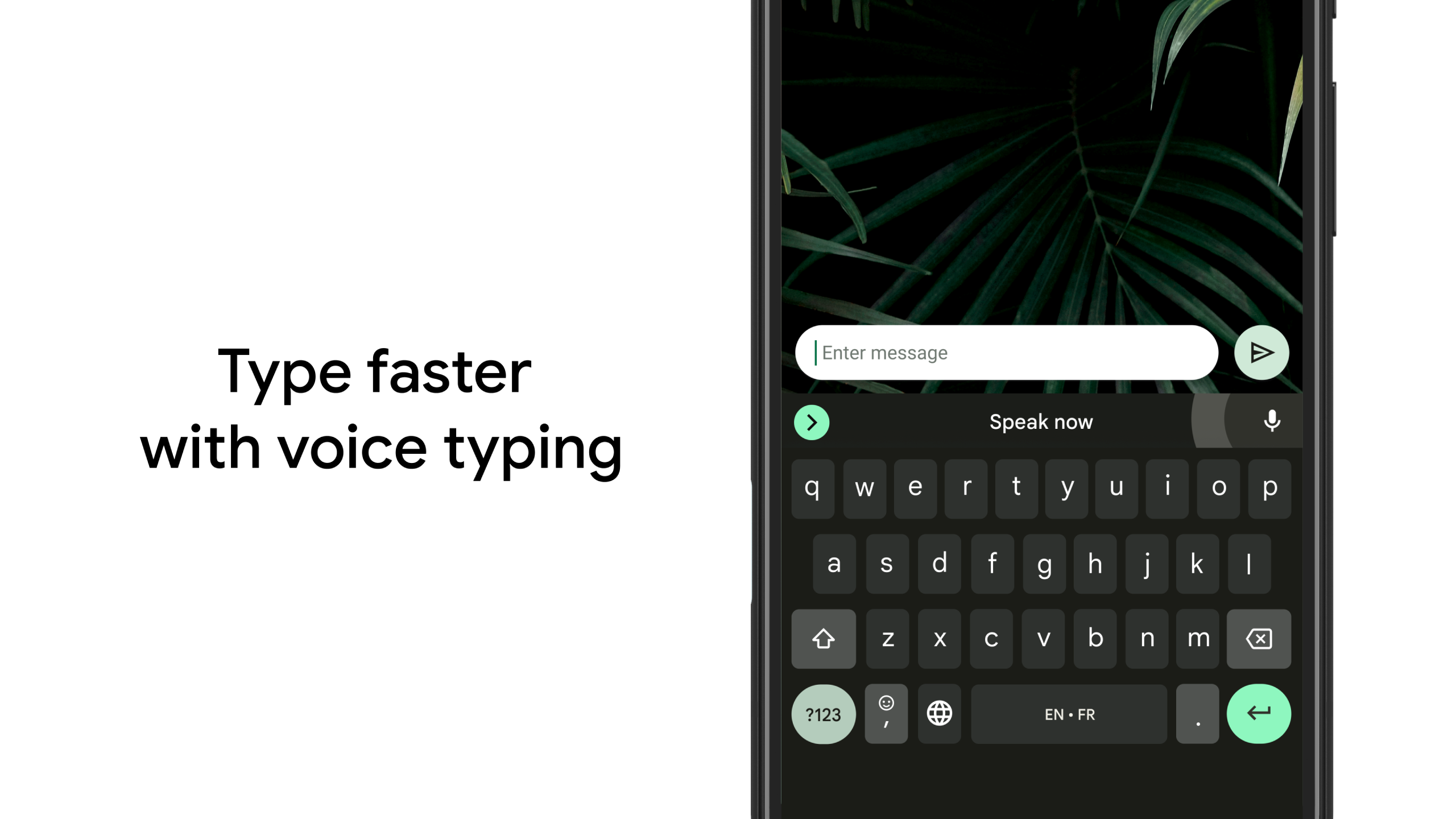
Voice typing
— Easily dictate text on the go
Handwriting*
— Write in cursive and printed letters
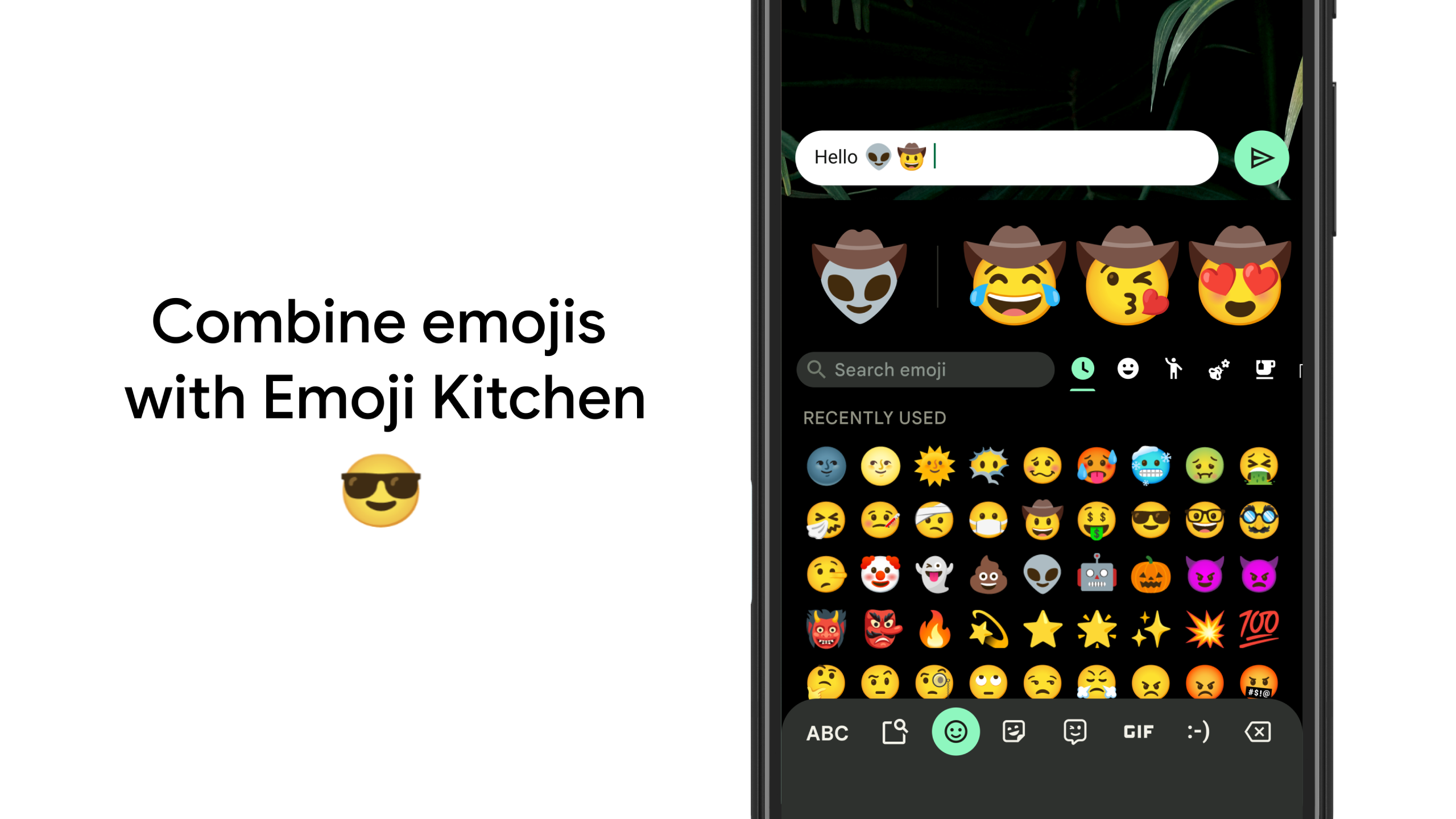
Emoji Search*
— Find that emoji, faster
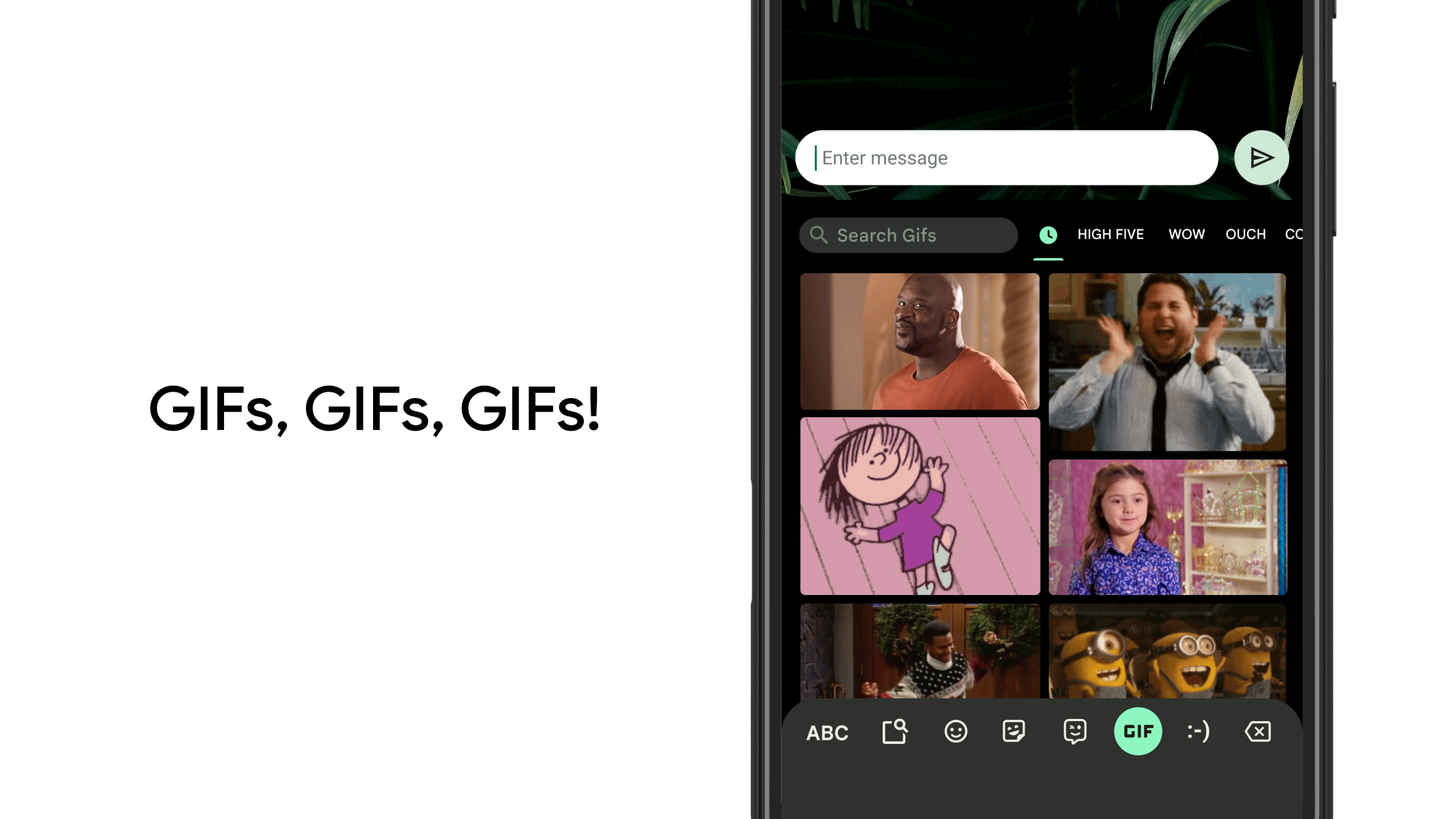
GIFs*
— Search and share GIFs for the perfect reaction.
Multilingual typing
— No more switching between languages manually. Gboard will autocorrect and suggest from any of your enabled languages.
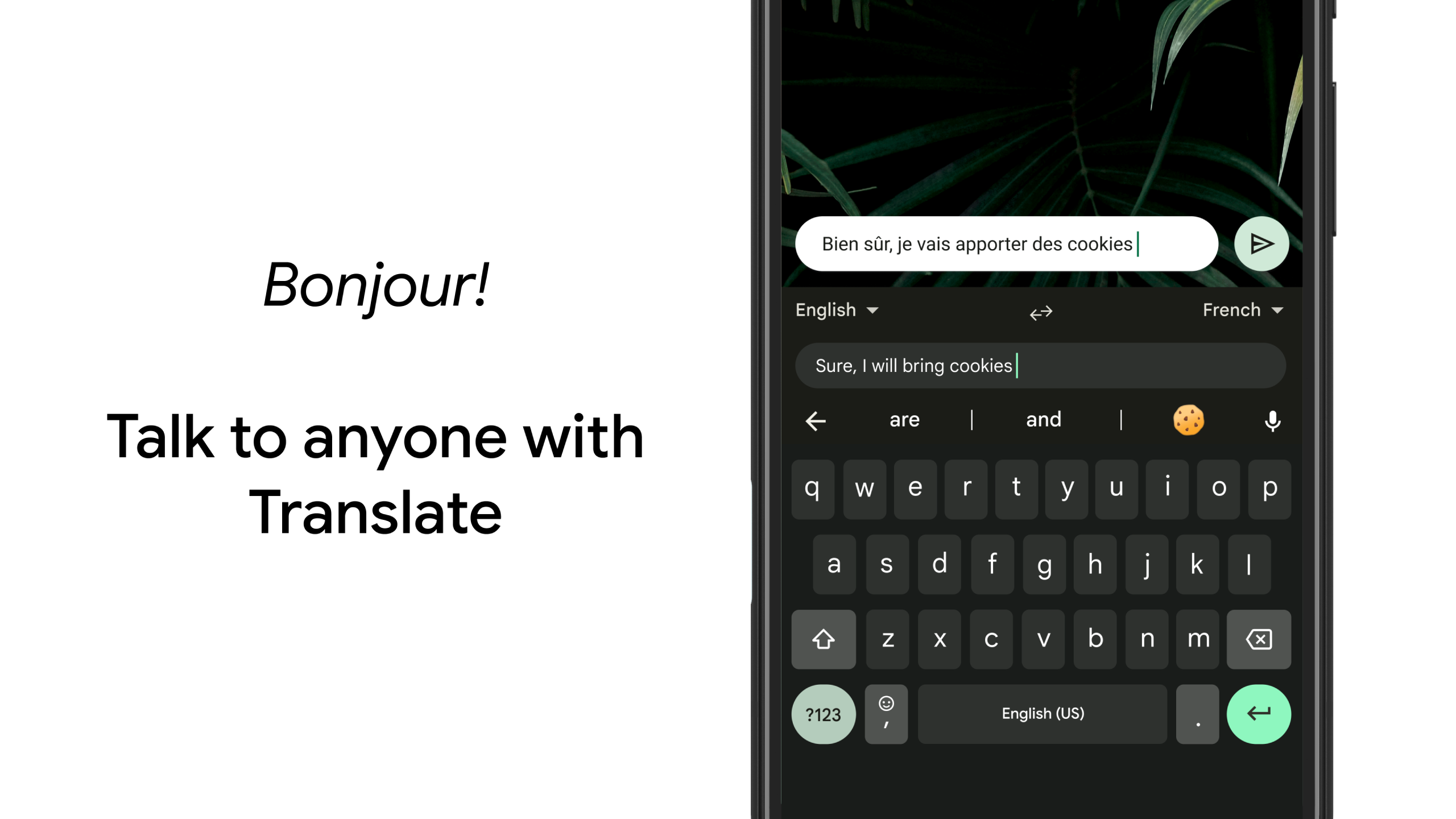
Google Translate
— Translate as you type in the keyboard
* Not supported on Android Go devices
Hundreds of language varieties, including:
Afrikaans, Amharic, Arabic, Assamese, Azerbaijani, Bavarian, Bengali, Bhojpuri, Burmese, Cebuano, Chhattisgarhi, Chinese (Mandarin, Cantonese, and others), Chittagonian, Czech, Deccan, Dutch, English, Filipino, French, German, Greek, Gujarati, Hausa, Hindi, Igbo, Indonesian, Italian, Japanese, Javanese, Kannada, Khmer, Korean, Kurdish, Magahi, Maithili, Malay, Malayalam, Marathi, Nepali, Northern Sotho, Odia, Pashto, Persian, Polish, Portuguese, Punjabi, Romanian, Russian, Saraiki, Sindhi, Sinhala, Somali, Southern Sotho, Spanish, Sundanese, Swahili, Tamil, Telugu, Thai, Tswana, Turkish, Ukrainian, Urdu, Uzbek, Vietnamese, Xhosa, Yoruba, Zulu, and
many more
! Visit https://goo.gl/fMQ85U for the full list of languages supported
Wear OS support
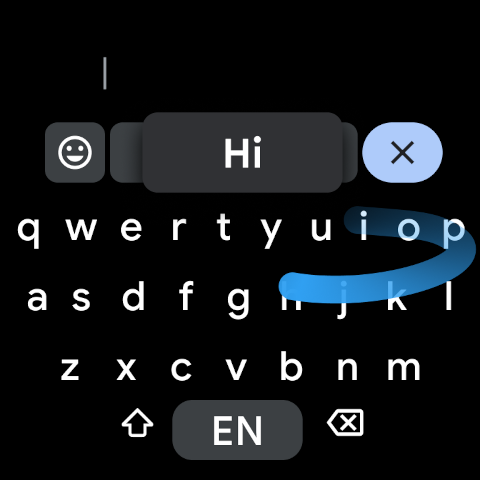
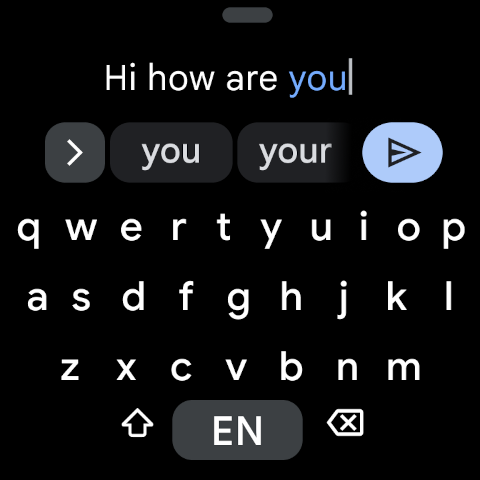
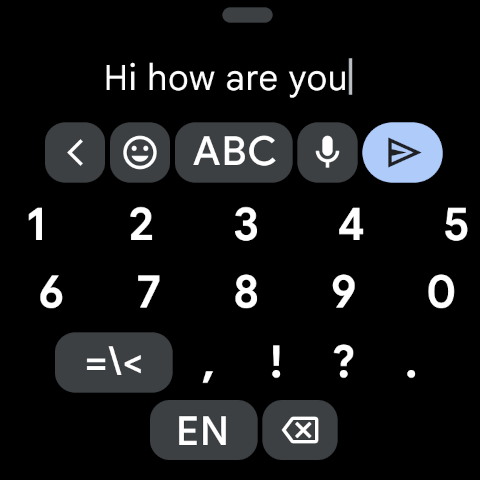
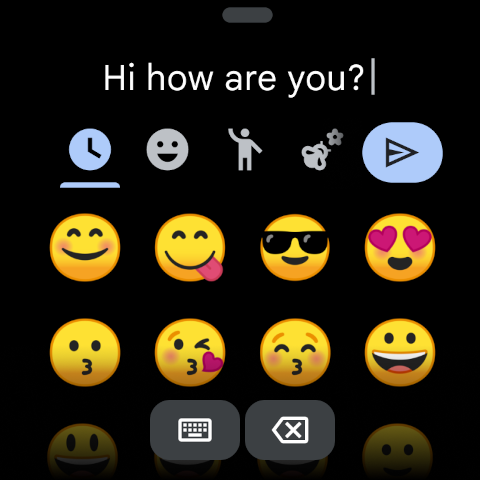
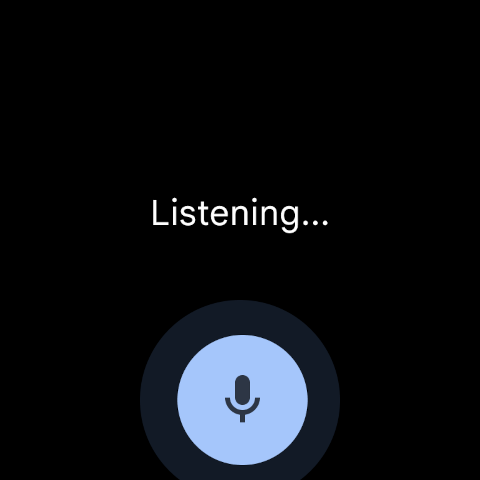
: Everything you love about the Google Keyboard now available on your watch—speed and reliability, Glide Typing, Voice Typing, and more
Glide Typing
— Type faster by sliding your finger from letter to letter
Voice Typing
— Easily dictate text on the go
Emoji Typing
— Find your favorite emojis on your wrist
All Wear OS languages supported, including:
Chinese (Mandarin, Cantonese, and others), Czech, Danish, Dutch, English, Finnish, French, German, Hindi, Indonesian, Italian, Korean, Norwegian, Polish, Portuguese, Russian, Spanish, Swedish, Thai, Turkish, Vietnamese, and
many more
!
Pro tips:
• Gesture cursor control: Slide your finger across the space bar to move the cursor
• Gesture delete: Slide left from the delete key to quickly delete multiple words
• Make the number row always available (enable in Settings → Preferences → Number Row)
• Symbols hints: Show quick hints on your keys to access symbols with a long press (enable in Settings → Preferences → Long press for symbols)
• One handed mode: On large screen phones, pin keyboard to the left or the right of the screen
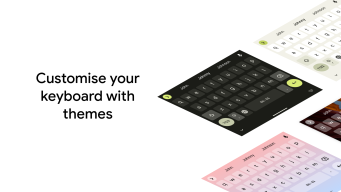
• Themes: Choose your own theme, with or without key borders
Additional information
Screenshots
Reviews
Recommend Article









Similar Apps

Dazz camera, your pocket photographer.
NIX Tools: Access exclusive skins instantly.

Every day is worth remembering...

Secure VPN for privacy protection and internet freedom.

Sekams Browser is a small and light mobile browser software

Stream, download, and enjoy free movies, music, and TV.