


HD Video Player
Hot Novels






Install Tips
Mobile safety & integrity report for the latest package. We provide verifiable checksums and a timestamped scan summary. Latest package HD Video Player v12.1.361(1096) scanned by multiple engines; no threats detectedas of Tue, 28 Jul 2026 11:22:47 GMT.
After downloading, use a system or third-party checksum tool to calculate the SHA256 and ensure it matches the value provided on this page (case-sensitive, without spaces).
Each engine uses different signature databases and heuristics, so results may vary slightly. We provide a timestamp and checksum to allow you to independently verify the package.
HD Video Player Review
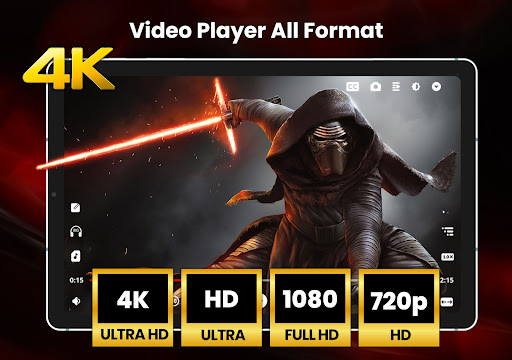
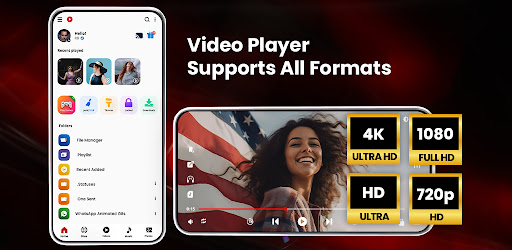
Video player (MP3 player) for all formats like mp3, mp4, MOV, etc. It gives a list of features to play videos and songs. This player supports all video formats like HD, Full HD, 4K, and Ultra HD video files. It is one of the best Powerful HD video player for Android.
Perfect Video player to play videos, manage your files, folders with file manager, scan duplicate files, hider and cleaner.
KEY FEATURES:
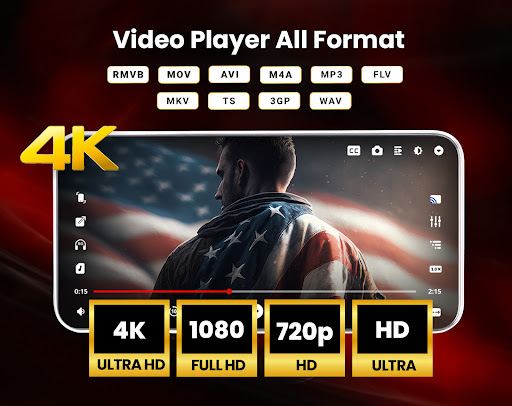
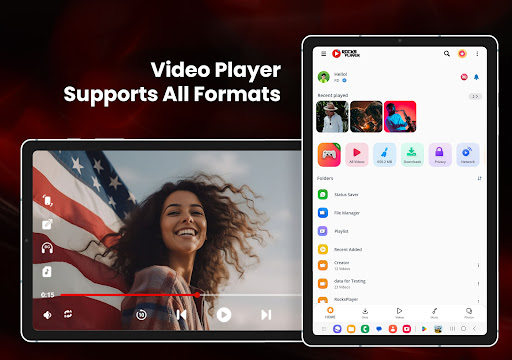
● Supports most popular formats like MKV, MP4, M4V, MOV, 3GP, FLV, WMV, RMVB, TS, MP3, MPG, etc.
●
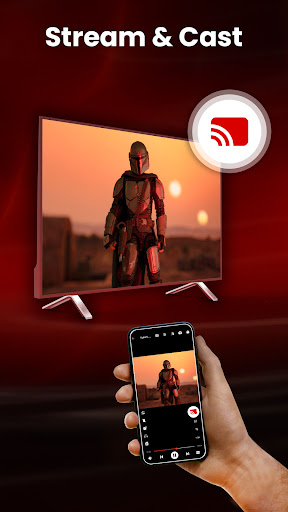
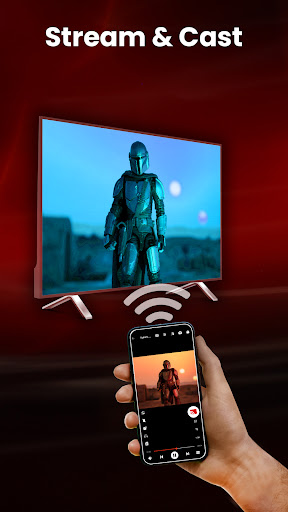
Cast Video to TV
from your Android phone.
● Built-in
Video Downloader and mp3 player, mp4 player
functionality
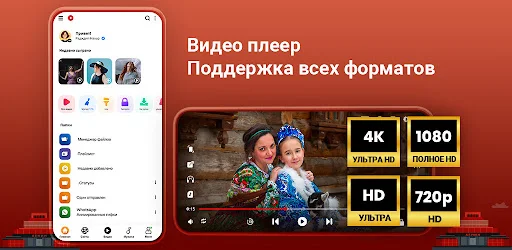
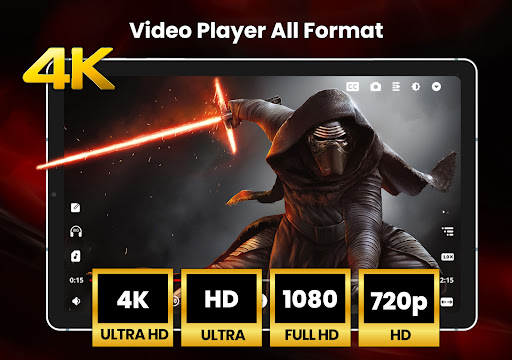
● Ultra HD video player supports FHD, 4K, and all types of video formats.
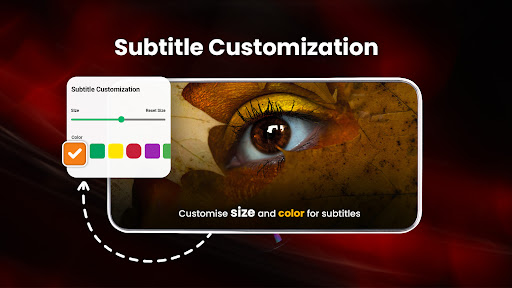
● Support multiple subtitle downloader, video downloader, and more.
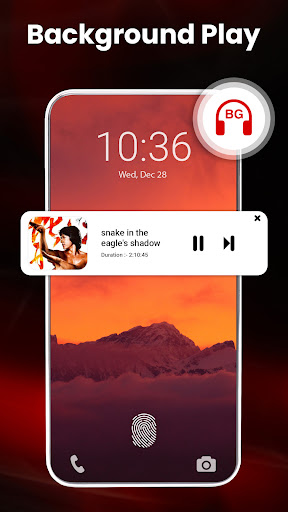
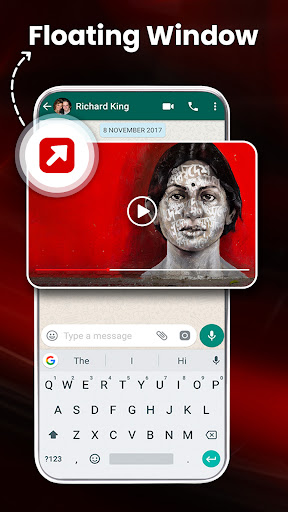
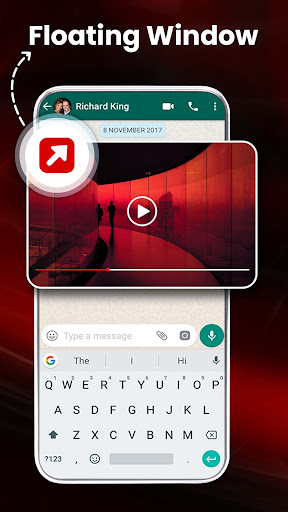
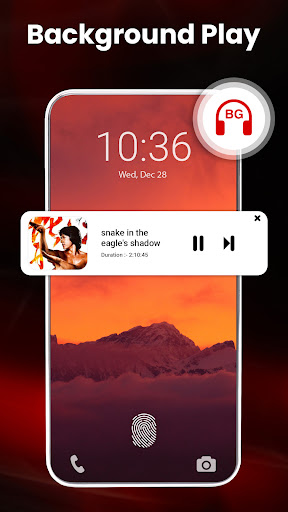
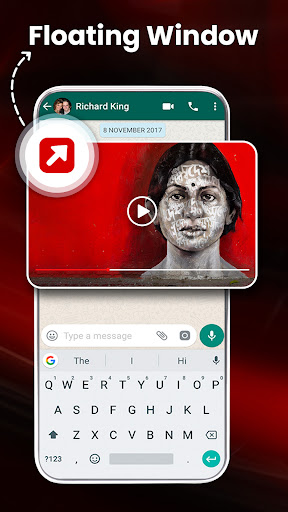
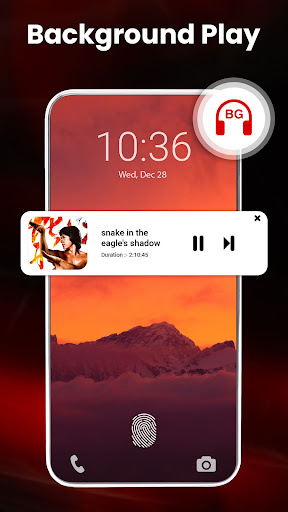
● Play the video in a pop-up window, split-screen and Play-In background as an audio file.
●
Hardware acceleration with the new HW+ decoder
and Extension mode
●
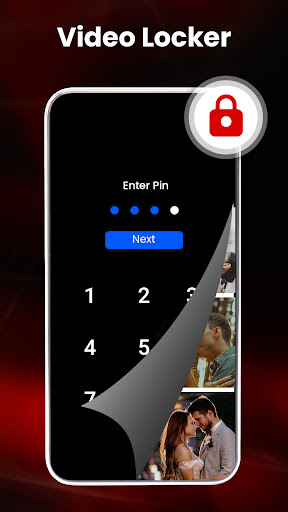
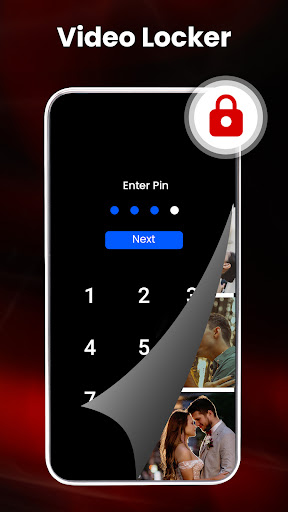
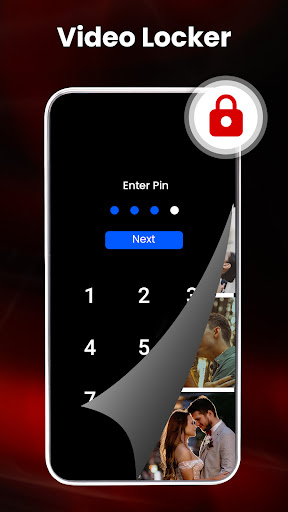
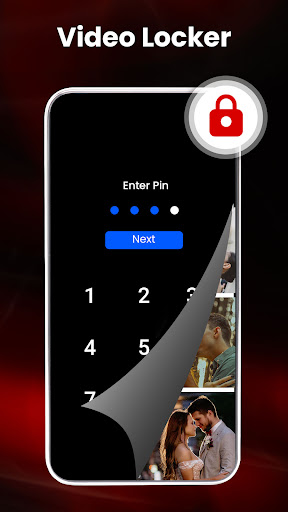
Video locker, Video hider for private video files
and play in mp4 player.
● Playback Speed and Dual Audio support in the MP3 player and mp4 player
● Sleep timer for Video and Music player.
● Video downloader for Facebook, Instagram, and other social media with mp4 player functionality
● Built-in Gallery to Manage photo albums.
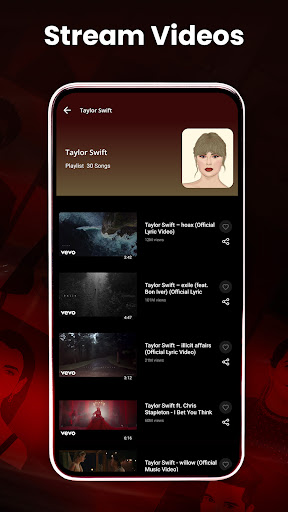
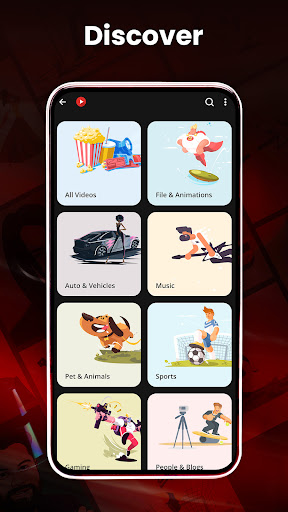
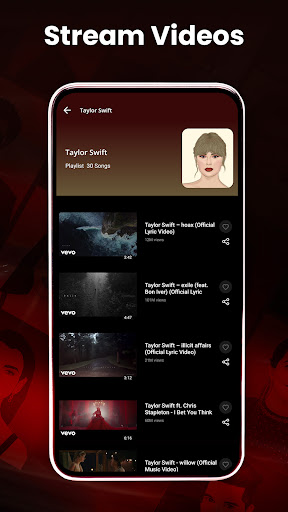
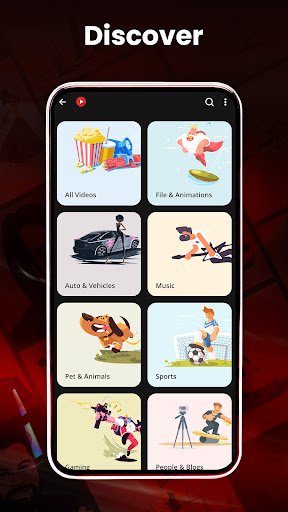
● Online trending videos play in mp3 player and mp4 player and more.
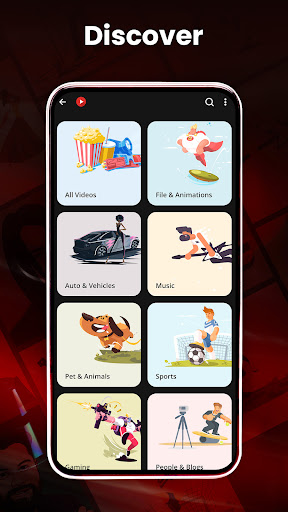
● Browse & Search all media files, create a playlist, search artists, albums, genre, etc.
● Manage Recently played videos and songs, resume, and start over option in the video player.
●
Fast and Secure Social Media Video Downloader
for all formats.
● Night Mode to protect eyes from blue light, Quick Mute option in Player screen.
● Identify all video files on your device and scan the SD Card automatically.
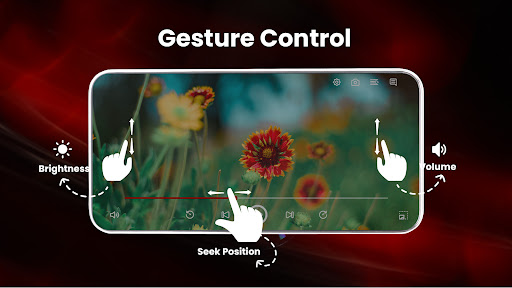
● Smart
gestures to control volume, playing progress, and brightness.
● Smart playback options like Pinch to zoom, auto-rotation, aspect ratio, and screen lock.
● Multiple materials, gradient, and custom themes.
● Video Hider, photo hider & Gallery Vault
● Powerful Equalizer with Bass Boost and Virtualizer in mp3 player.
●
Create Playlist and manage
after downloading from the video downloader
● Encrypt/Decrypt files, explore with
File Manager, and protect with Secure Pin
● Filter duplicate
Video Player for All Formats
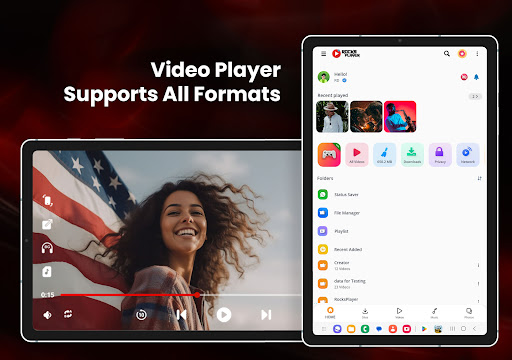
Play all video formats like MKV, MP4, M4V, MOV, 3GP, FLV, WMV, RMVB, TS, MP3, MPG, etc.
Full HD Video Player
Play HD, Full HD, Ultra HD, 4k, 1080p, and all types of video files smoothly in Video Player, mp4 player and download all files through video downloader.
Play-in Background Video Player
Play videos in the background option in the video player. You can play the video in the background like music playback and you can watch a video in the way of multi-tasking.
Floating Video Player All Format
The floating Player helps you watch videos when you are doing another task. Enjoy video on the split-screen and use other apps as usual.
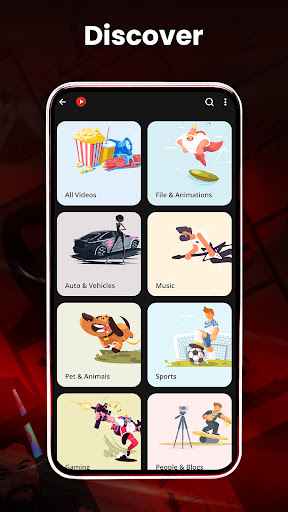
Video player with complete control in media files
Recently played video queue, create playlist, filter duplicate media files, search video and songs, manage photo albums.
Filter for duplicate videos, photos, and hidden files.
Identify ALL video files on your device and SD Card automatically.
File Explorer, Files manager
Identify all video files and music files on your device and SD-Card automatically. In addition, download videos or share them easily.
Permission Details:
To provide quality service, the app needs the below Permissions.
* "WRITE_EXTERNAL_STORAGE" - Request to manage local storage, delete files, rename, and save the downloaded subtitles.
It is noted that our app is not sponsored or affiliated with YouTube, Facebook, Instagram, and other social sites.
Rocks video player for all formats is totally free. Full HD video player for Android. We love to hear your suggestions and feedback @
info@rareprob.com
Changelog
Your favorite app just got even better! 🚀
✨ New Widgets: Enjoy widget support in both Music Player and Video Player
✨ Dual Audio & Subtitles: Improved support for a seamless viewing experience
✨ Advanced Playback Controls: Adjust playback speed your way
✨ HW+ Hardware Acceleration: Smoother, high-quality video performance
✨ Powerful Equalizer: Fine-tune your sound with advanced audio settings
✨ Audio Boost: Clearer, louder audio with enhanced processing
Additional information
Screenshots
Reviews
Recommend Article










Similar Apps

Screen recorder with audio to take live videos & Screenshot in high quality!

Enjoy your favorite videos and channels with the official YouTube app.

Make your own Animations, Video and Photo Edits, Visual Effects, and more!

Connects you with family through real-time video and audio anytime and anywhere

Zeemo: The AI video generator and video subtitle tool for creating viral videos.

Creating a one-stop drama-chasing experience for you who love stories.