

Link to Windows
Hot Novels






Install Tips
Mobile safety & integrity report for the latest package. We provide verifiable checksums and a timestamped scan summary. Latest package Link to Windows 1.25092.80.0-beta(7210318) scanned by multiple engines; no threats detectedas of Tue, 28 Jul 2026 11:25:03 GMT.
After downloading, use a system or third-party checksum tool to calculate the SHA256 and ensure it matches the value provided on this page (case-sensitive, without spaces).
Each engine uses different signature databases and heuristics, so results may vary slightly. We provide a timestamp and checksum to allow you to independently verify the package.
Link to Windows Review
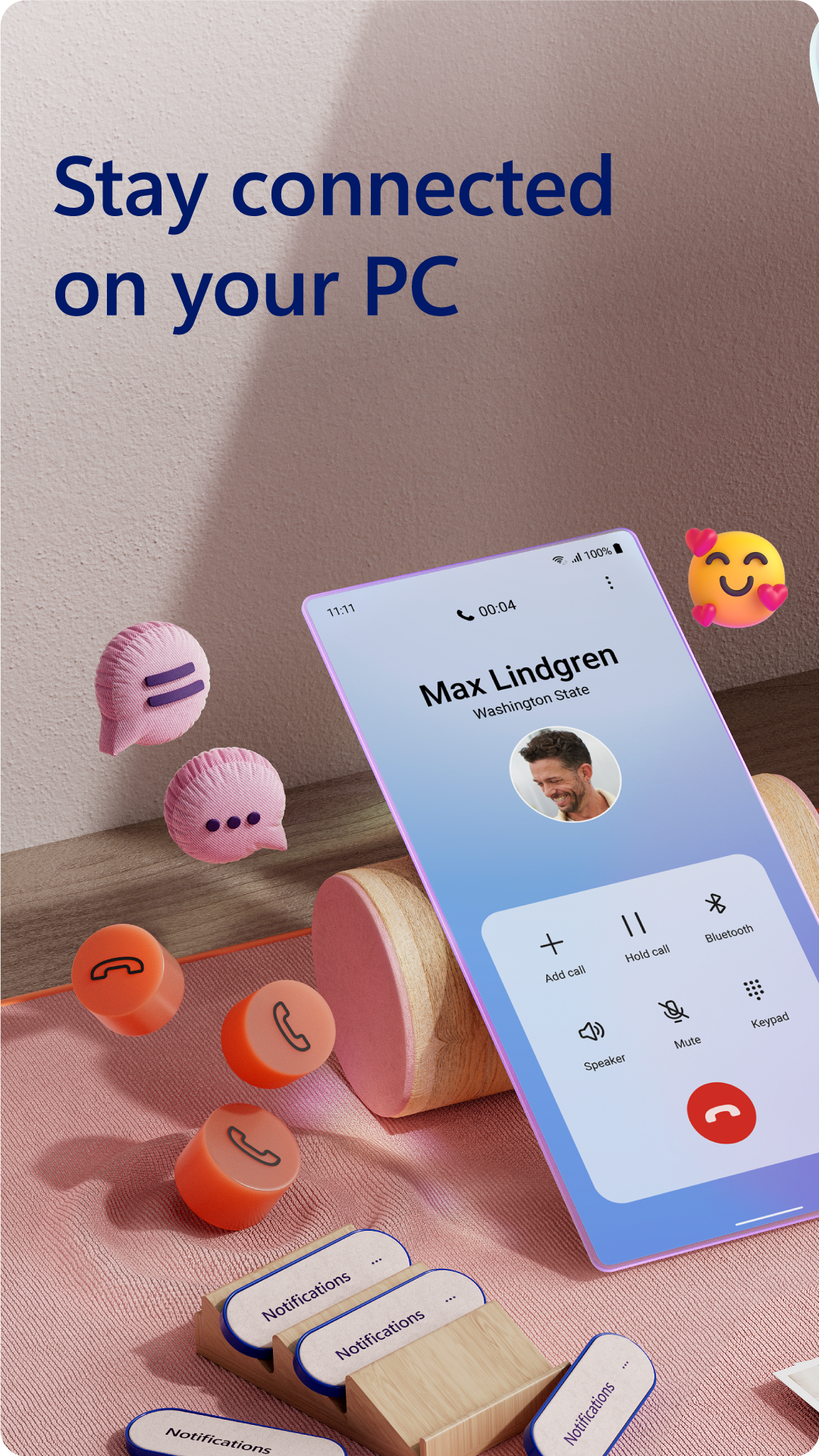
You love your phone. So does your PC. Get instant access to everything you love on your phone, right from your PC. To get started, install the Link to Windows app on your Android phone and connect it with the Phone Link on your Windows PC.
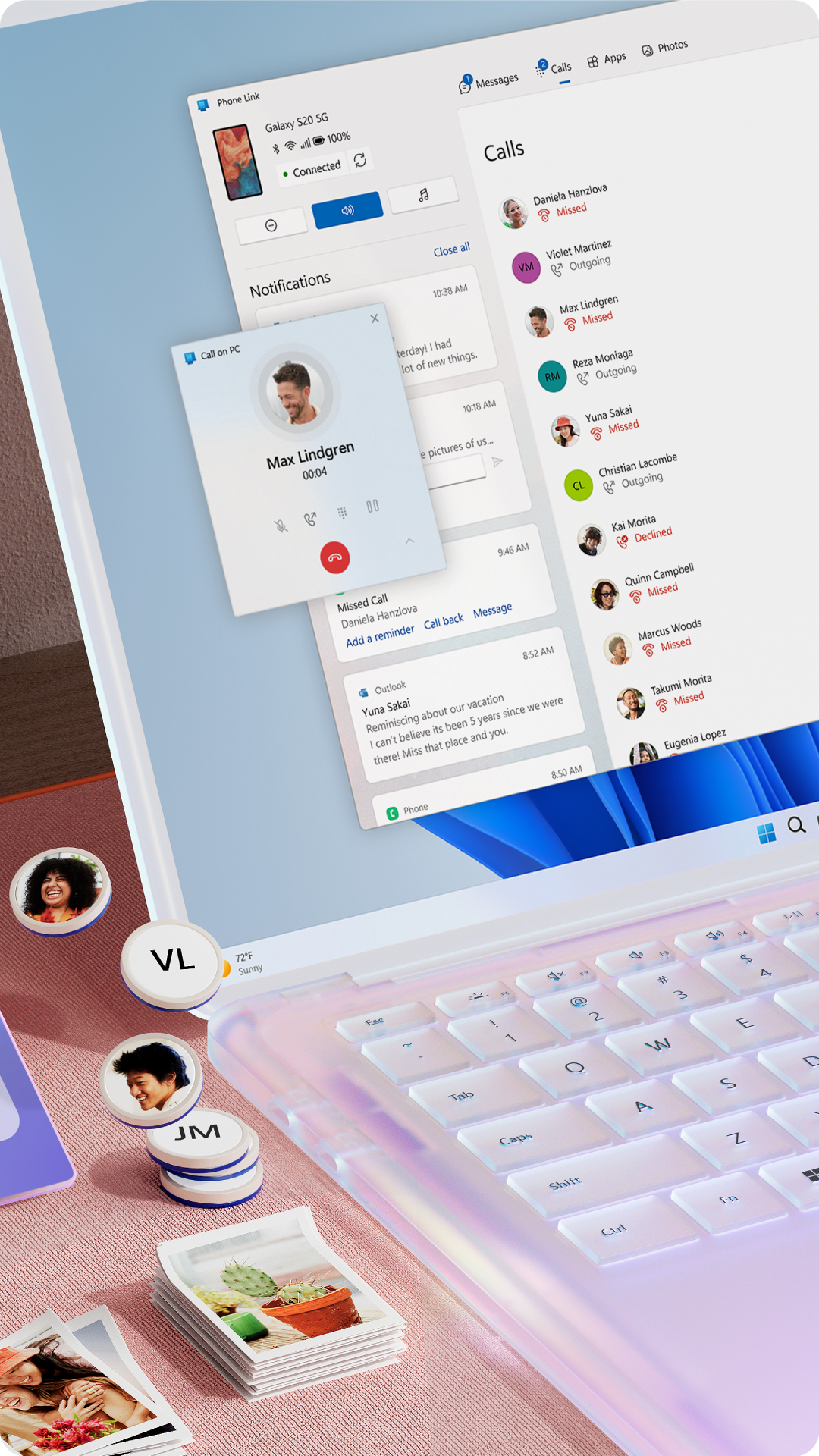
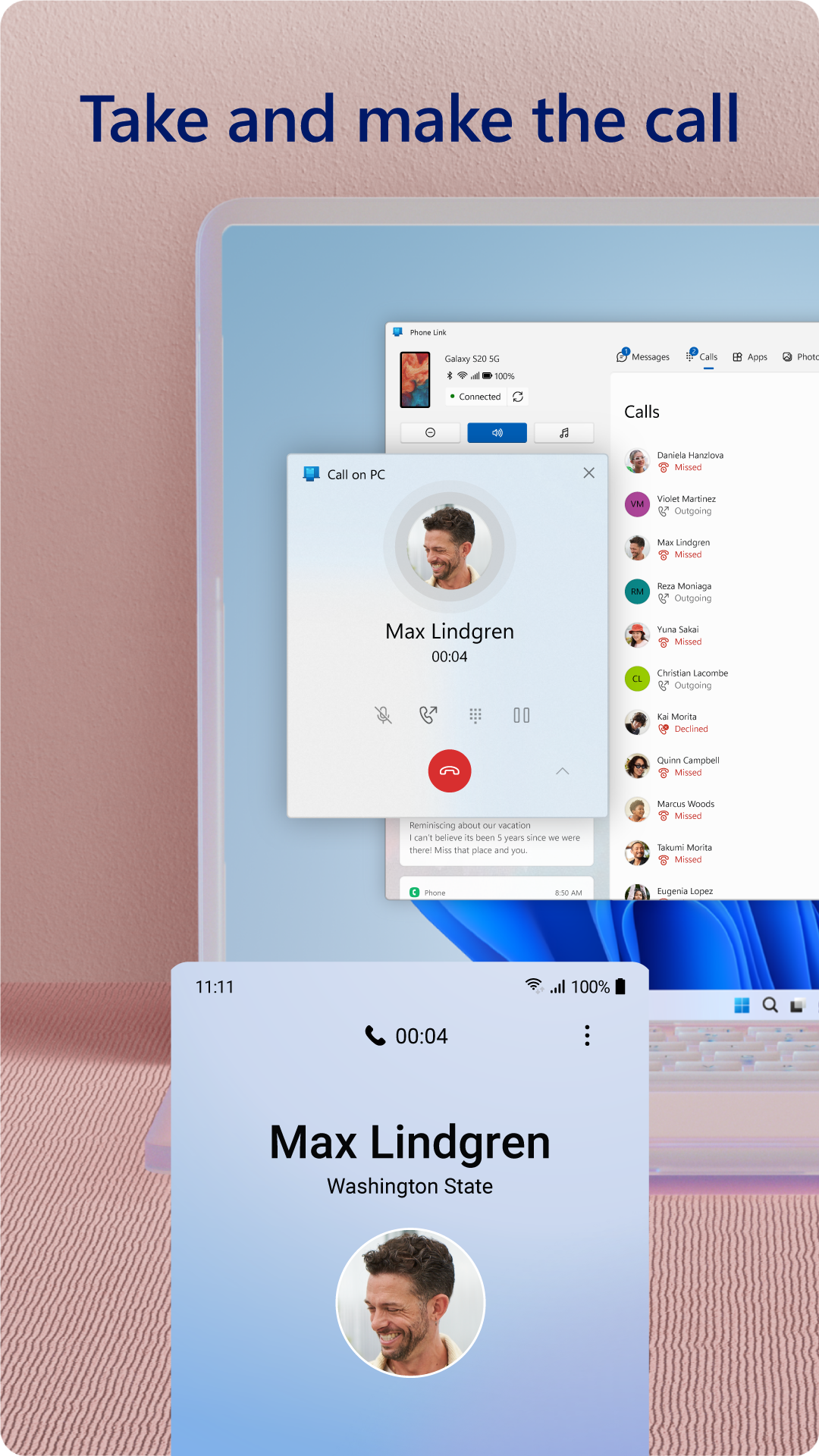
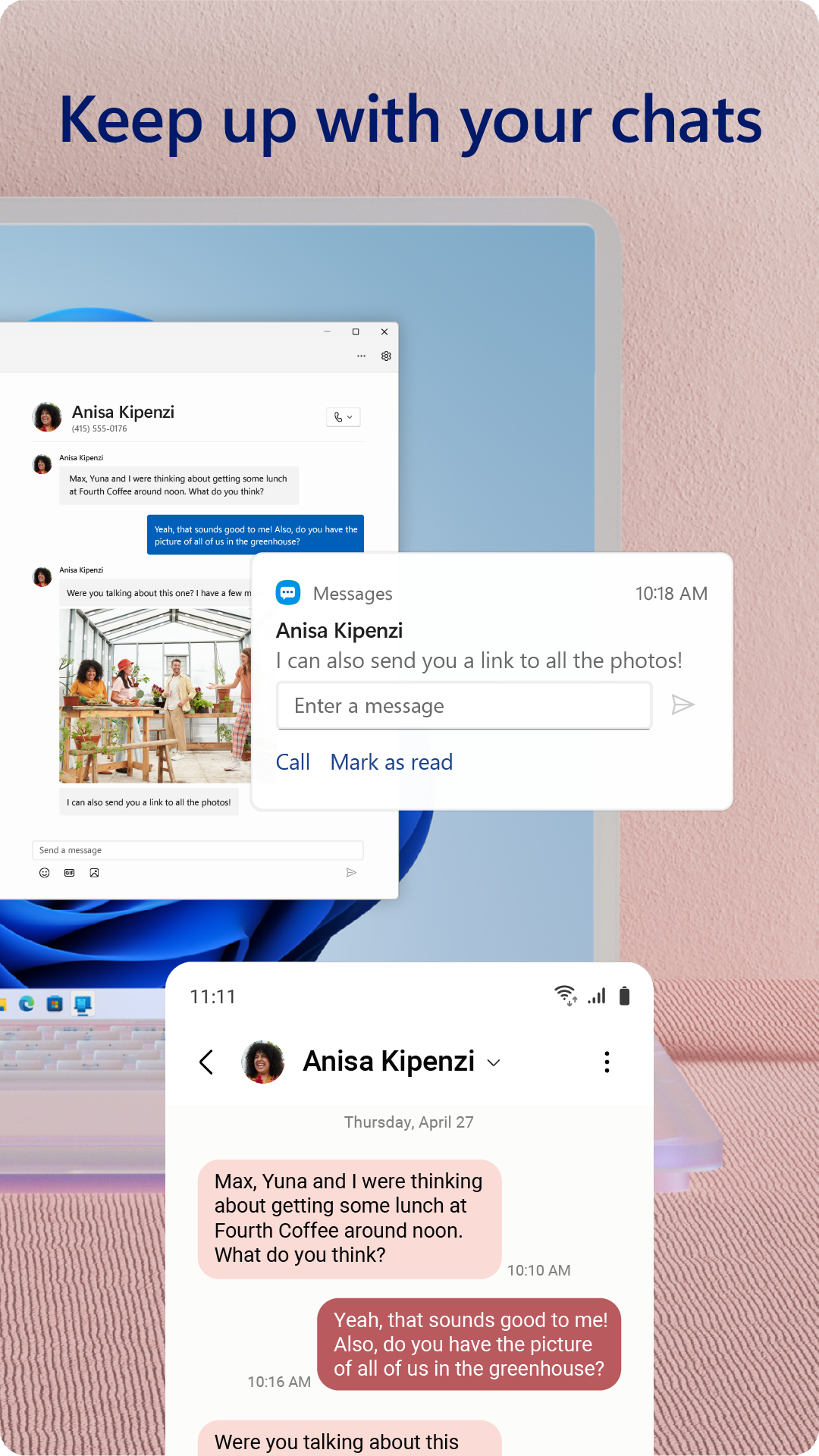
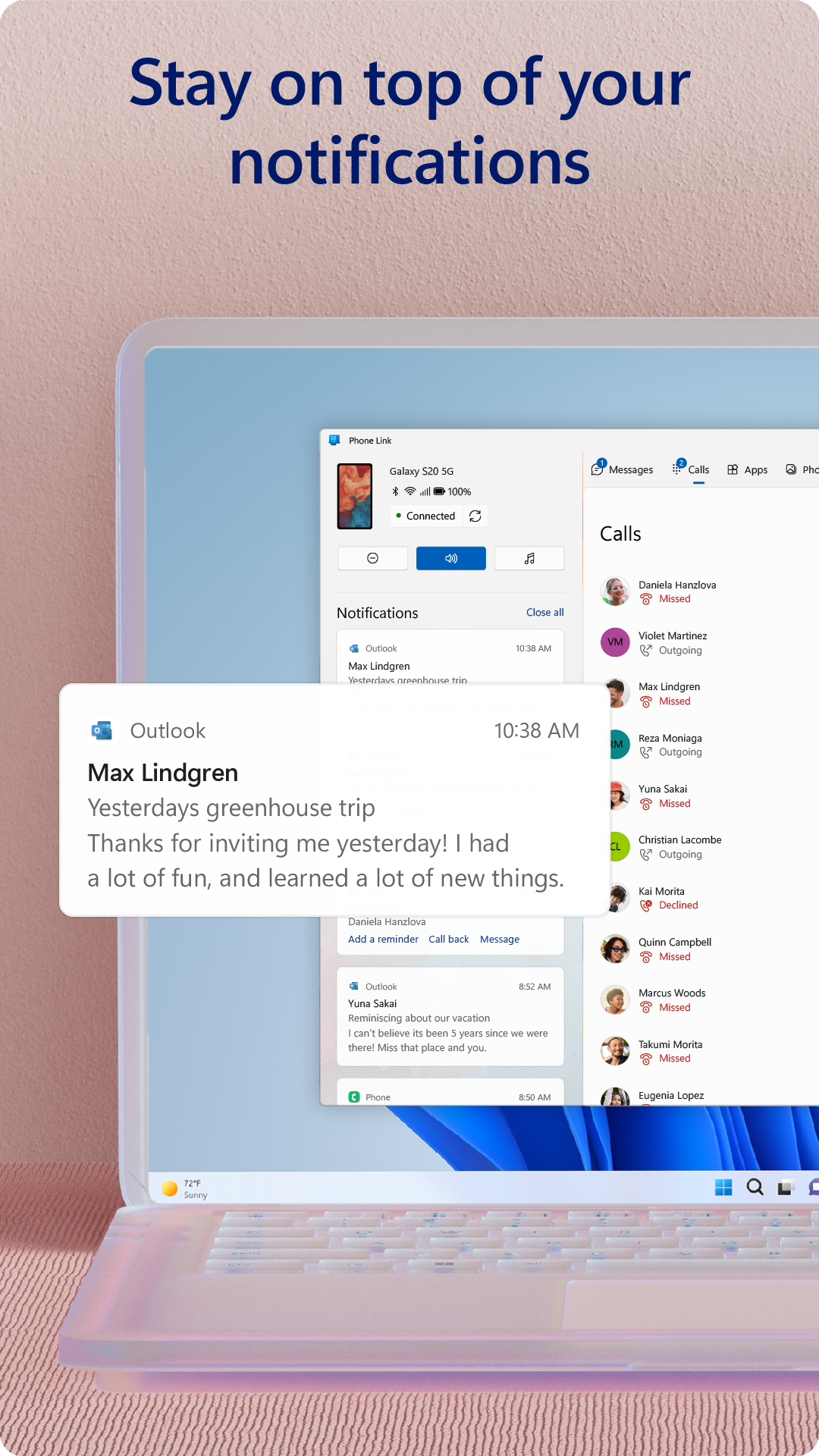
Link your Android phone and PC to view and reply to text messages, make and receive calls*, view your notifications, and more.
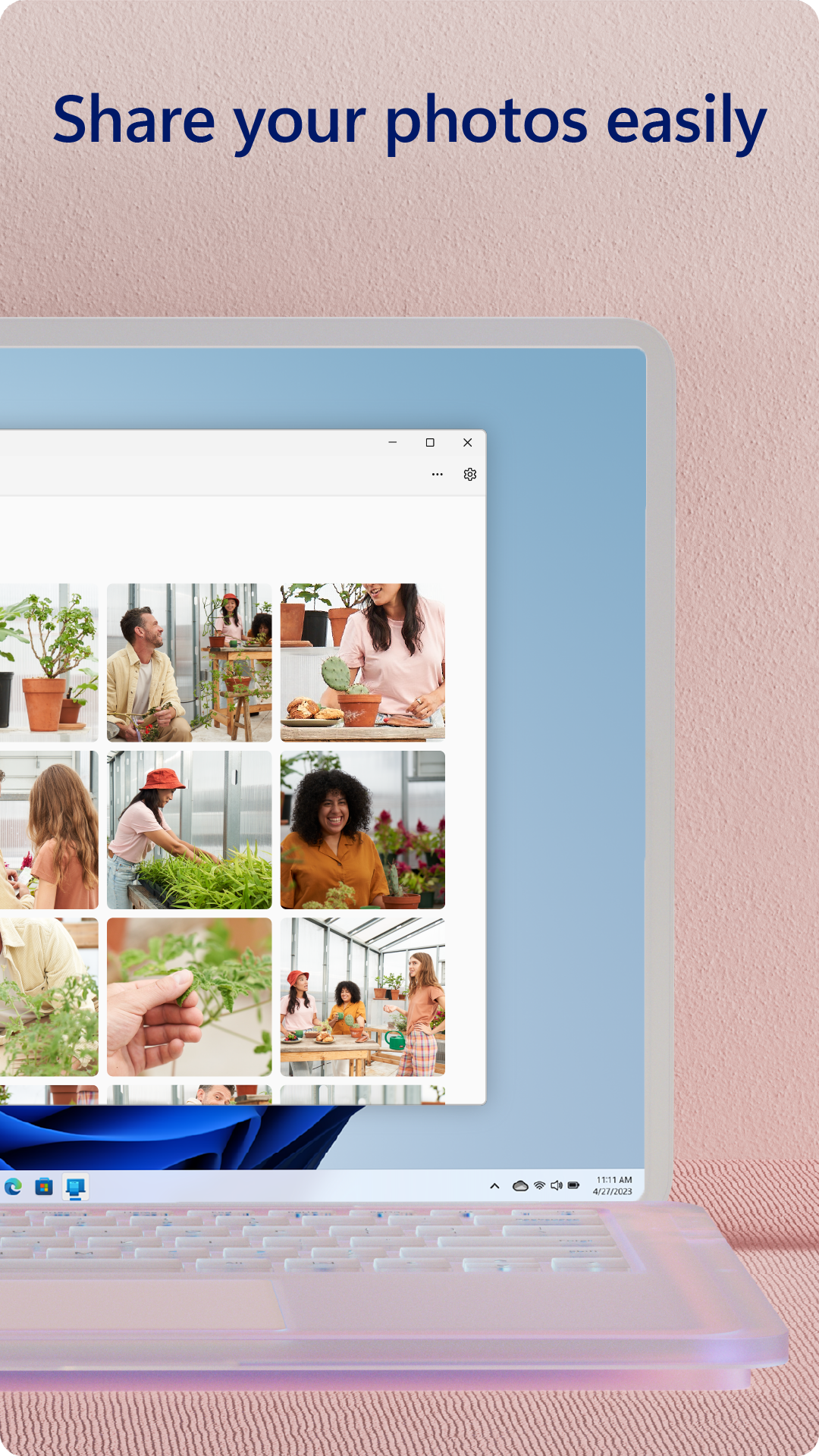
Make emailing yourself photos a thing of the past as you share your favorite images between your phone and PC. Copy, edit, and even drag and drop photos without ever touching your phone.
Phone Link features:
• Make and receive calls from your PC*
• Manage your Android phone's notifications on your PC
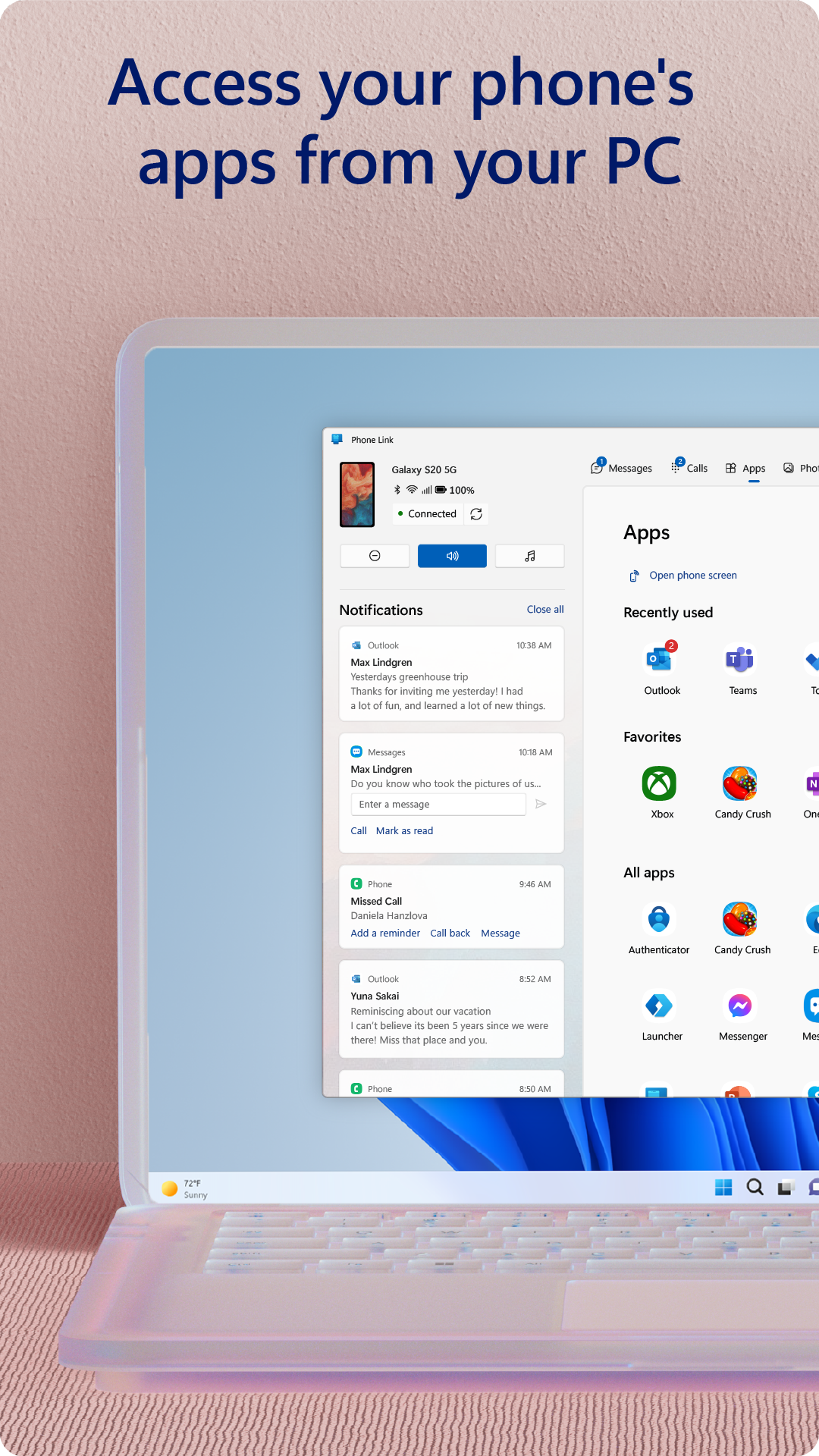
• Access your favorite mobile apps** on your PC
• Read and reply to text messages from your PC
• Drag files between your PC and phone**
• Copy and paste content between your PC and phone**
• Instantly access the photos on your phone from your PC
• Use your PC's bigger screen, keyboard, mouse, and touch screen to interact with your phone from your PC.
Integrated with select** Microsoft Duo, Samsung, and HONOR phones for an even better experience:
The Link to Windows app comes integrated so no additional apps need to be downloaded from the Play Store.
Link to Windows is easy to find in the Quick Access tray (swipe down from the top of your screen to access it).
Exclusive features like cross-device copy and paste, Phone screen, file drag-and-drop, and Apps.
Let us know what features you'd like to see next by selecting “Send feedback” in the Phone Link settings.
*Calls requires a Windows 10 PC with Bluetooth capability.
**Drag and drop, Phone screen and Apps all require a compatible Microsoft Duo, Samsung or HONOR device (full list and breakdown of capabilities: aka.ms/phonelinkdevices). The multiple apps experience requires a Windows 10 PC running the May 2020 Update or later and has at least 8GB of RAM, and your Android device must be running Android 11.0.
The Link to Windows accessibility service is for those using a screen reading tool on the PC. When the service is enabled, it lets you control all your phone’s apps from your PC using Android keyboard navigation while receiving spoken feedback from your PC speakers. No personal or sensitive data is collected via Accessibility Service.
By installing this app, you agree to the Microsoft Terms of Use https://go.microsoft.com/fwlink/?LinkID=246338 and Privacy Statement https://go.microsoft.com/fwlink/?LinkID=248686.
Additional information
Screenshots
Reviews
Recommend Article







Similar Apps

AL VPN - Reliable and Secure VPN

BLACKBOX.AI is the best ai agent, built to transform the way you work and learn.
Smart transfer files, photos, videos & apps with Copy My Data : Smart Switch app

Access e-notary services.

Triage notifications, review, comment, and merge, right from your mobile device

HW CloudLink delivers crystal-clear video conferencing with smart scheduling, mobile optimization, and Huawei’s CloudVC ecosystem support.