


MX Player
Hot Novels






Install Tips
Mobile safety & integrity report for the latest package. We provide verifiable checksums and a timestamped scan summary. Latest package MX Player 2.1.1(2001002741) scanned by multiple engines; no threats detectedas of Tue, 28 Jul 2026 11:27:03 GMT.
After downloading, use a system or third-party checksum tool to calculate the SHA256 and ensure it matches the value provided on this page (case-sensitive, without spaces).
Each engine uses different signature databases and heuristics, so results may vary slightly. We provide a timestamp and checksum to allow you to independently verify the package.
MX Player Review
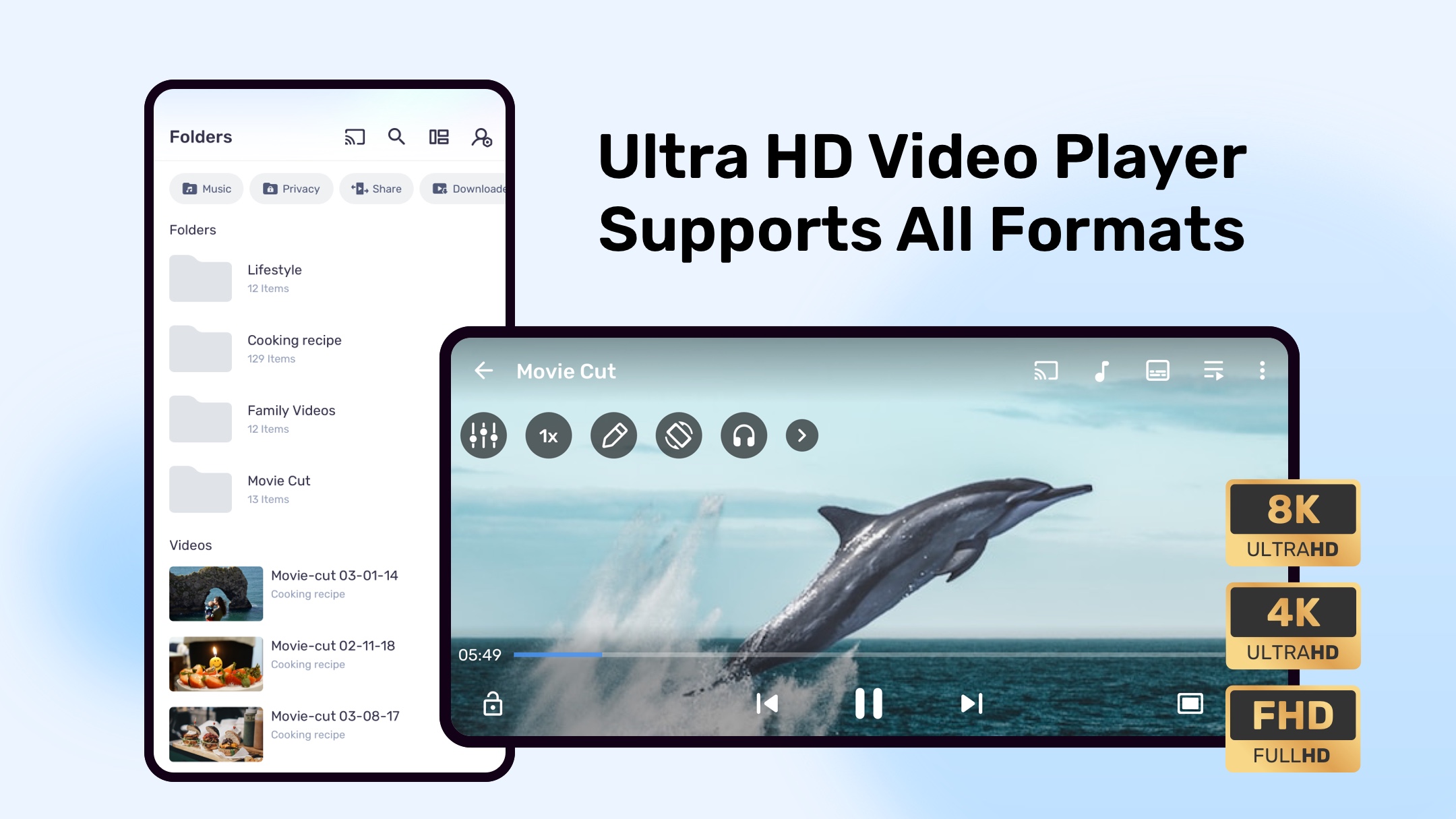
Powerful video and music player with advanced hardware acceleration and subtitle supports
a) HARDWARE ACCELERATION
- Hardware acceleration can be applied to more videos with the help of new HW+ decoder.
b) MULTI-CORE DECODING
- MX Player is the first Android video player which supports multi-core decoding. Test results proved that multi-core device's performance is up to 70% better than single-core devices.
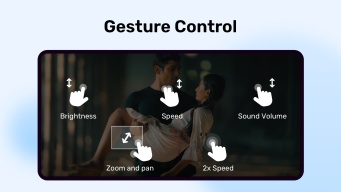
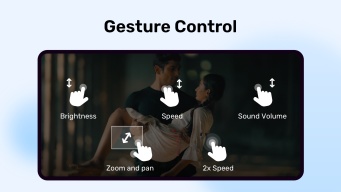
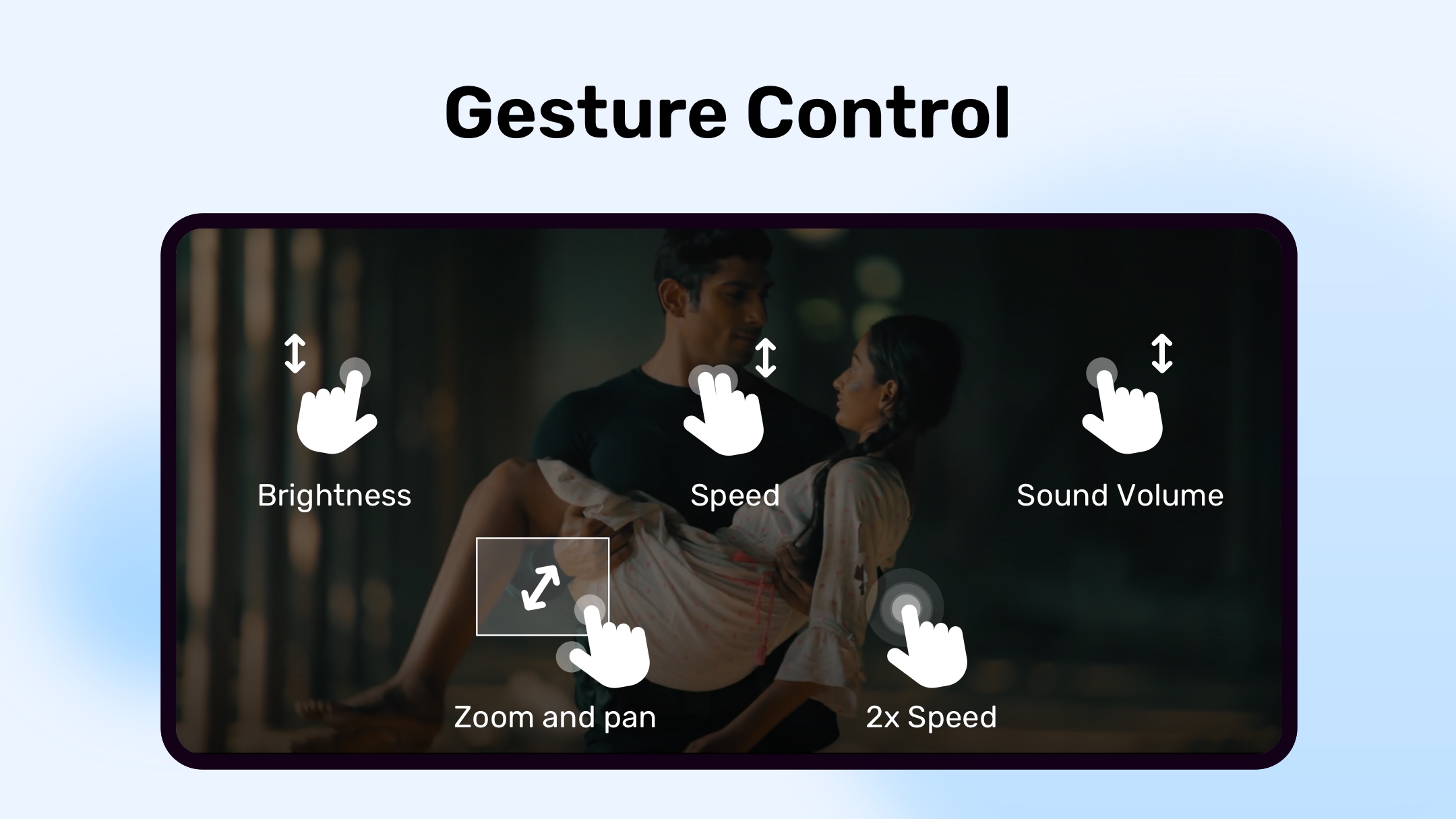
c) PINCH TO ZOOM, ZOOM AND PAN
- Easily zoom in and out by pinching and swiping across the screen. Zoom and Pan are also available by option.
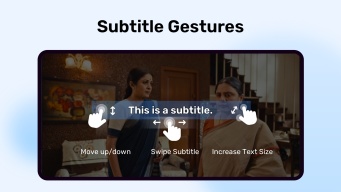
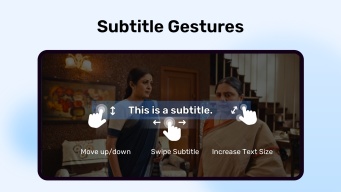
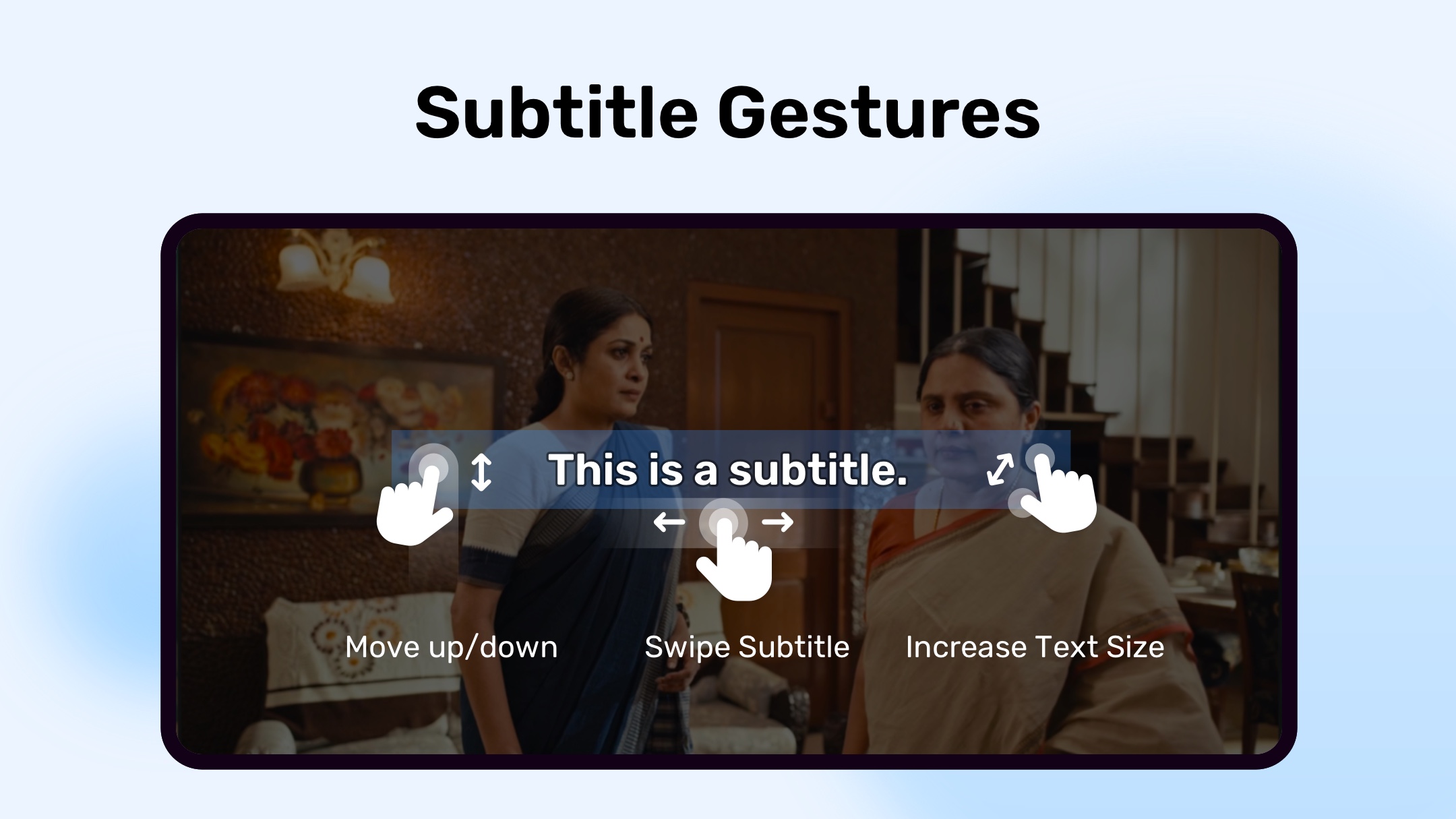
d) SUBTITLE GESTURES
- Scroll forward/backward to move to next/previous text, Up/down to move text up and down, Zoom in/out to change text size.
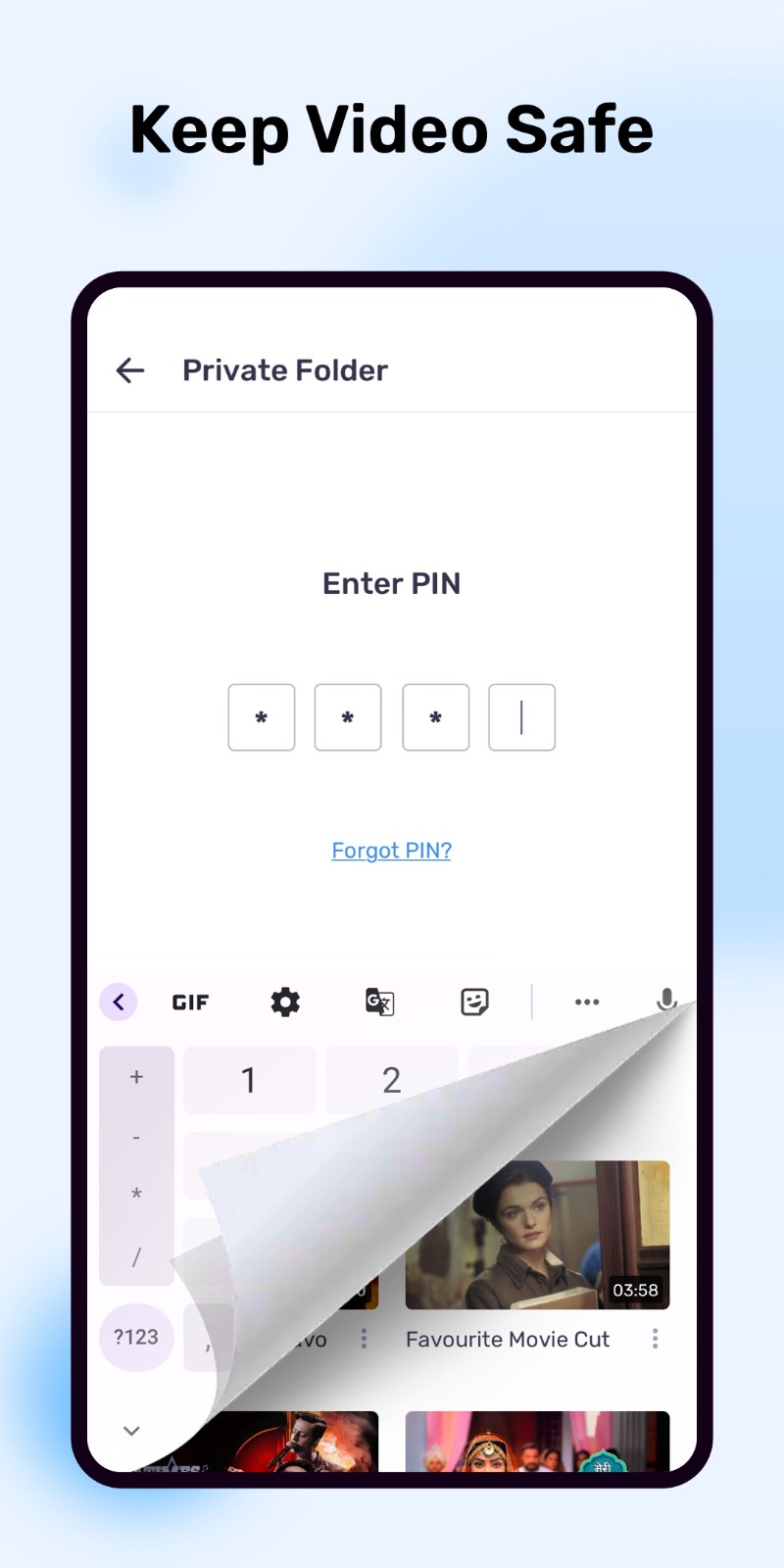
e) Privacy Folder
- Hide your secret videos to your private folder and protect your privacy.
f) KIDS LOCK
- Keep your kids entertained without having to worry that they can make calls or touch other apps.
Subtitle formats:
- DVD, DVB, SSA/*ASS* subtitle tracks.
- SubStation Alpha(.ssa/.*ass*) with full styling.
- SAMI(.smi) with Ruby tag support.
- SubRip(.srt)
- MicroDVD(.sub)
- VobSub(.sub/.idx)
- SubViewer2.0(.sub)
- MPL2(.mpl)
- TMPlayer(.txt)
- Teletext
- PJS(.pjs)
- WebVTT(.vtt)
******
Permission Details:
–––––––––––––––––––
* "READ_EXTERNAL_STORAGE" is required to read your media files in your primary & secondary storages.
* "WRITE_EXTERNAL_STORAGE" is required to rename or delete files and to store the downloaded subtitles.
* "LOCATION" permission is required to help find nearby friends.
* "NETWORK" and "WIFI" permissions are required to get the network status which is required for various activities like license checking, update checking etc.
* "BLUETOOTH" permission is required in order to improve AV sync when the Bluetooth headset is connected.
* "CAMERA" permission is required to scan QR code.
* "INTERNET" is required to play internet streams.
* "VIBRATE" is required to control the vibration feedback.
* "WAKE_LOCK" is required to prevent your phone from sleeping while watching any video.
* "KILL_BACKGROUND_PROCESSES" is required to stop the MX Player services used in background play.
* "DISABLE_KEYGUARD" is required to temporarily prevent secure screen lock when Kids Lock is used.
* "SYSTEM_ALERT_WINDOW" is required to block some keys when Kids Lock is used.
* "DRAW OVER OTHER APPS" is required to block system buttons when input blocking is activated on the playback screen.
******
If you are facing "package file is invalid" error, please install it again from product home page (https://mx.j2inter.com/download)
******
If you have any questions, please visit our Facebook Page or XDA MX Player forum.
https://www.facebook.com/MXPlayer
http://forum.xda-developers.com/apps/mx-player
Some of the screens are from the Elephants Dreams licensed under the Creative Commons Attribution 2.5.
(c) copyright 2006, Blender Foundation / Netherlands Media Art Institute / www.elephantsdream.org
Some of the screens are from the Big Buck Bunny licensed under the Creative Commons Attribution 3.0 Unported.
(c) copyright 2008, Blender Foundation / www.bigbuckbunny.org
Changelog
Experience a smoother, faster, and more reliable application with our latest update. We've squashed bugs and optimized performance to ensure you have the best possible experience.
Additional information
Screenshots




Reviews
Recommend Article











Similar Apps

IPTV player for TV, TV-box

Try latest video editor single click features that help you to edit your video

AI editing app for videos, slideshows, and movies.Pro video editor & maker.

Enjoy unlimited youtube videos without annoying ads, rooting and extra plug-ins. Background playback supported!

Vont is a simple app that allows you to add text to videos.

Easily discover, watch, and stream your favorite movies and shows in one place