


Perfect Click
Hot Novels






Install Tips
Mobile safety & integrity report for the latest package. We provide verifiable checksums and a timestamped scan summary. Latest package Perfect Click 9.20(920) scanned by multiple engines; no threats detectedas of Tue, 28 Jul 2026 11:28:37 GMT.
After downloading, use a system or third-party checksum tool to calculate the SHA256 and ensure it matches the value provided on this page (case-sensitive, without spaces).
Each engine uses different signature databases and heuristics, so results may vary slightly. We provide a timestamp and checksum to allow you to independently verify the package.
Perfect Click Review
Programmable autoclicker with image search without root access
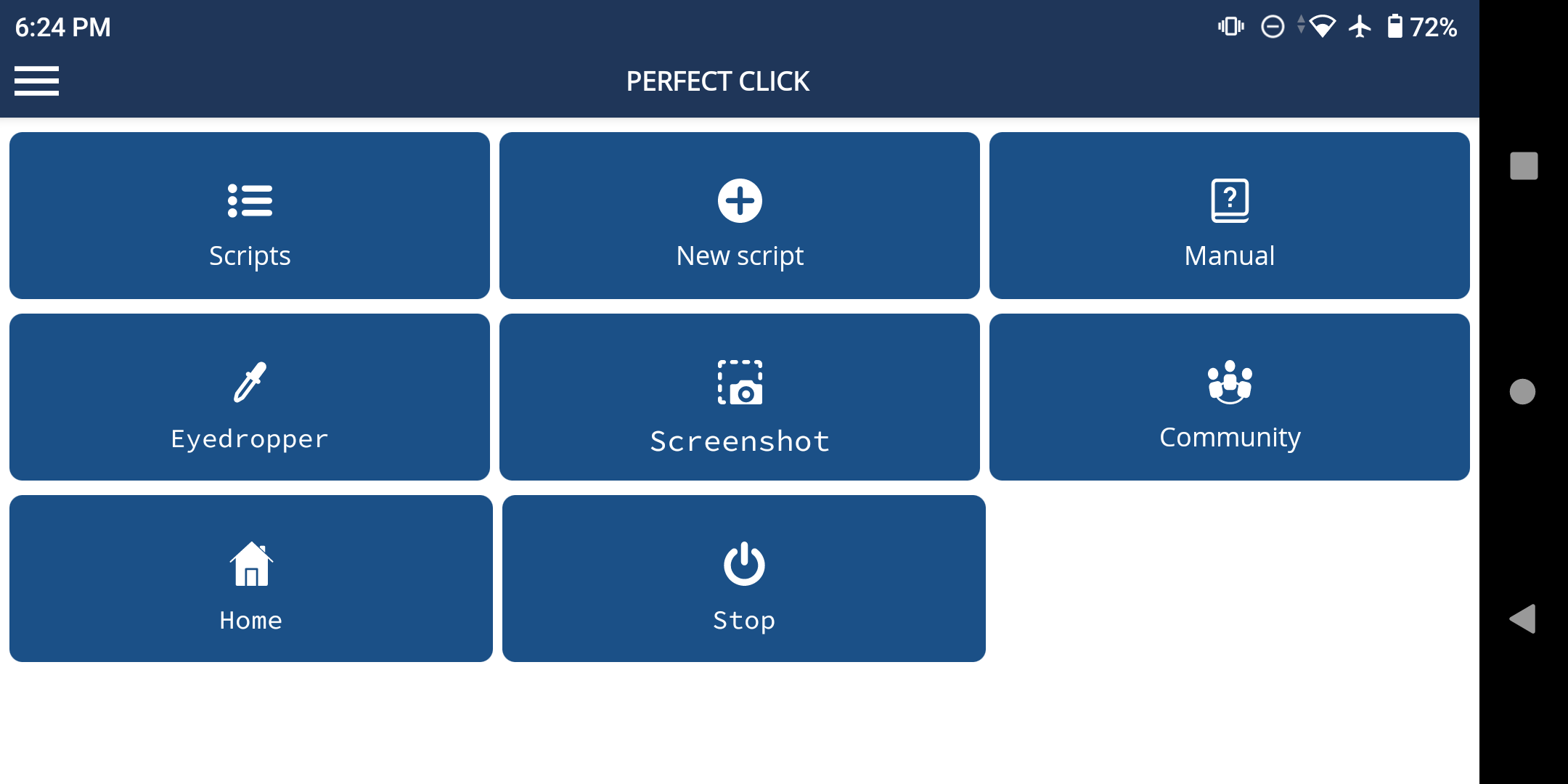
Features:
• Performing touches, swipes.
• Search for images on the screen.
• Text recognition.
• Determination of the color of pixels.
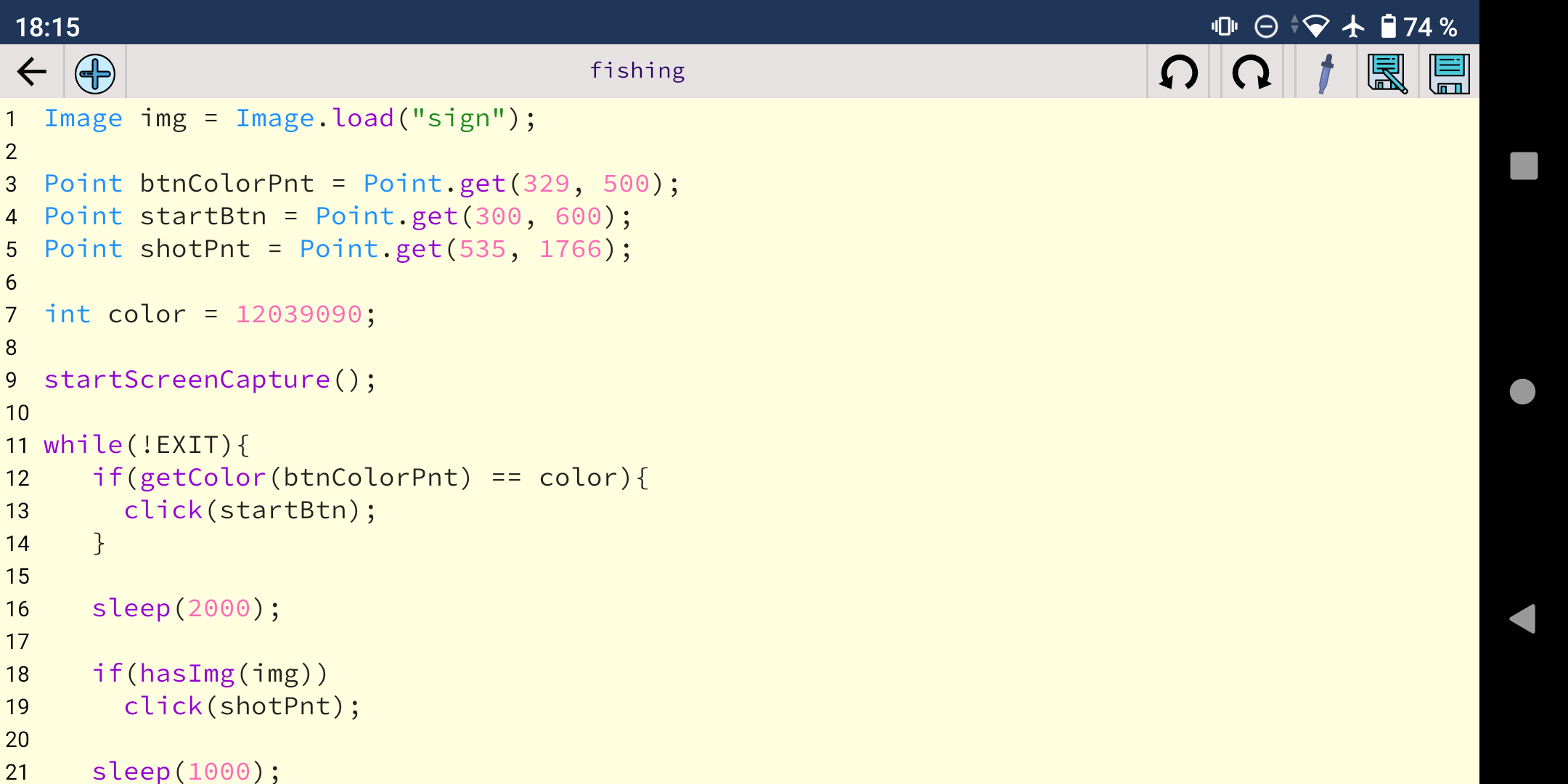
• Code editor with syntax highlighting.
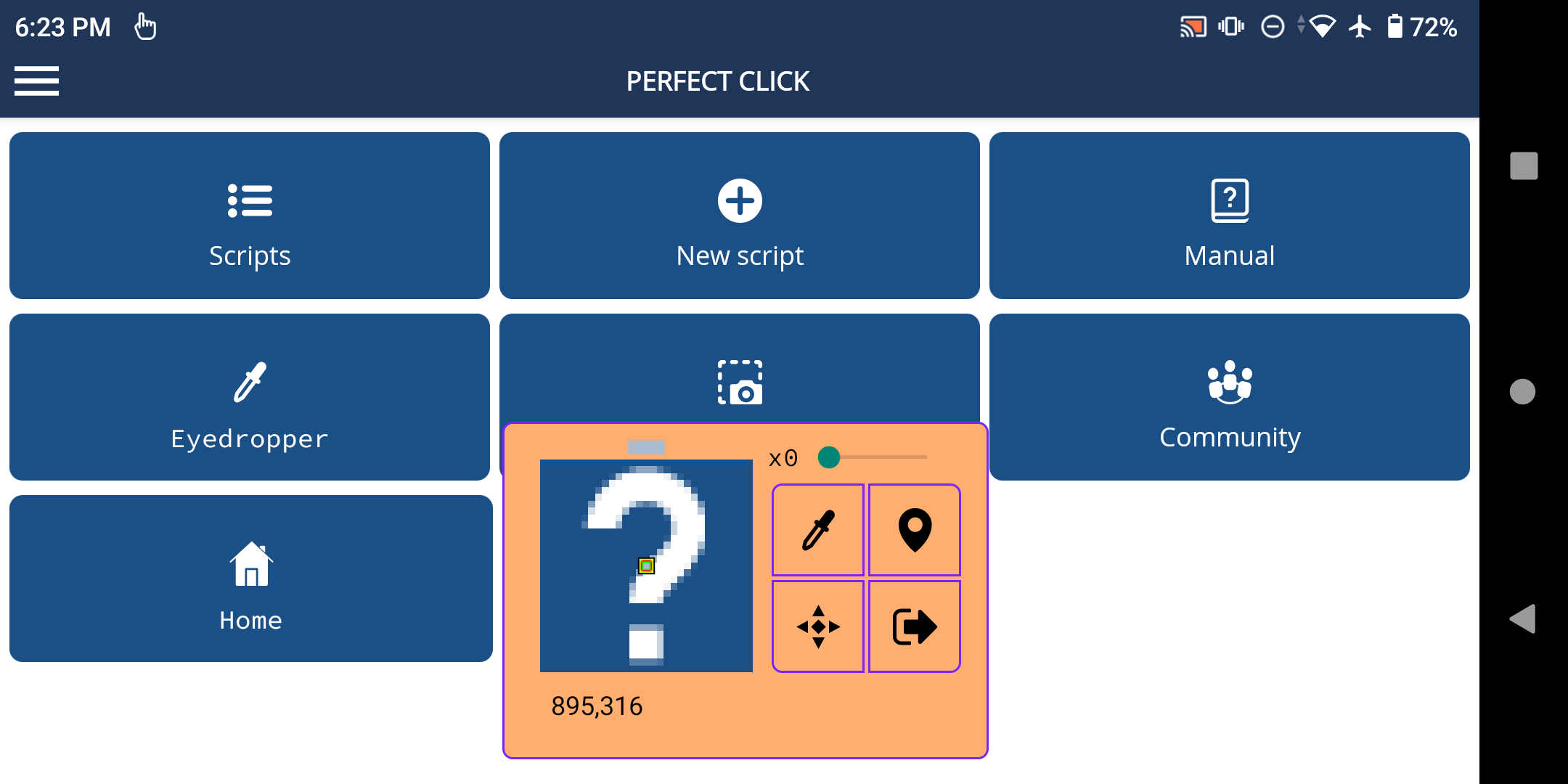
• Eyedropper.
• Tool for creating templates for images.
• User guide.
Requirements:
- Android 7.0 or higher.
- Overlay on top of other applications.
- Accessibility service.
About using the Accessibility Service:
Attention! This application, for some of its functions, requires permission to use the "Accessibility Service". The "Accessibility Service" is only used when you try to emulate button presses, taps and swipes on your device using this app. For any other purposes, the aforementioned service is not used!
In accordance with the new rules of Google Play, below is a complete and exhaustive list of functions that require the Accessibility Service to work. Every time you call these functions in an application script, it calls the Accessibility Service to emulate the clicks for you. If the accessibility service is not enabled, you will see a corresponding warning.
Here are the prototypes of these functions:
void click(Point);
void click(int, int);
void clickRand(Point, int);
void clickRand(int, int, int);
void press(int, int, int);
voidpress(Point, int);
void swipe(int, int, int, int);
void swipe(Point, Point);
void swipe(int, int, int, int, int);
void swipe(Point, Point, int);
void complexSwipe(Point[], int);
void swipeAndHold(Point, Point, int);
void swipeAndHold(int, int, int, int, int);
void goBack();
void goHome();
void showRecents();
void showPowerDialog();
If none of these functions are used in a script, the autoclicker will not request access to the Accessibility Service.
Changelog
Aug 7, 2025
Programmable autoclicker with image search without root access Download the latest version of Perfect Click Autoclicker 9.19 to enjoy new features and updates immediately!
Detailed information about the update is available in the community.
Additional information
Screenshots
Reviews
Recommend Article










Similar Apps

Voice screen lock helps protect and increase the security of your phone screen

File management application.. An integrated program for managing, arranging, downloading, and saving your files.

Unlock 90 fps or 120 fps for any device. Supports Android 14 too.

A simple calculator utility for Android

Migrate your data to OnePlus phones conveniently and safely with the Clone Phone

Cheaterbuster : SEARCH TINDER PROFILES, SAFE & EASY.