


Samsung Internet
Hot Novels






Install Tips
Mobile safety & integrity report for the latest package. We provide verifiable checksums and a timestamped scan summary. Latest package Samsung Internet 28.1.0.59(1281059507) scanned by multiple engines; no threats detectedas of Tue, 28 Jul 2026 11:30:49 GMT.
After downloading, use a system or third-party checksum tool to calculate the SHA256 and ensure it matches the value provided on this page (case-sensitive, without spaces).
Each engine uses different signature databases and heuristics, so results may vary slightly. We provide a timestamp and checksum to allow you to independently verify the package.
Samsung Internet Review
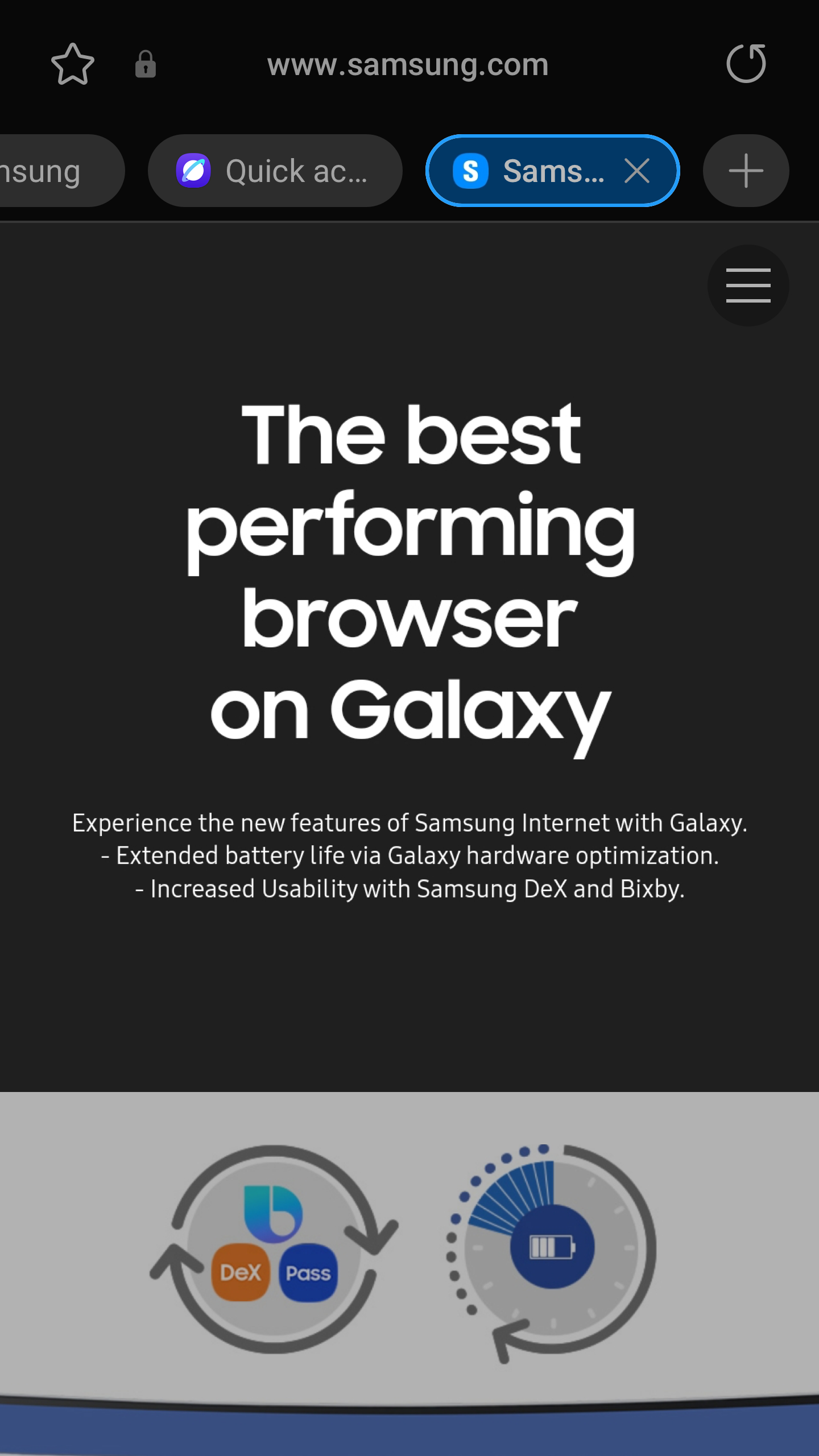
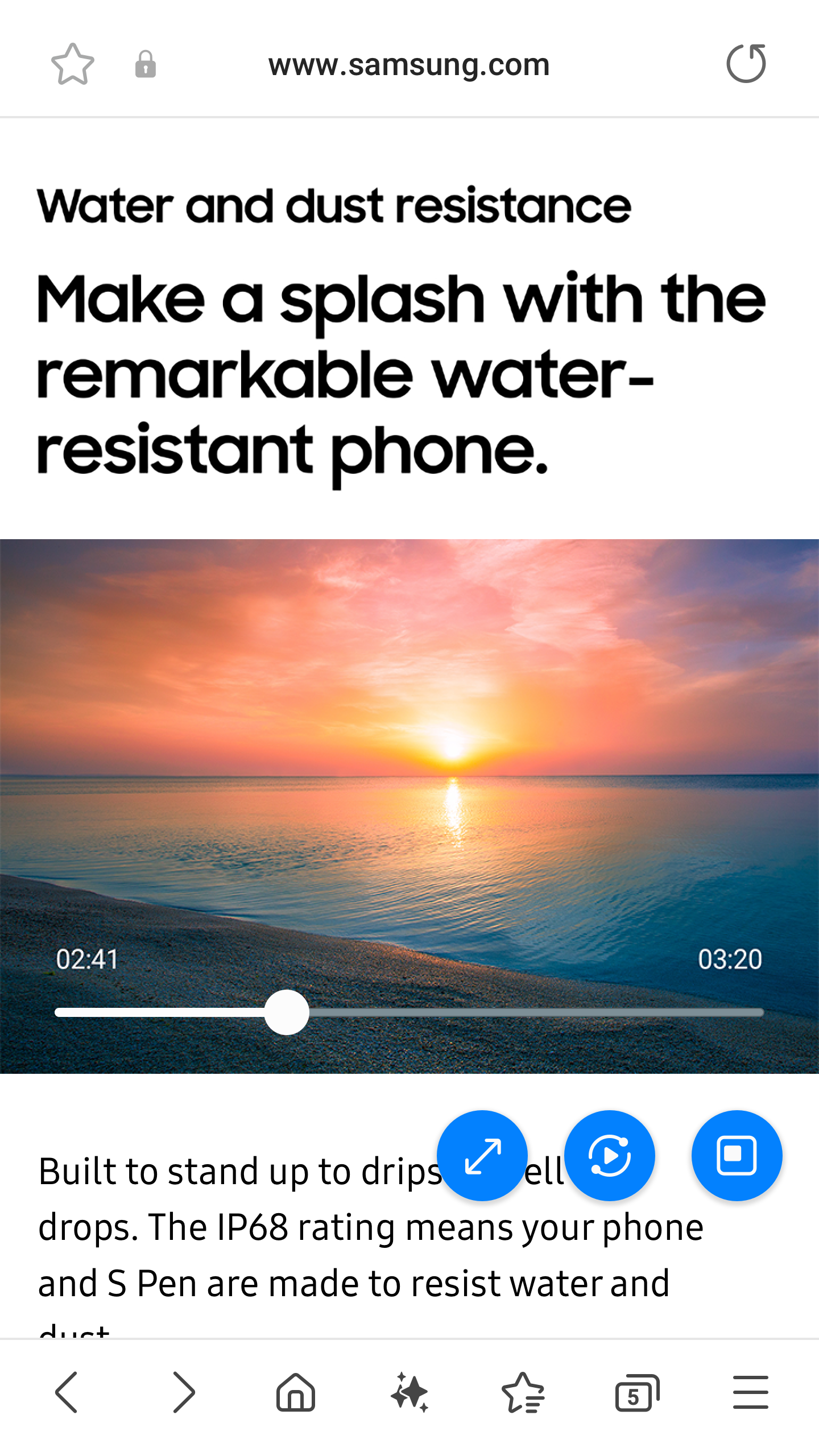
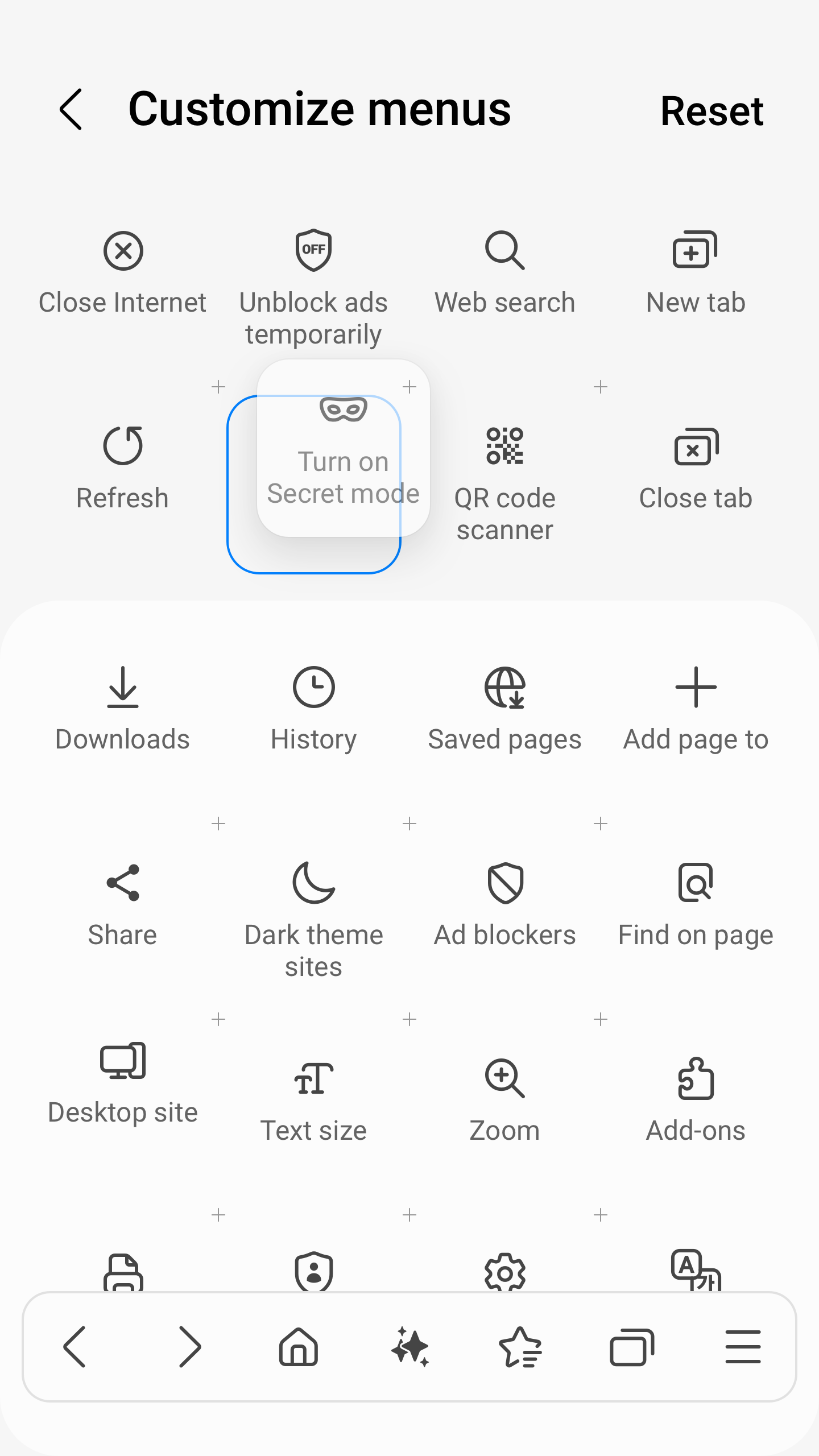
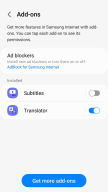
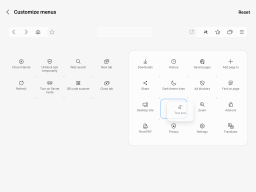
Samsung Internet provides the best web browsing experience for you with Video Assistant, Dark Mode, Customize menu, Extensions such as Translator, and by protecting your privacy with Secret mode, Smart Anti-Tracking and Smart Protection.
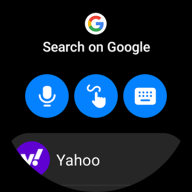
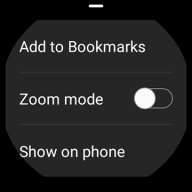
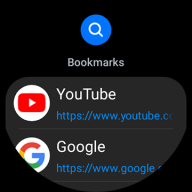
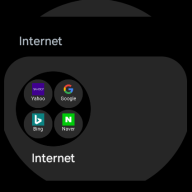
Samsung Internet with tiles and complication feature is available on Galaxy Watch devices that support Wear OS. (※ Galaxy Watch4 series and models released later)
■ New Features for you
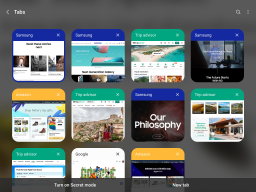
* Recommendation to close old tabs
If you have a large number of tabs open in your browser, a list of older, less-used tabs you might want to close is provided via the “Tab manager” menu
■ Security & Privacy
Samsung Internet helps you protect your security and privacy while browsing the Internet.
* Smart Anti-Tracking
Intelligently identify domains which have cross-site tracking ability and block storage (cookie) access.
* Protected Browsing
We will warn you before you can view known malicious sites to prevent you from visiting web sites which may try to steal your data.
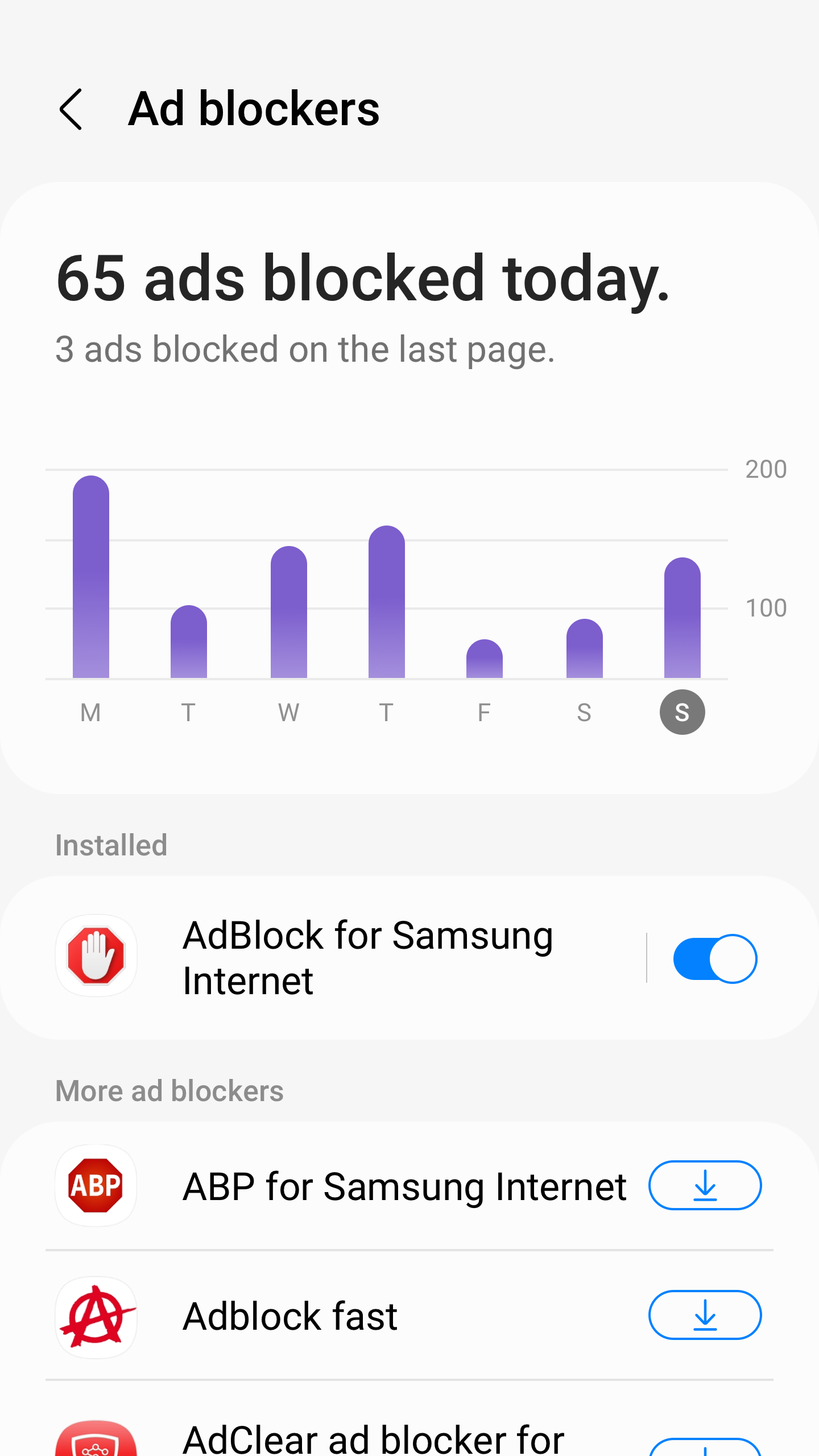
* Content Blockers
Samsung Internet for Android allows 3rd party apps to provide filters for content blocking, making browsing safer and more streamlined.
The following permissions are required for the app service.
For optional permissions, the default functionality of the service is turned on, but not allowed.
[Required permissions]
none
[Optional permissions]
Location: Used to provide location-based content requested by the user or location information requested by the webpage in use
Camera: Used to provide webpage shooting function and QR code shooting function
Microphone: Used to provide recording function on webpage
Phone: (Android 11) Requires access permission to check the mobile phone information in order to provide country-specific feature optimization
Nearby devices: (Android 12 or higher) To find and connect to nearby Bluetooth devices when requested by the website
Music and audio: (Android 13 or higher) To upload audio files on webpages
Photos and videos: (Android 13 or higher) To upload photos and videos on webpages
Files and media: (Android 12) To upload files stored in storage spaces on webpages
Storage: (Android 11 or lower) To upload files stored in storage spaces on webpages
Notifications: (Android 13 or higher) To display the download progress and website notifications
Additional information
Screenshots


Reviews
Recommend Article











Similar Apps

Try the Opera Mini beta to test our latest features while you browse the web.

Infinity bandwidth optimization and management tool for maritime satcoms

Email for Hotmail, Outlook, Yahoo, AOL Mail, Office365.

Simple, helpful messaging by Google

Simple tool for businesses to talk to their customers.

CorrLinks is a way to communicate with those incarcerated in institutions