


SetEdit: Settings Editor
Hot Novels






Install Tips
Mobile safety & integrity report for the latest package. We provide verifiable checksums and a timestamped scan summary. Latest package SetEdit: Settings Editor 1.3.1(16) scanned by multiple engines; no threats detectedas of Tue, 28 Jul 2026 11:31:06 GMT.
After downloading, use a system or third-party checksum tool to calculate the SHA256 and ensure it matches the value provided on this page (case-sensitive, without spaces).
Each engine uses different signature databases and heuristics, so results may vary slightly. We provide a timestamp and checksum to allow you to independently verify the package.
SetEdit: Settings Editor Review
SetEdit or Settings Database Editor app allows you to tweak advanced android system settings that were not possible to do without root.
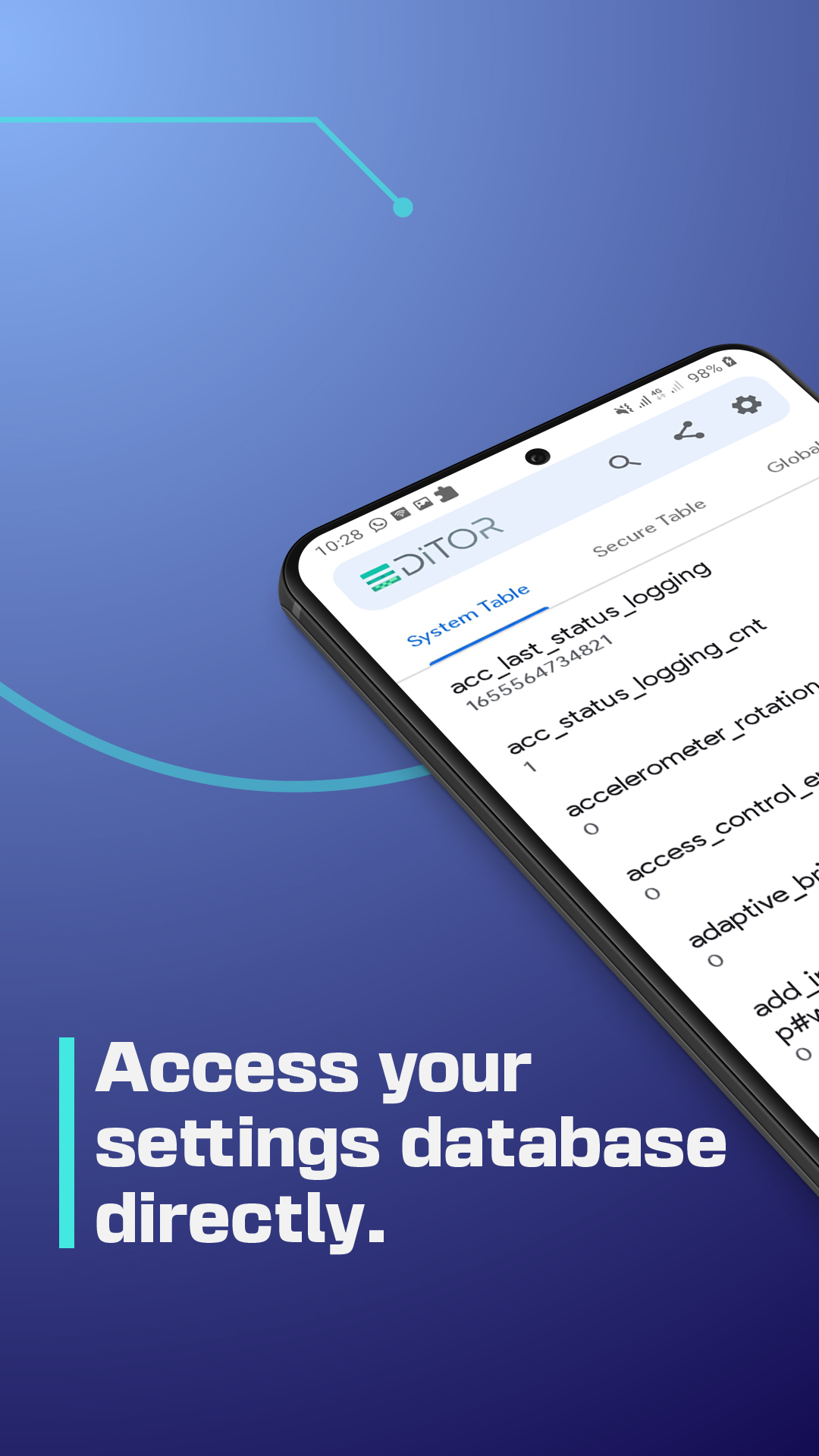
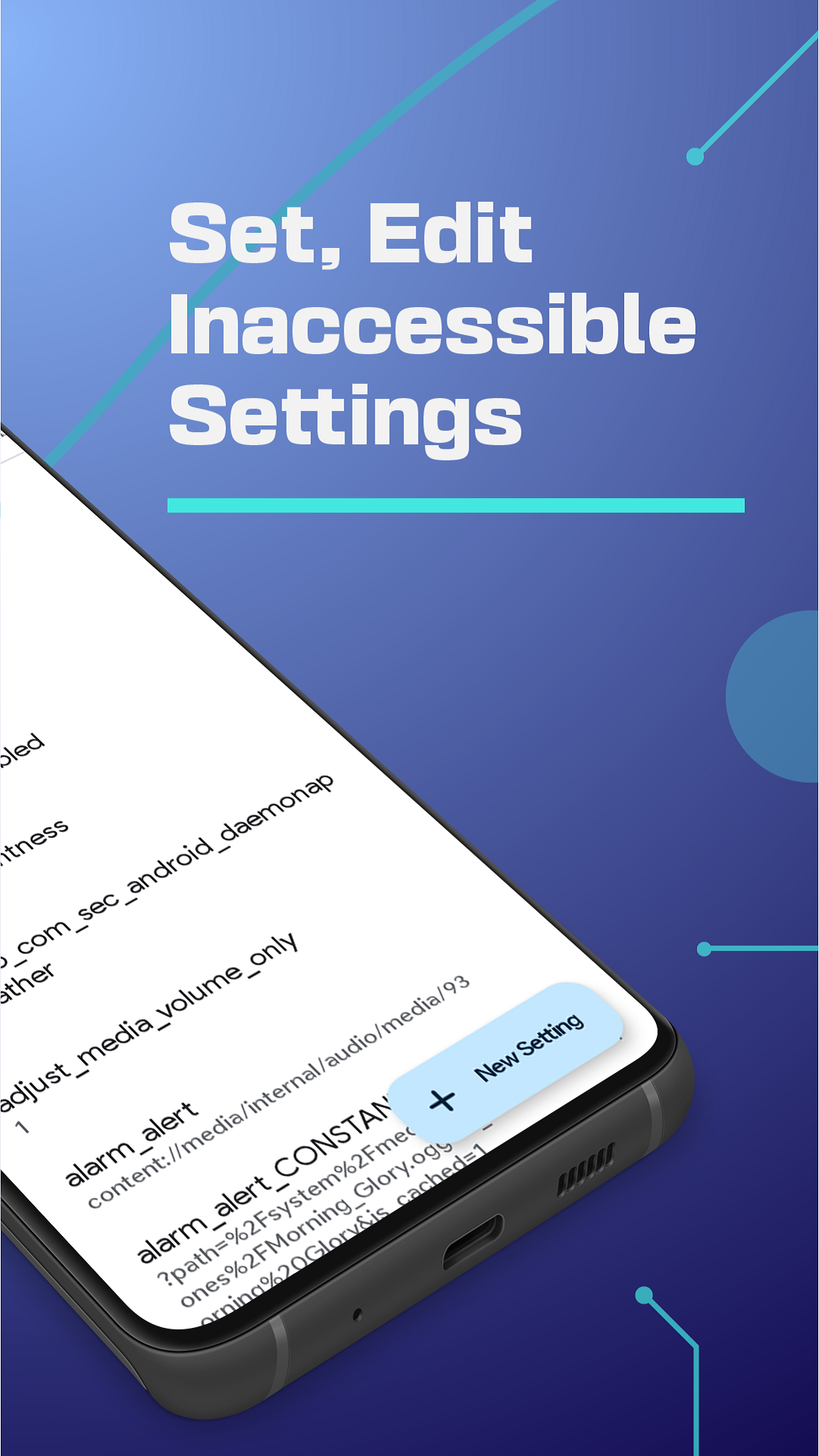
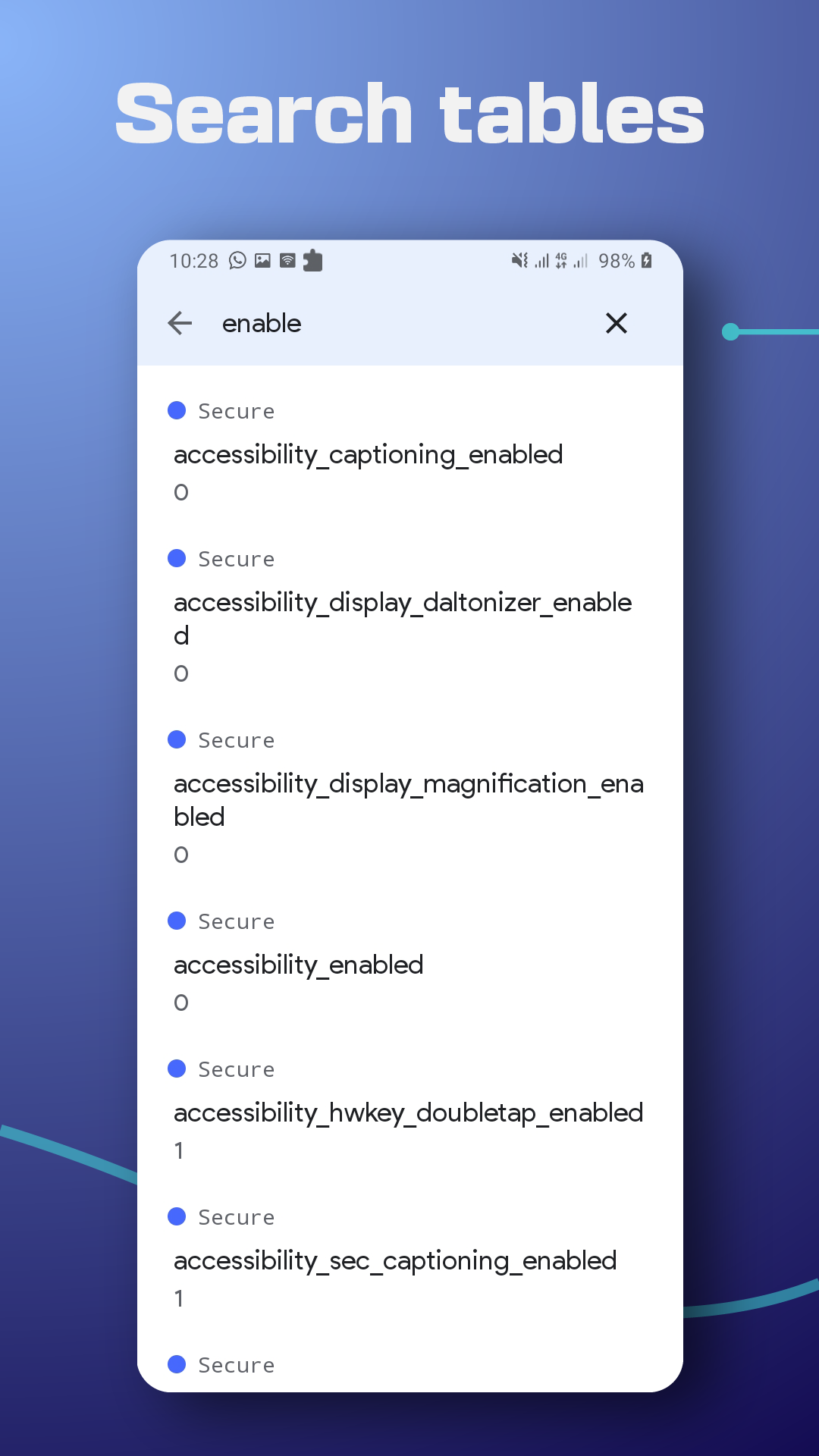
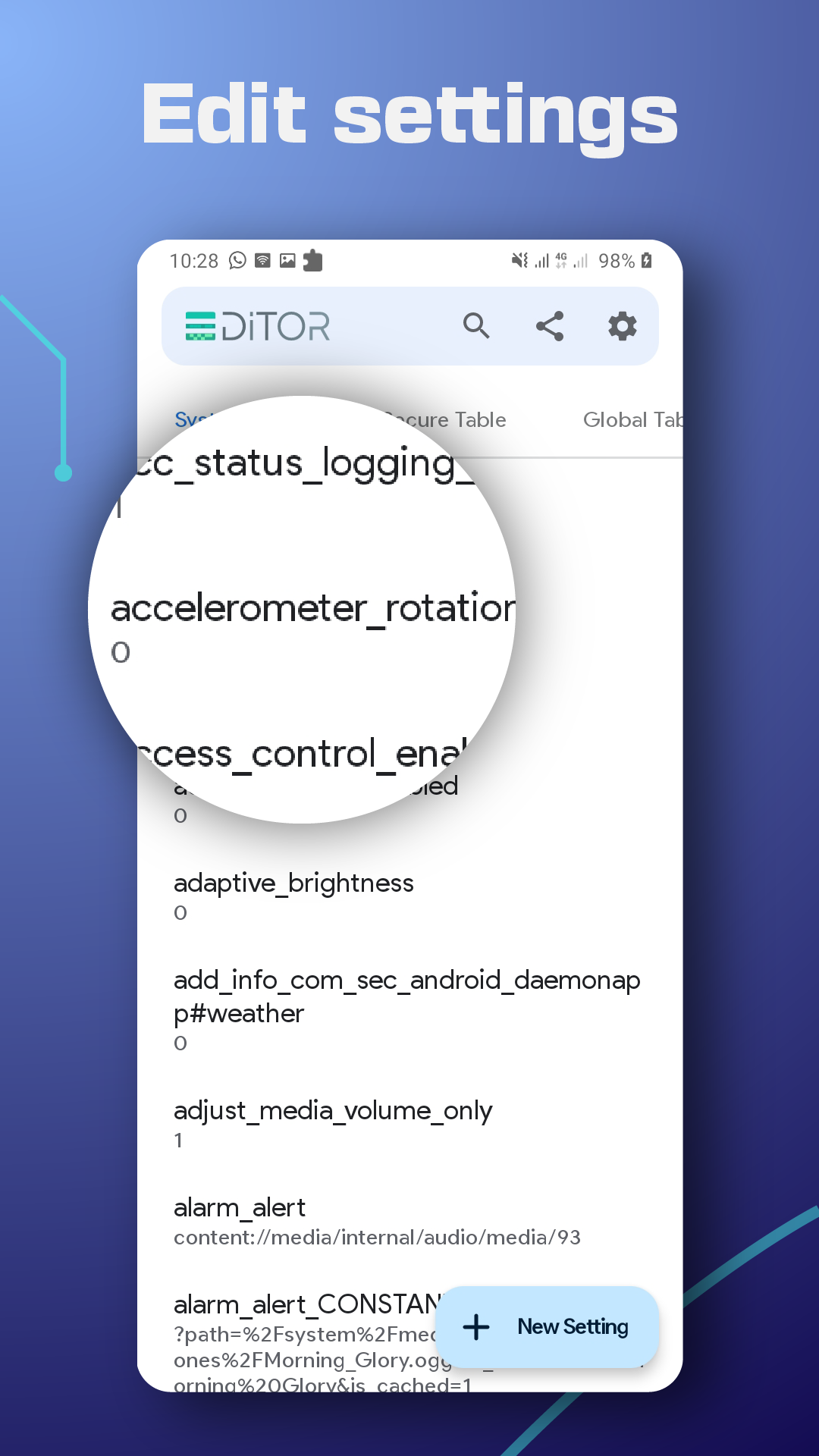
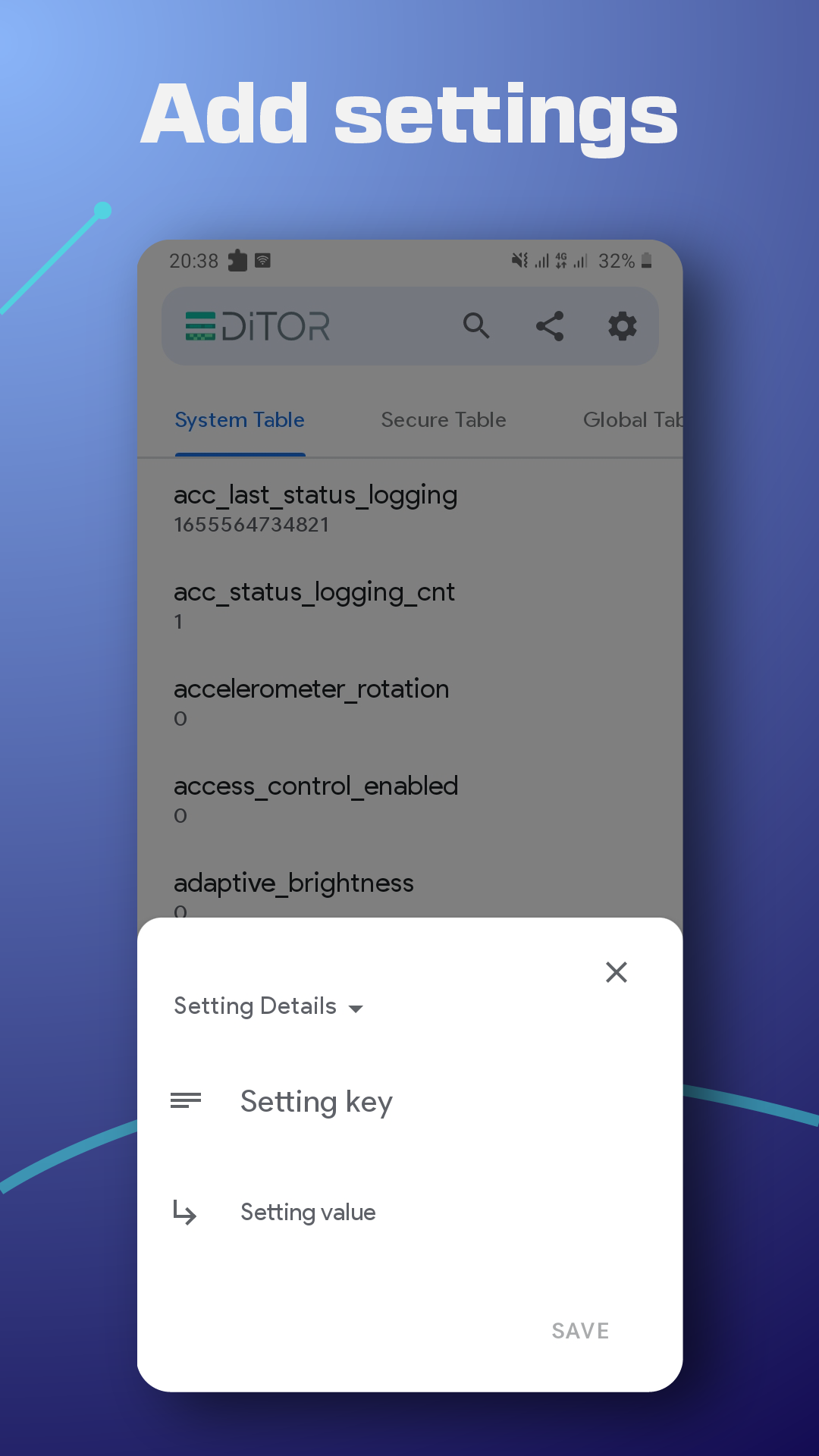
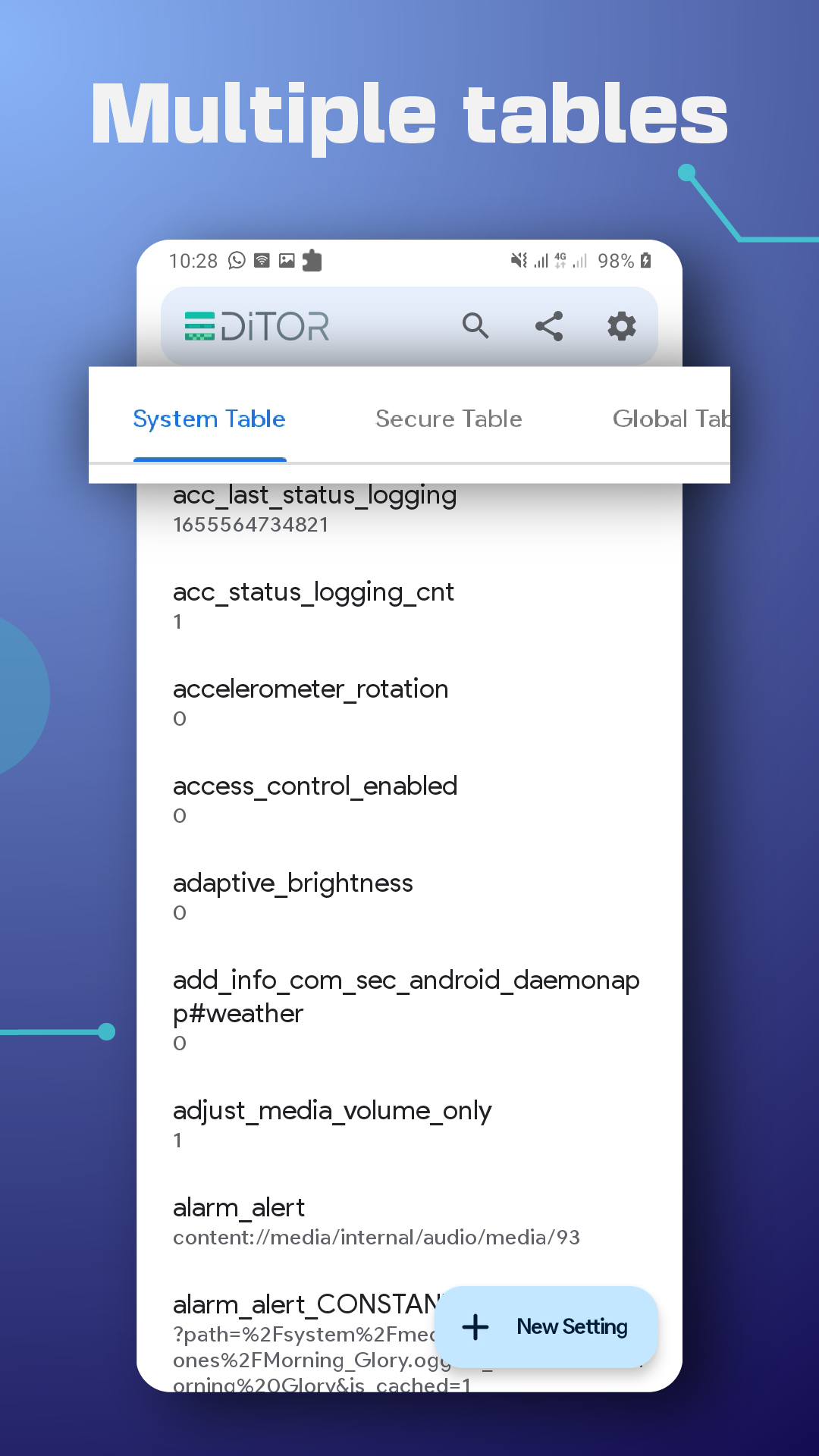
SetEdit app shows you the content of the android settings config. file, or the so-called settings database as a list of key-value pairs – inside SYSTEM, GLOBAL, SECURE or ANDROID properties tables – then allows you to set, edit, delete or add new ones. SetEdit app can be an invaluable tool if you know what are you doing. however, if you're not careful it is very likely to mess something up.
SetEdit allows you to do many useful tunings that can improve the user experience UX, change and tune the System UI, find hidden settings or even trick the system to gain free services.
Many users take advantage of SetEdit to:
• Customize the control center or the toolbar buttons by adding new, removing some, changing colors, enabling blur background…etc.
• Fix refresh rate issues. Enable 90hz or 30hz refresh rate.
• Tune System UI.
• Lock the network band mode at 4G LTE.
• Control battery saver mode trigger level.
• Disable the phone vibration.
• Get back the home screen icons animation.
• Enable Tethering, Hotspot for free.
• Get themes, fonts for free.
• Control screen pinning.
• set display size.
• Change or turn off brightness warning.
• Disable fingerprint animation.
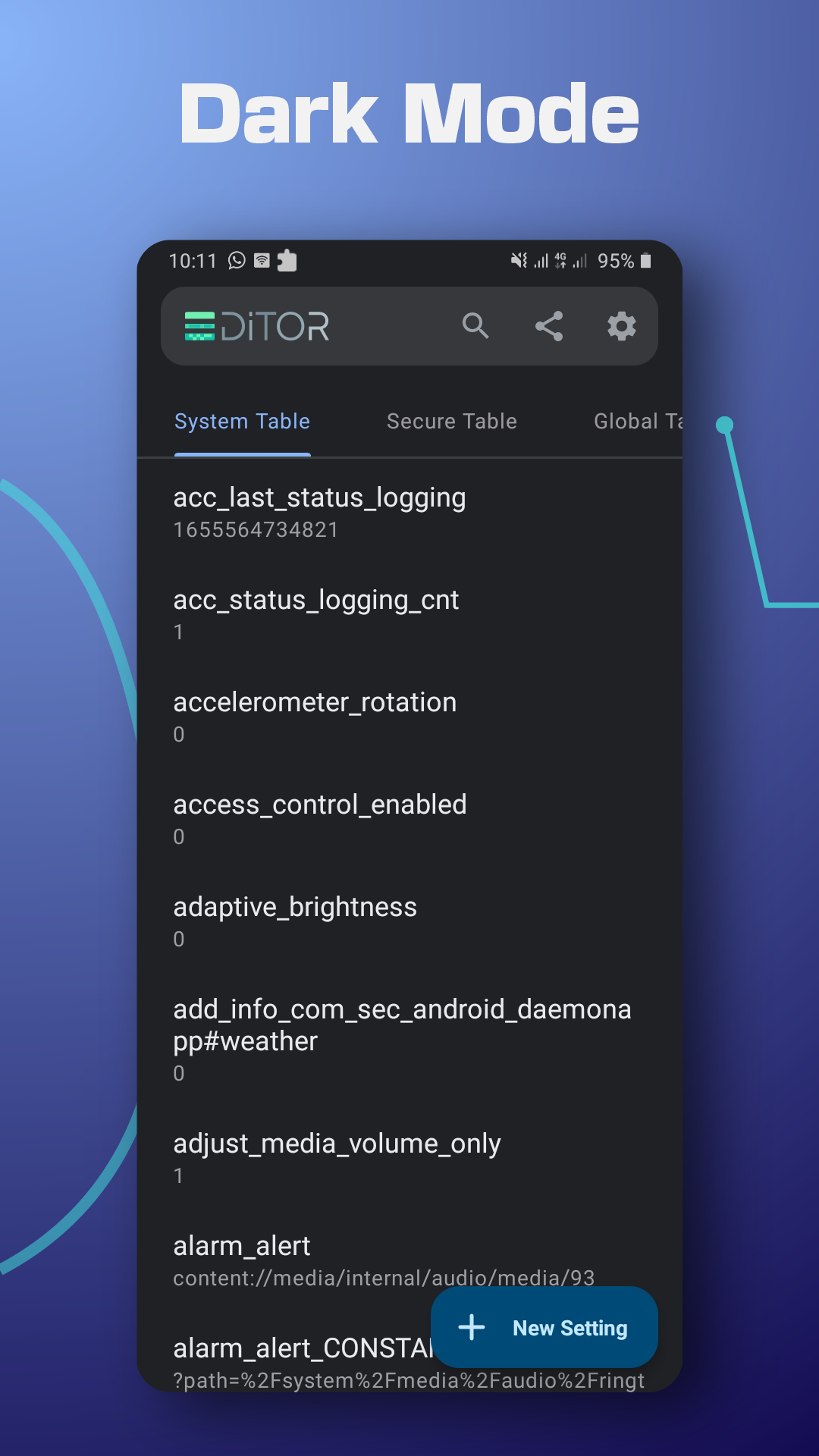
• Switching dark/light mode.
• Get back the old OnePlus gestures.
• Show/hide camera notch.
• Enable mouse pad in blackberry KeyOne phones.
• Hide navigation buttons to replace with Smart Assistance Floating Dock or others.
• Change controllers colors.
• Mute camera shutter.
And many other benefits.
Important Notes:
• Some settings require you to grant the Write Secure Settings permission to the app through ADB. everything is explained inside the app.
• If you uninstall the app, you may lose the changes you made.
• Settings database keys depend on your system software and change from device to another.
• messing up with some settings that you don't know could be dangerous. We are not taking responsibility if you damage your phone. Change at your own risk.
If you have Any questions about SETTING DATABASE EDITOR? Please DON’T hesitate to contact us at sde.contact@netvorgroup.com
Nice experience
Changelog
Jul 19, 2025
Access Database Settings Directly. SetEdit is the key solution to most issues. Download the latest version of SetEdit: Settings Editor 1.3.1 to enjoy new features and updates immediately!
-Update Highlights: 🛠Crash Fix: We've resolved an issue that could cause the app to crash for some users. ★Android 15 Compatibility: Updated for a seamless experience on Android 15, including improved edge-to-edge display. ★Updated Contact Email: Our support email is now netvor.apps.contact@gmail.com. Enjoy the more stable and future-ready app!
Additional information
Screenshots
Reviews
Recommend Article











Similar Apps

VPN For Japan APK – Get Japanese IP Instantly!

Various tweaks for Package Installer

Pixie Wps Wifi Connect checks the security of your networks using WPS protocol.

Defeat Internet Censorship

Find details about the sim owner easily with this app.

فیلتر شکن پرسرعت قوی هما 2025، فیلتر شکن پرسرعت قوی، فیلتر شکن قوی