


SKUZA Game Booster & GFX Tool
Hot Novels






Install Tips
Mobile safety & integrity report for the latest package. We provide verifiable checksums and a timestamped scan summary. Latest package SKUZA Game Booster & GFX Tool 1.6.2(162) scanned by multiple engines; no threats detectedas of Tue, 28 Jul 2026 11:31:28 GMT.
After downloading, use a system or third-party checksum tool to calculate the SHA256 and ensure it matches the value provided on this page (case-sensitive, without spaces).
Each engine uses different signature databases and heuristics, so results may vary slightly. We provide a timestamp and checksum to allow you to independently verify the package.
SKUZA Game Booster & GFX Tool Review
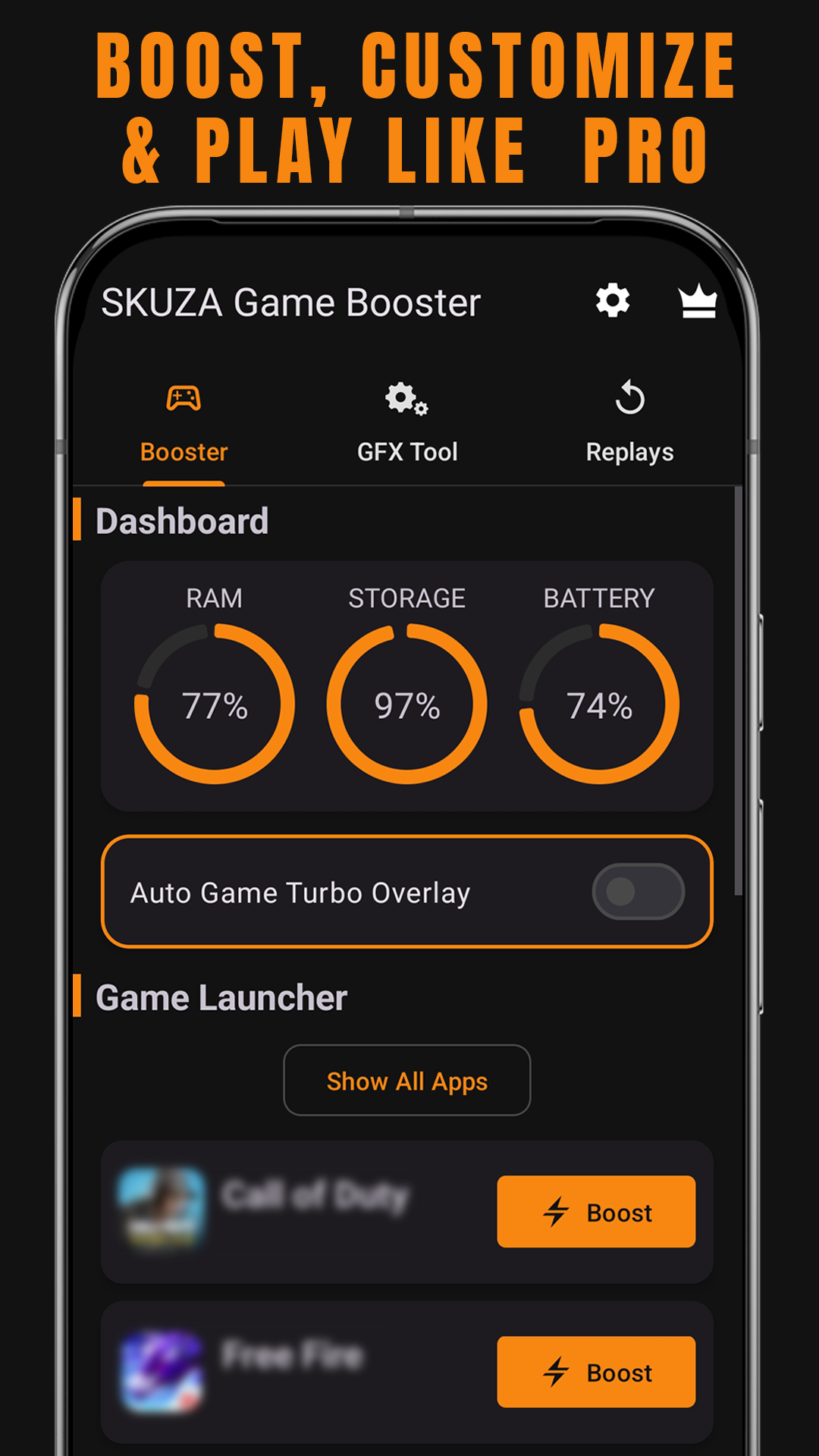
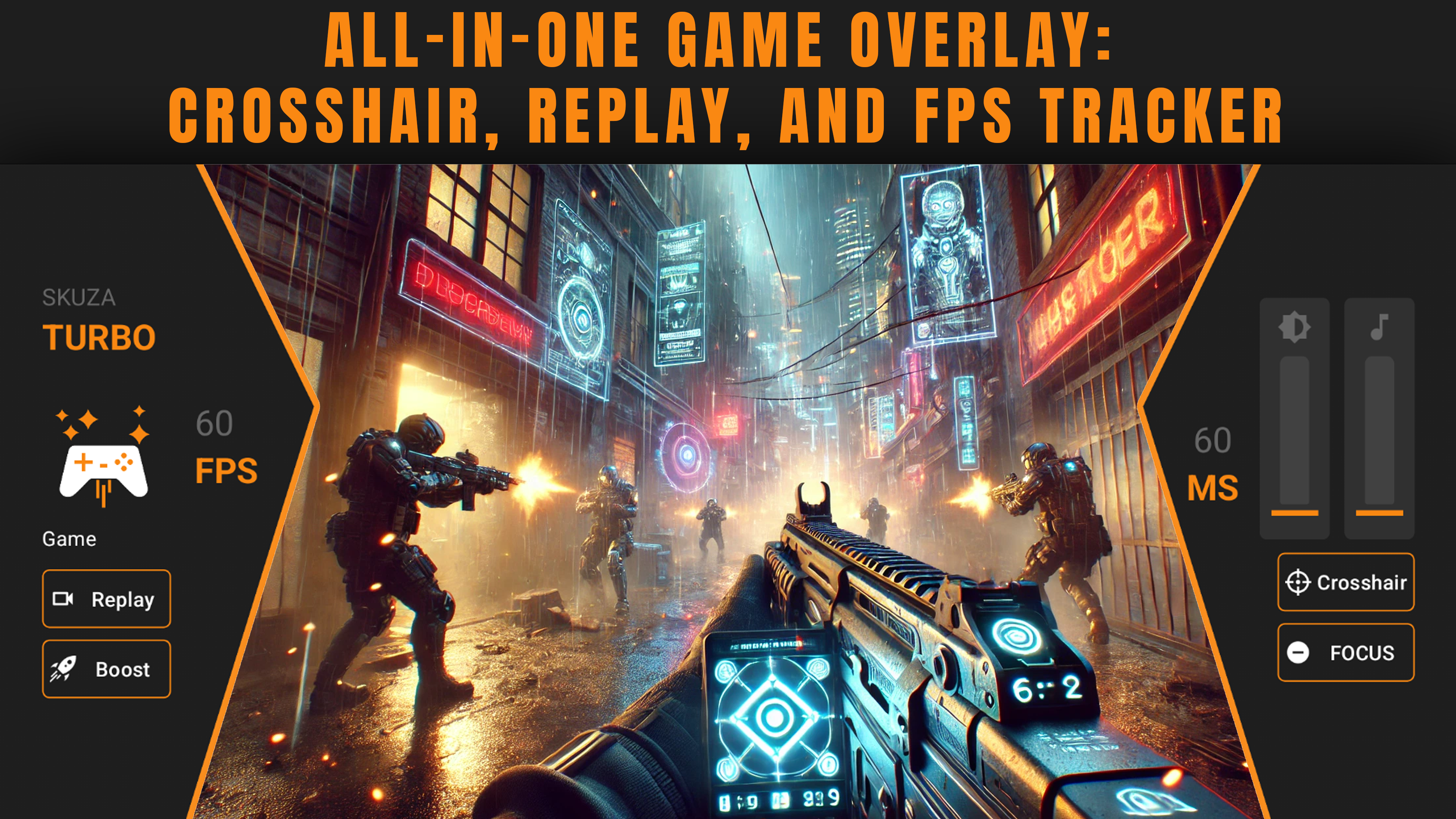
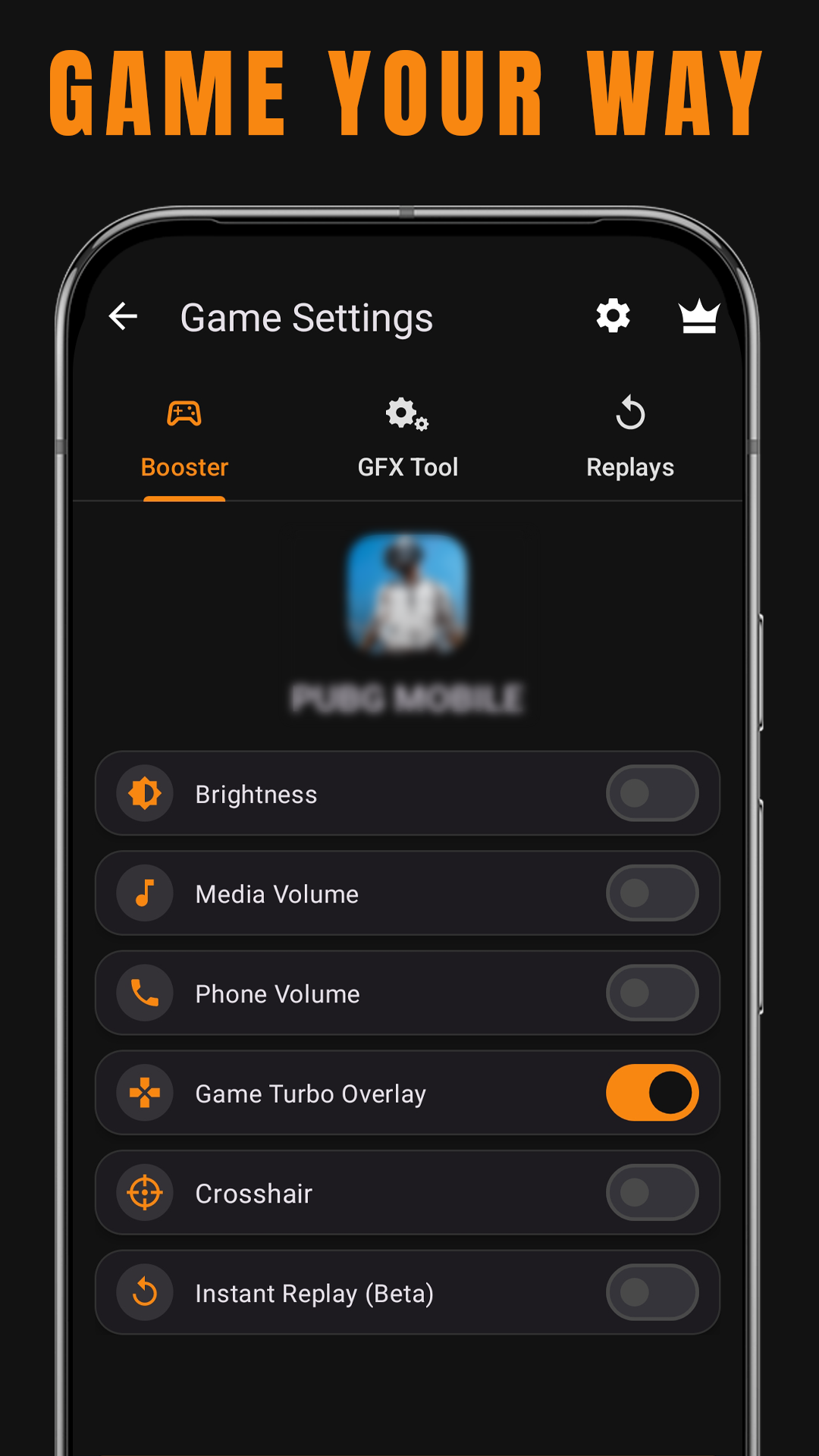
SKUZA Game Booster & GFX Tool is an essential utility for gamers who want to enhance their Android gaming experience. Designed to optimize system resources, the app clears background processes and allocates more RAM to your games, ensuring smoother gameplay with reduced lag and improved frame rates. Whether you're battling in high-pressure matches or exploring open-world adventures, this tool helps you stay ahead.
Customizable Graphics Settings
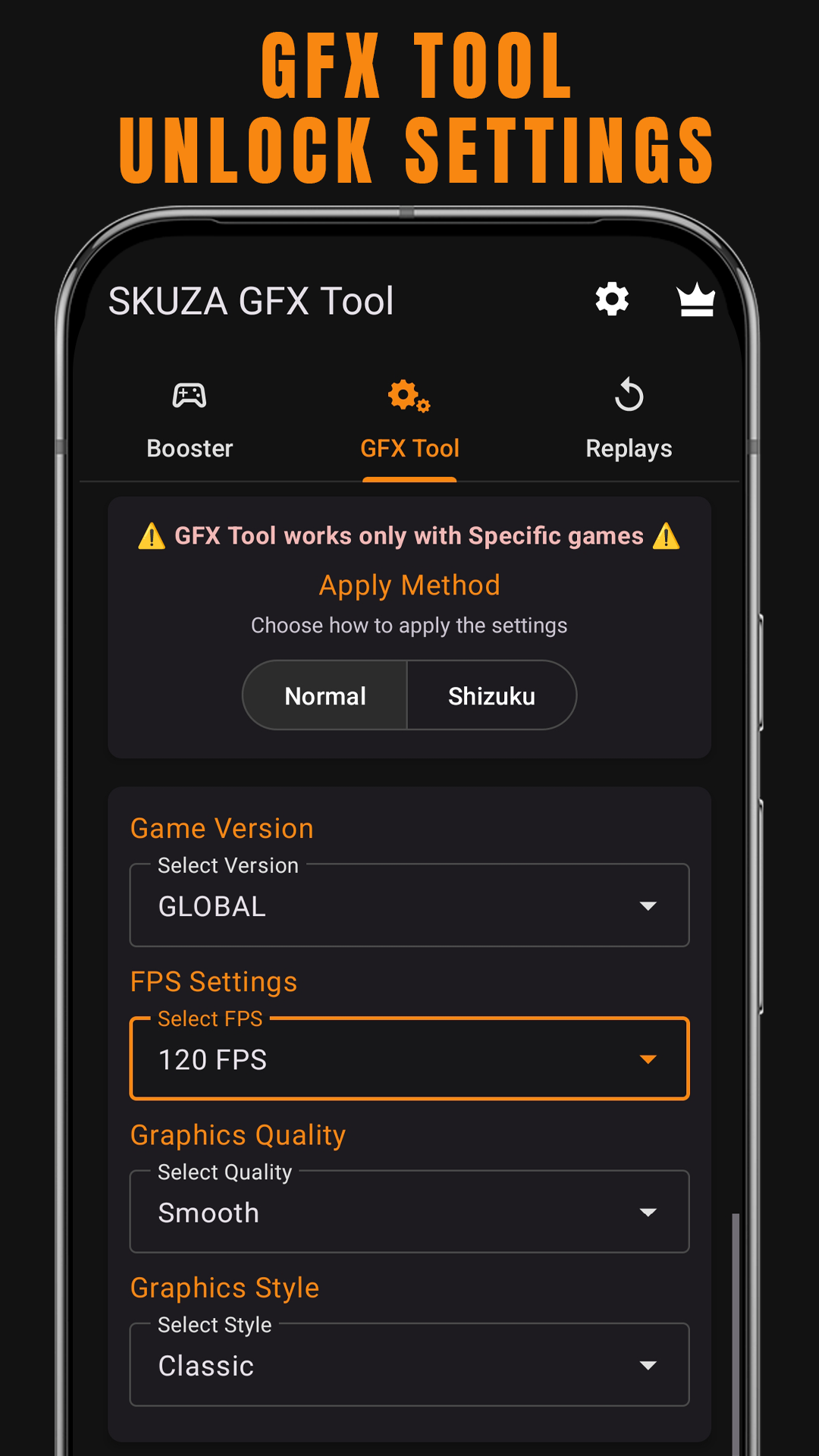
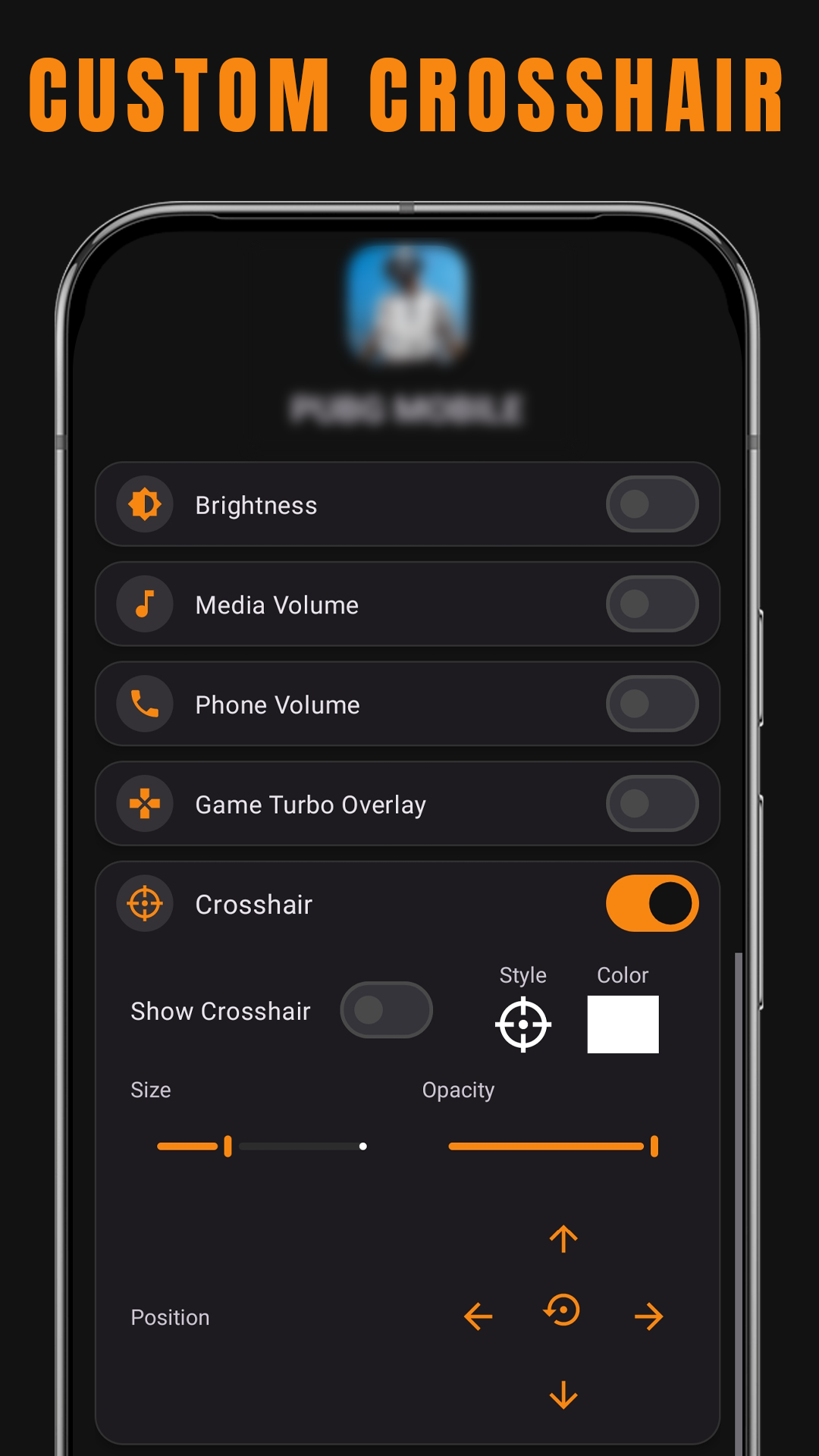
One of the standout features of SKUZA Game Booster & GFX Tool is its GFX Tool functionality. This allows users to tweak graphics settings for supported games, including resolution, FPS, shadows, and other visual parameters. With these controls, you can fine-tune your game’s visuals to match your preferences or device capabilities. This customization can significantly improve the visual quality and overall gaming experience.
Compatibility with Popular Mobile Games
SKUZA Game Booster is compatible with a wide range of popular mobile games, making it a versatile choice for gamers across various genres. From battle royale titles to strategy games, the app ensures that you have the tools necessary to achieve optimal performance. The ability to reduce lag and enhance graphics makes it especially valuable for competitive gamers aiming for precision and responsiveness.
Known Limitations on Certain Devices
While SKUZA Game Booster & GFX Tool delivers powerful optimization features, some users may encounter permission issues on specific Android versions like Android 14 when attempting to use advanced GFX settings. Despite this limitation, the app remains an excellent free option for most Android devices running version 5.0 or higher.
With its intuitive interface and focus on improving both visual quality and system performance, SKUZA Game Booster & GFX Tool is a must-have companion for dedicated mobile gamers looking for better gameplay experiences.
FAQ
Additional information
Screenshots
Reviews
Recommend Article










Similar Apps
EXE TO APK allows to convert any EXE file to an APK file.

Secure and private internet browsing with Blanc VPN.

Optimize your Android with TechItEasy APK tools.

Terminal emulator and Linux environment.

Find details about the sim owner easily with this app.

Build a 2nd operating system on your phone using Virtual Android!