


Snapseed
Hot Novels




Install Tips
Mobile safety & integrity report for the latest package. We provide verifiable checksums and a timestamped scan summary. Latest package Snapseed 2.22.0.633363672(1435391) scanned by multiple engines; no threats detectedas of Tue, 28 Jul 2026 11:31:39 GMT.
After downloading, use a system or third-party checksum tool to calculate the SHA256 and ensure it matches the value provided on this page (case-sensitive, without spaces).
Each engine uses different signature databases and heuristics, so results may vary slightly. We provide a timestamp and checksum to allow you to independently verify the package.
Snapseed Review
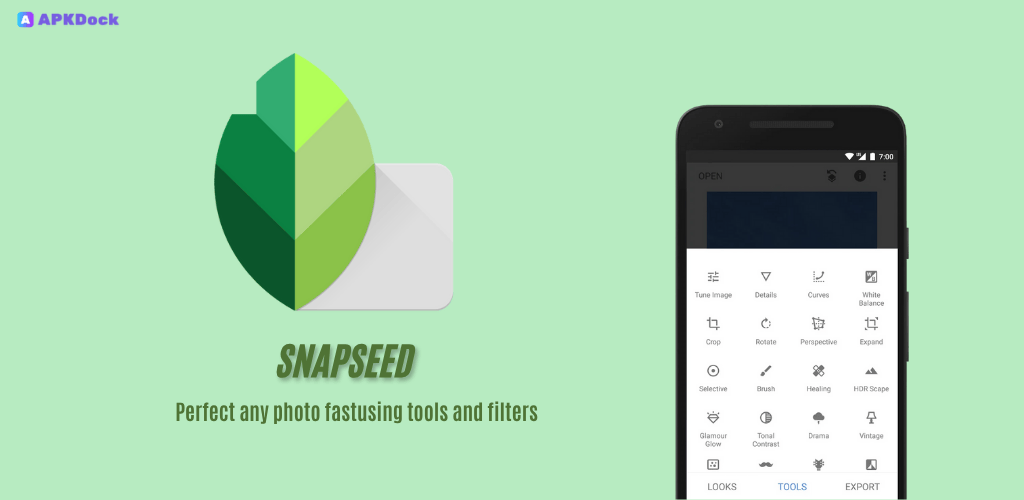
Snapseed is a complete and professional photo editor developed by Google.
== KEY FEATURES==
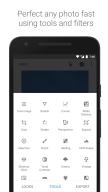
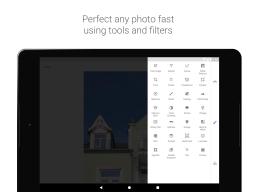
• 29 Tools and Filters, including: Healing, Brush, Structure, HDR, Perspective (see list below)
• Opens JPG and RAW files
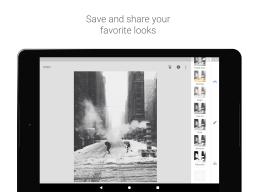
• Save your personal looks and apply them to new photos later
• Selective filter brush
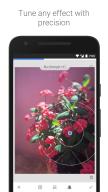
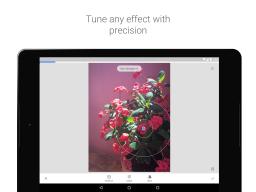
• All styles can be tweaked with fine, precise control
== TOOLS, FILTERS AND FACE ==
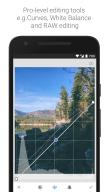
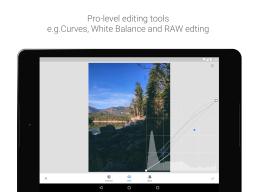
• RAW Develop – open and tweak RAW DNG files; save non-destructively or export as JPG
• Tune image – adjust exposure and color automatically or manually with fine, precise control
• Details – magically brings out surface structures in images
• Crop – crop to standard sizes or freely
• Rotate – rotate by 90°, or straighten a skewed horizon
• Perspective – fix skewed lines and perfect the geometry of horizons or buildings
• White Balance – adjust the colors so that the image looks more natural
• Brush – selectively retouch exposure, saturation, brightness or warmth
• Selective – the renown “Control Point” technology: Position up to 8 points on the image and assign enhancements, the algorithm does the rest magically
• Healing – remove the uninvited neighbor from a group picture
• Vignette – add a soft darkness around the corners like a beautiful, wide-aperture would do
• Text – add both stylized or plain text
• Curves - have precise control over the brightness levels in your photos
• Expand - increase the size of your canvas and fill up the new space in smart ways with content of your image
• Lens Blur – add a beautiful Bokeh to images (background softening), ideal for photographic portraits
• Glamour Glow – add a fine glow to images, great for fashion or portraits
• Tonal Contrast – boost details selectively in the shadows, midtones and highlights
• HDR Scape – bring a stunning look to your images by creating the effect of multiple exposures
• Drama – add a hint of doomsday to your images (6 styles)
• Grunge – an edgy look with strong styles and texture overlays
• Grainy Film – get modern film looks with realistic grain
• Vintage – the style of color film photo from the 50’s, 60’s or 70’s
• Retrolux – go retro with light leaks, scratches, film styles
• Noir – Black and White film looks with realistic grain and the “wash” effect
• Black & White – classic Black and White look straight out of the darkroom
• Frames – add frames with adjustable size
• Double Exposure - blend two photos, choosing from blend modes that are inspired by shooting on film and by digital image processing
• Face Enhance – add focus to the eyes, add face-specific lighting, or smoothen skin
• Face Pose - correct the pose of portraits based on three dimensional models
Additional information
Screenshots


Reviews
Recommend Article







Similar Apps

Print up to 500 6x4 photos a year for FREE! No subscriptions. No commitments.

Phonto is a simple app that allows you to add text to photos.

Cut and paste photo editor & eraser to customize photos easy and swap faces fun

Get high end digital film camera controls and image processing on your phone.

Create AI Photos, Improve and restore quality of blurry, old or damaged pics.
Add watermarks, logos, and frames to photos instantly.