

Solid Explorer
Hot Novels






Install Tips
Mobile safety & integrity report for the latest package. We provide verifiable checksums and a timestamped scan summary. Latest package Solid Explorer 2.8.63 scanned by multiple engines; no threats detectedas of Tue, 28 Jul 2026 11:31:43 GMT.
After downloading, use a system or third-party checksum tool to calculate the SHA256 and ensure it matches the value provided on this page (case-sensitive, without spaces).
Each engine uses different signature databases and heuristics, so results may vary slightly. We provide a timestamp and checksum to allow you to independently verify the package.
Solid Explorer Review
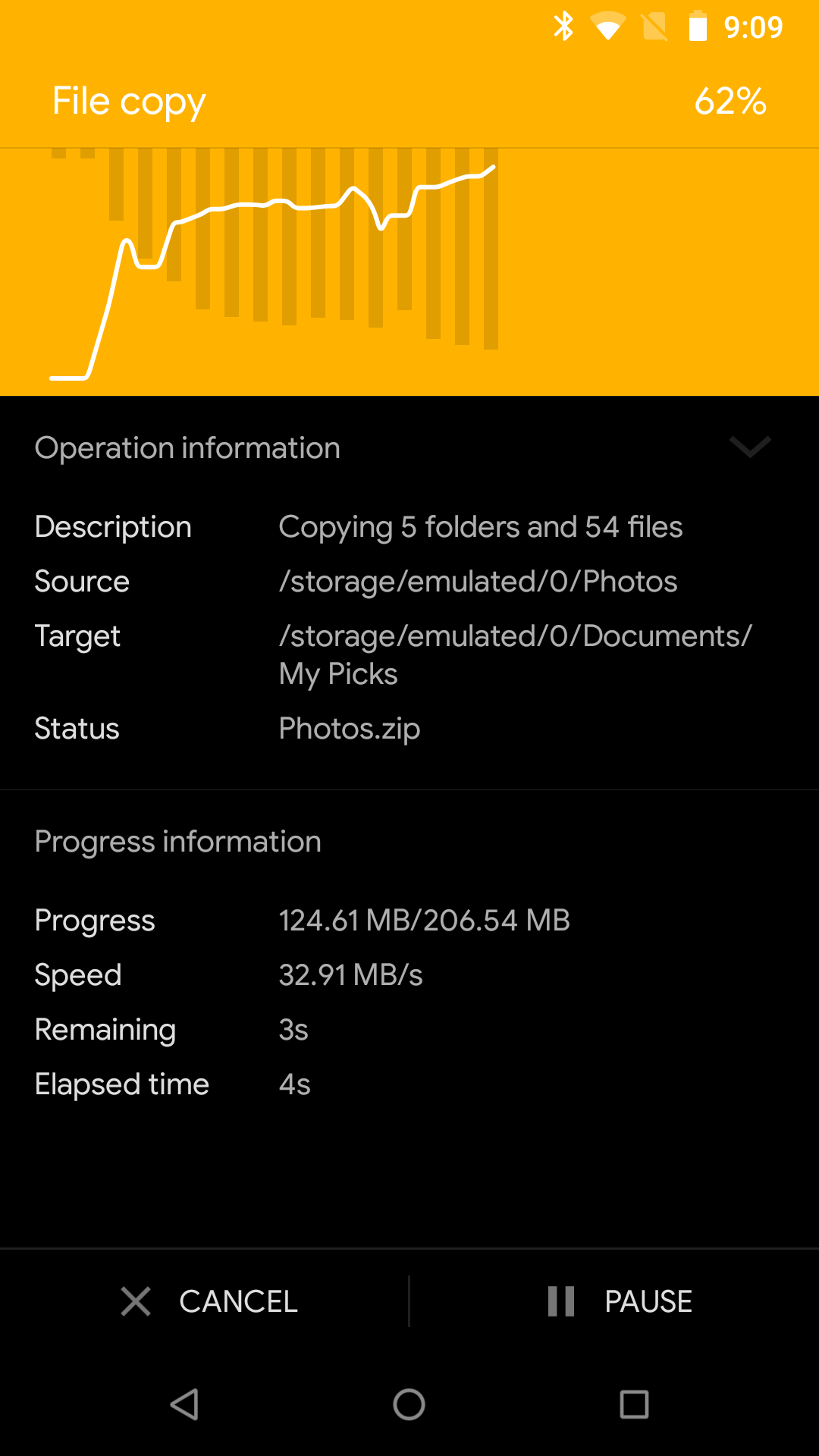
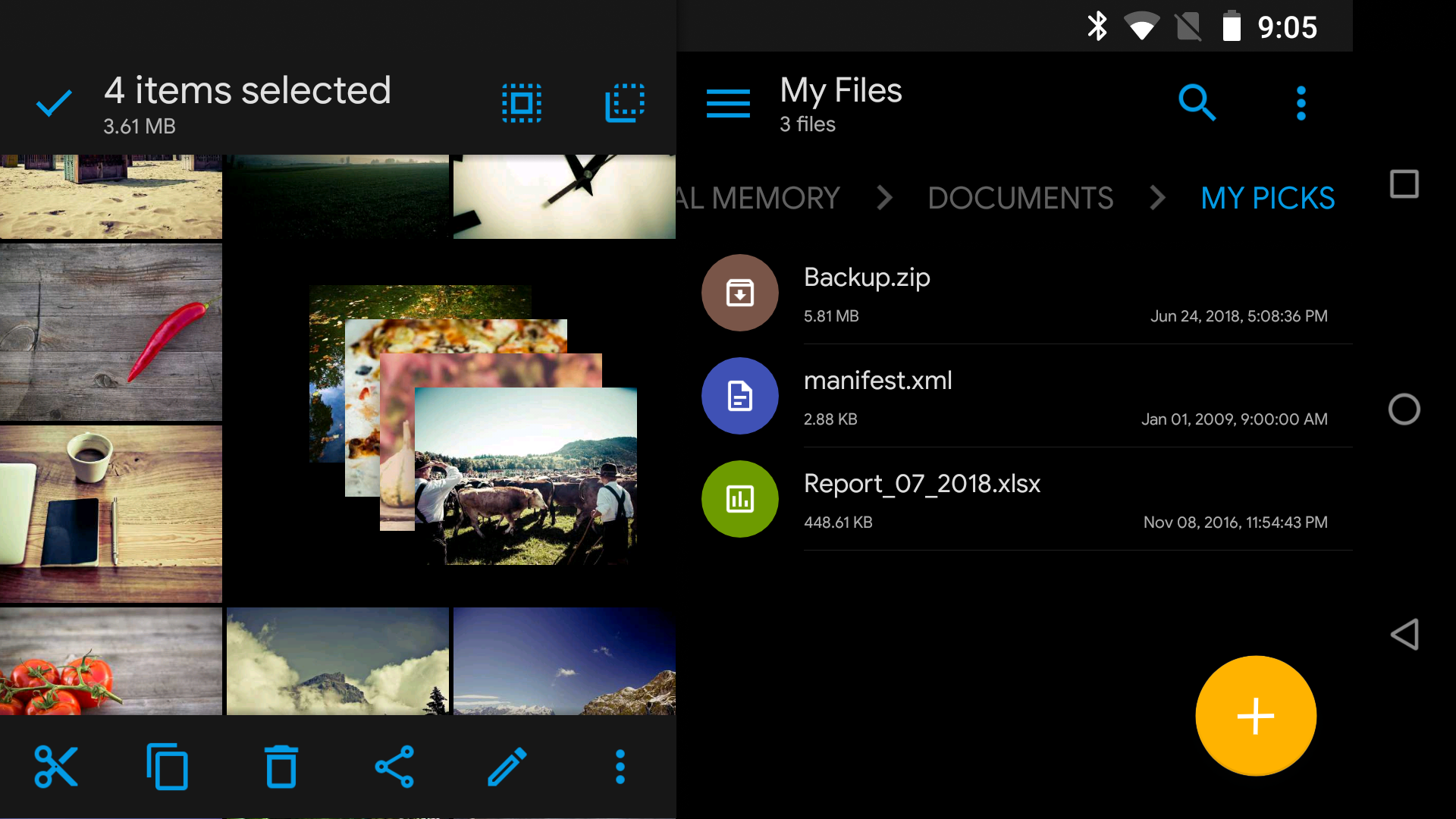
Solid Explorer offers a streamlined file management experience with its dual-pane layout, enabling users to efficiently handle files across multiple directories. This feature is ideal for multitasking, making it easier to copy, move, or compare files without switching screens.
<h3>Advanced Encryption for File Security</h3>
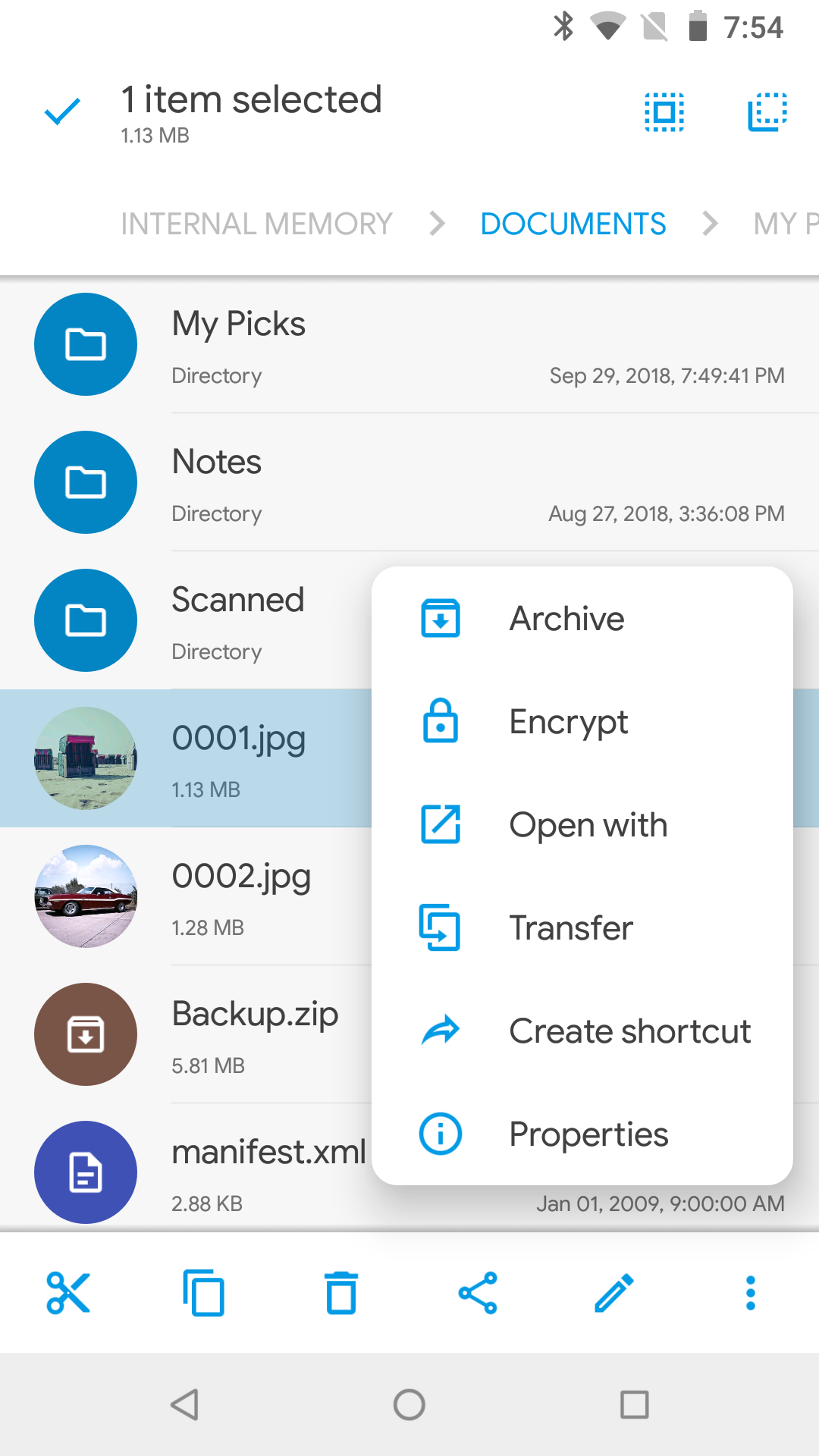
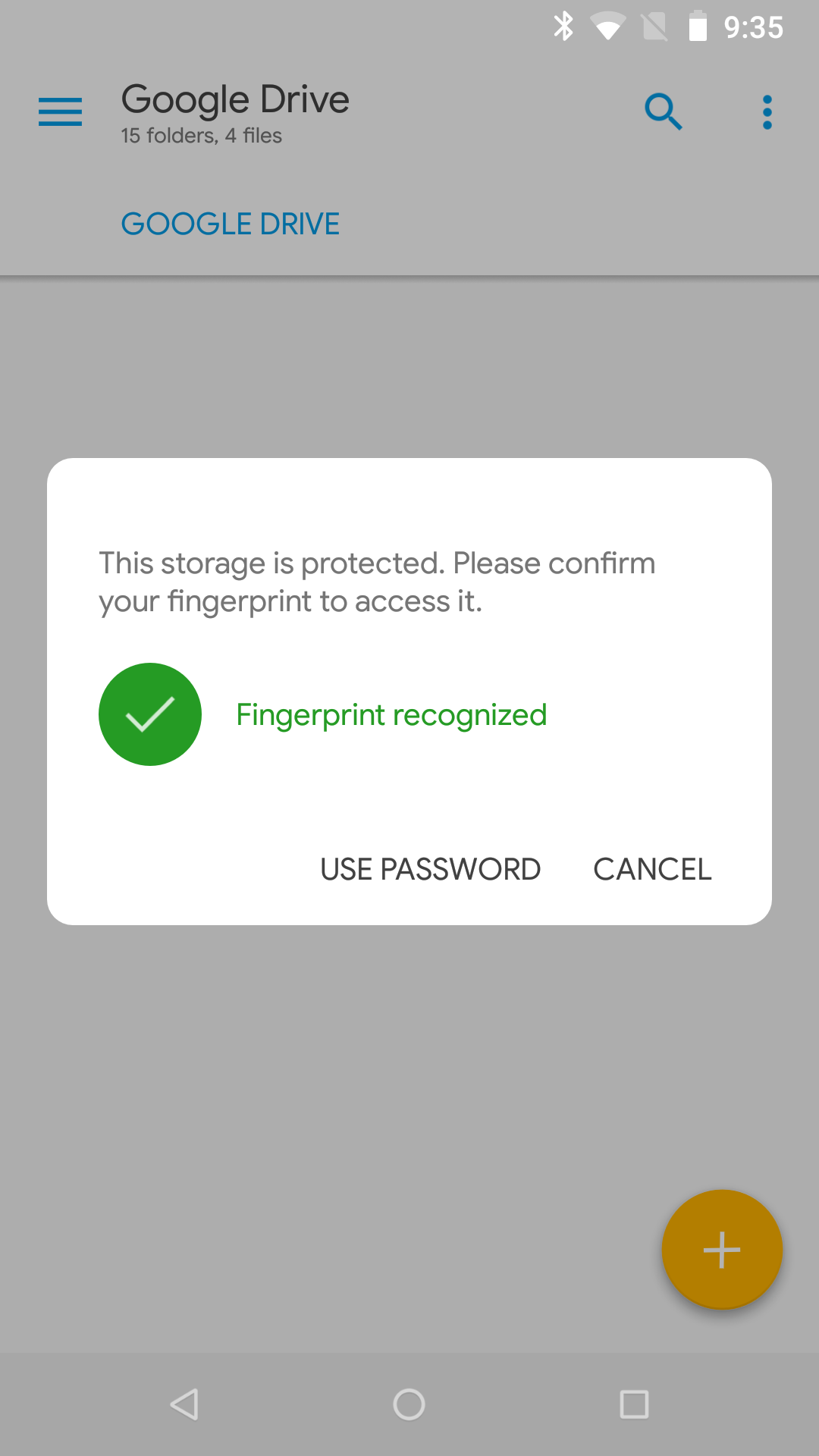
Protect your sensitive data with Solid Explorer's strong AES encryption capabilities. You can secure files within password-protected folders or use fingerprint authentication for added convenience. Even if you uninstall the app, encrypted files remain protected on your device.
<h3>Cloud Integration for Seamless Access</h3>
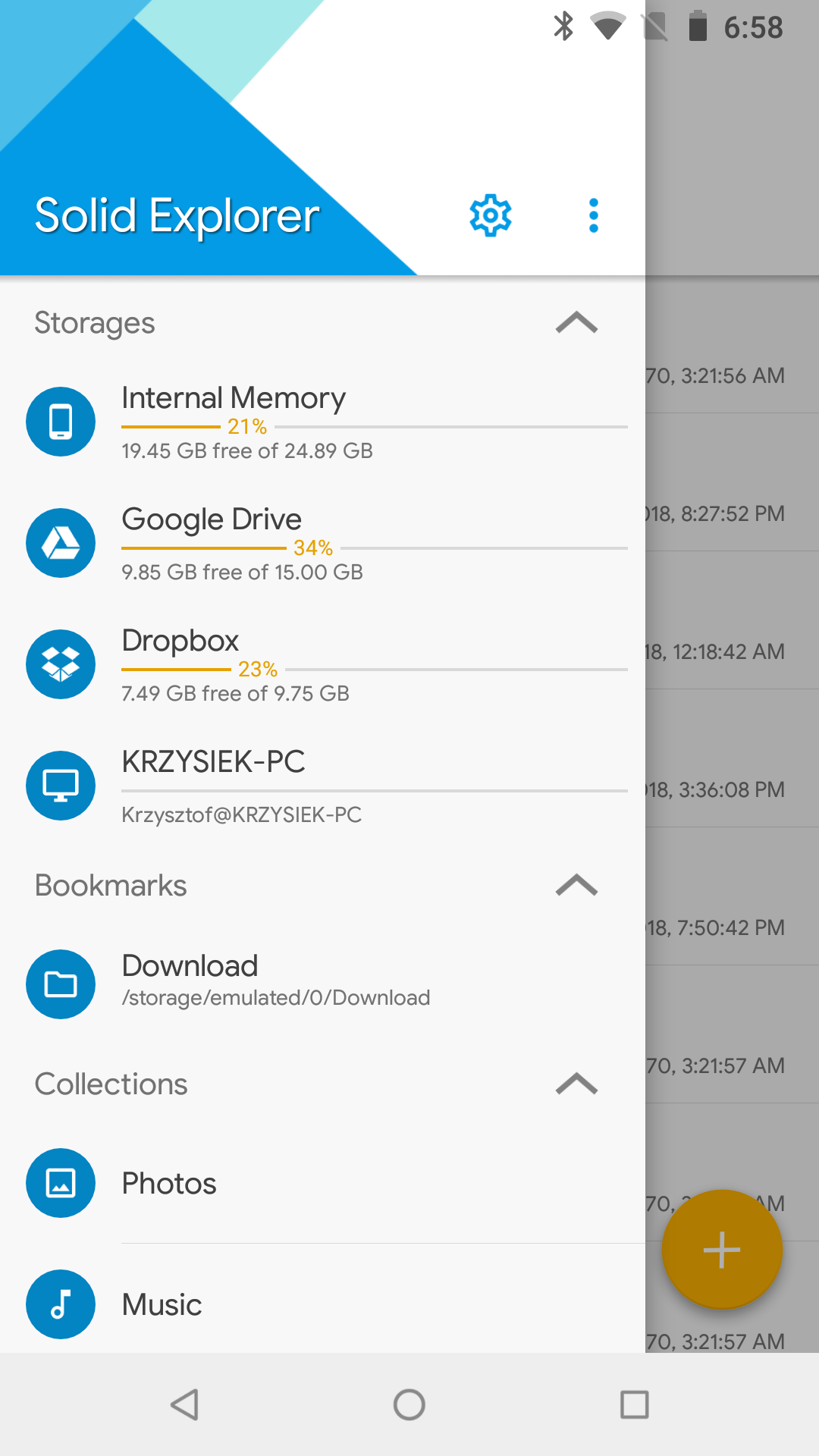
Solid Explorer supports popular cloud services like Google Drive, Dropbox, and OneDrive, allowing you to access and manage remote files effortlessly. Users can transfer files between different cloud locations using a simple drag-and-drop interface.
<h3>Customizable Themes and User Experience</h3>
Enhance your workflow with Solid Explorer's rich customization options. Choose from various themes and icon sets, including light and dark modes, to suit your preferences. The app also supports Chromebook functionality with mouse and keyboard input.
<h3>Comprehensive Storage Analysis Tools</h3>
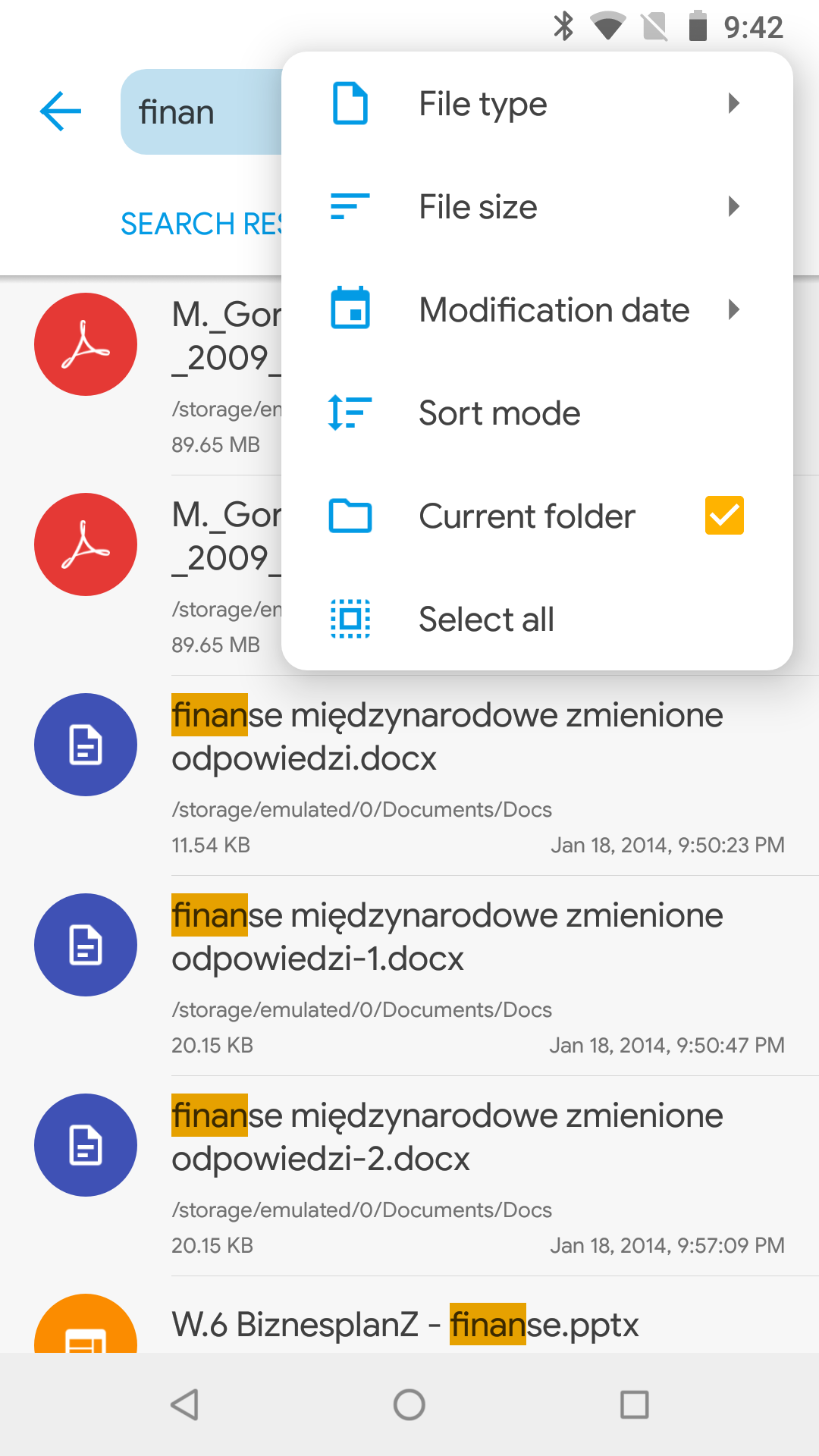
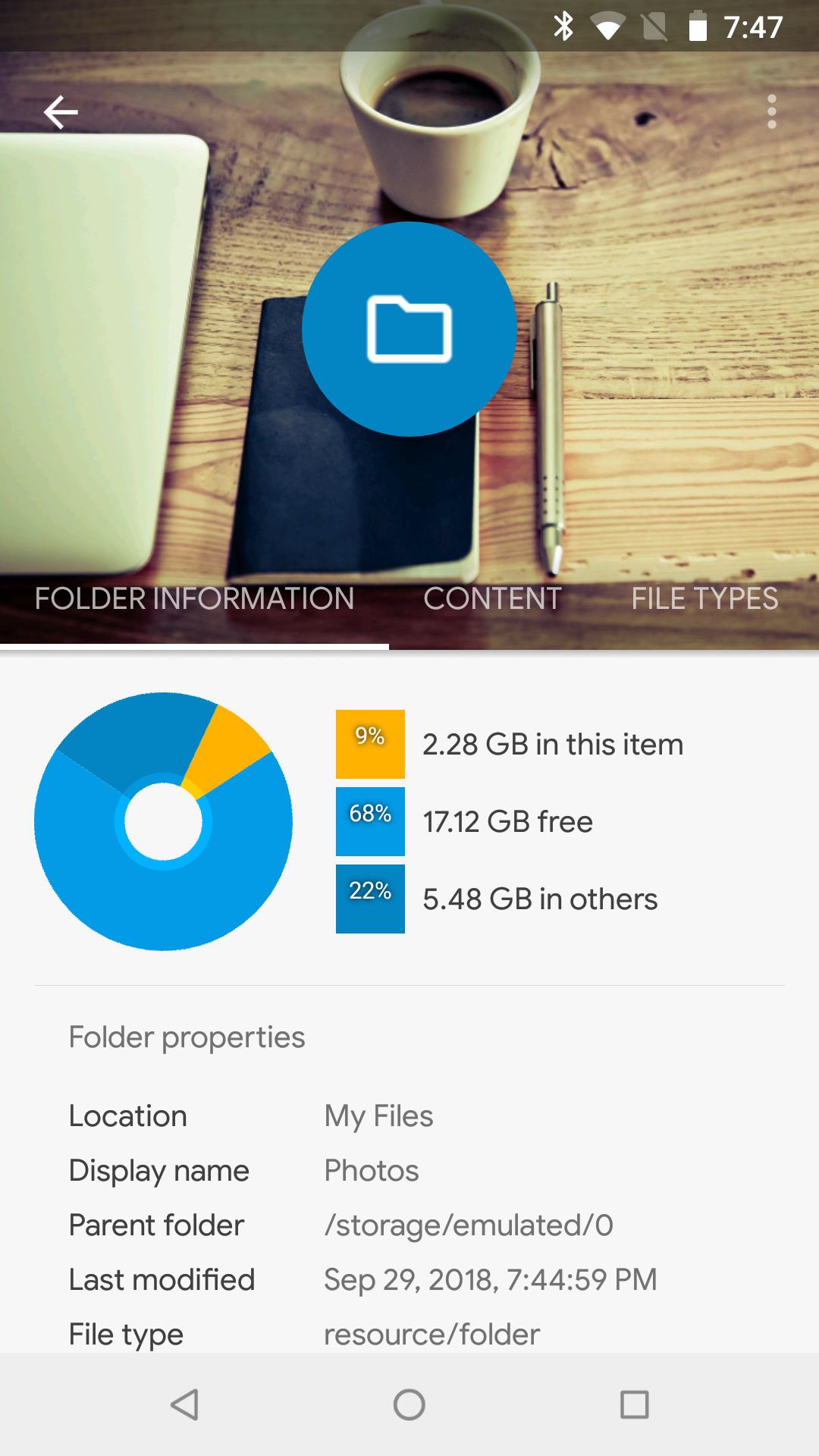
Although not a dedicated storage analyzer, Solid Explorer provides insightful tools to identify large files and folders consuming space. With indexed search filters and detailed folder properties, users can effectively optimize storage usage.
Solid Explorer is trusted by Android users worldwide for its robust features, regular updates, and user-friendly design. Download Solid Explorer today to simplify file management on your device while keeping your data secure.
Changelog
v2.8.62/63
- fixed orientation of HEIC images
- improved Android 15 compatibility
- stability improvements
v2.8.61
- fixed opening archives on remote servers
- fixed notification sounds
- other minor fixes
v2.8.58/59/60
- Shizuku support - access to Android/data and Android/obb folders
- minor fixes
FAQ
Additional information
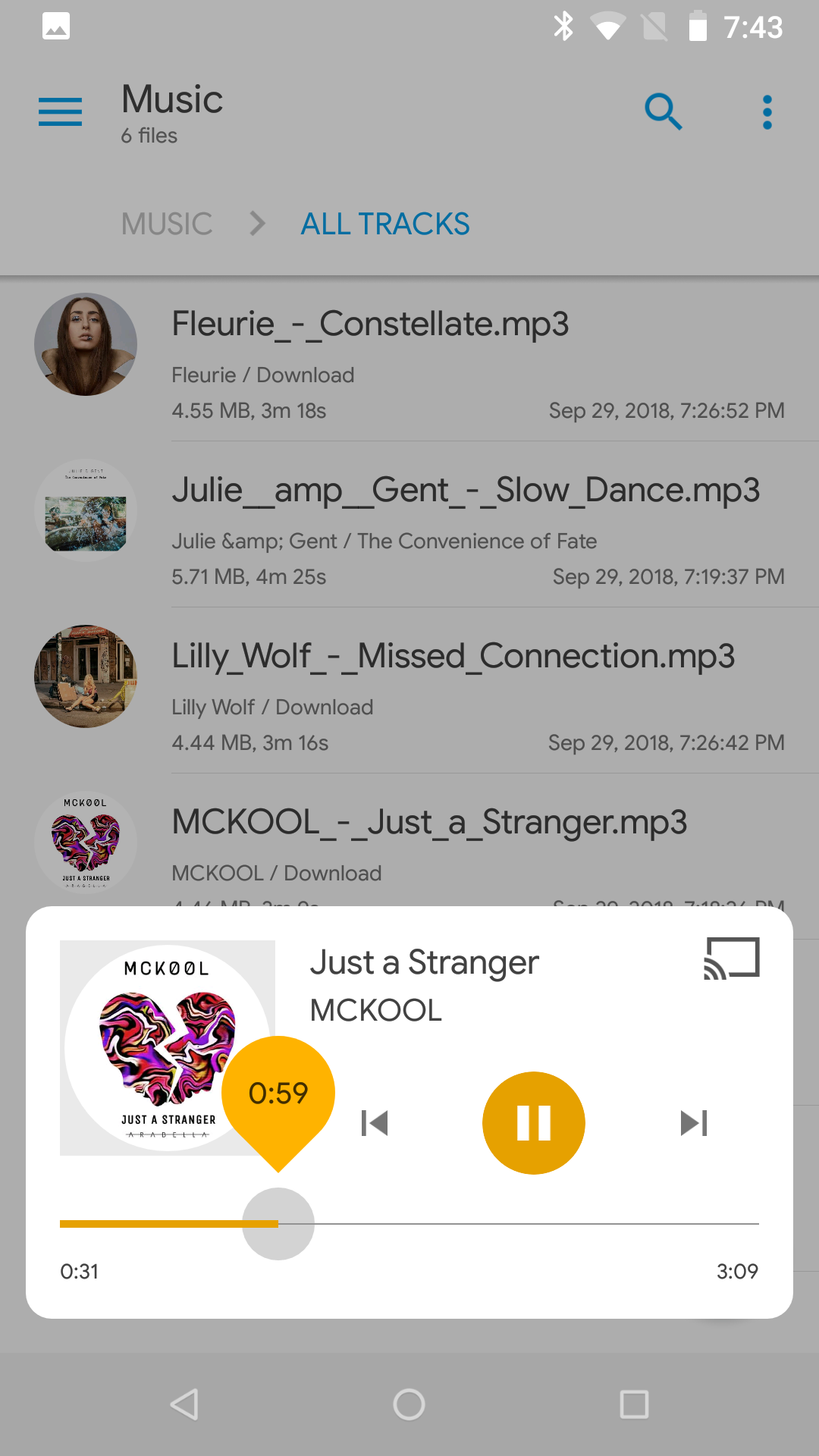
Screenshots
Reviews
Recommend Article










Similar Apps

Collaborate, organize tasks, and manage projects seamlessly with Trello.
Simple notepad & memo. Take notes, to-do list, shopping list with reminders.

Calm. Confident. Copilot. Here to help. A companion for every moment.

Make habits quickly and effortlessly and track them in an easy-to-use interface.

L’Bel Conmigo — the pocket workspace for L’Bel consultants

Protect against viruses & other types of malware with PhoneMaster