


Virtual Maste
Hot Novels






Install Tips
Mobile safety & integrity report for the latest package. We provide verifiable checksums and a timestamped scan summary. Latest package Virtual Maste 3.2.46(3246) scanned by multiple engines; no threats detectedas of Tue, 28 Jul 2026 11:34:58 GMT.
After downloading, use a system or third-party checksum tool to calculate the SHA256 and ensure it matches the value provided on this page (case-sensitive, without spaces).
Each engine uses different signature databases and heuristics, so results may vary slightly. We provide a timestamp and checksum to allow you to independently verify the package.
Virtual Maste Review
Virtual Master runs another Android System on your device, based on our Android on Android Virtualization Technology.
With Virtual Master, you can have another Android System running on your device, isolated from the Android System of your device.
The new Android System is equivalent to a Parallel Space, or a Virtual Phone, similar to a Cloud Phone, but runs locally.
In the new Android System, you can install its own Apps, arrange its own Launcher, set its own Wallpaper, and customize it as your needs.
You can run multiple Android Systems in Virtual Master, One for Work, One for Game, One for Privacy, and enjoy more fun on one device.
It's an Android Virtual Machine, just like your another phone!
1. Play with multiple Social or Game Accounts at the same time
Games and Apps are cloned after being imported into Virtual Master.
We support almost all Social Apps and Games, you can sign in to multiple accounts at the same time on one device and switch between them freely.
2. Run multiple Apps or Games at the same time
We support background running, that means the Apps and Games can keep running when in background.
So, for example, you can run a game in Virtual Master, but watch a video on your device at the same time.
Just like bringing the emulators such as Bluestacks and Nox to your device.
3. Support Vulkan
We support Vulkan in the Virtual Android System, so you can run many high-end games smoothly in Virtual Master.
4. Protect your Privacy
When Apps and Games run in the Virtual Android System, they can not get any information about your device, like contacts, sms, device id, etc.
So, you can run any Apps or Games in it without worrying about leaking your privacy. It can be used as your Privacy Sandbox.
FAQ from the developer:
1. How much disk space does Virtual Master need?
Virtual Master runs a whole android 7.1.2 system. It needs to download about 300MB system image and requires about 1.6GB disk space to run. It will use more disk space if apps are installed or upgraded in the VM.
2. How long does it take for the Virtual Master to boot?
For the first time you run it, it will take 1 ~ 2 minutes, because we need some time to install the android image on device. After that, it will take only 4 ~ 10 seconds. The exact time depends on the performance of your device and the load at that time.
3. Can Virtual Master be installed in multi-user?
Virtual Master MUST BE installed in the device owner or administrator now.
4. What to do if Virtual Master can't boot?
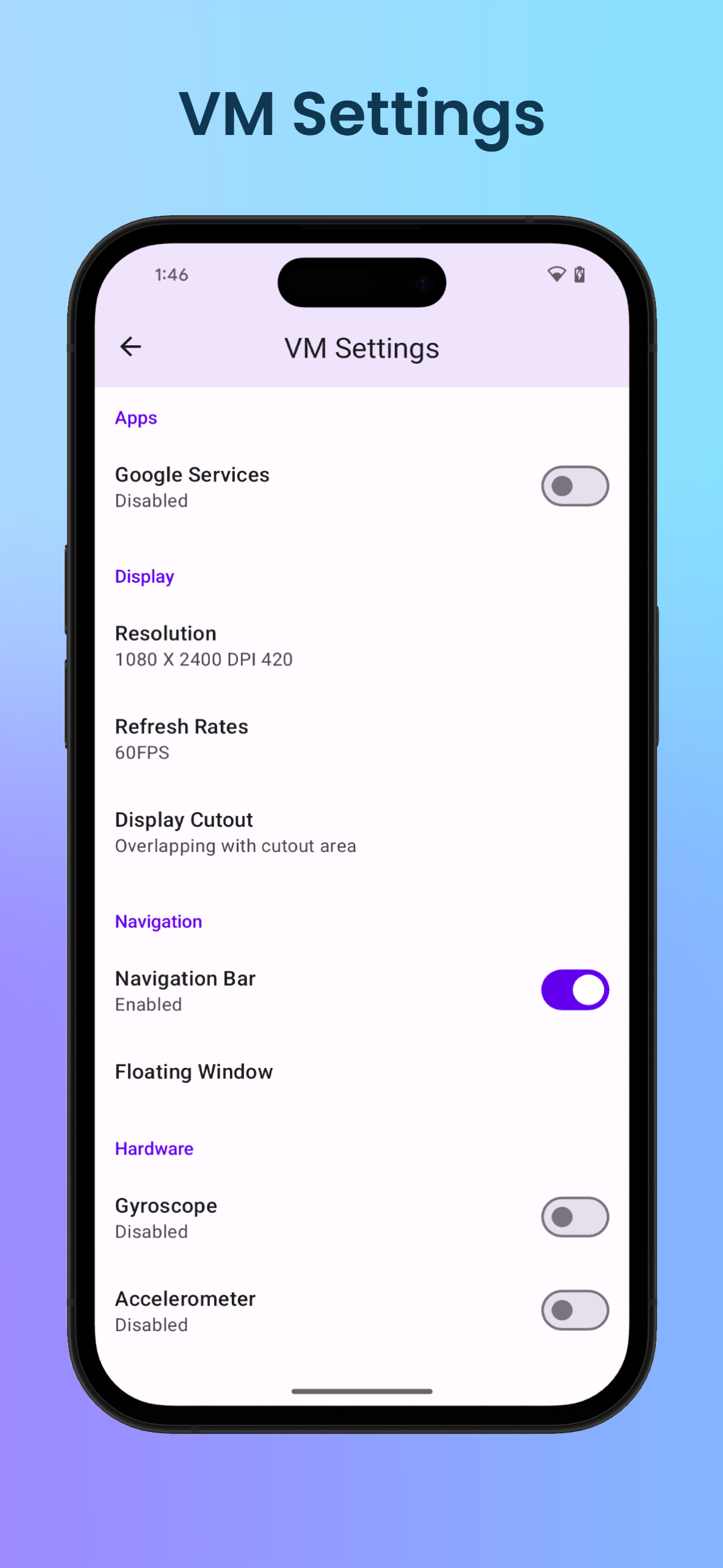
In most cases, some system file is damaged. Please ensure you have enough disk space, kill the app and reboot. If rebooting doesn't work, you can try the 'Repair VM' in VM Settings. Finally, you can try uninstalling and reinstalling.
Changelog
1. Fixed some abnormal issues with the vm camera
Additional information
Screenshots
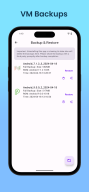
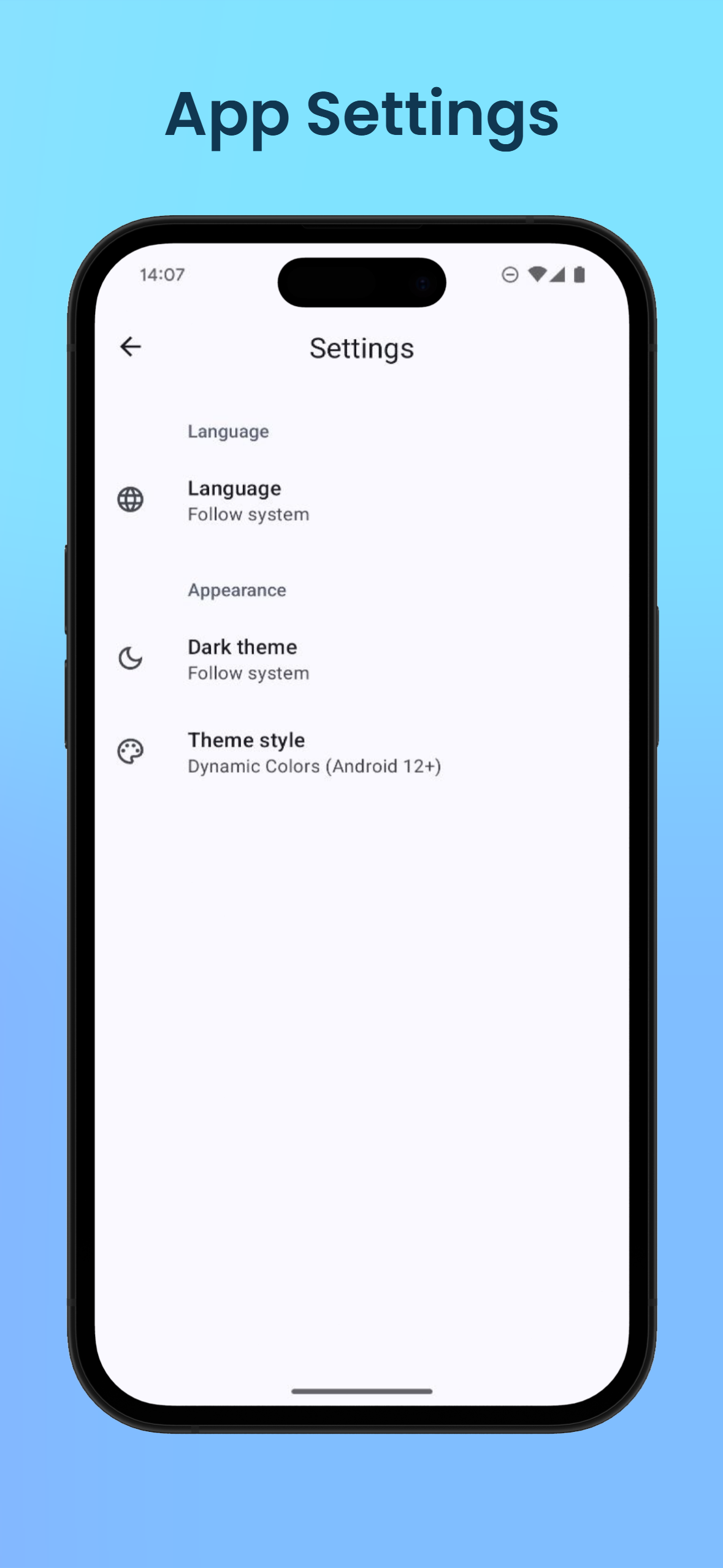
Reviews
Recommend Article









Similar Apps

Easy to use gaming tool

recently deleted photos recovery, restore file, recover deleted video/message

Mushroom app for Simeji. 1600+ funny emojis, fit all devices and chat easily.

TL Pro — загрузчик ресурсов с текстурами, картами и читами

Unlimited VPN access to 800+ secure virtual servers at 2.2x faster speeds.
PinP Free