

Applock Pro - App Lock & Guard
Hot Novels






Install Tips
Mobile safety & integrity report for the latest package. We provide verifiable checksums and a timestamped scan summary. Latest package Applock Pro - App Lock & Guard 5.5.5(55502) scanned by multiple engines; no threats detectedas of Tue, 28 Jul 2026 11:14:33 GMT.
After downloading, use a system or third-party checksum tool to calculate the SHA256 and ensure it matches the value provided on this page (case-sensitive, without spaces).
Each engine uses different signature databases and heuristics, so results may vary slightly. We provide a timestamp and checksum to allow you to independently verify the package.
Applock Pro - App Lock & Guard Review
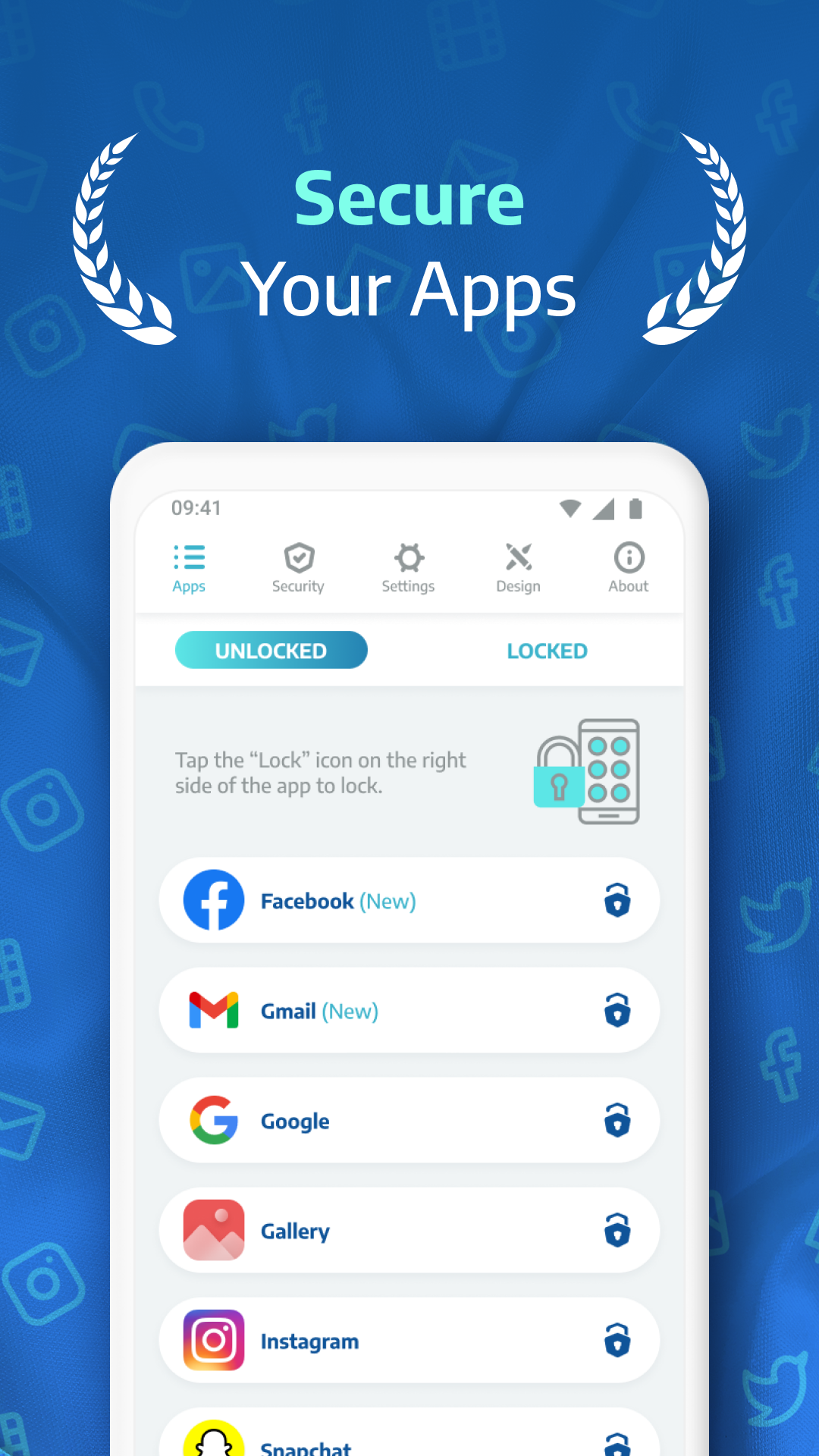
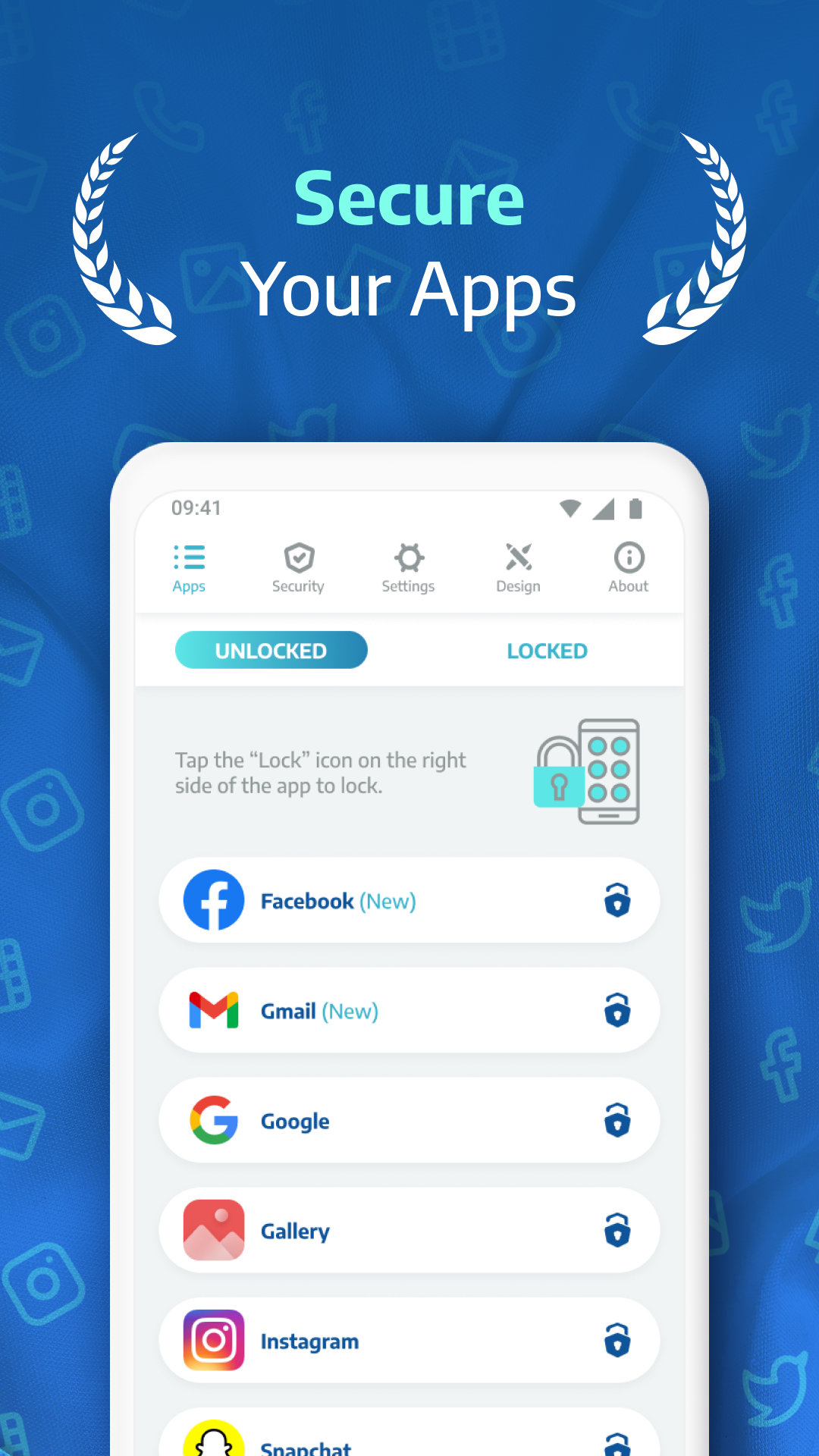
Protect your apps and photos with AppLock Pro — a fast, secure, and easy-to-use app locker trusted by millions.
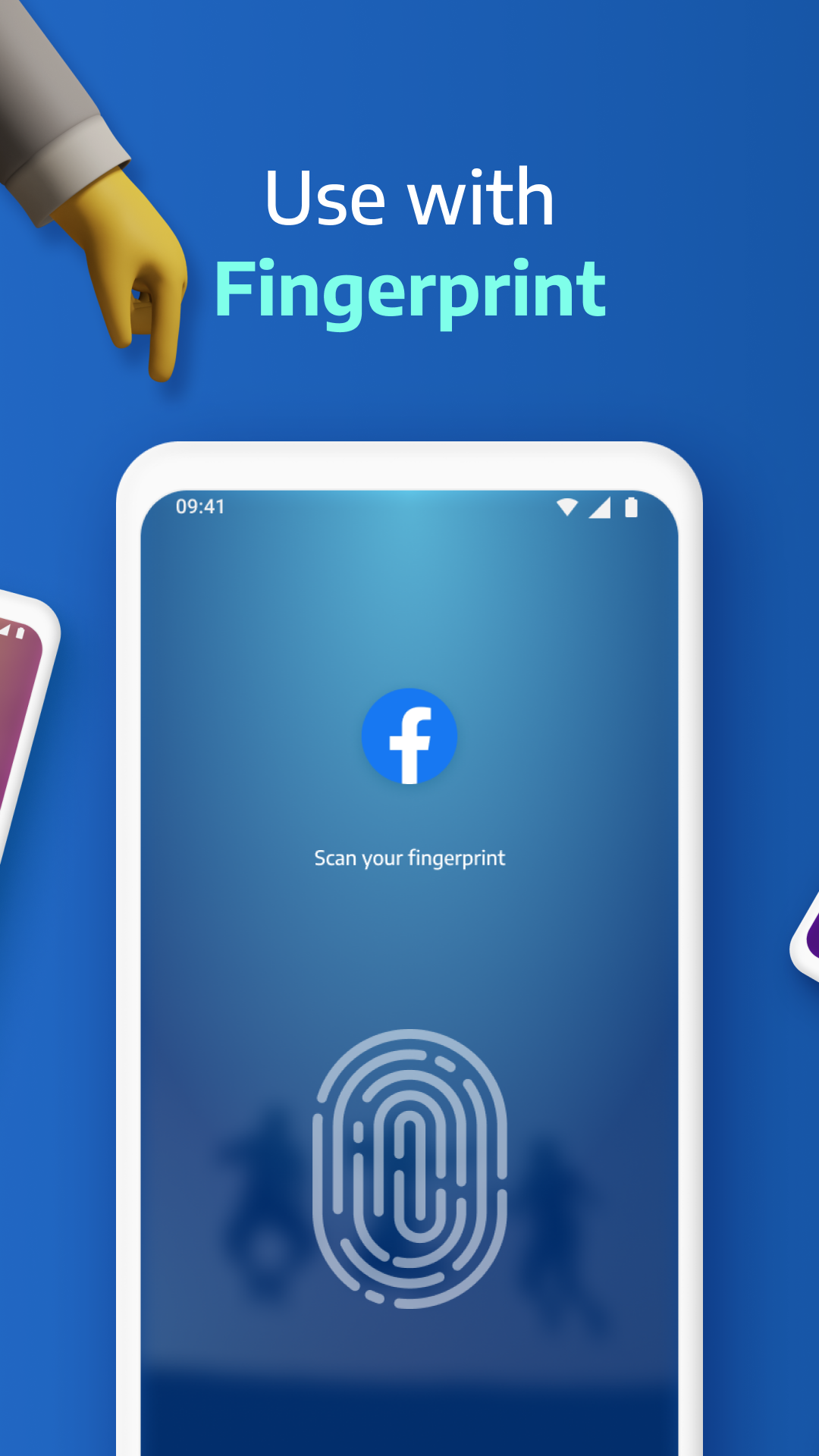
Whether you're guarding private messages, social media apps, or sensitive photos, Applock Pro keeps your data safe from intruders — with smart features like fingerprint unlock, spy camera, and customizable lock styles.
🔐 Top Features:
✔ Lock Any App
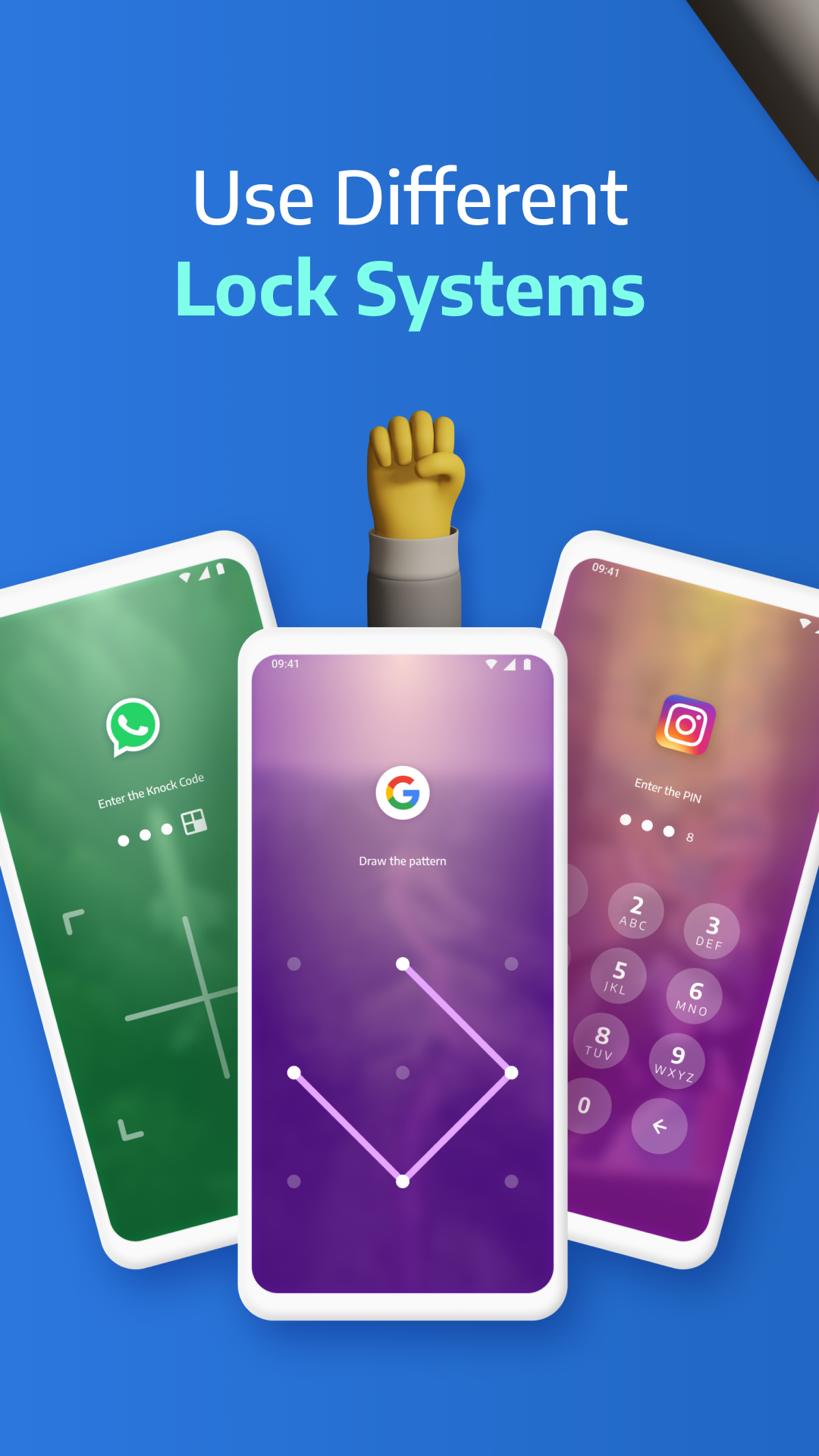
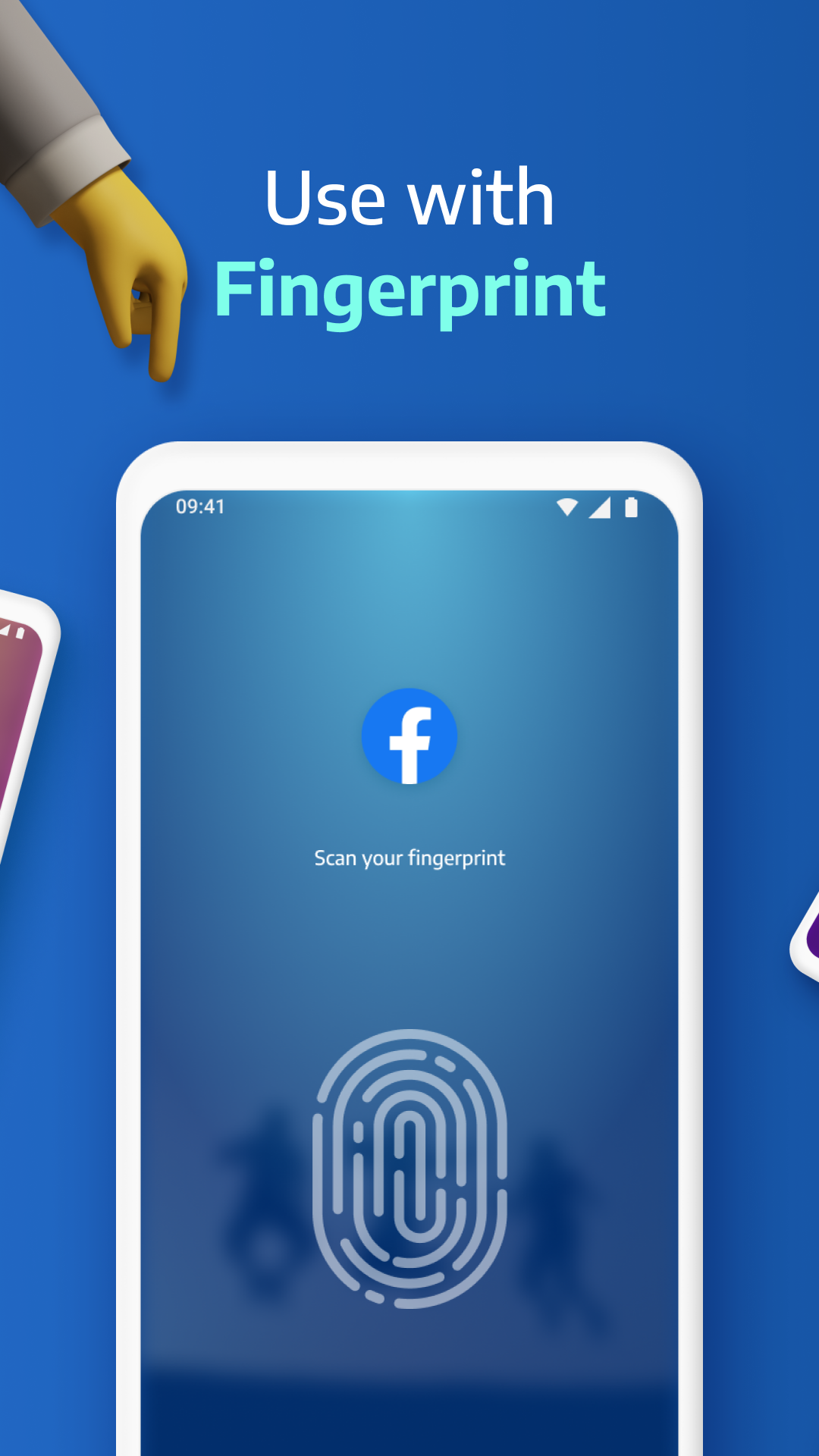
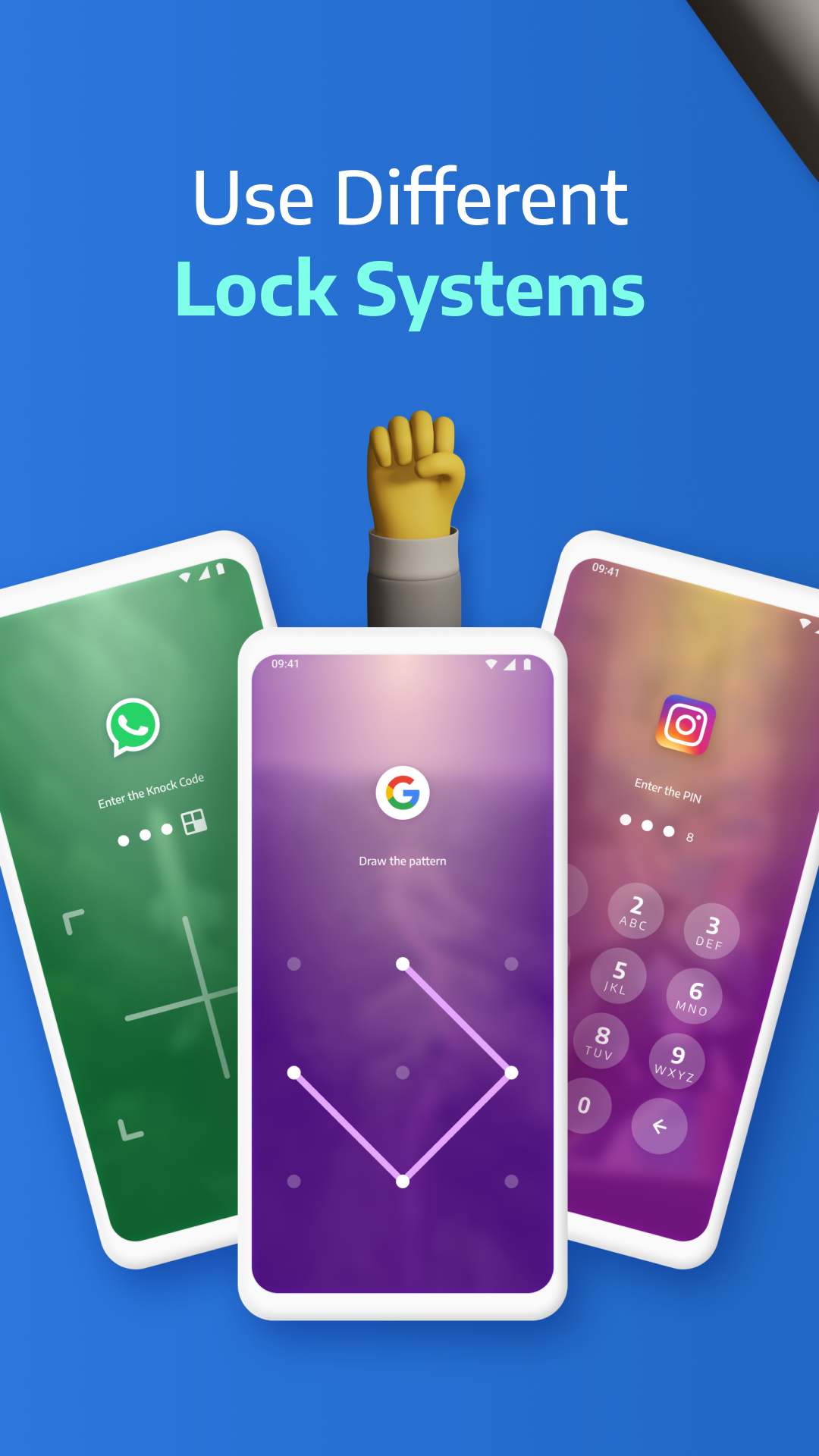
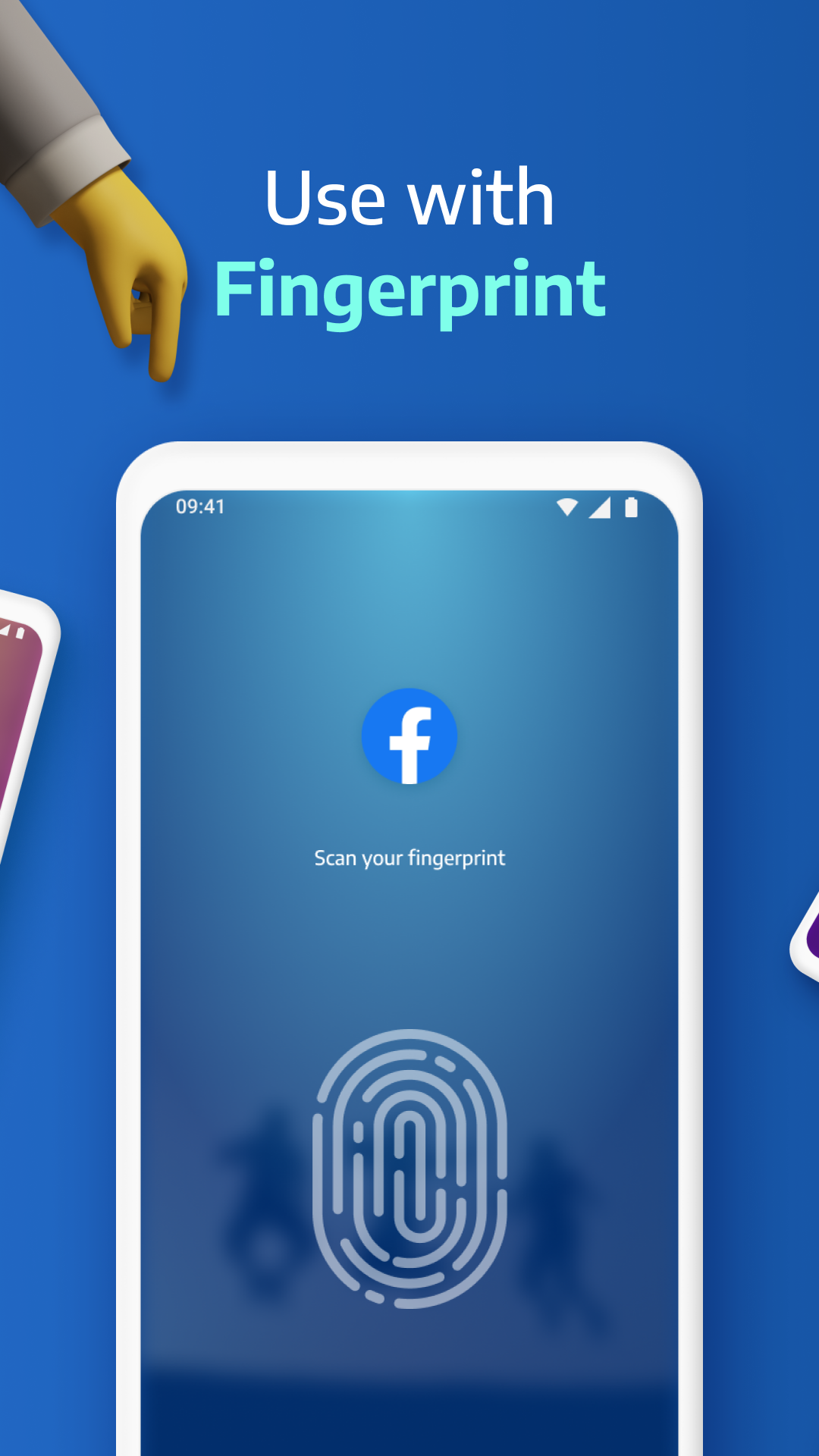
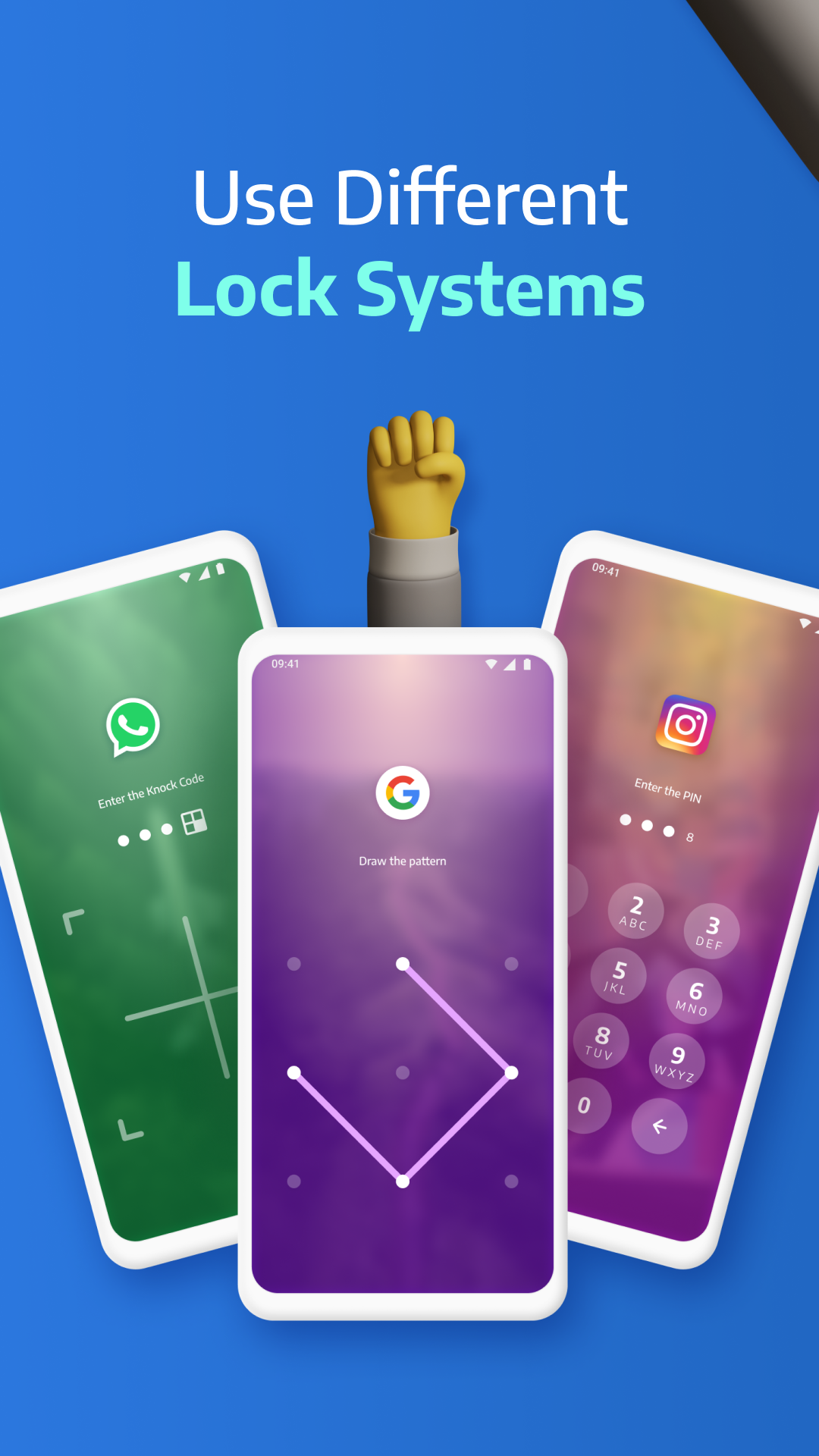
Secure WhatsApp, Instagram, Messenger, Gallery, Settings, and more using PIN, pattern, fingerprint (if supported), or KnockCode.
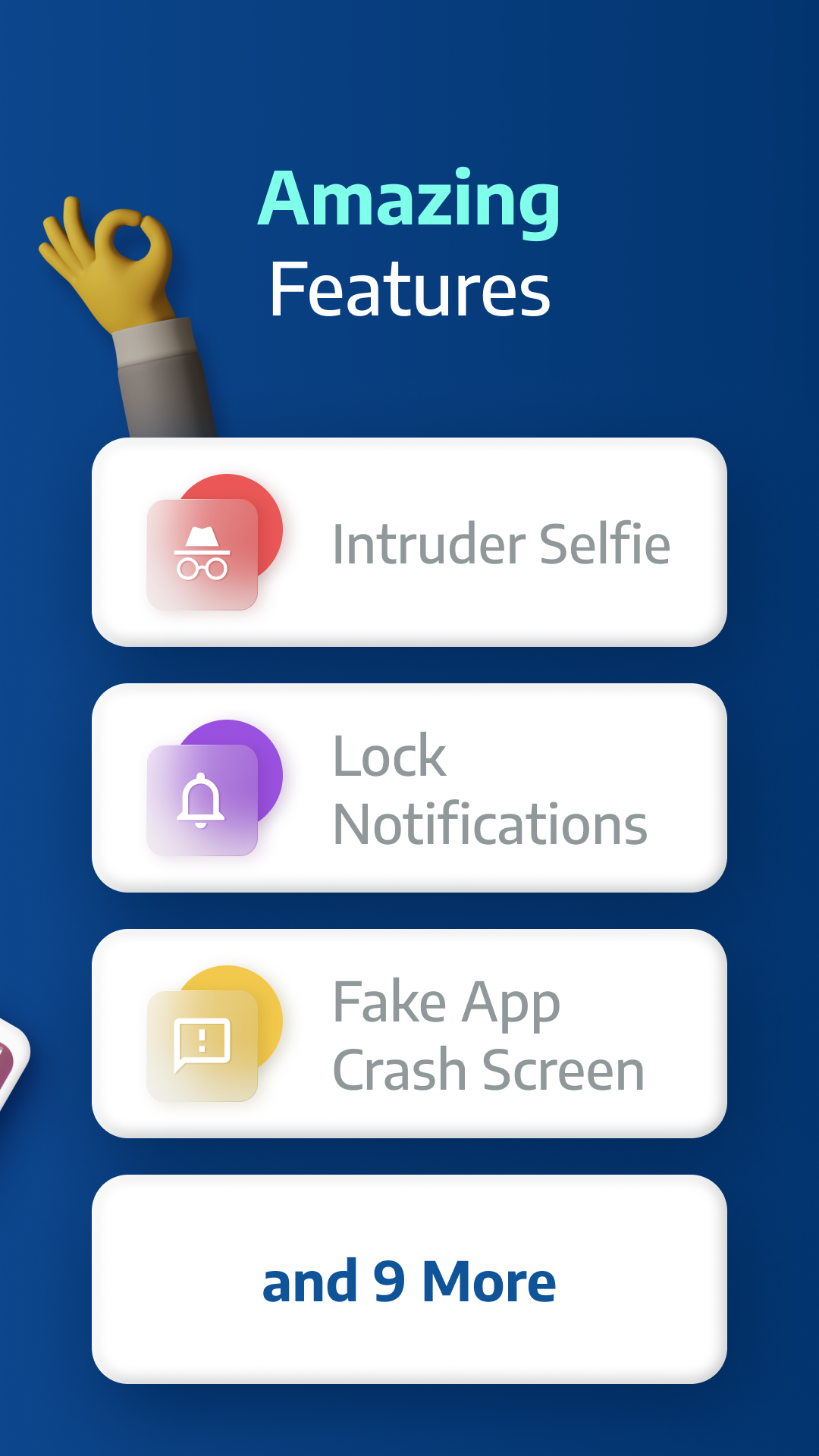
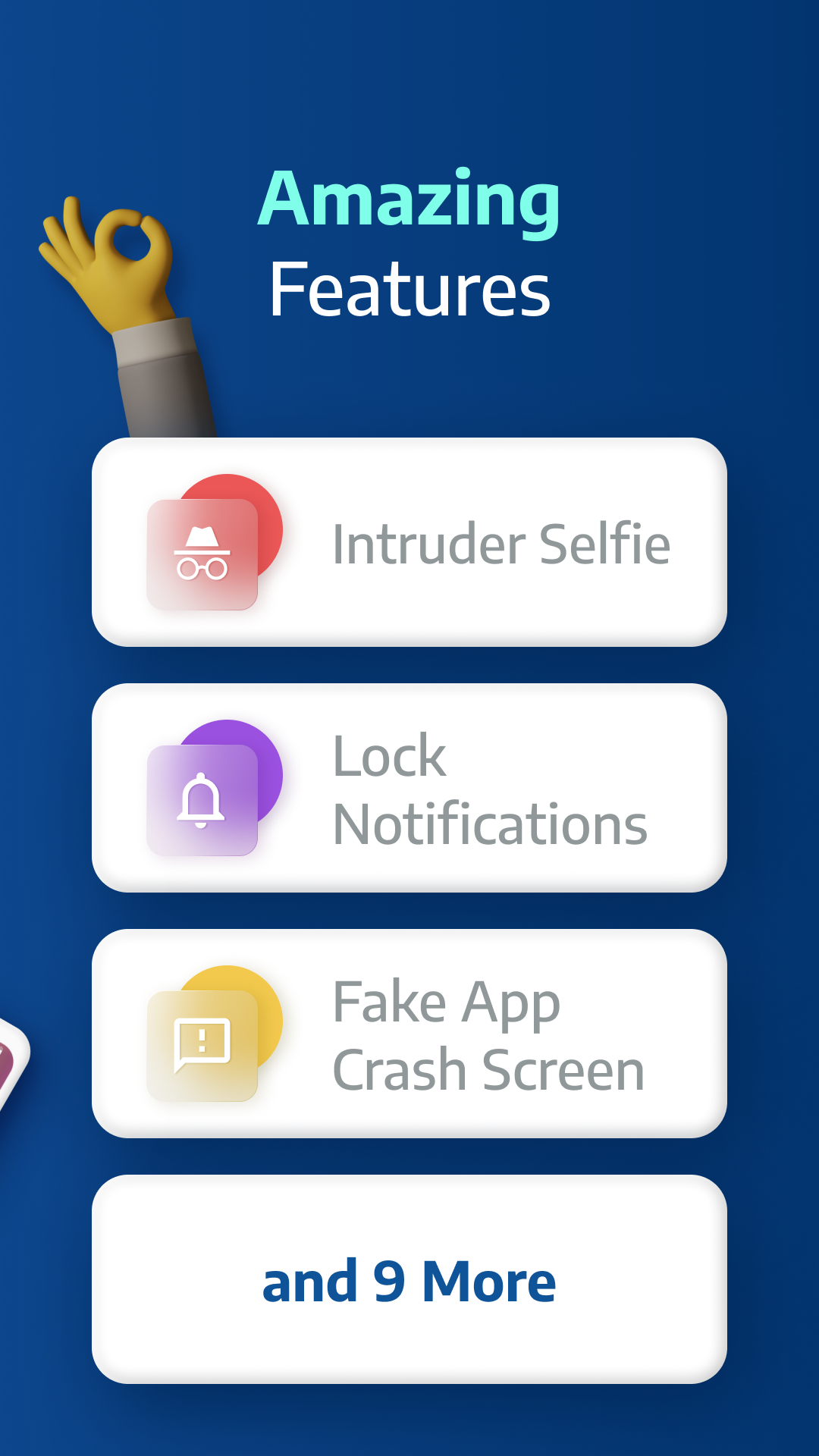
📸 Spy Camera Protection
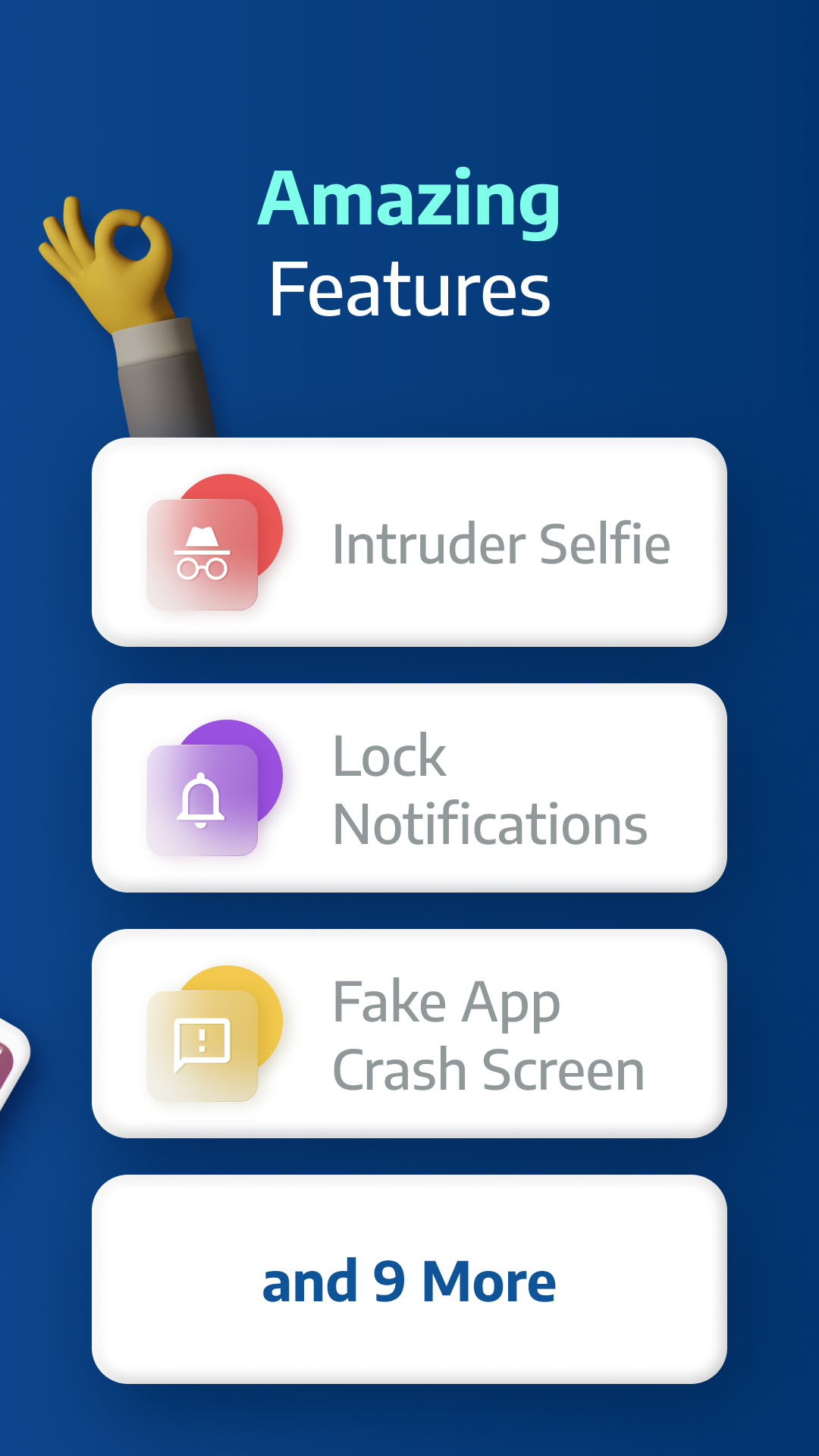
Catch snoopers in the act! A secret photo is taken when someone enters the wrong password.
🧠 Fake Error Message
Trick intruders with a fake error screen instead of showing the app is locked.
🔕 Hide Notifications
Block or hide sensitive notifications from locked apps.
⏱ Lock Timer & Auto Re-Lock
Set AppLock to auto-disable during certain hours, or re-lock after a short break.
🚨 Spy Alarm
Trigger a loud alarm if the wrong password is entered multiple times.
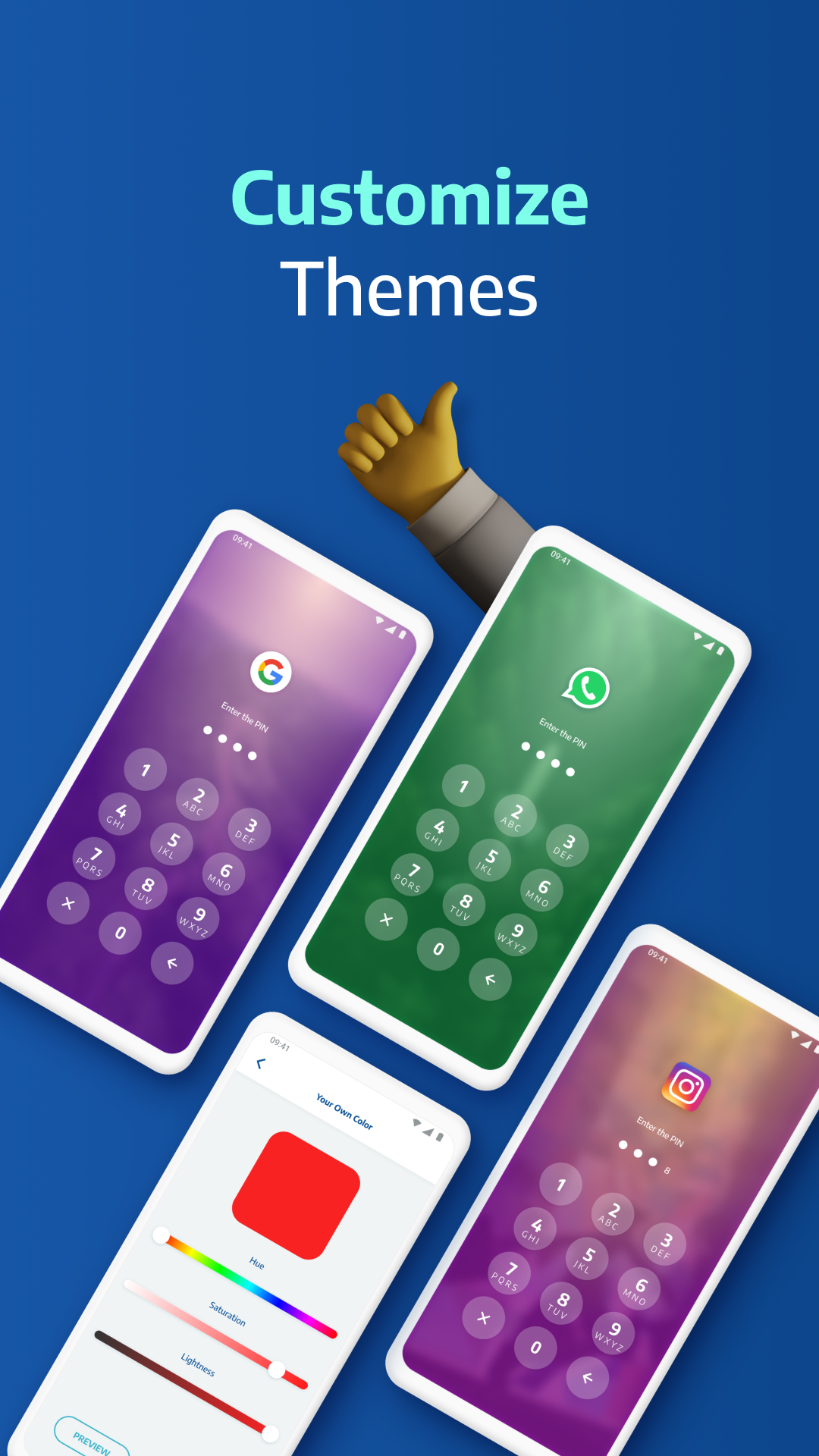
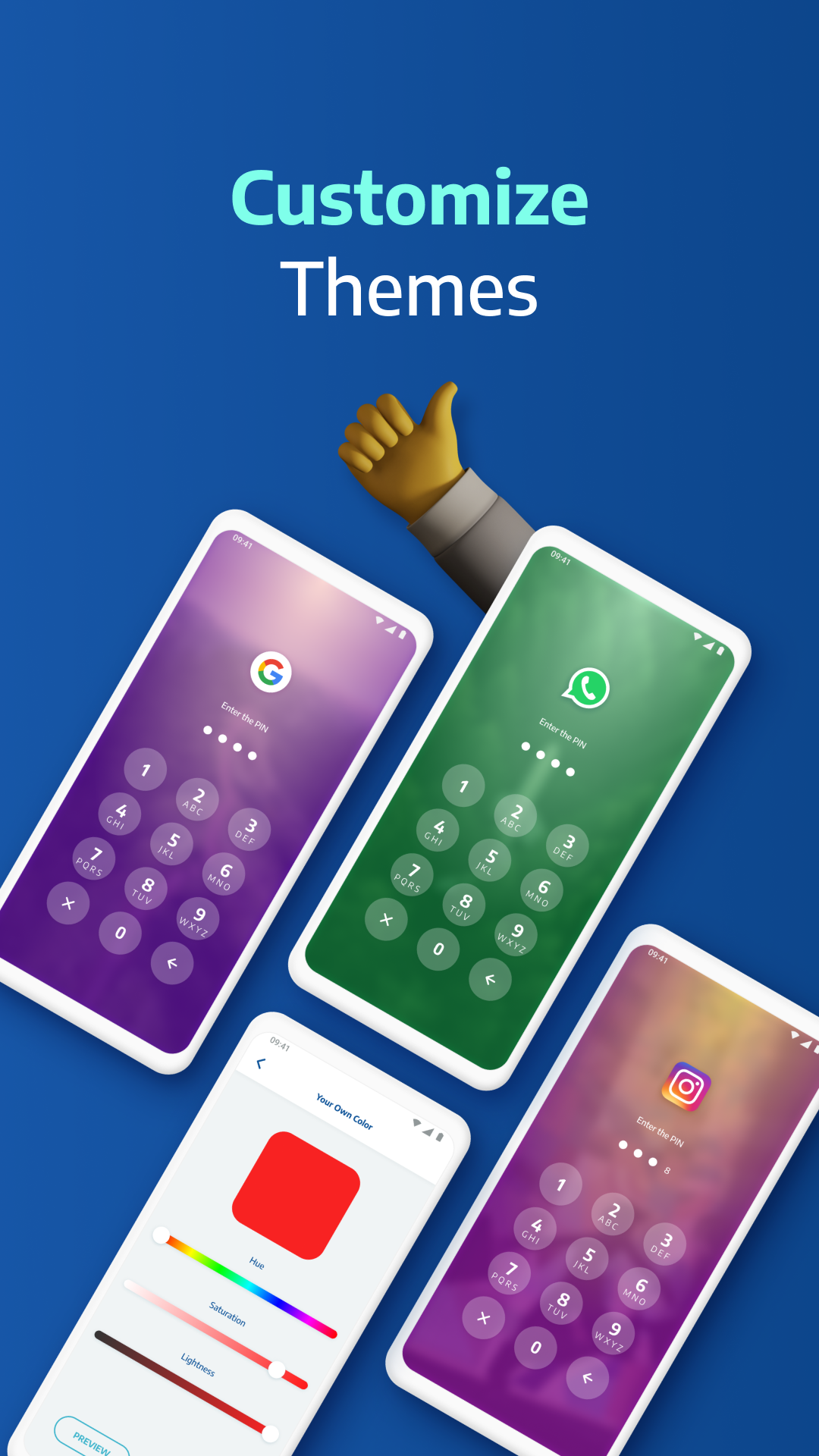
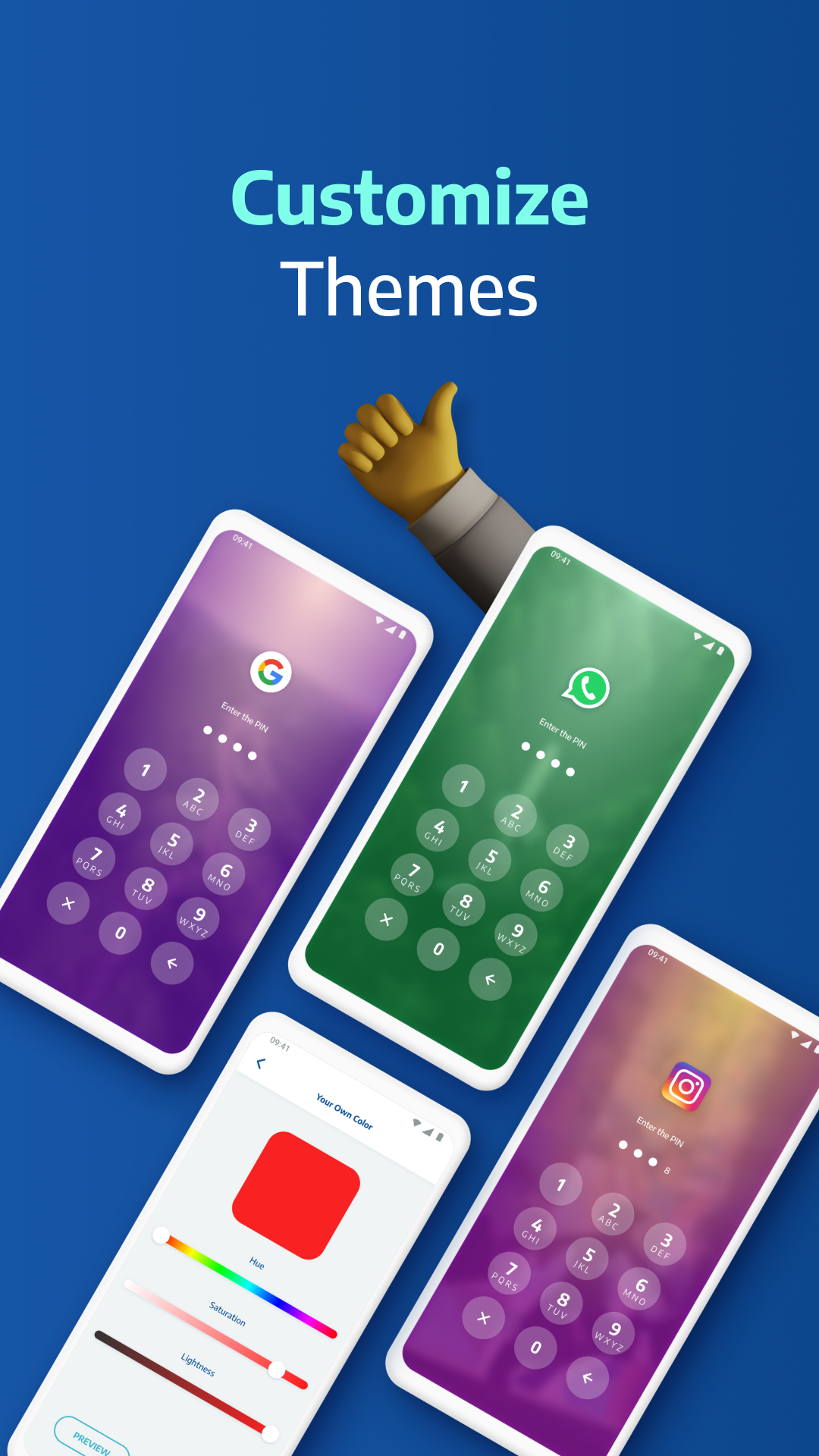
🎨 Custom Themes
Change the look and feel. Set a custom background using your own gallery photos.
⚙️ Smart Settings
Lightweight and optimized for battery & RAM. Includes vibration, new app alerts, lock recent apps, and more.
🛡️ Lock Types:
Fingerprint (if supported by your device)
KnockCode – a unique and secure unlock method
Pattern – simple and fast
PIN – 4 to 8-digit password
📌 Frequently Asked Questions
Q: How do I prevent AppLock Pro from being uninstalled?
Lock system settings and enable “Hide Icon” for extra protection.
Q: Why are permissions needed?
We only request permissions necessary for advanced features like custom backgrounds.
Q: What if I forget my password?
Use your secret answer to reset it easily.
Q: Can I hide photos and videos?
Lock the Gallery app to block access to your media.
Q: How does the spy camera work?
After 5 failed password attempts, AppLock Pro snaps a front-camera photo and stores it securely.
Ready to protect your privacy?
Download AppLock Pro now and take control of your app security.
Additional information
Screenshots
Reviews
Recommend Article









Similar Apps

MyHR2u Indonesia mobile version

Garibi.ru is a renowned foreigners' classifieds site

Application for accounting working hours and fuel / electricity

Access your phone's notifications, calls, apps, photos & texts on your PC

Local & Secure Email — Personal, Business, Calendar & Offline Access

Cici is your AI assistant.