


Document Reader - PDF Editor
Hot Novels






Install Tips
Document Reader - PDF Editor Review
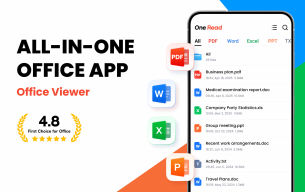
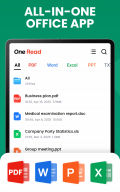
Document Reader - PDF Editor is your all-in-one file viewer and editor, designed to open, manage, and convert multiple document formats seamlessly on your Android device. With this versatile app, you can quickly access PDF, Word, Excel, PowerPoint, and Text files anytime, anywhere — all from one convenient platform.
Developed by Simple Design, one of the leading app developers on Google Play, this lightweight and easy-to-use tool offers fast performance, offline functionality, and a beautifully organized interface for everyday productivity.
Comprehensive Document Management in One App
Efficient File Organization
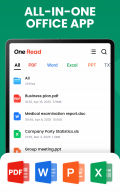
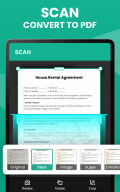
Automatic File Scan: Instantly detects and organizes all document files (PDF, DOC, DOCX, XLS, XLSX, PPT, TXT) on your device.
Folder Structure View: Browse files easily in categorized folders.
Favorites List: Quickly access important files by adding them to your favorites.
Smart Search: Locate documents instantly within or outside the app.
Powerful File Viewing Tools
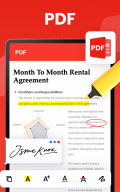
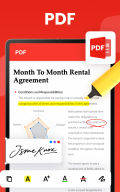
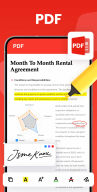
PDF Reader: Open and read PDF files instantly with smooth page transitions, zoom options, and page navigation.
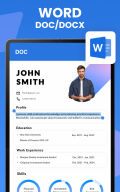
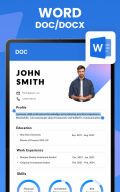
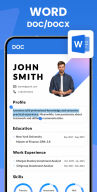
Word Viewer (DOC/DOCX): Access all Word documents in a clean, fast interface for effortless reading.
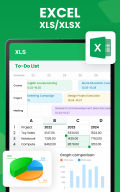
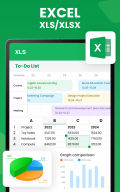
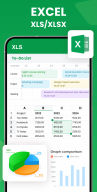
Excel Viewer (XLS/XLSX): View spreadsheets, reports, and data sheets with stability and clarity.
PPT Viewer (PPT/PPTX): Present slideshows and presentations in full high resolution.
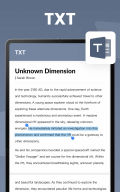
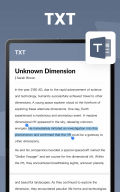
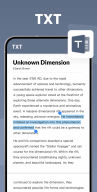
TXT Reader: Read plain text documents anytime, anywhere.
PDF Conversion & Editing
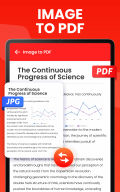
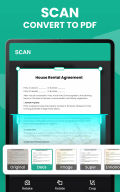
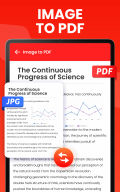
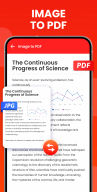
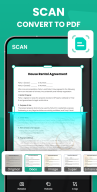
Image to PDF: Convert photos (JPG, JPEG, PNG, BMP, WEBP) into professional PDF files.
PDF to Image: Export PDF pages as images and save them directly to your gallery.
Add Text to PDF: Edit PDFs easily by adding custom text, adjusting font size, color, and layout.
Productivity & Ease of Use
Simple, clean, and lightweight (only 12MB).
Sort files by name, size, date modified, or last viewed.
Rename, delete, or share files instantly.
Works completely offline — no internet required.
Quick response and smooth performance.
Upcoming Features
Support for more file formats (RAR, MOBI, HTML, ODT, XML, ZIP, etc.).
Advanced file editor and new document creation.
Merge multiple documents into one file.
Global text search across all files.
Dark mode and document doodling tools.
Permissions Notice
For Android 11 and above, MANAGE_EXTERNAL_STORAGE permission is required to read and edit documents. This access is strictly limited to app functionality and not used for any other purpose.
If you encounter issues or have feedback, contact us at allreaderfeedback@gmail.com
— your input helps us continuously improve the app.
FAQ
Additional information
Screenshots



Reviews
Recommend Article








Similar Apps
Craft your story with formatting and grammar tools to ensure it’s right, always

When you Focus, your Bean will Focus in this cozy, gamified productivity timer
Securely manage and organize files with dual-pane efficiency.

HW CloudLink delivers crystal-clear video conferencing with smart scheduling, mobile optimization, and Huawei’s CloudVC ecosystem support.

L’Bel Conmigo — the pocket workspace for L’Bel consultants
Junk file removal and file management