


Edge Control
Hot Novels






Install Tips
Mobile safety & integrity report for the latest package. We provide verifiable checksums and a timestamped scan summary. Latest package Edge Control 1.6(17) scanned by multiple engines; no threats detectedas of Tue, 28 Jul 2026 11:19:53 GMT.
After downloading, use a system or third-party checksum tool to calculate the SHA256 and ensure it matches the value provided on this page (case-sensitive, without spaces).
Each engine uses different signature databases and heuristics, so results may vary slightly. We provide a timestamp and checksum to allow you to independently verify the package.
Edge Control Review

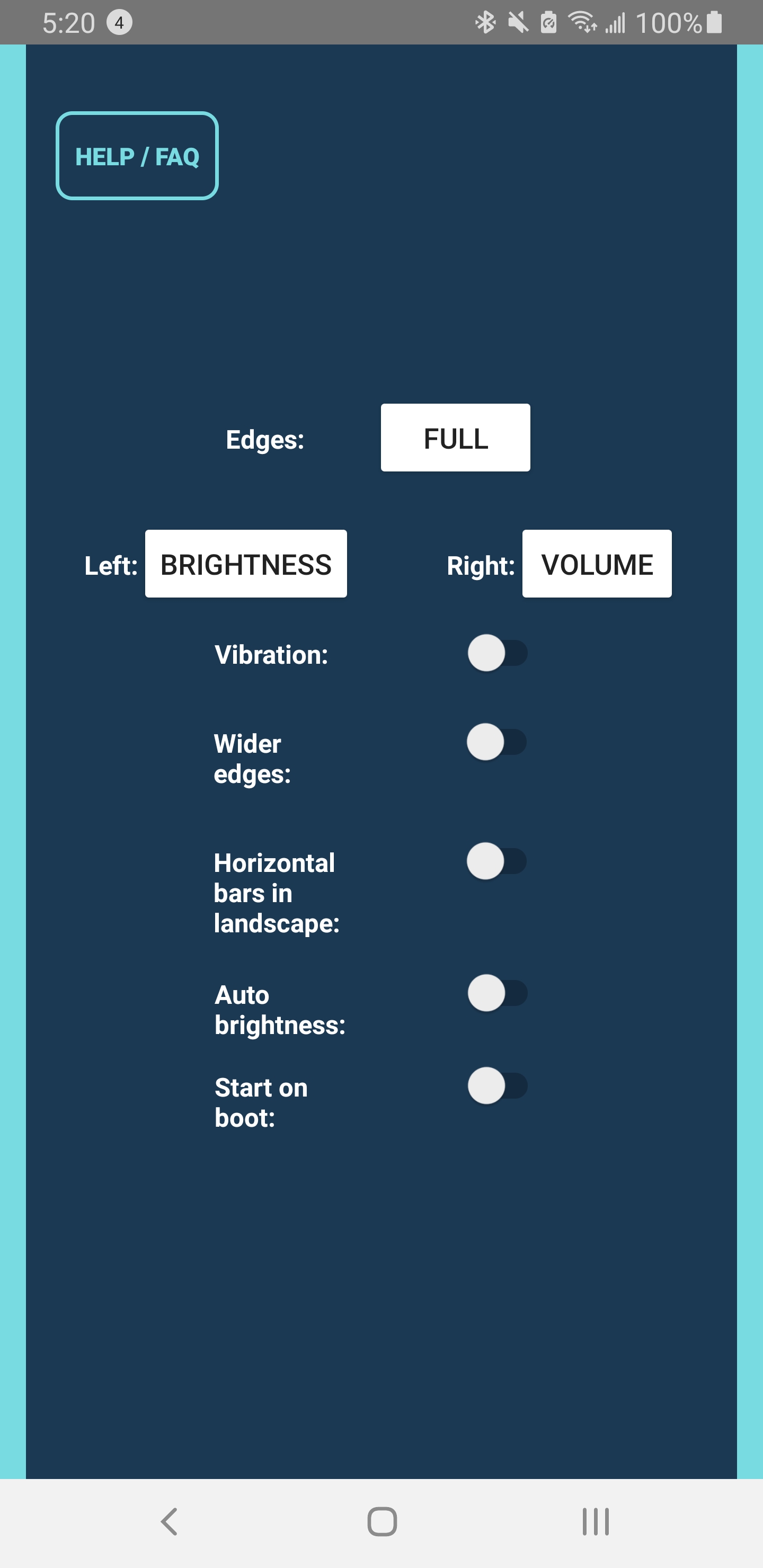
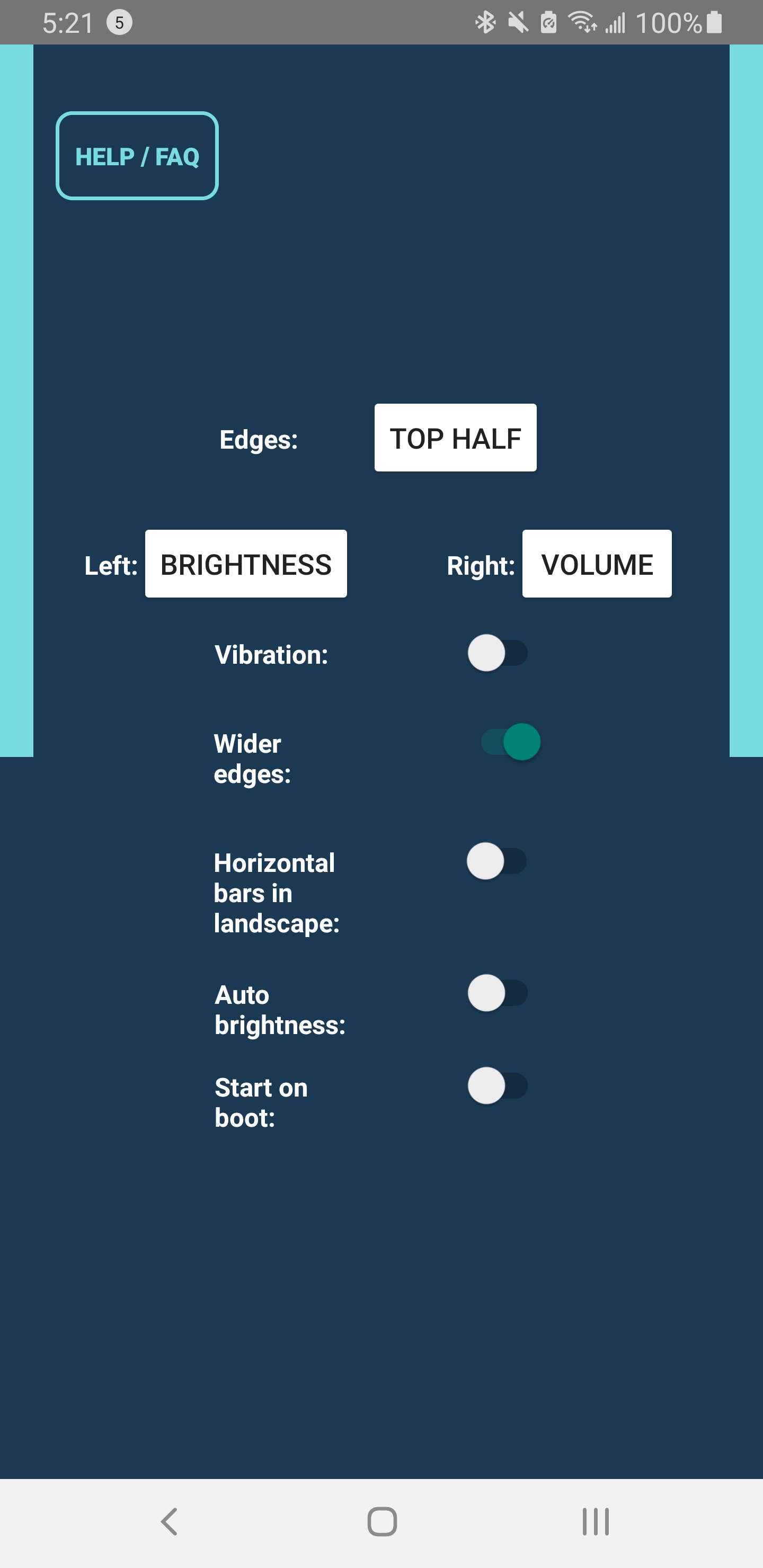
Edge Control APK gives Android users a faster, smarter way to adjust volume and brightness without using hardware buttons or on-screen menus. Instead of pressing volume keys or opening the notification shade, simply slide your finger along the edges of your device’s screen. This gesture-based control is particularly useful if your buttons are worn out, unresponsive, or simply inconvenient to reach.
Designed with accessibility and convenience in mind, Edge Control enhances everyday usability by turning your device’s screen edges into dynamic control zones. Whether you’re watching a video, listening to music, or reading in low light, adjusting your settings becomes effortless and intuitive.
Gesture-Based Control Made Simple
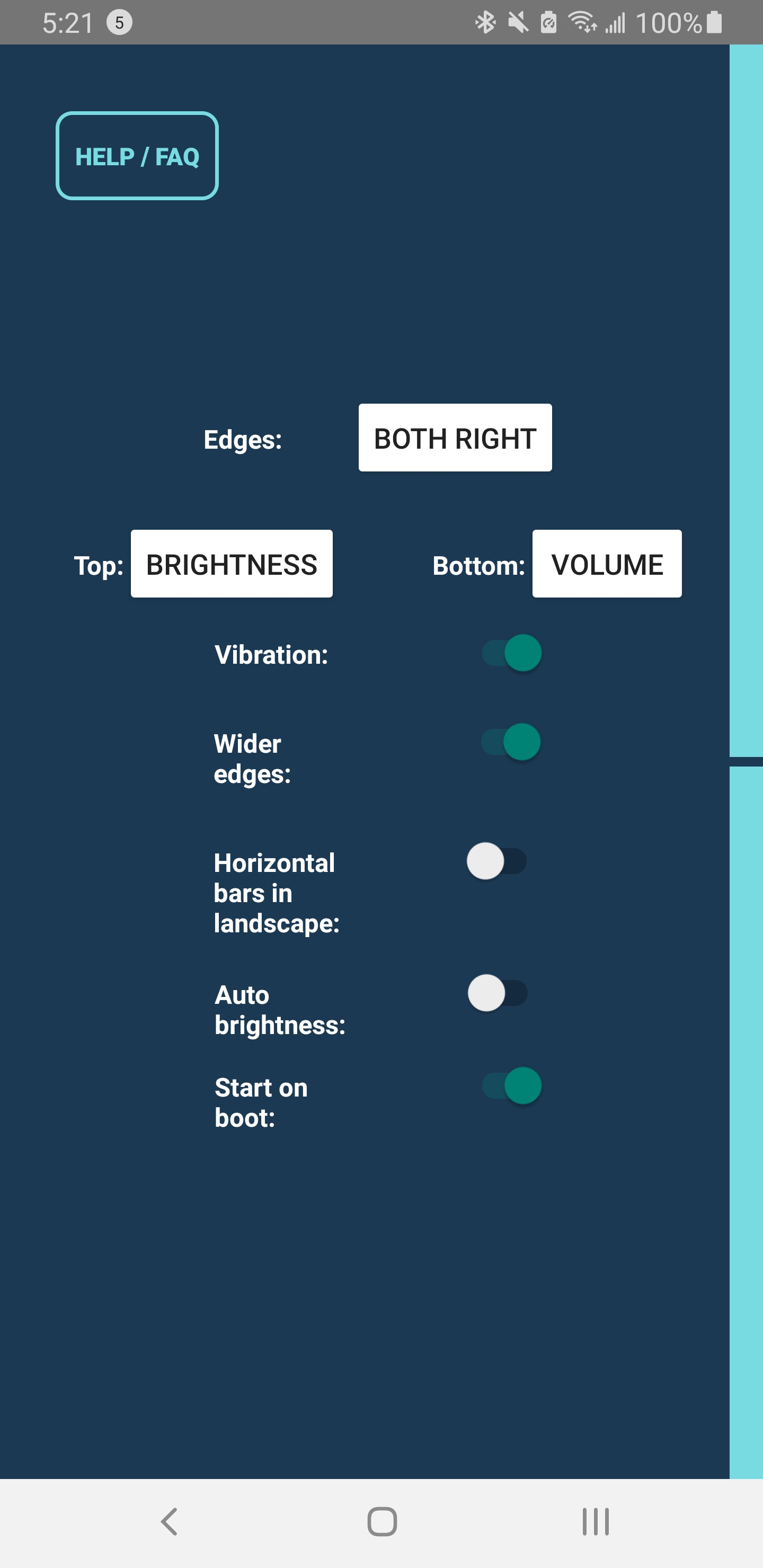
With Edge Control, users can quickly fine-tune both brightness and sound levels just by swiping along the left or right edge of the display. The app interprets touch movements precisely, ensuring responsive and consistent performance across most Android devices.
You can also toggle between manual and auto-brightness modes directly within the app. When the auto-brightness feature is enabled, the app preserves your system’s adaptive settings until you make manual changes, giving you full flexibility and control over your display lighting preferences.
Key Benefits and Use
Quick Access Anytime: Adjust brightness and volume instantly—no need to open menus or use physical buttons.
Ideal for Devices with Broken Buttons: Maintain full control even if your hardware volume keys no longer work.
Flexible Orientation Support: The app functions in both portrait and landscape mode, with the option to lock slider positions for consistent use.
Highly Compatible: Works with the majority of Android devices, though sensitivity may vary depending on screen responsiveness and overlay settings.
For users who prefer an uninterrupted experience, upgrading to the full version removes ads, allows two sliders on the same side, and keeps the service running continuously without periodic restarts.
Developer Information and Compatibility
Edge Control is developed for Android devices and requires permission to modify system settings. This permission is used solely to manage screen brightness and does not involve collecting or sharing user data. The developer explicitly states that the app does not track or store any personal information.
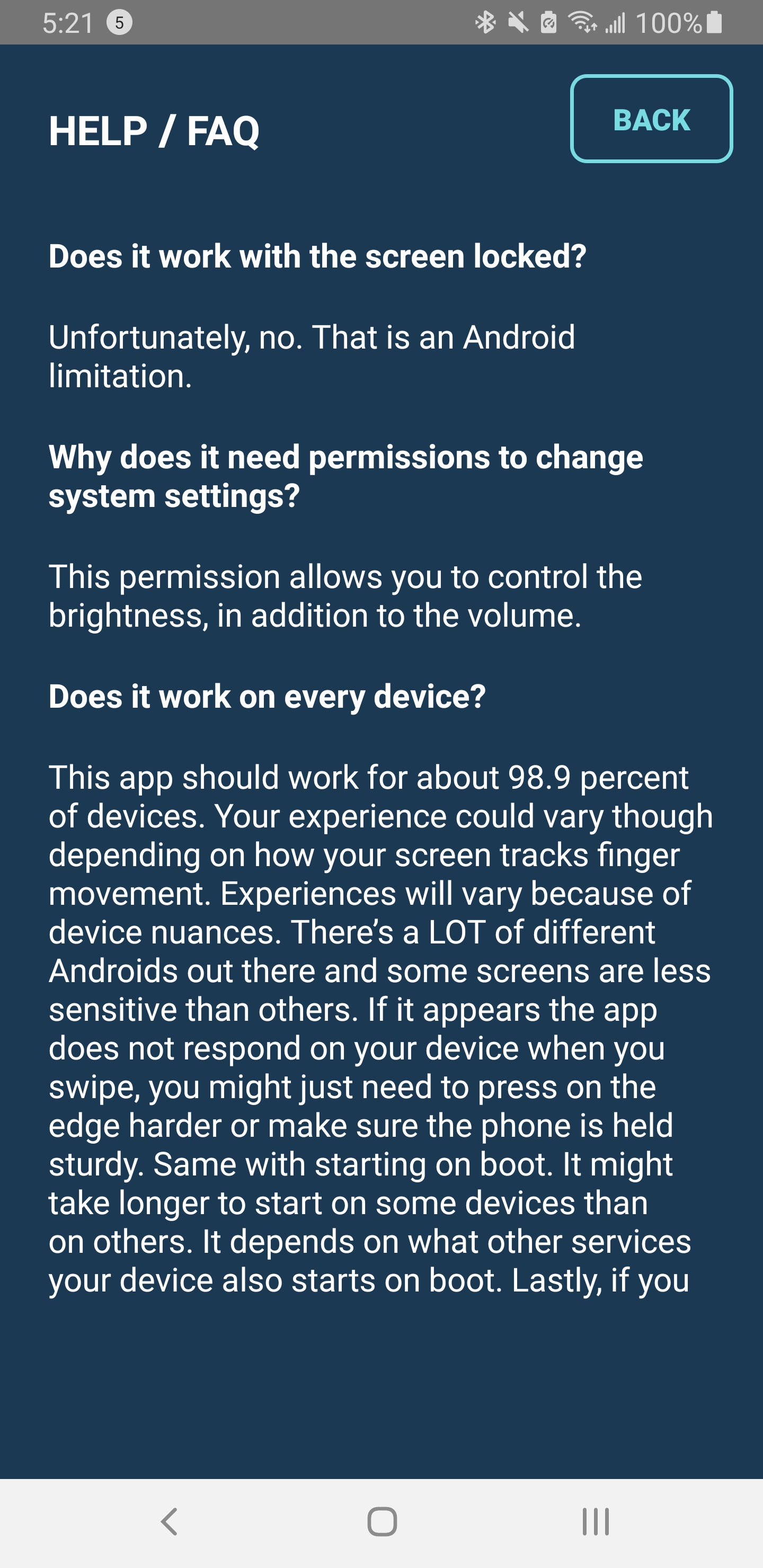
Due to Android system restrictions, Edge Control cannot function when the screen is locked. Additionally, the app is only available for Android — iOS does not support such functionality.
FAQ
Additional information
Screenshots
Reviews
Recommend Article







Similar Apps

A More Private Internet

Download Xposed App Settings APK for Android - Free - Latest Version

Run Virtual Android OS in an App
Switch channels on LG TV using phone, with LG Smart TV Remote Control plus WebOS
Manage and block ghost touches on damaged screens.
BYE BYE VPN PRO | ปลดบล็อกเว็บไซต์