

Gamu: Retro Game Hub
Hot Novels






Install Tips
Mobile safety & integrity report for the latest package. We provide verifiable checksums and a timestamped scan summary. Latest package Gamu: Retro Game Hub 3.3(34) scanned by multiple engines; no threats detectedas of Tue, 28 Jul 2026 11:21:40 GMT.
After downloading, use a system or third-party checksum tool to calculate the SHA256 and ensure it matches the value provided on this page (case-sensitive, without spaces).
Each engine uses different signature databases and heuristics, so results may vary slightly. We provide a timestamp and checksum to allow you to independently verify the package.
Gamu: Retro Game Hub Review
If you are a lover of old classic video games, want to relive memories with childhood games ... want to enjoy those games again on your computer or your phone, Gamu app will be a perfect tool for you.
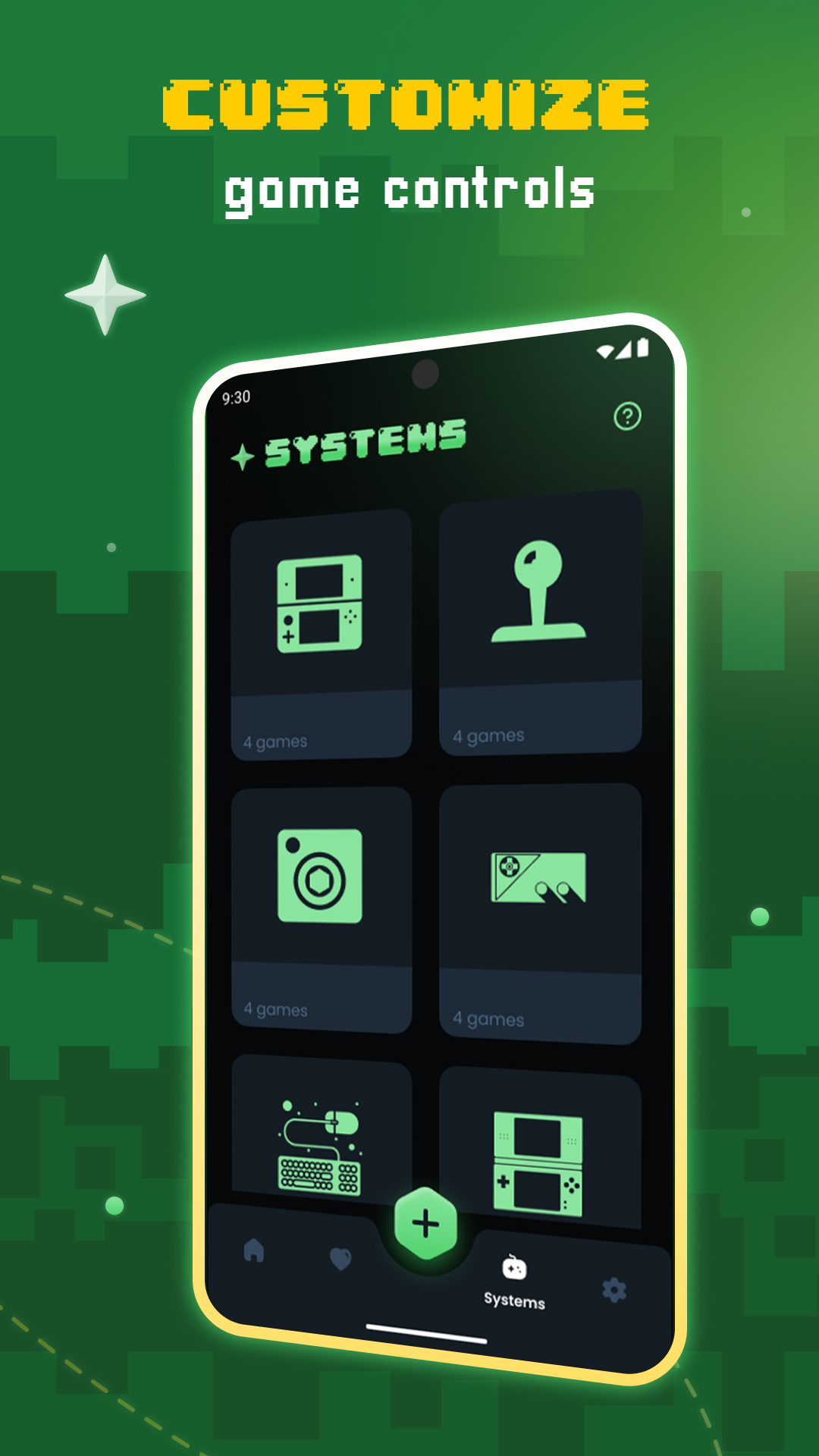
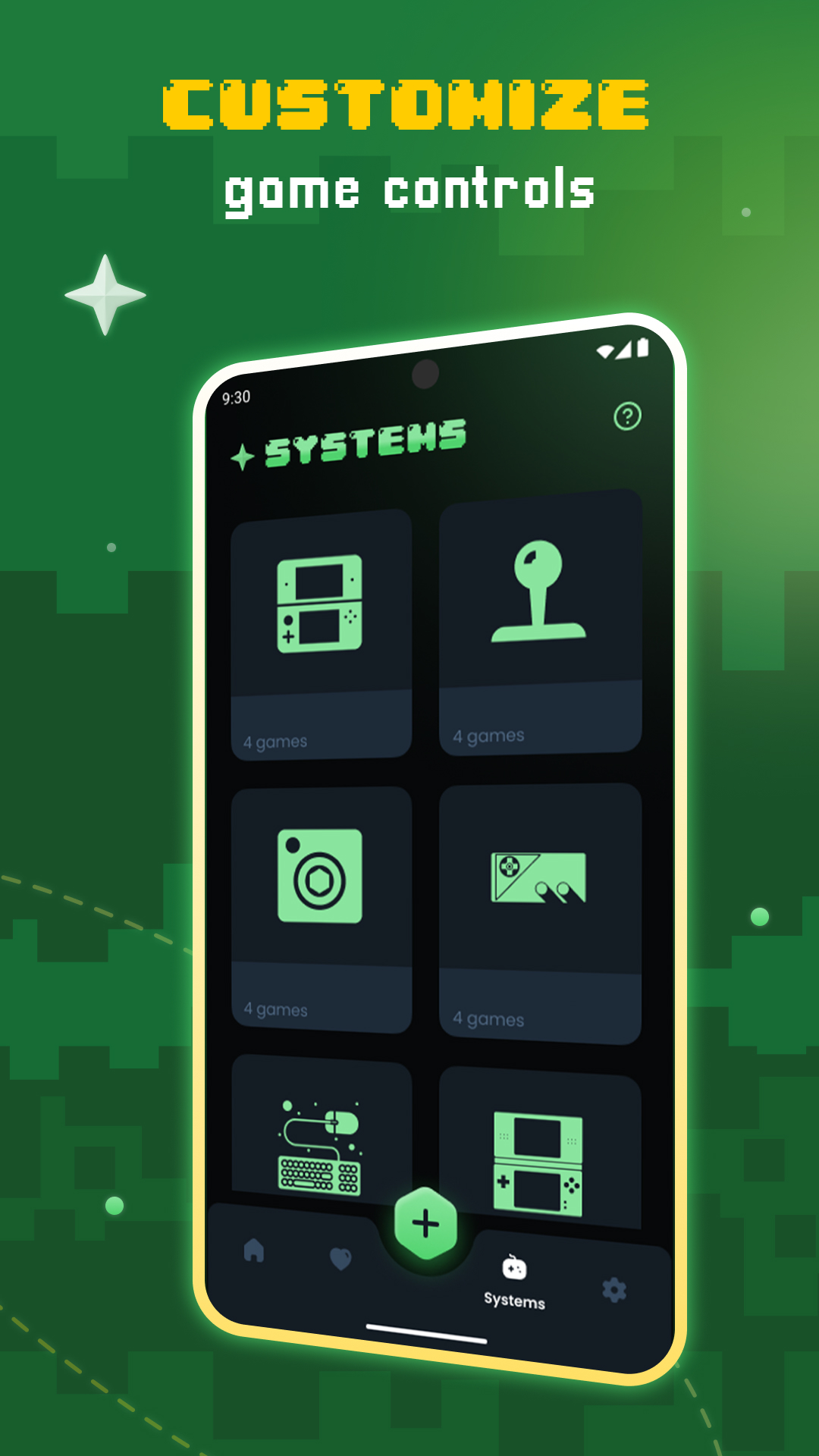
Gamu is a program that combines all the emulators of old game consoles into one and some other old game consoles. Gamu supports multi-platform, running on PC, Mac, Linux, even on mobile devices such as Android and iOS, in addition to supporting gamepad controllers and game management libraries. .Gamu is still continuously updated. If you know how to take advantage of the features of this application, it will give you an experience completely similar to old systems.
Gamu is an open-source project that makes use of a powerful development interface called Libretro. Libretro is an interface that allows you to make cross-platform applications that can use rich features such as OpenGL, cross-platform camera support, location support, and more in the future. It's designed to work on a wide range of devices, from phones to TVs, and to provide the best user experience on Android. It's completely free and without ads. It comes with its own built-in collection of applications to provide you with a 'one-stop-shop' for entertainment.
Libretro and Gamu are perfectly suited for creating games, emulators and multimedia programs. If you want to learn more, go to our website (listed below).
Features:
- Automatically save and restore game states
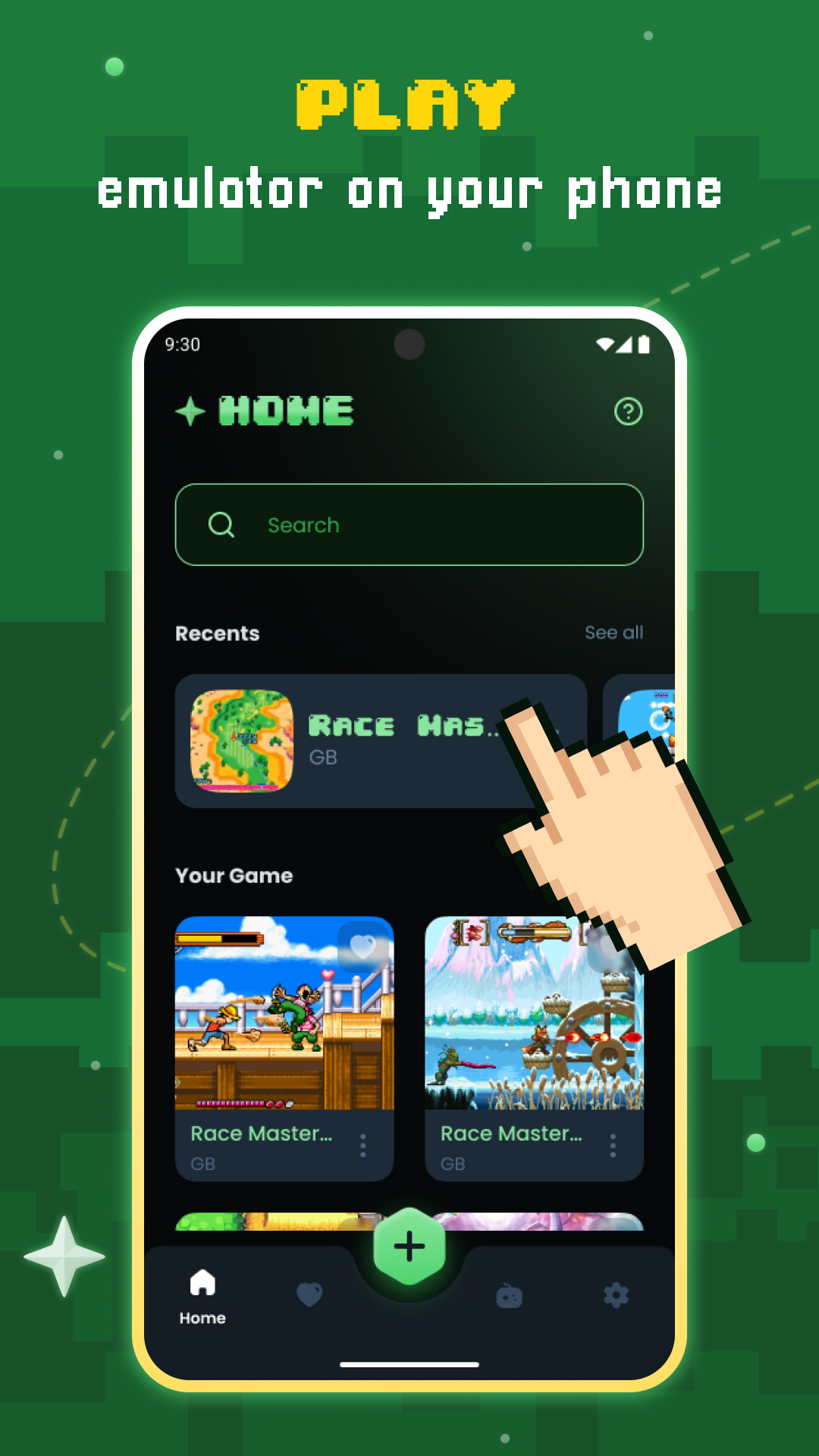
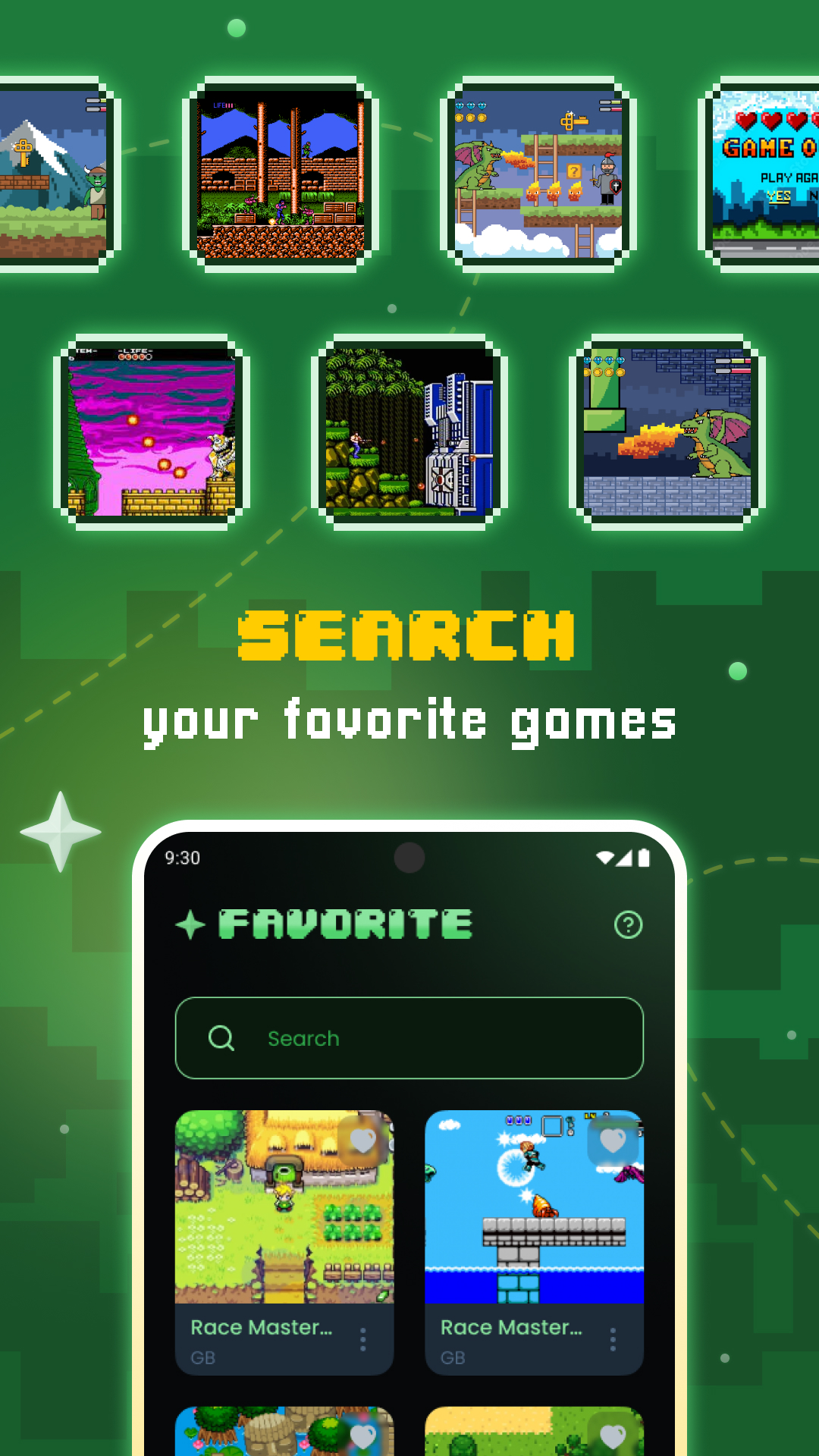
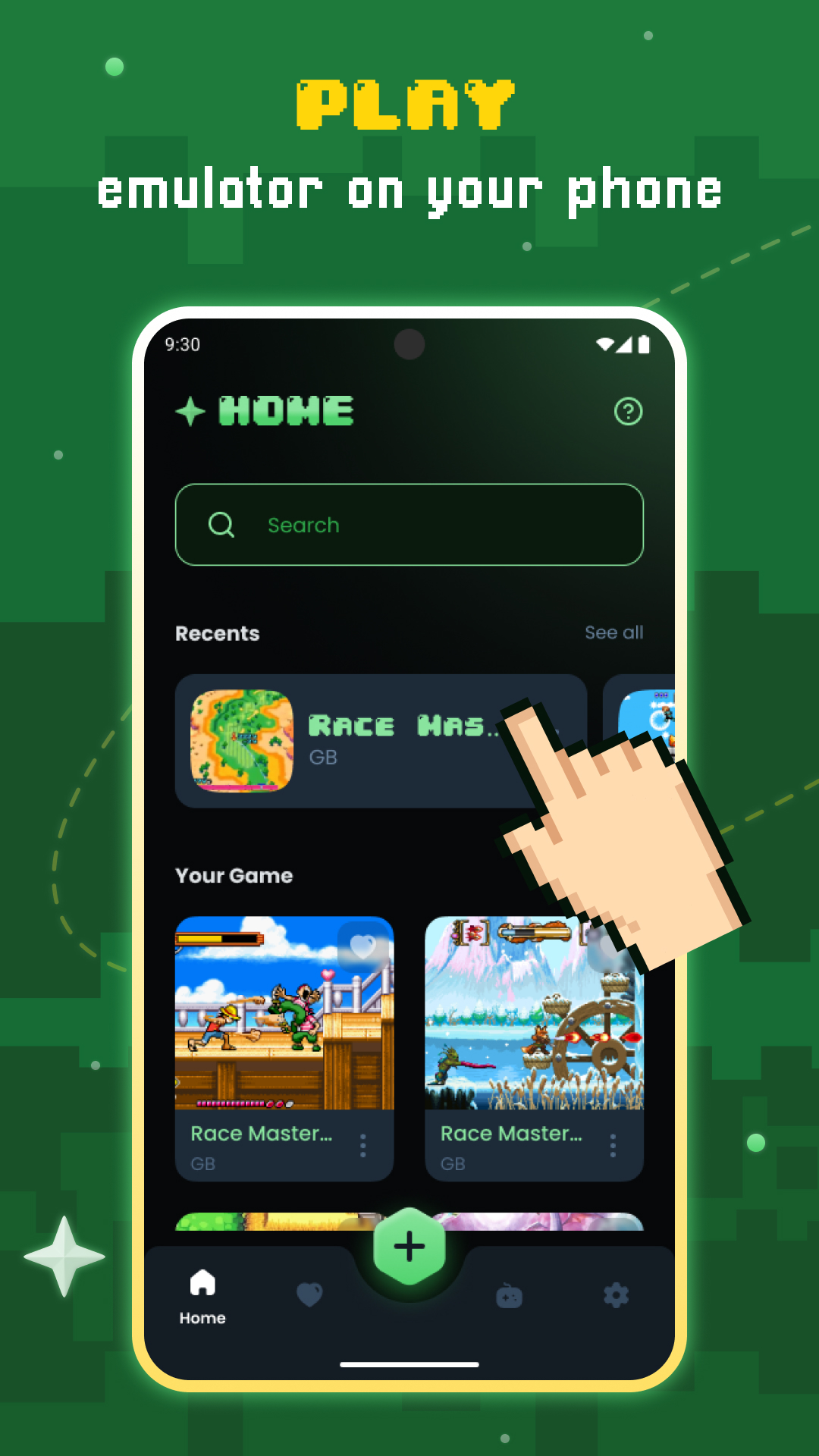
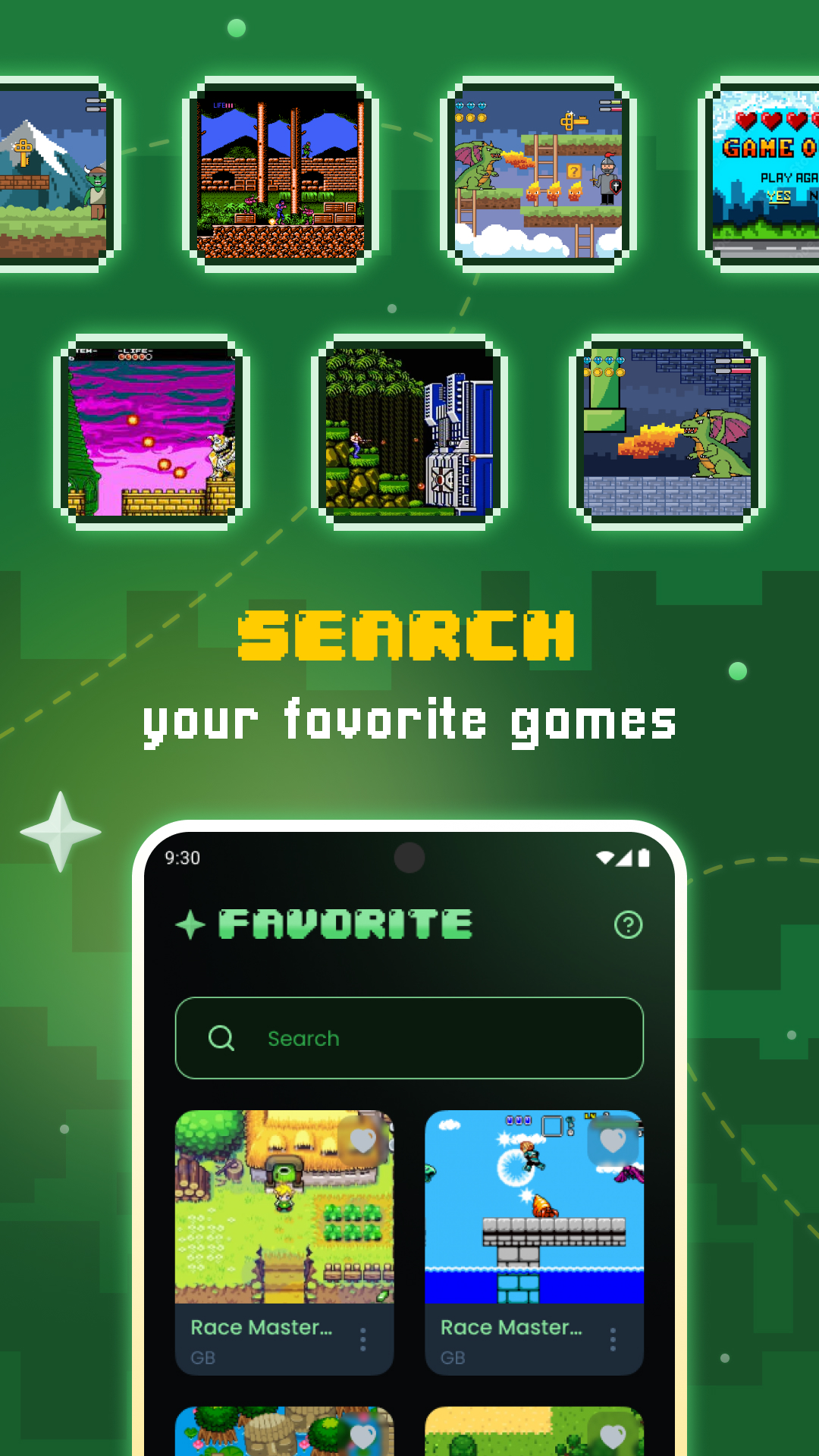
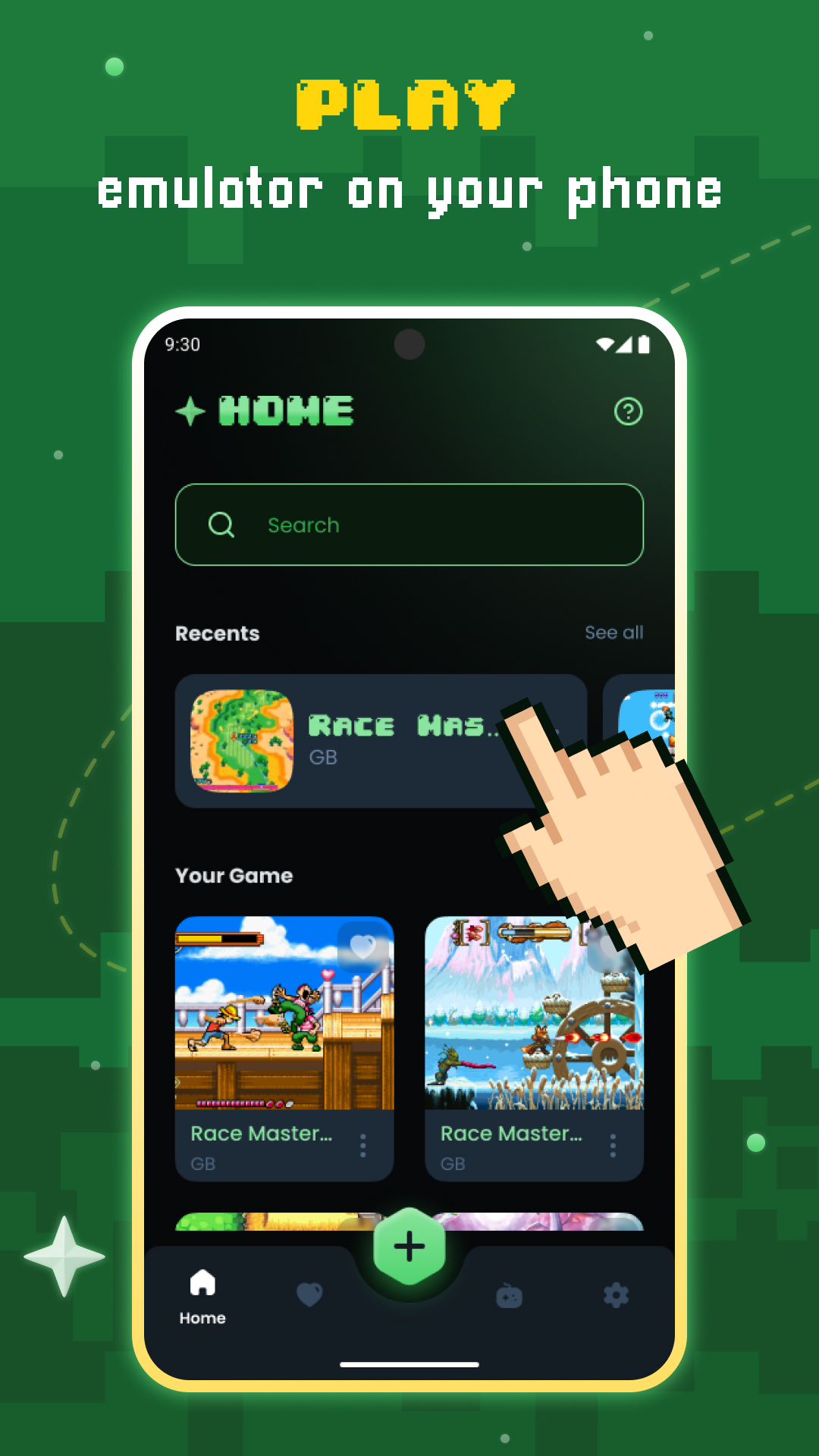
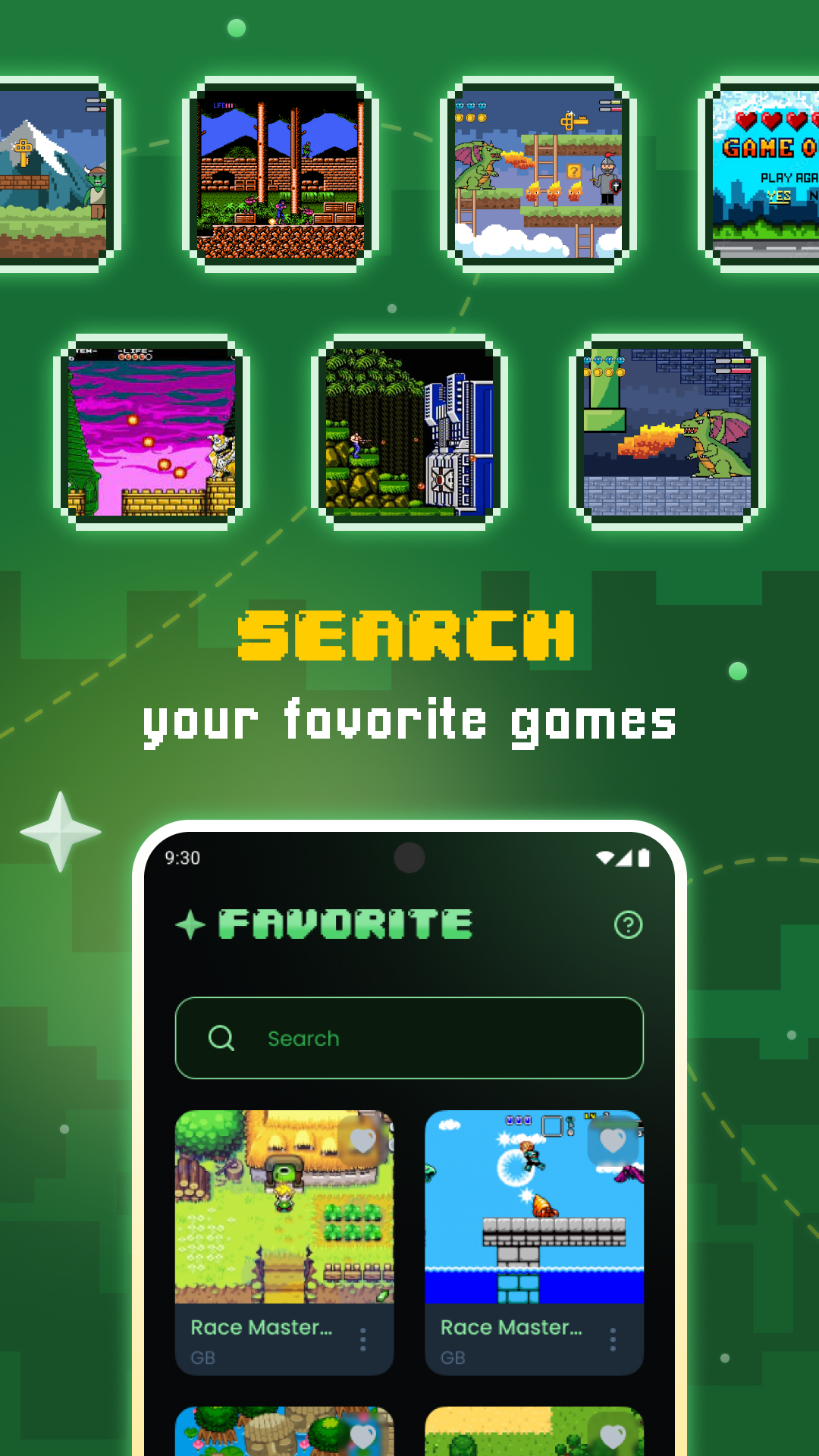
- ROMs scanning and indexing
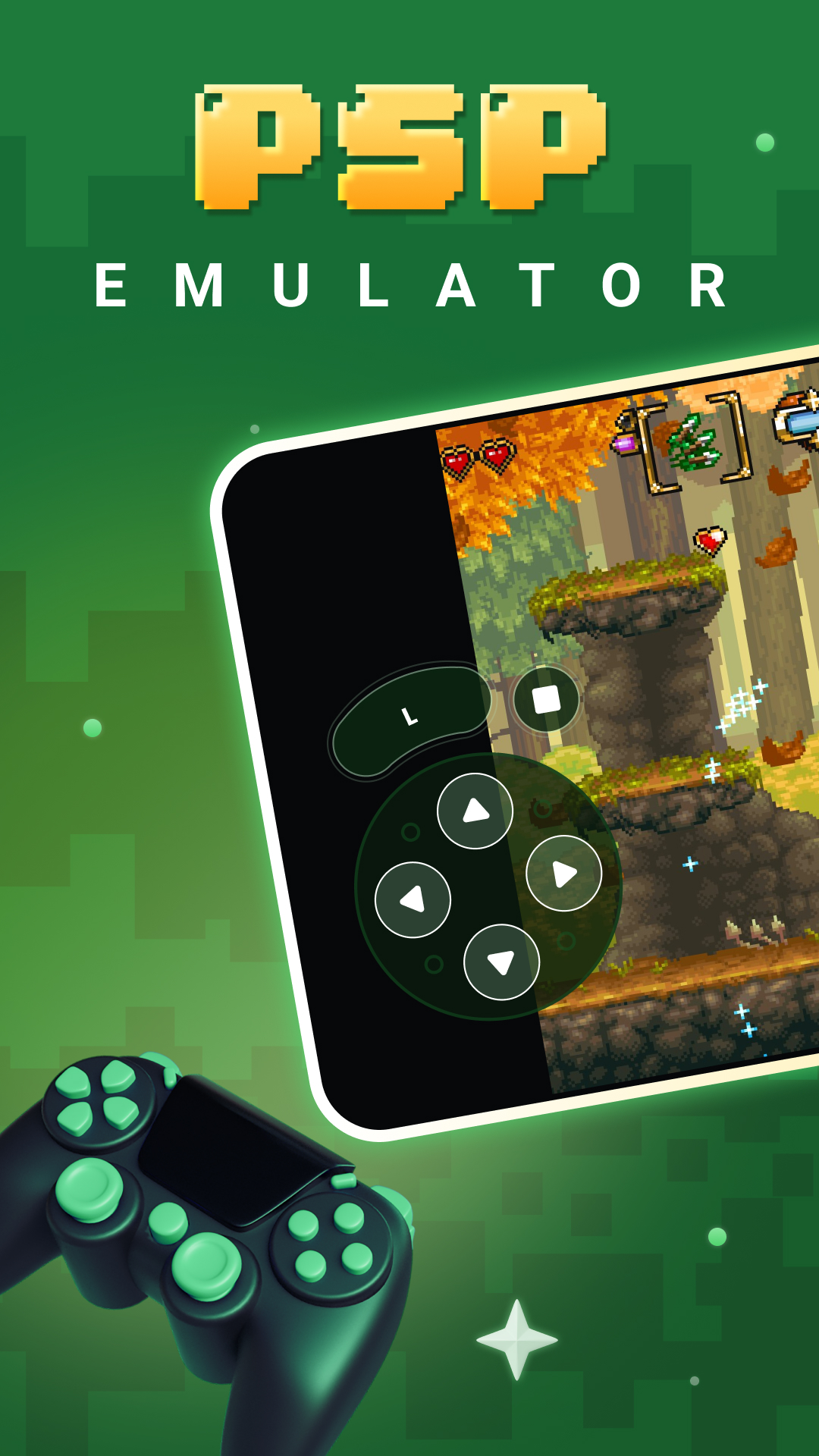
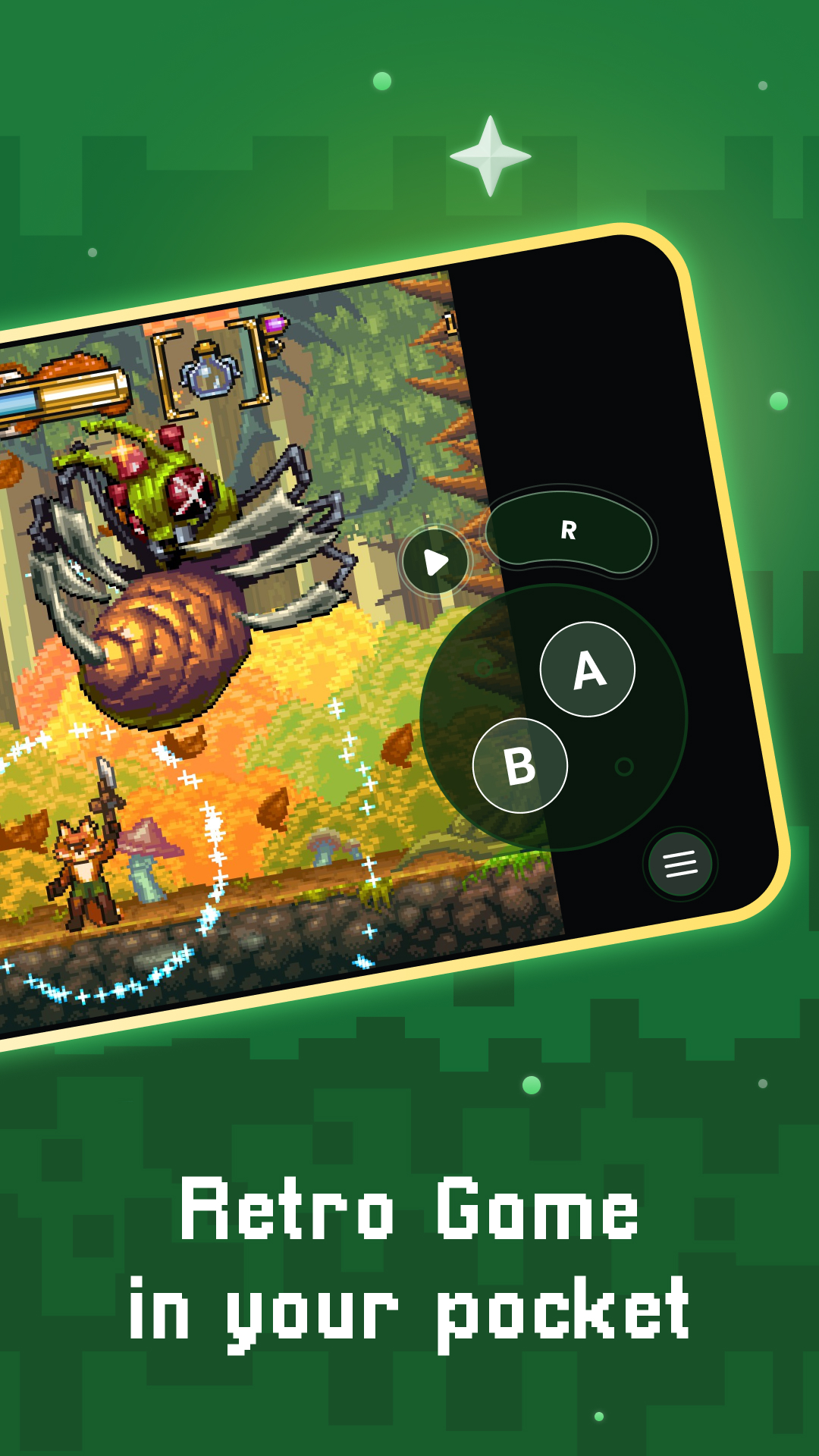
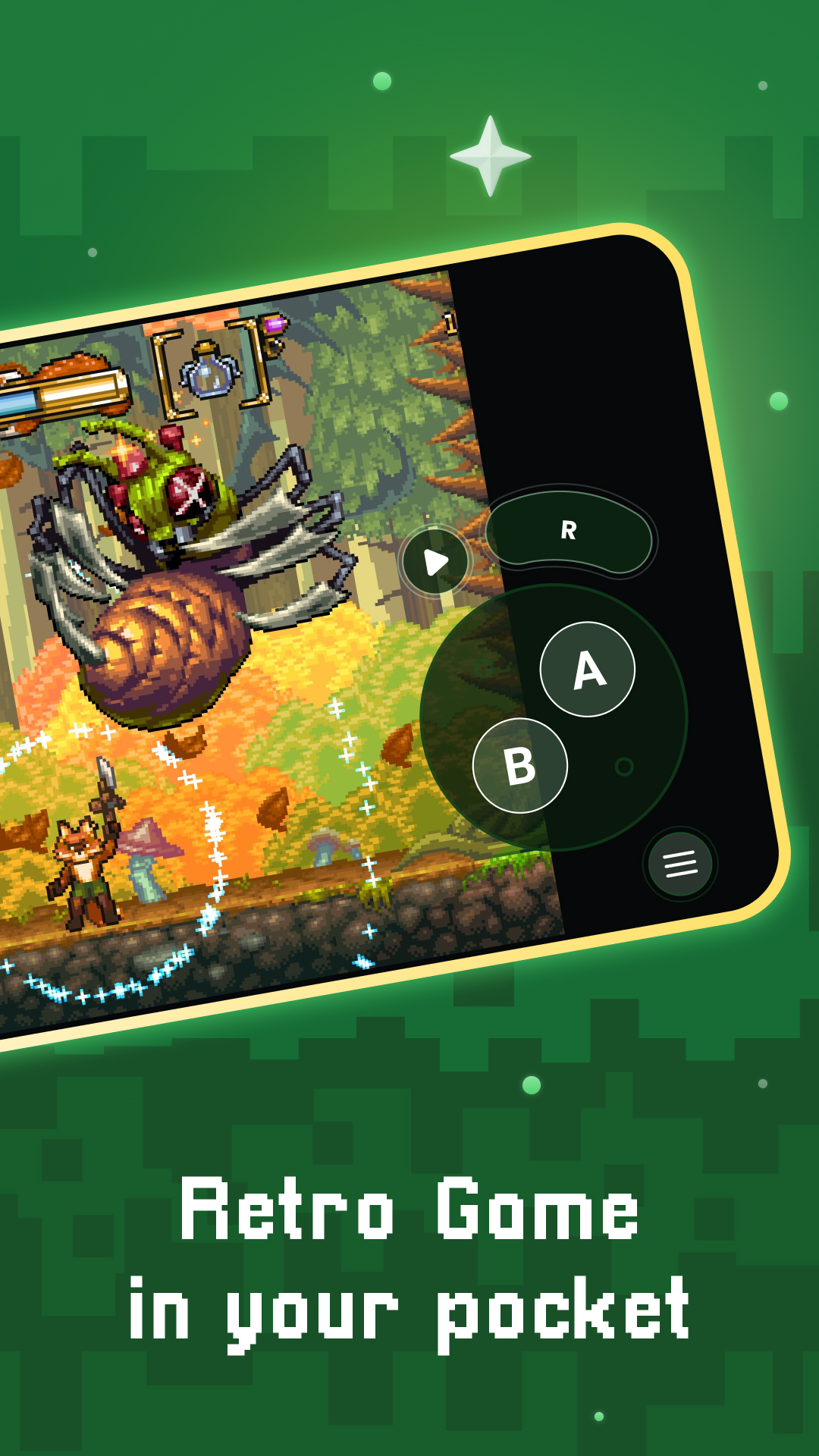
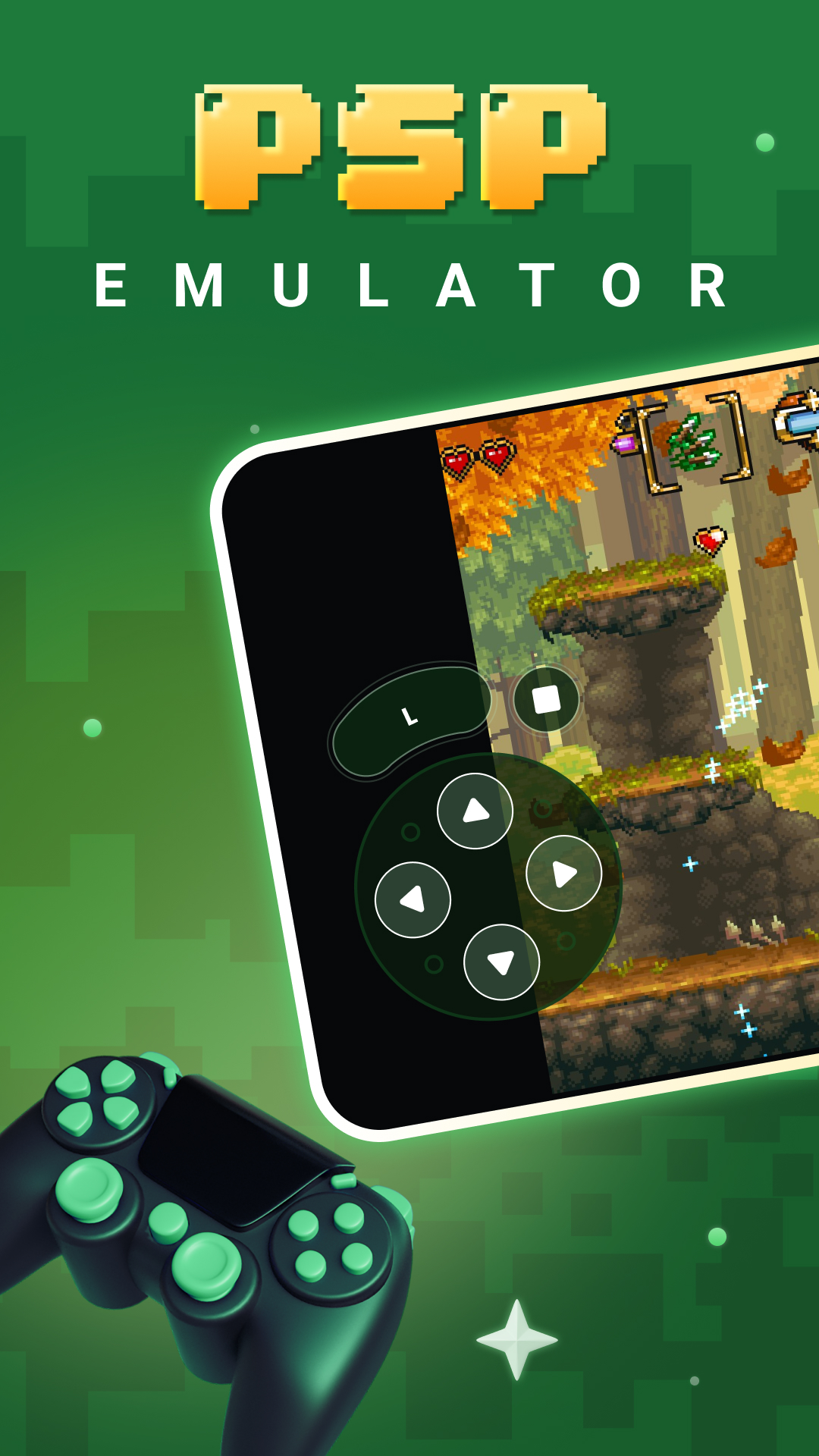
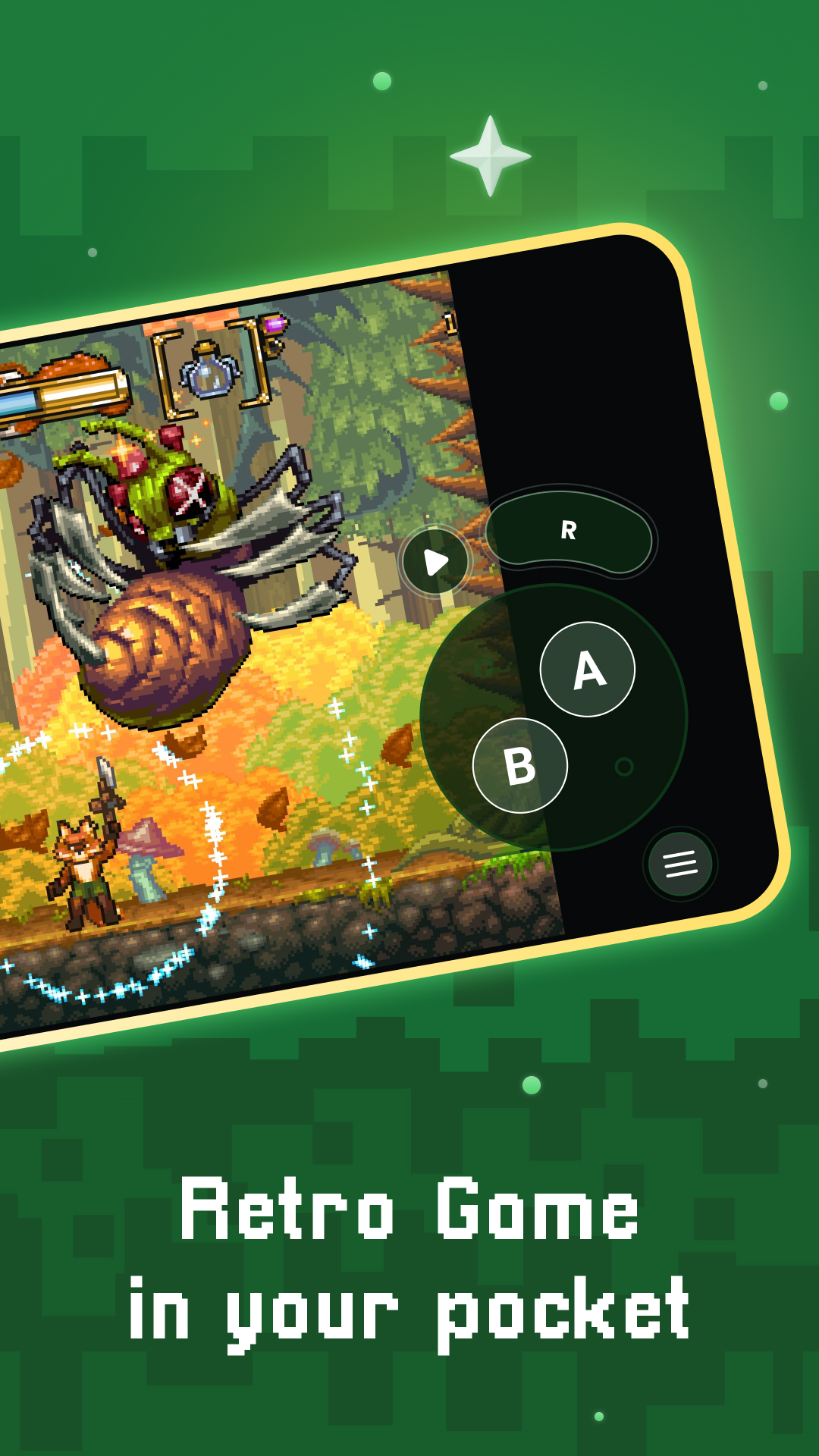
- Optimized touch controls
- Quick save/load with slots
- Support for zipped ROMs
- Display simulation (LCD/CRT)
- Fast-forward support
- Gamepad support
- Tilt to stick support
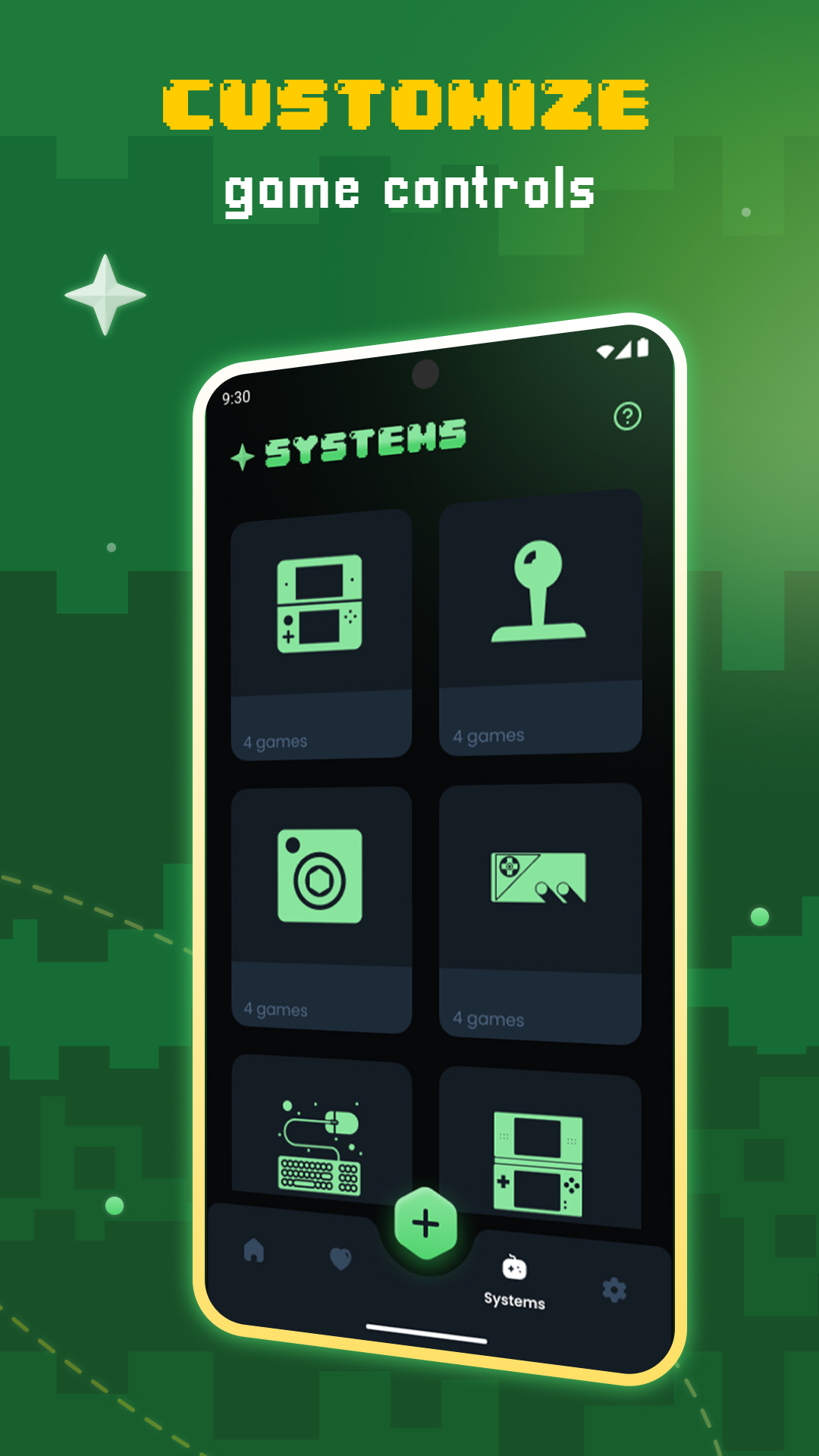
- Touch control customization (size and position)
- Cloud save sync
- Local multiplayer (connect multiple gamepads to the same device)
Keep in mind not every device can emulate every console. A very powerful one is required for more recent systems such as PSP and DS and 3DS.
This application does not contain any games. You need to provide your own legally owned ROM files.
Additional information
Screenshots
Reviews
Recommend Article











Similar Apps

Take notes, create to-do lists, lock ideas, and customize with Notepad.

Launch two apps simultaneously in split-screen mode.

Application for accounting working hours and fuel / electricity

Collaborate, organize tasks, and manage projects seamlessly with Trello.

Screen Record, create GIF, edit, AutoTap, all from one single app, Mobizen!

Scan phone storage and manage mobile phone junk files easily