


HD Video Player All Format
Hot Novels






Install Tips
Mobile safety & integrity report for the latest package. We provide verifiable checksums and a timestamped scan summary. Latest package HD Video Player All Format 2.3.3(233) scanned by multiple engines; no threats detectedas of Tue, 28 Jul 2026 11:22:47 GMT.
After downloading, use a system or third-party checksum tool to calculate the SHA256 and ensure it matches the value provided on this page (case-sensitive, without spaces).
Each engine uses different signature databases and heuristics, so results may vary slightly. We provide a timestamp and checksum to allow you to independently verify the package.
HD Video Player All Format Review
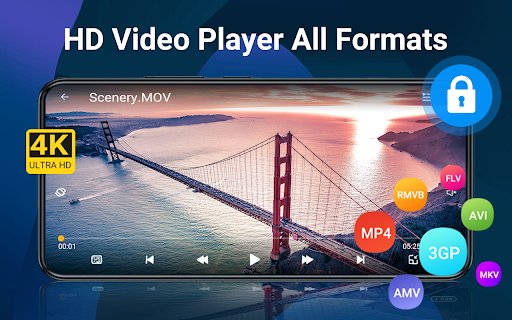
HD Video Player All Format is an all-in-one Video Player supports All video formats, setting passwords to keep private videos safe, Full HD, 4K, Ultra HD video files, subtitle, network streams, media manager.
It is one of the best easy-to-use video player to auto detect and manage, play all HD video and music files on Android devices, SD card, discs and network streaming protocols.
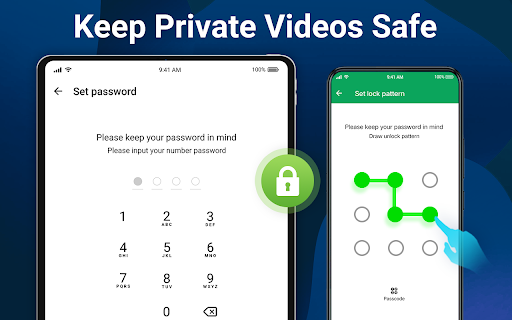
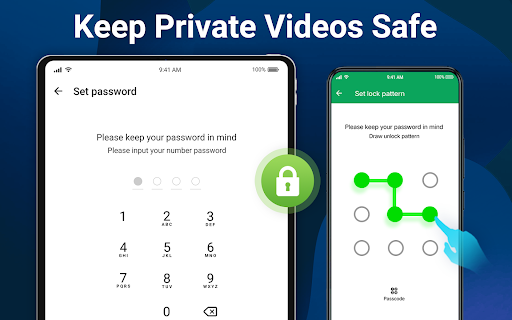
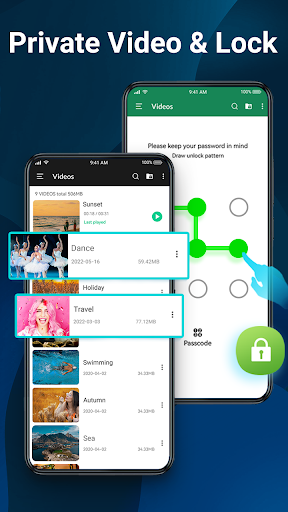
Video Player All Format supports hiding your personal videos or movies in theprivate folder safely. With HD Video Player, you can set a password to protect yourprivate videos from being seen by other people.
HD Video Player All Formats for Android is a powerful video playback tool with advanced hardware acceleration and subtitle, music, multi playback option, pop-up window background play and cast videos.
With HD Video Player, you can enjoyfast & stable4K playback and video downloader, transfer, network shares, drives and DVD ISOs.
Download Video Player All Formats for android tablets and android phones now to play your favorite songs and videos!
💎
Top Features of HD Video Player
💎
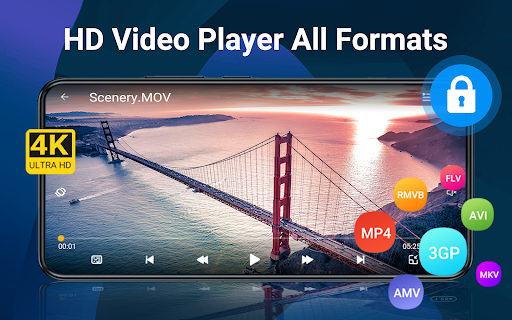
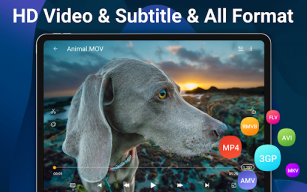
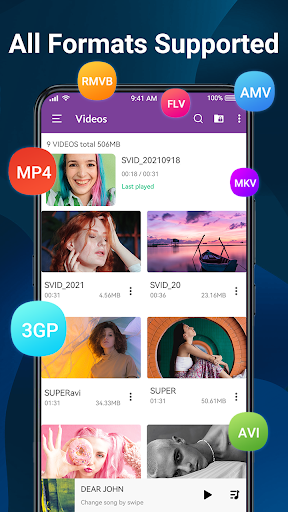
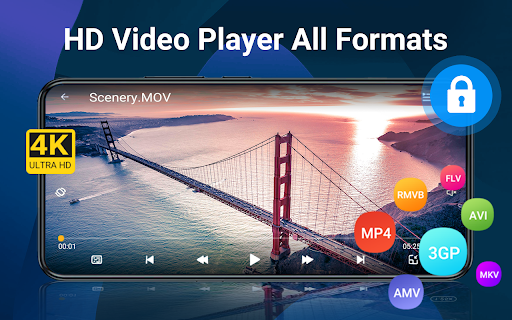
● Support ALL video formats, includingMKV, MP4, M4V, AVI, MOV, 3GP, FLV, WMV, RMVB, TS MPEG, MPG, RM, VOB, ASF, TP, M3U, m3u8, etc.
● Protects yourprivate videos and music with password
● Supports 4K/ultra HD and all types of video
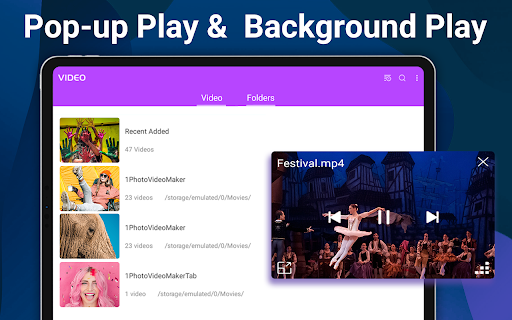
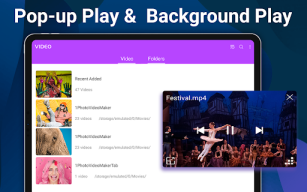
● Background playback, Pop-up window, Night mode, split screen
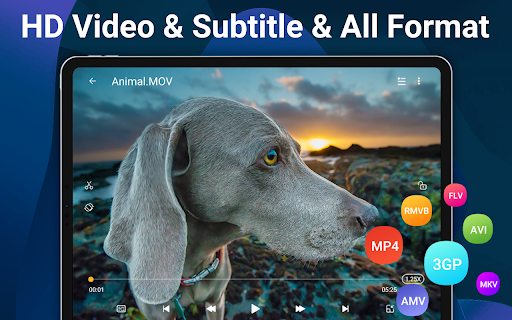
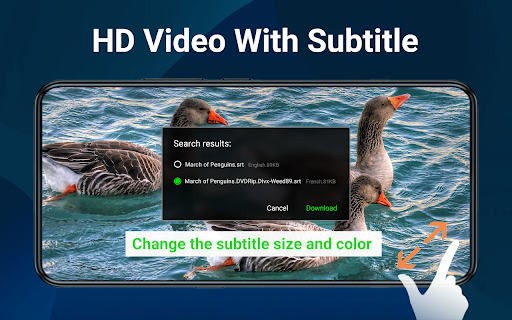
● All Subtitle formats and multiple subtitle downloader
● Pinch to zoom, screen lock, auto rotation, change aspect ratio
● Auto detect and manage local media files
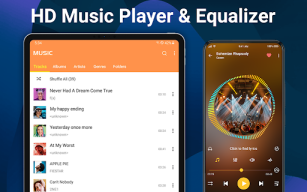
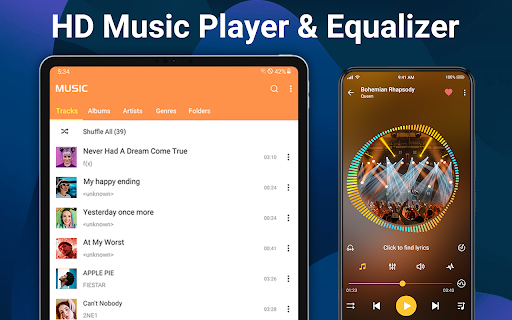
● HQ music player, mp3 files, m4a files, all audio supported
🎬
HD Video Player All Formats Allow Multi-tasking
-
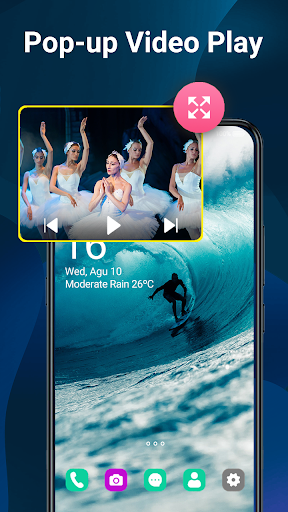
Smart Floating Video Player:
floating-play window can be moved and resized. Allow you to chat with other apps while watching videos.
-
Background Video Player:
play the video in the background like music playback. You can watch a video in the way of multi-tasking.
-
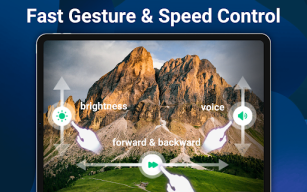
Easy Gesture Control:
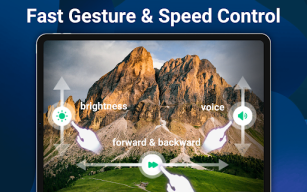
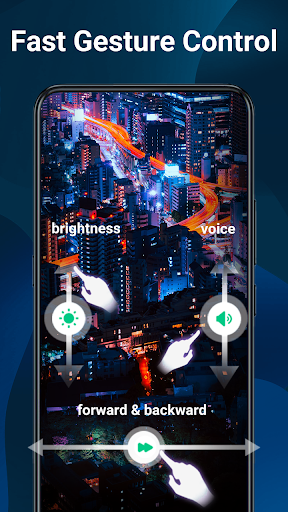
Zoom and pan. adjust playback speed, brightness, volume and seeking.
-
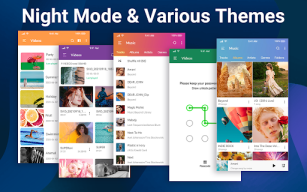
Night Mode and Quick Mute:
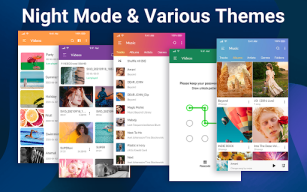
Night Mode to protect eyes from blue light, Quick Mute option in Player screen.
-
Screen lock and Kid lock:
Prevent misuse when the video is playing and Immerse yourself in the video.
🔥
HD Video Player with Subtitles, Private folder, Speed Control
-
HD Video Player:
full HD videos, 4k videos, 1080p videos, video player for all format
-
Private folder:
Hide your secret videos to your private folder and protect your privacy
-
Subtitle Function:
automatic synchronization. Search and free download online subtitle to watch movies with English/Hindi/Tamil subtitles etc.
-
Subtitle gestures:
Up and down to move text up and down. Change text size, background, shadow
-
File Manager:
Create and manage Video and Music Playlist. Manage Recently played videos and songs, resume plackback
-
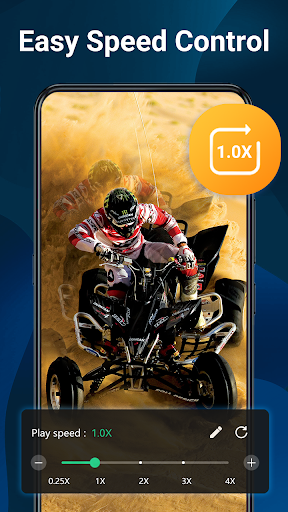
Control Speed:
change media speed from 0.25 to 4.0 easily
🏆
Powerful Video Player & Music Player
-
Powerful Equalizer:
Equalizer, Bass Boost, Virtualizer and Dual Audio in Video Player and Music Player.
-
Smooth music playback:
widget for audio control, supports audio headsets control, cover art
-
Video to audio converter:
One click to convert videos to MP3 and other audios
🚀
Smart Gesture Control & Useful Functions
- Hardware acceleration, SW decoder and Video player with casting to TV
- Video playback continuous from the last position smartly
- Quick search, play and download online videos and music
- Set sleep timer for Video and Music player
- Fast file transfer, manage or share videos easily
- A-B Repeat& shuffle, order, loop mode
- Custom themes, Multi-track audio and subtitles
Simple and powerful Video Player All Format gives you the best experience for watching videos or listening to music! 🎦🎊
Changelog
V2.3.3
🎉Improve video function, easy to control
💝Improve performance, more smooth
V2.3.2
🔥Improve video player, easy to use
💖New experience, better performance
V2.3.1
✨Support video download, better features
💯Fix known bugs, easy to use
Additional information
Screenshots
Reviews
Recommend Article










Similar Apps

Powerful video player with advanced hardware acceleration and subtitle supports

Subtitles & Captions for Videos. Create captions for all your video content.

Create a photo slideshow video in just a few minutes with cool effects and music

Make videos you’re proud to share with Edits, a video editor for creators.

Stream and play multimedia files with VLC Media Player.

A versatile and easy-to-use video editing tool to help you cut off your life