


Outline
Hot Novels






Install Tips
Mobile safety & integrity report for the latest package. We provide verifiable checksums and a timestamped scan summary. Latest package Outline 1.17.0(487726) scanned by multiple engines; no threats detectedas of Tue, 28 Jul 2026 11:28:19 GMT.
After downloading, use a system or third-party checksum tool to calculate the SHA256 and ensure it matches the value provided on this page (case-sensitive, without spaces).
Each engine uses different signature databases and heuristics, so results may vary slightly. We provide a timestamp and checksum to allow you to independently verify the package.
Outline Review
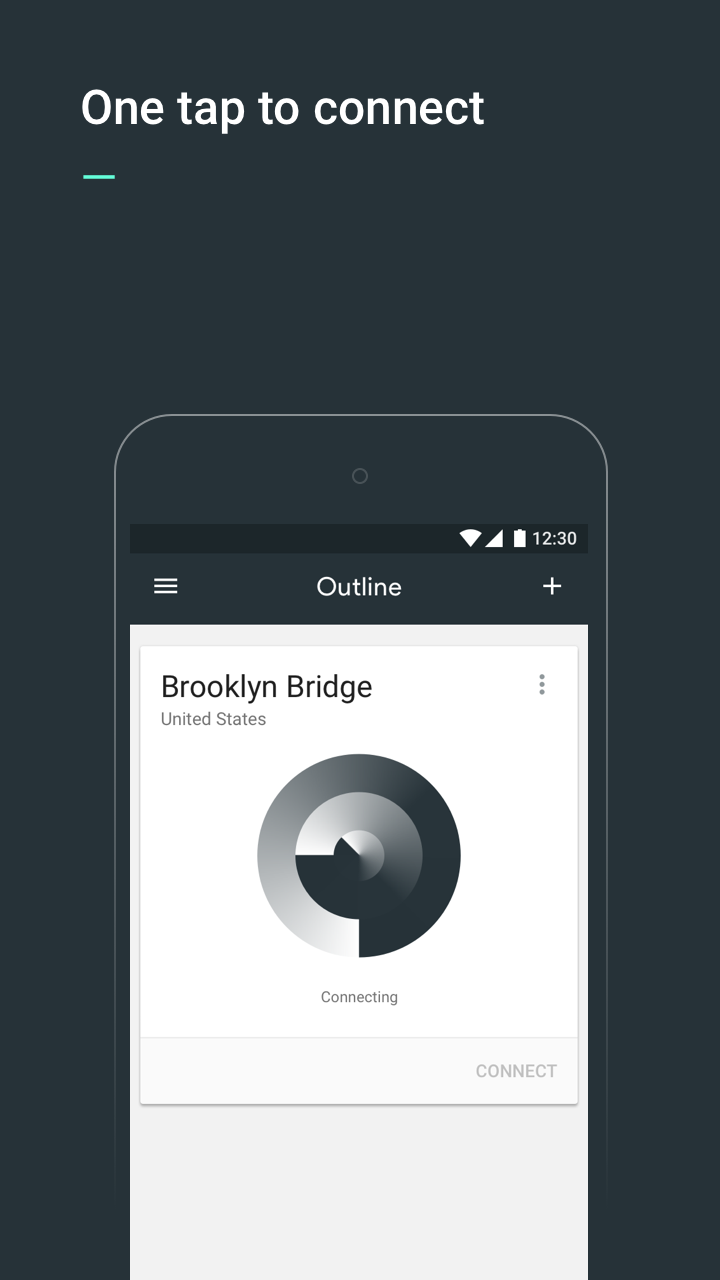
Outline is an easy way for you to set up your own virtual private network (VPN) server to more safely access the open internet and keep your communications private.
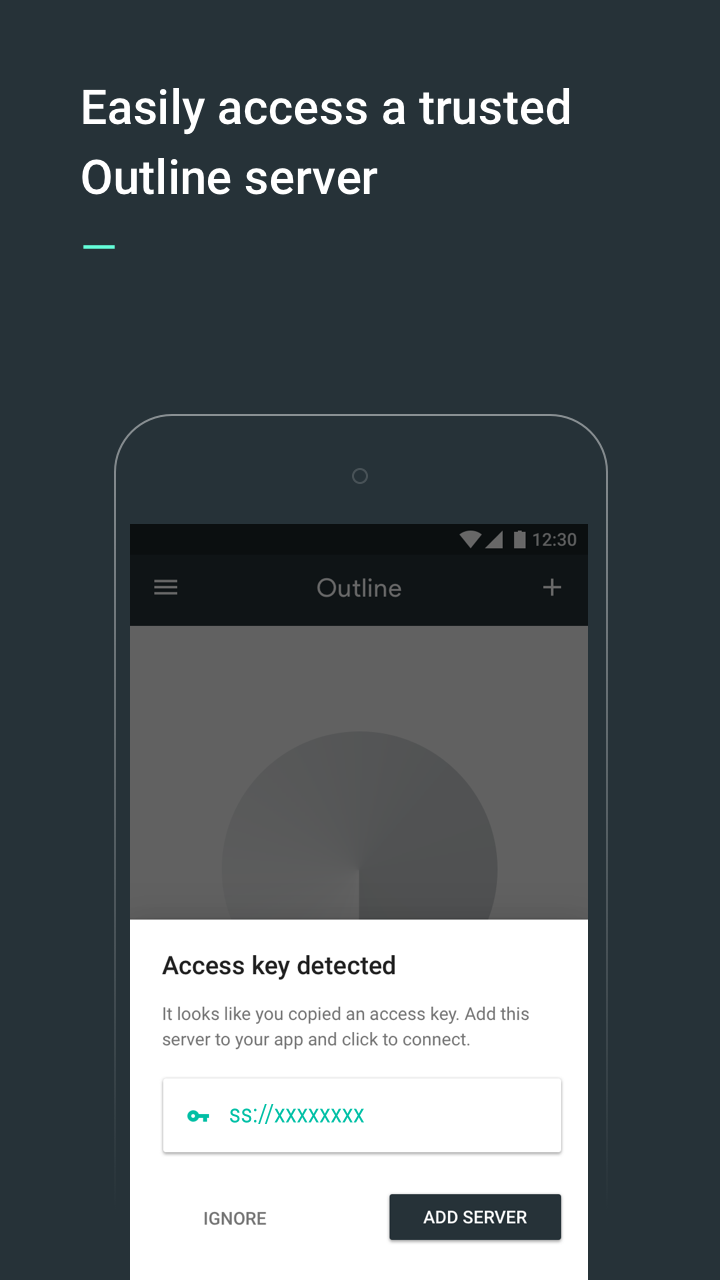
If you have received an access key, download the Outline app to get started.
If you haven’t received an access key, you’ll first need to set-up your own server. Get started by downloading the Outline Manager from getoutline.org. Creating your own server is quick and easy, and instructions in the Manager will guide you through each step.
How Do I Set Up Outline?
- Outline consists of two related products: the Outline Manager and Outline.
- The Outline Manager lets you create and operate your own VPN, and share access with anyone you choose by sending them an invitation directly from the Manager. Once you’ve downloaded the Manager, you can easily set up a VPN server on a cloud provider in less than five minutes.
- After setup is complete, you can download the Outline app on your phone and desktop.
- Share internet access with coworkers or friends by inviting them directly from the Manager.
- If you’ve received an access code from someone using an Outline Manager you’re all set! Just download the app and get started.
Why use Outline?
- Fast, reliable access to the open internet, powered by the Shadowsocks protocol
- Allows you to create and maintain your own VPN server and provide access with those you trust
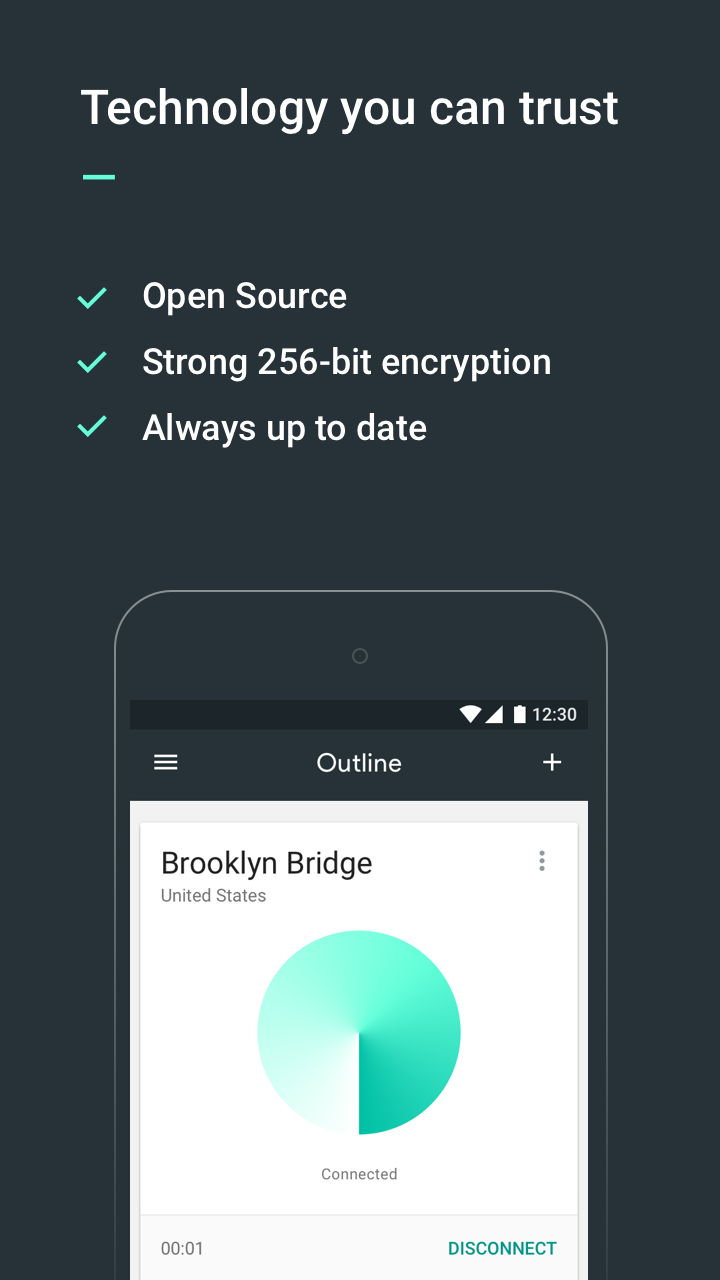
- Strong encryption keeps your communications private
- Completely open source and audited by a nonprofit security firm
Changelog
Aug 15, 2025
Set up your own powerful VPN server Download the latest version of Outline 1.16.1 to enjoy new features and updates immediately!
- Introducing "Dark Theme": you can switch themes via the "Appearance" menu now - Fixed an issue that would sometimes show a "failed to connect" false alert - General bug fixes and usability enhancements
Additional information
Screenshots
Reviews
Recommend Article







Similar Apps

💯Get Antivirus+Junk Cleaner+Speed Booster+Game Master+Wi-Fi Protector here!

Cheaterbuster : SEARCH TINDER PROFILES, SAFE & EASY.

Perfect GFX Tools

Testing, tools and complete information about your hardware and operating system

CPU-Z is an application that reports information about your Android device.

Streamlined SMS/MMS messaging for Xiaomi MIUI devices.