

Shield: Antivirus Home Screen
Hot Novels






Install Tips
Mobile safety & integrity report for the latest package. We provide verifiable checksums and a timestamped scan summary. Latest package Shield: Antivirus Home Screen 4.0.20(1825) scanned by multiple engines; no threats detectedas of Tue, 28 Jul 2026 11:31:11 GMT.
After downloading, use a system or third-party checksum tool to calculate the SHA256 and ensure it matches the value provided on this page (case-sensitive, without spaces).
Each engine uses different signature databases and heuristics, so results may vary slightly. We provide a timestamp and checksum to allow you to independently verify the package.
Shield: Antivirus Home Screen Review
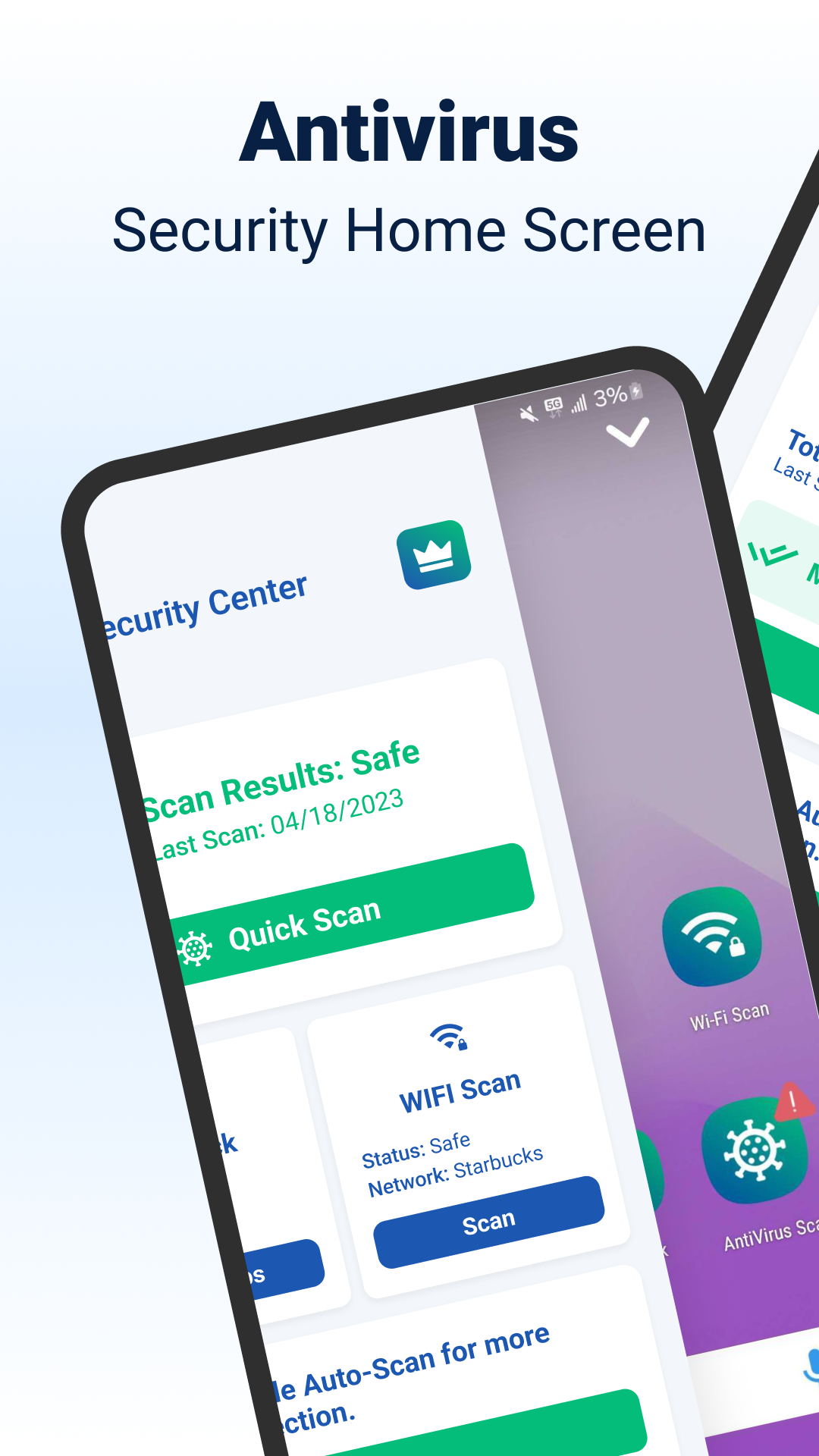
🔒 Discover Shield Antivirus Home Screen: The ultimate free security solution for your Android device! Shield offers powerful protection against viruses, malware, and cyber threats while adding a new level of privacy with secure WiFi scanning.
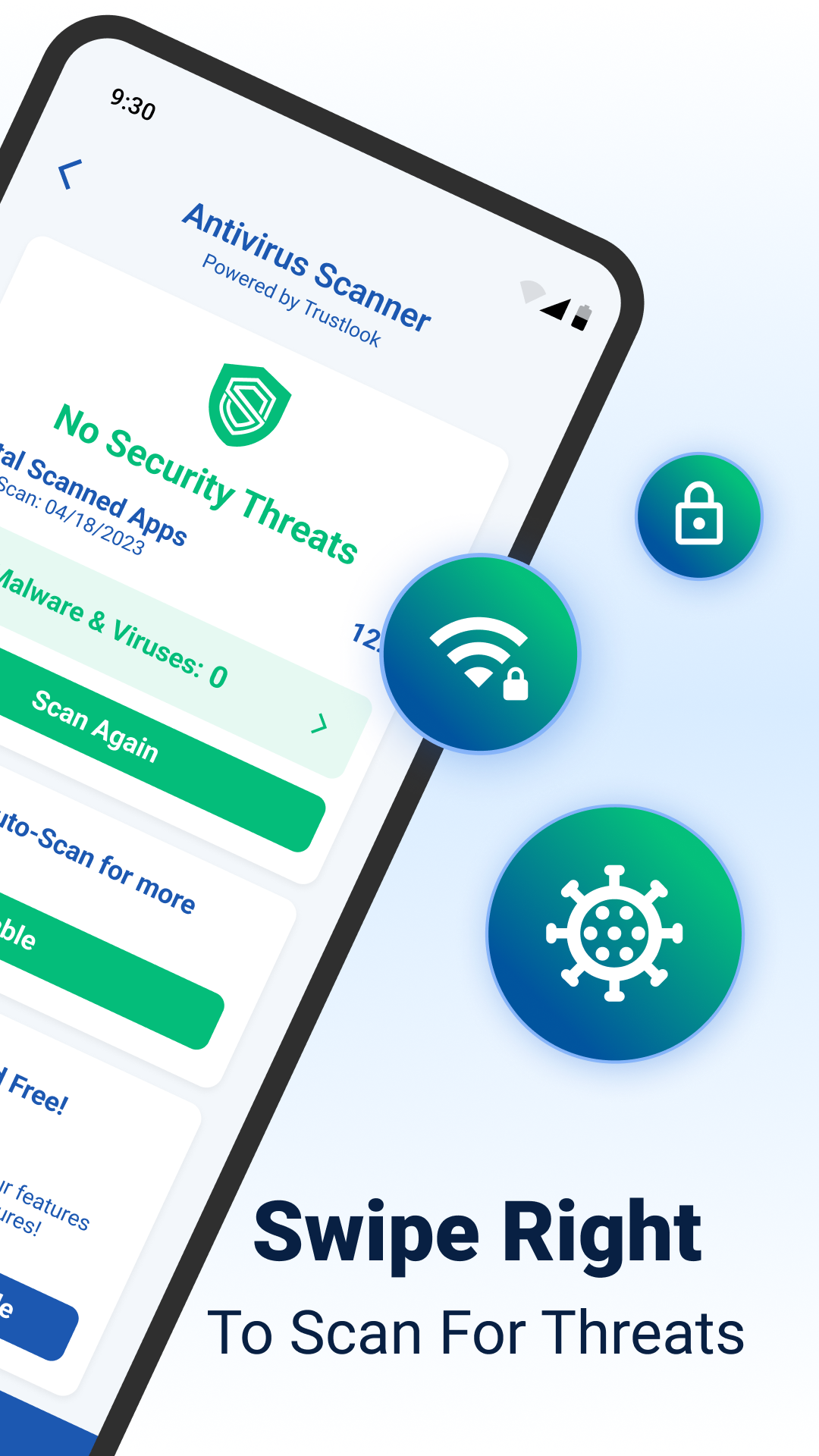
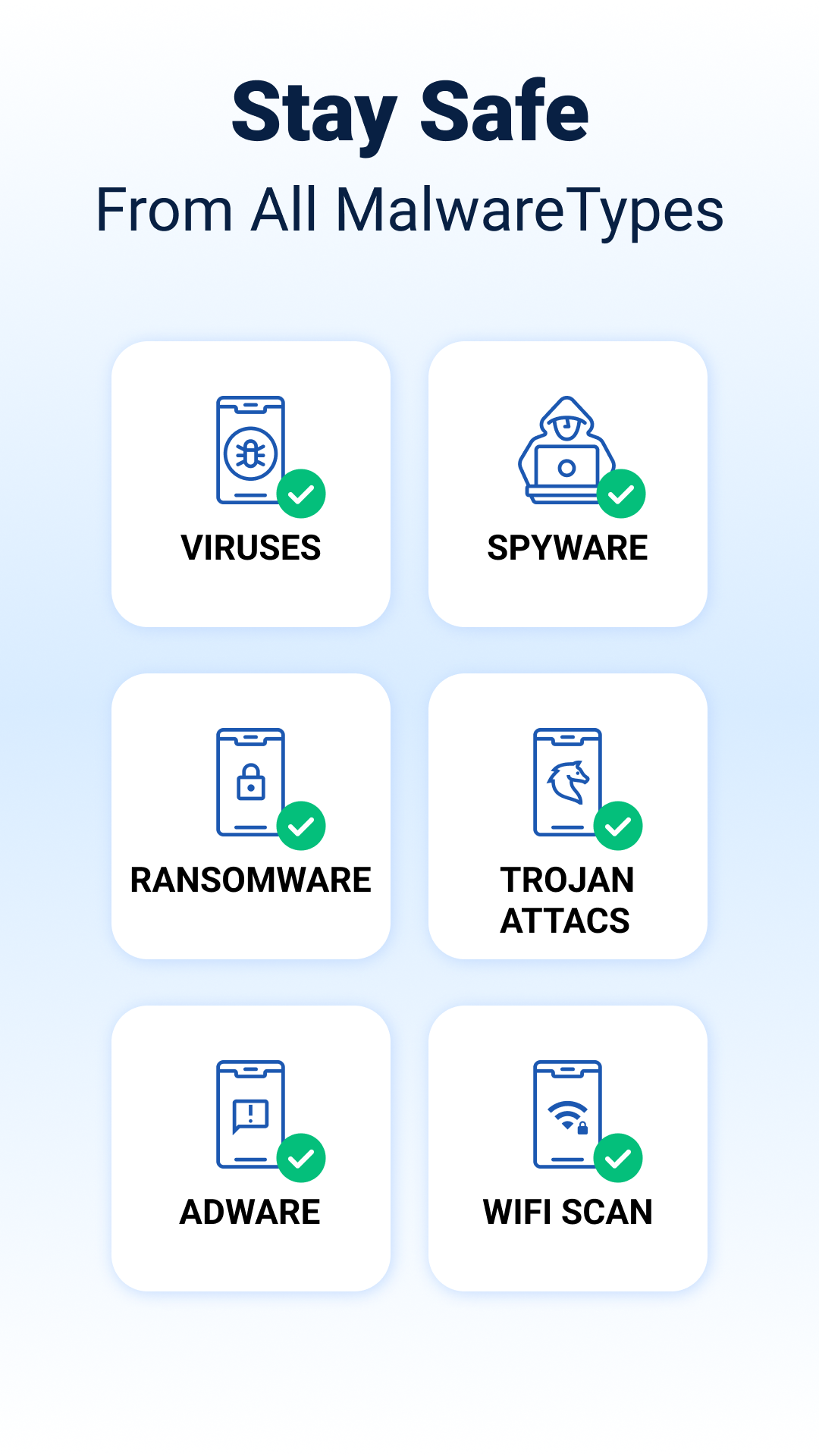
🔍 Advanced Antivirus Scanner: Shield uses a high-accuracy AI-driven antivirus scanner with a 99% detection rate, actively identifying and blocking malware, spyware, and other risks with <0.1% false positives. Scan your apps in seconds and enjoy peace of mind—all for free!
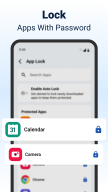
🔐 AppLock and Privacy Tools: Lock sensitive apps with a password or fingerprint and take advantage of additional privacy features like app hiding and secure WiFi scanning. Shield keeps your private information safe, even on public networks.
🌐 Unlock instant, reliable answers powered by Yahoo Search
🎨 Customize Your Experience: Personalize your lock screen and app settings to make your Android truly yours. Shield offers extensive customization, so security doesn’t compromise style.
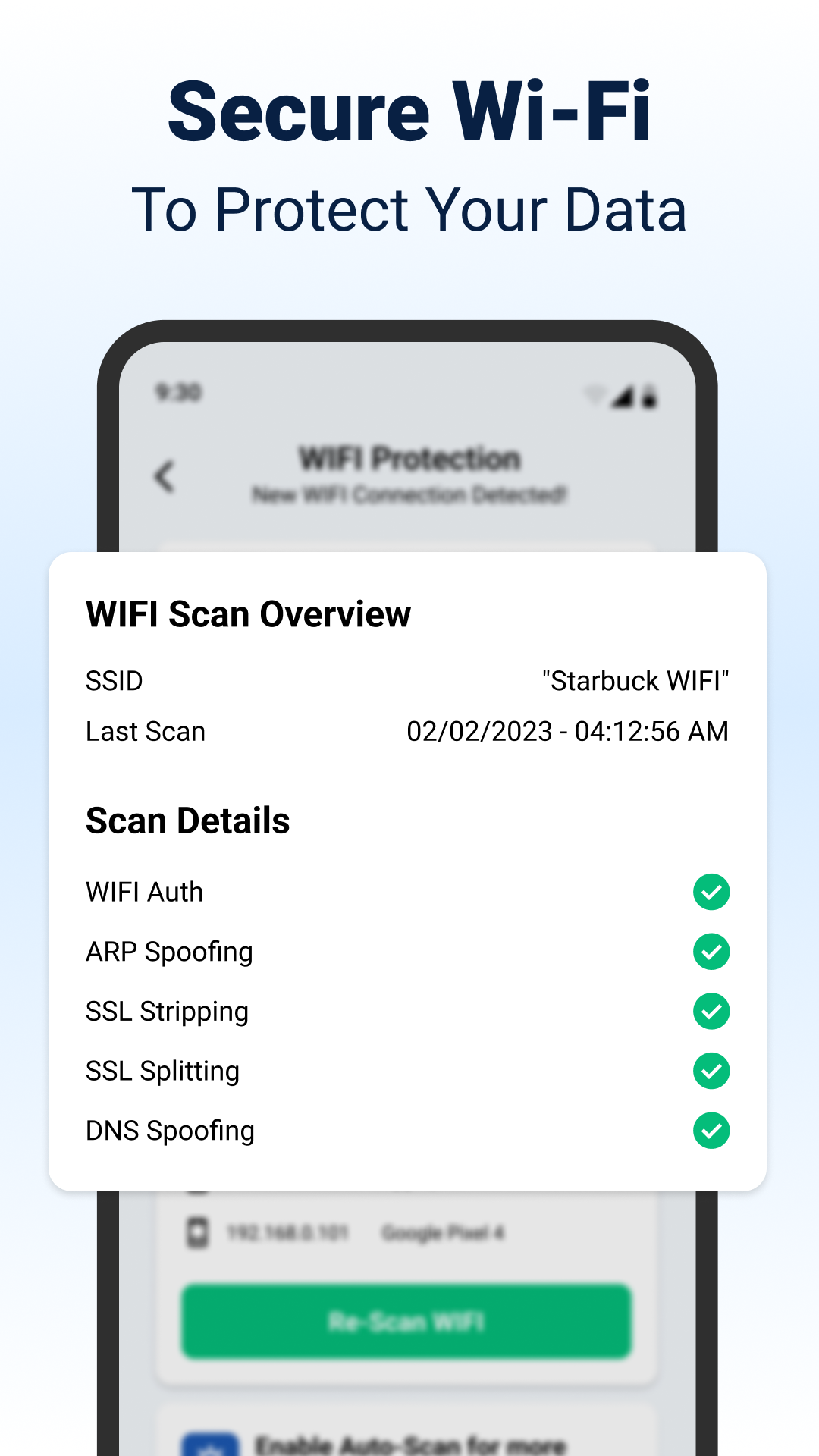
🌍 Comprehensive WiFi Security: Protect your data with our WiFi Scanner, designed to detect and prevent network-based attacks like ARP spoofing, DNS spoofing, and SSL stripping. Shield also provides network device scanning, allowing you to see all devices connected to your network.
🏠 Home Screen Transformation: Shield Antivirus Home enhances your home screen with intuitive privacy controls and custom settings, giving you a visually appealing, secure Android experience tailored to your needs.
🛡️ Upgrade to Shield Pro: For an ad-free browsing experience and complete device protection, upgrade to Shield Pro. Enjoy enhanced security features that provide a seamless, ad-free experience.
Free Features At a Glance
✅ Antivirus scanner with 99% detection rate
✅ App-lock with fingerprint and PIN protection
✅ WiFi scanning with advanced network security
✅ Customizable home screen with privacy options
Four Simple Steps to Ultimate Security
1️⃣ Download Shield Antivirus Home
2️⃣ Set up AppLock for your privacy
3️⃣ Choose apps to protect
4️⃣ Run an antivirus scan and secure your device!
Shield Antivirus Home Screen is designed to make security simple. Protect your Android now—download Shield and experience unparalleled protection from viruses, malware, data breaches, and cyber threats!
Changelog
We've fixed some bugs to help enhance your security features:
🔍 Antivirus scanner to protect your Android from viruses and malware
🔒 Lock any app on your phone with a pin code or fingerprint to prevent unauthorized access
🔎 WiFi protection scanner to detect network threats
🔍 Hide apps on your phone so they are invisible to everyone but you
Additional information
Screenshots
Reviews
Recommend Article






Similar Apps

Discover millions of background wallpapers & ringtones. Now with Parallax

Dark & elegant wallpapers in HD AMOLED, and aesthetic styles
Easy to create your own home screen with widget, app icon & theme

4k backgrounds. Video wallpaper engine. Wallpapers for lockscreen. 3D background

Make your screen stand out with WallFancy’s stunning 4K live wallpapers.

HD wallpapers, gold coins backgrounds, 3D wallpaper with magic touch