


Transcribe Speech to Text
Hot Novels






Install Tips
Mobile safety & integrity report for the latest package. We provide verifiable checksums and a timestamped scan summary. Latest package Transcribe Speech to Text 2.1.5(1081) scanned by multiple engines; no threats detectedas of Tue, 28 Jul 2026 11:34:07 GMT.
After downloading, use a system or third-party checksum tool to calculate the SHA256 and ensure it matches the value provided on this page (case-sensitive, without spaces).
Each engine uses different signature databases and heuristics, so results may vary slightly. We provide a timestamp and checksum to allow you to independently verify the package.
Transcribe Speech to Text Review
Transkriptor: The Ultimate AI-Powered Speech-to-Text App and Productivity Tool
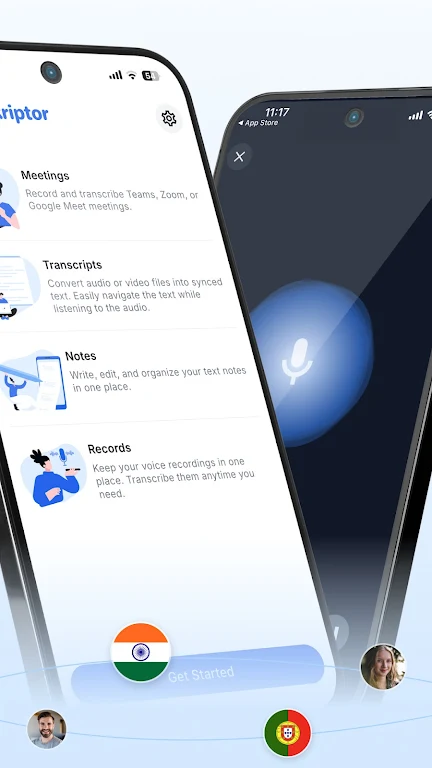
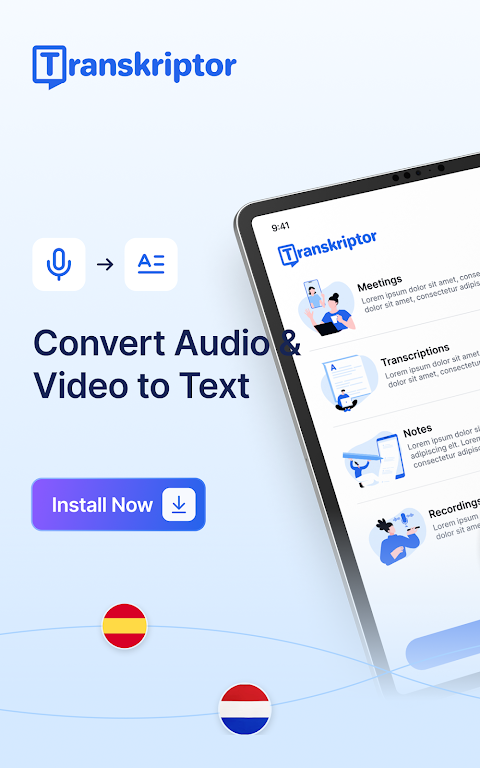
Save time with Transkriptor, your all-in-one AI assistant for transcription and AI note-taking. Easily transcribe meetings, convert voice notes and memos to text, and transform videos into written notes. Transkriptor combines powerful AI features with convenience and speed for a seamless experience.
Key Features of Transkriptor:
★ AI Assistant:
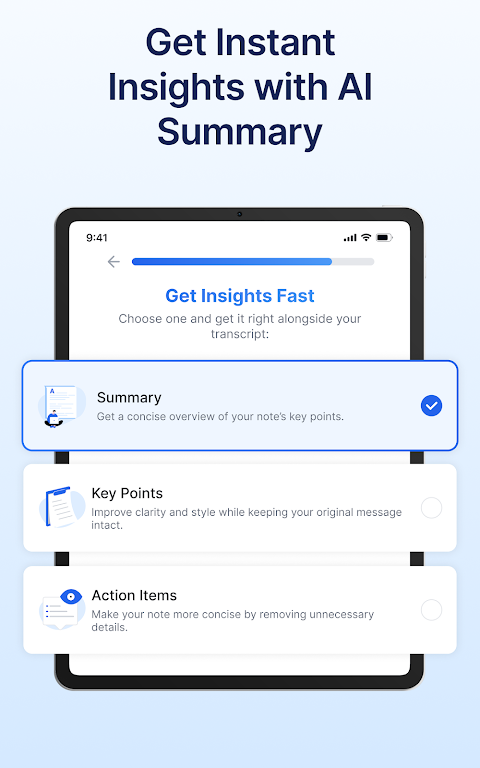
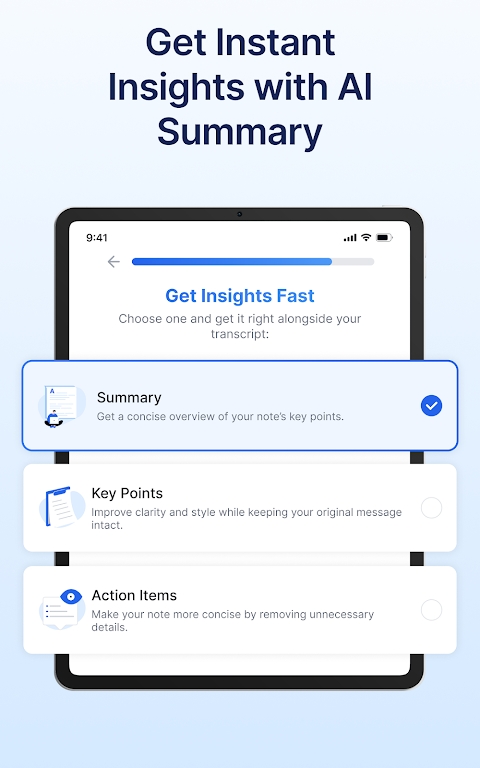
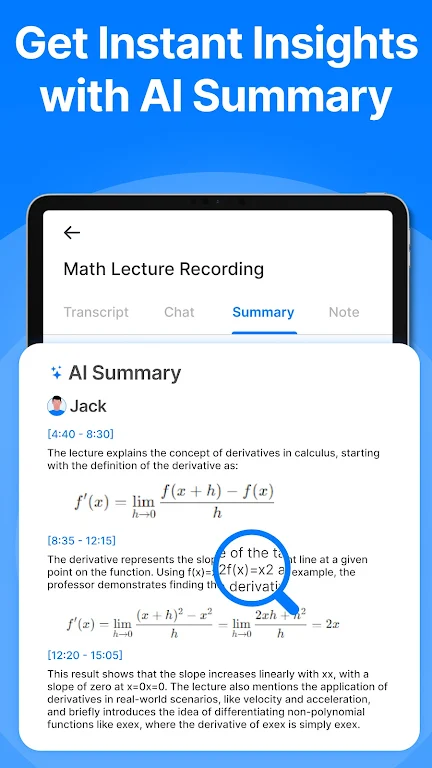
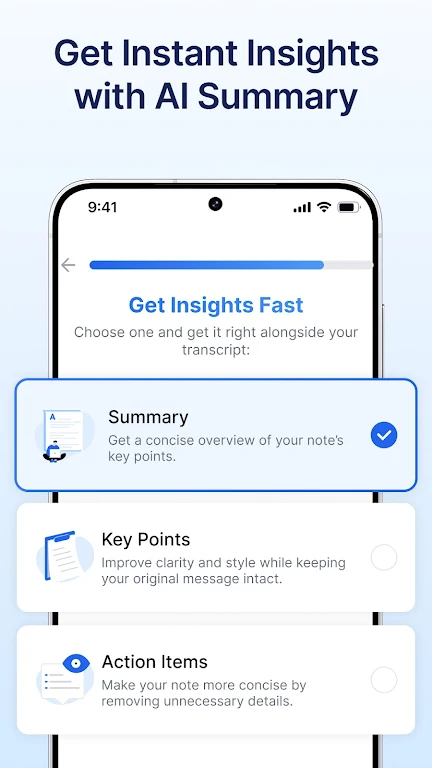
Transkriptor’s AI assistant enhances your workflow by generating AI summaries, drafting emails, and converting voice memos into text, helping you efficiently manage and interact with your transcripts.
★ AI Chat:
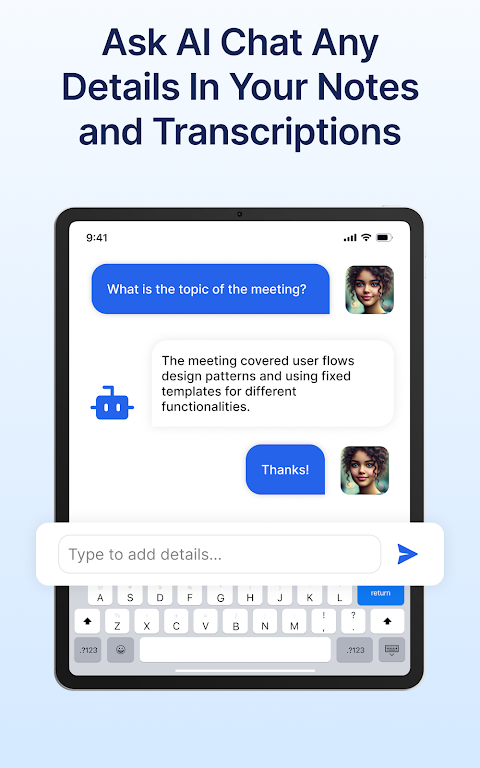
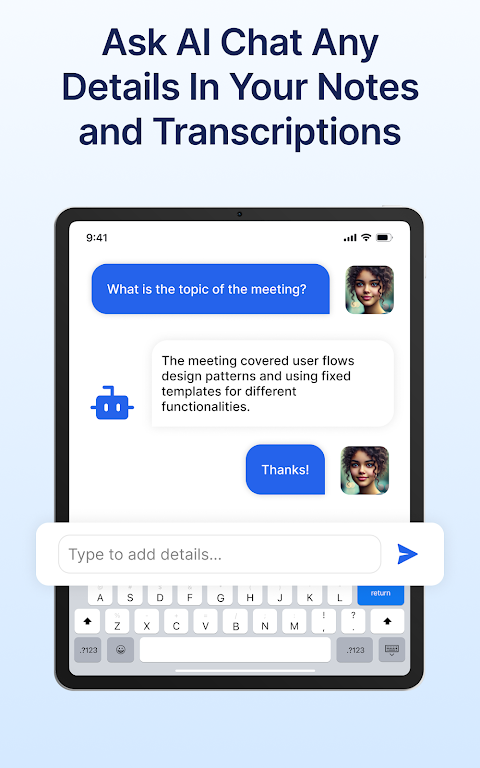
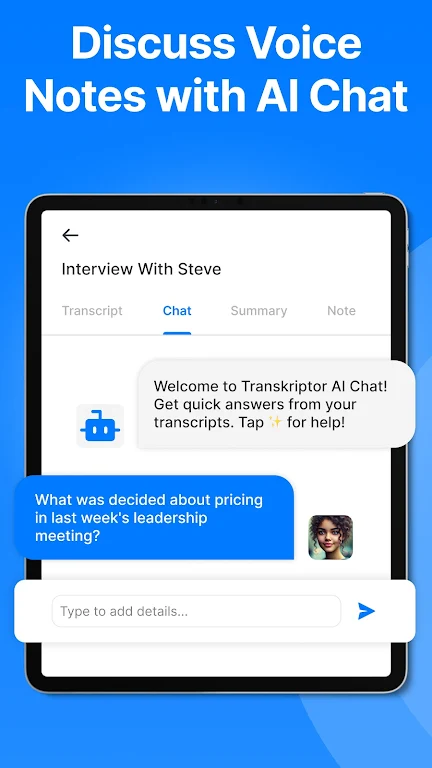
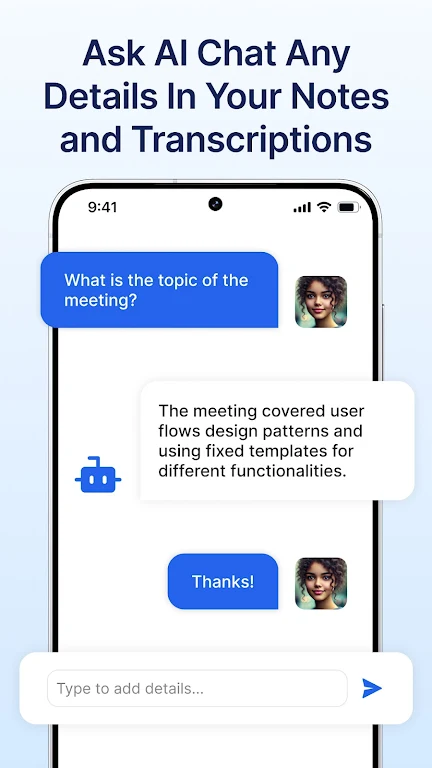
Interact directly with your transcripts using AI chat. Ask questions, extract important details, and get summaries—all through a user-friendly chat interface that saves time and boosts productivity.
★ AI Voice Memos:
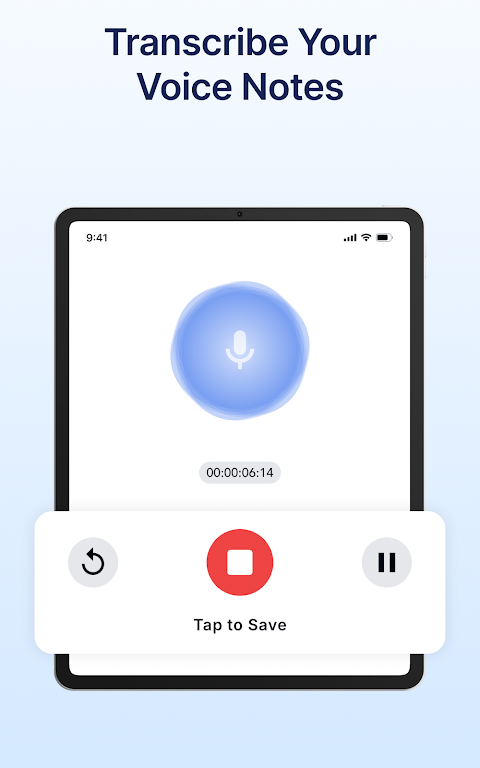
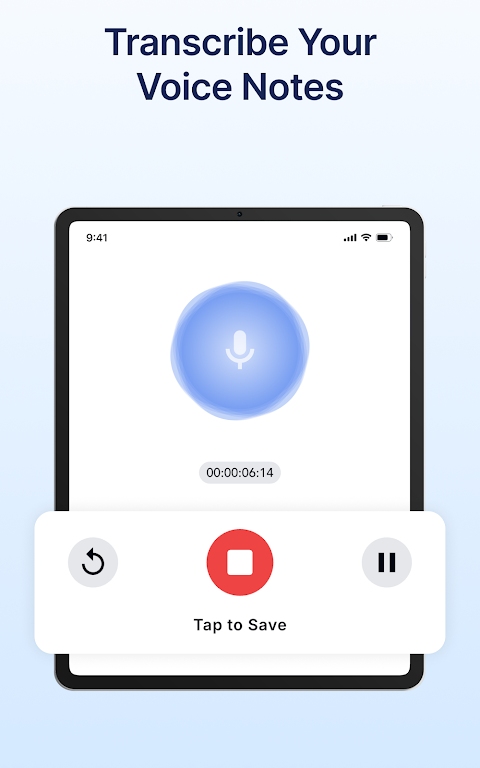
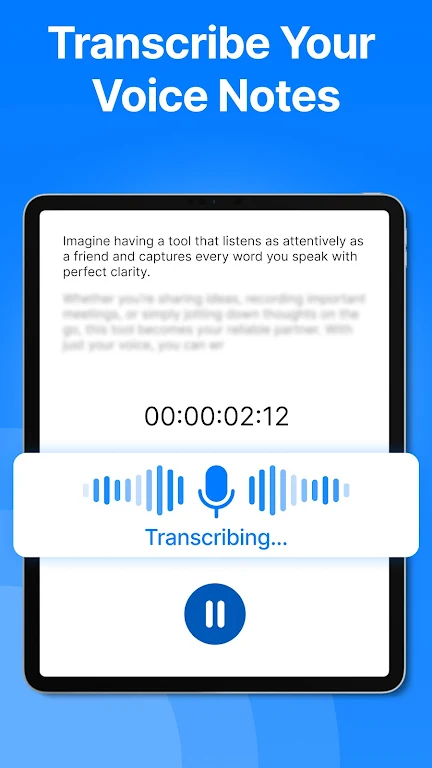
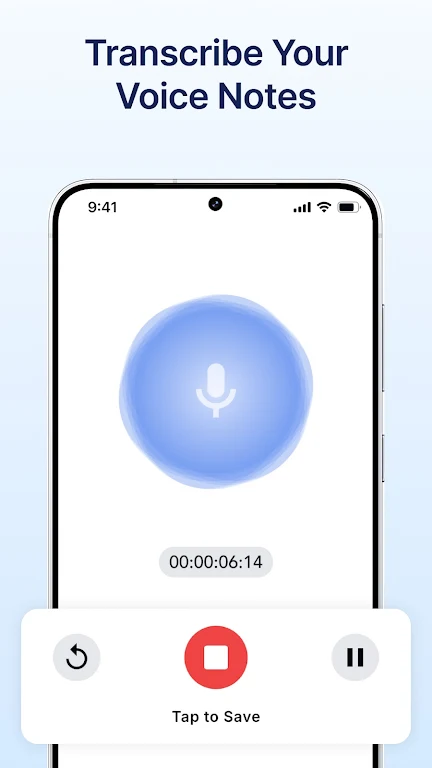
Automatically transcribe voice memos with AI-powered precision. Capture every detail from your voice recordings, turning them into easy-to-read text that saves time and keeps your notes organized.
★ Convert Voice Notes to Text:
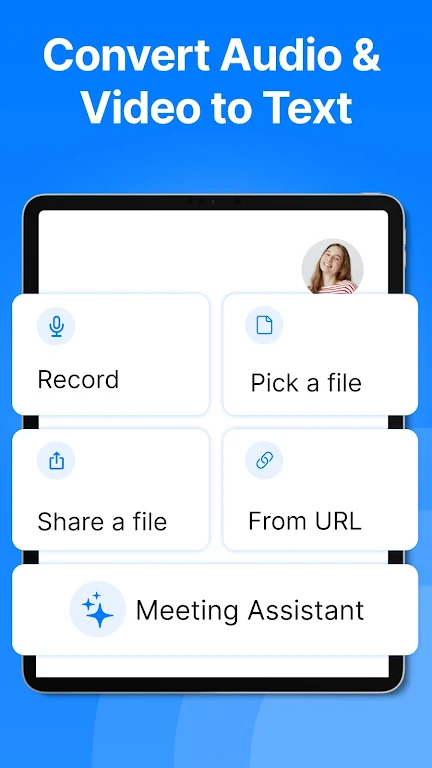
Effortlessly convert voice notes to text with high accuracy, supporting various formats like MP3, WAV, and M4A. Ideal for transcribing voice memos, meetings, lectures, interviews, and more.
★ Convert Video to Text:
Perfect for creating captions, transcribing video content, or generating notes from webinars and Youtube videos ensuring nothing is missed.
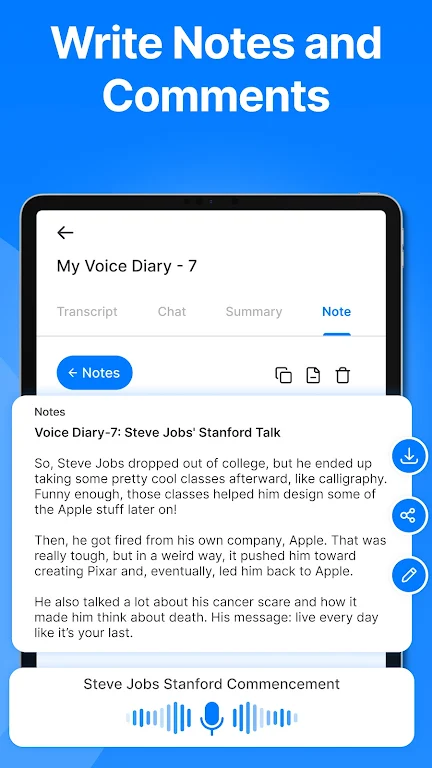
★ Take Notes with Voice:
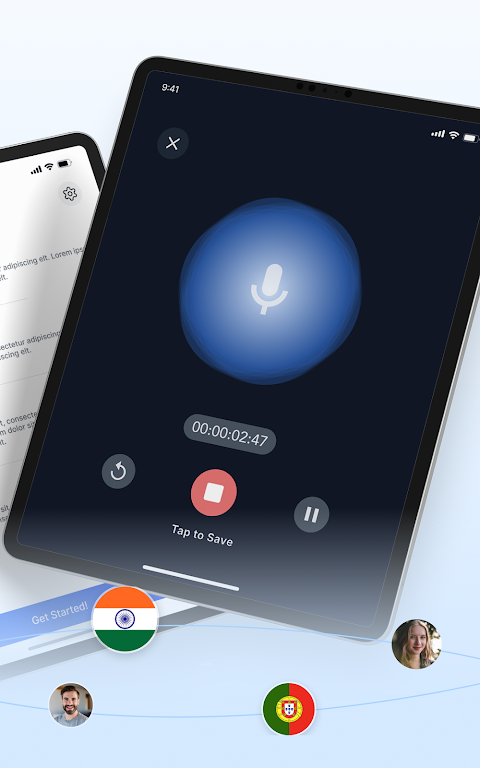
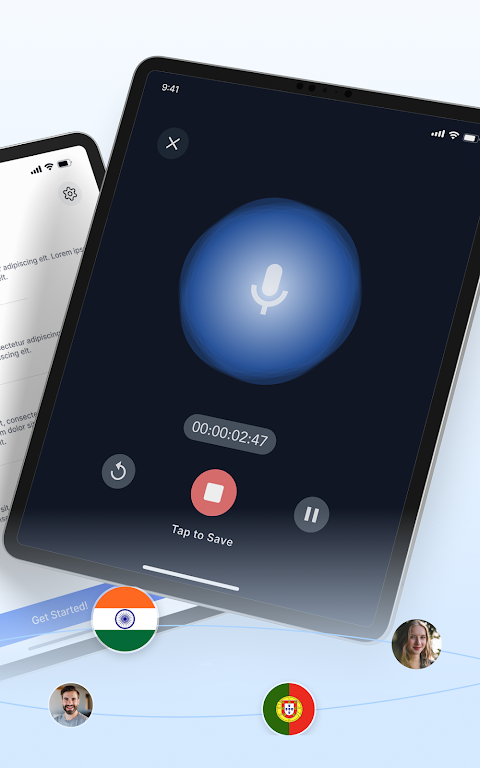
Use Transkriptor’s integrated audio recorder to capture lectures, personal thoughts, or any spoken content directly from your device. Easily take notes with voice, then navigate your recordings and transcripts with AI chat for quick access to key points.
★ Transcribe Voice Memos to Text:
Convert voice memos into clear, organized notes with exceptional accuracy. Use our meeting assistant to capture every detail and create knowledge bases from transcriptions, ensuring all important information is documented and accessible.
Why Choose Transkriptor?
1. Save Time and Enhance Efficiency: Transkriptor’s AI features like the AI assistant, AI chat, and voice memo transcription reduce the time spent on manual note-taking and transcription. Let our AI handle the details while you focus on what matters most.
2. Versatility Across Formats: Whether transcribing voice notes, converting audio to text, or converting video to text, Transkriptor provides a comprehensive solution for all your transcription needs in one intuitive app.
3. Flexible and Affordable Plans: Start with our free plan, offering 90 minutes of transcription to explore our features, including AI chat and AI summary.
4. Secure and Private: Transkriptor ensures your data is securely stored and kept confidential, never shared with third parties.
Additional Features to Enhance Your Experience:
※ Import and Transcribe: Easily upload audio and video files for transcription. Transkriptor supports multiple formats, catering to a variety of use cases.
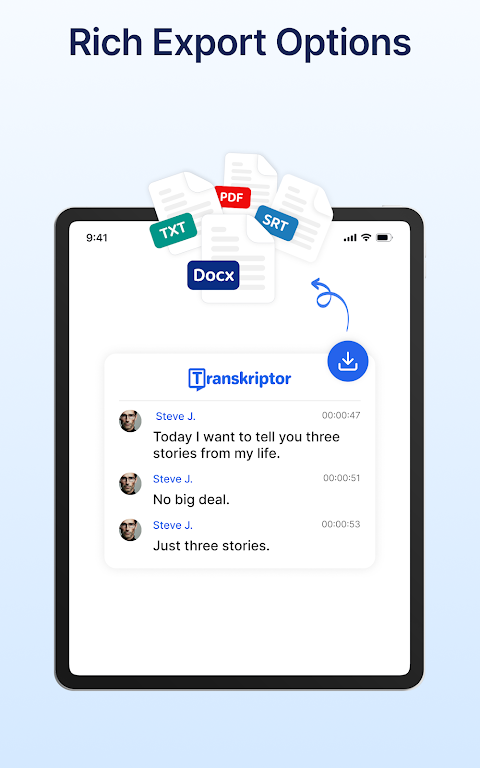
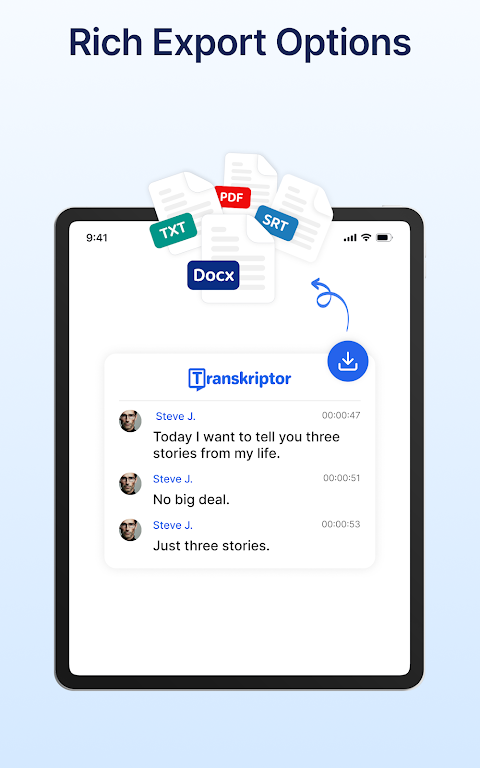
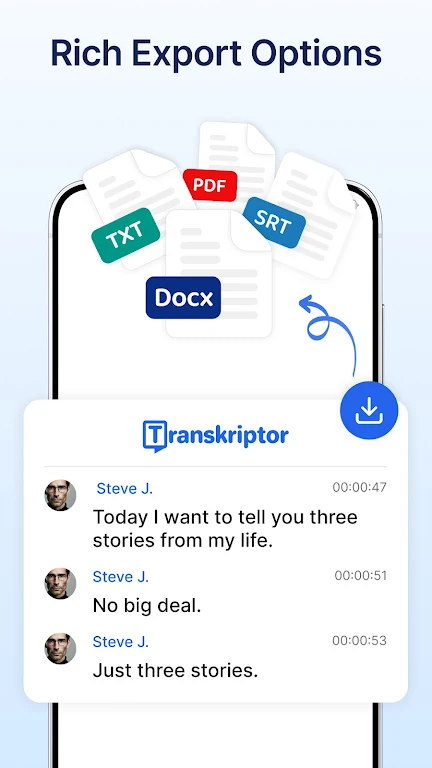
※ Export in Multiple Formats: Download your transcripts in formats like PDF, DOCX, TXT, and SRT, perfect for documentation, sharing, and archiving.
※ Speaker Identification: Automatically tag different speakers in your transcripts, making it easier to follow conversations with multiple voices.
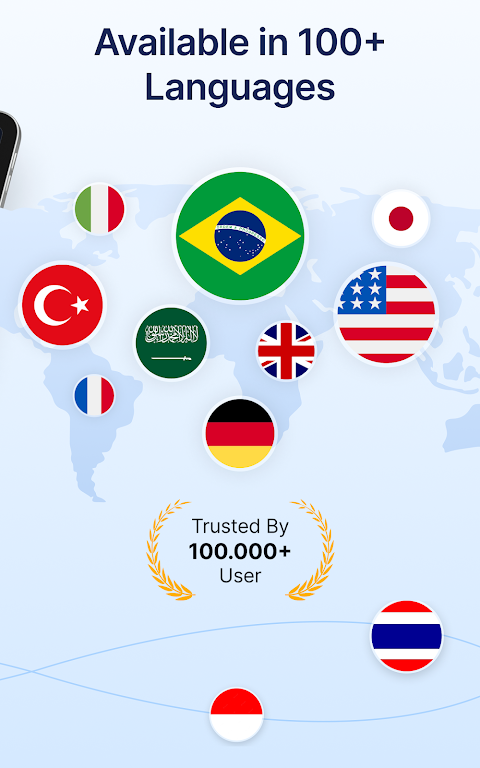
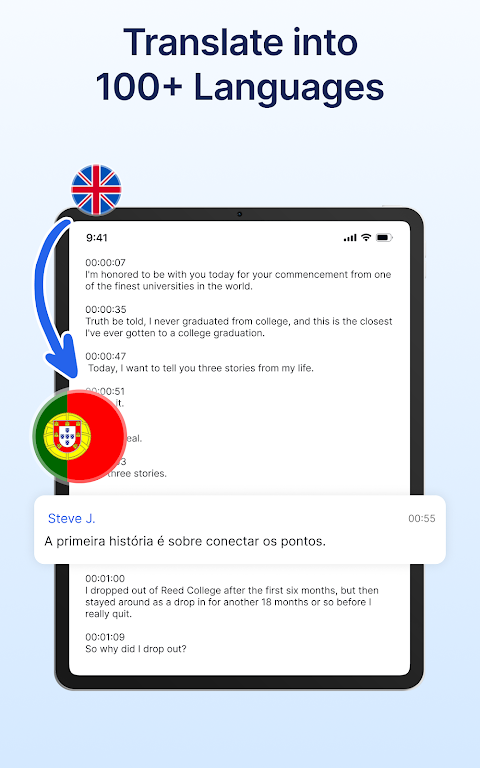
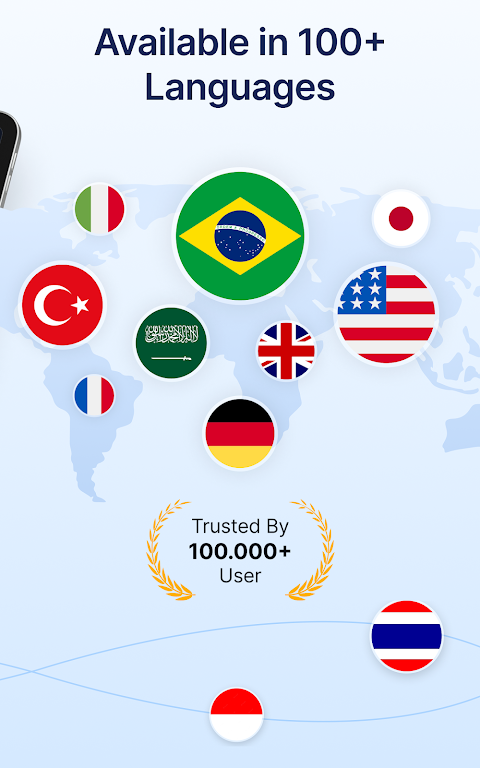
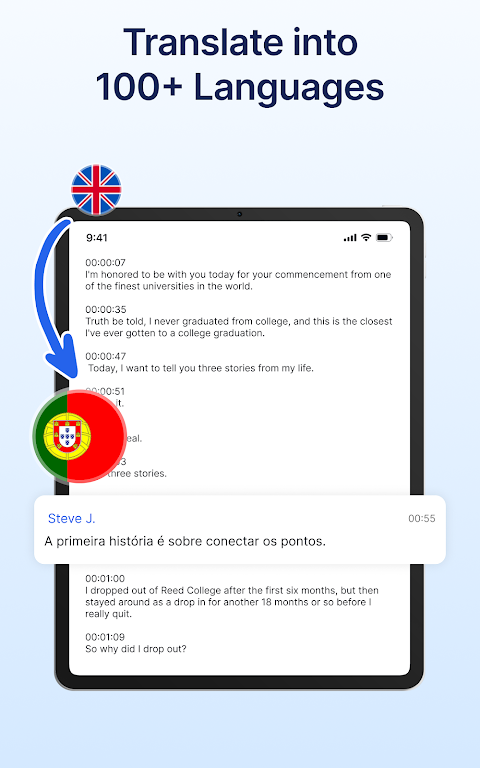
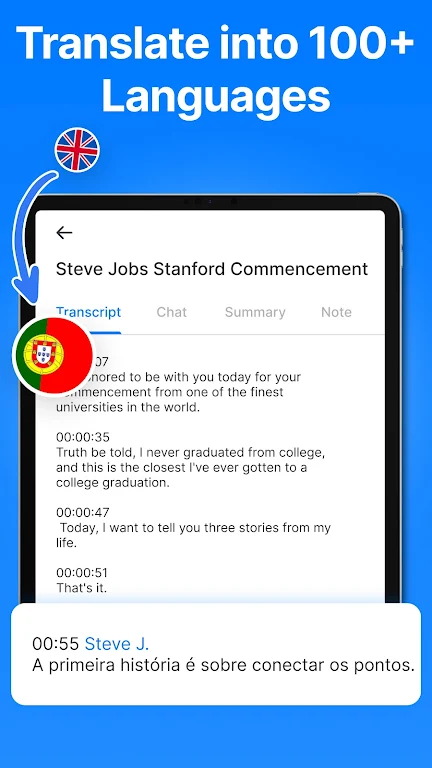
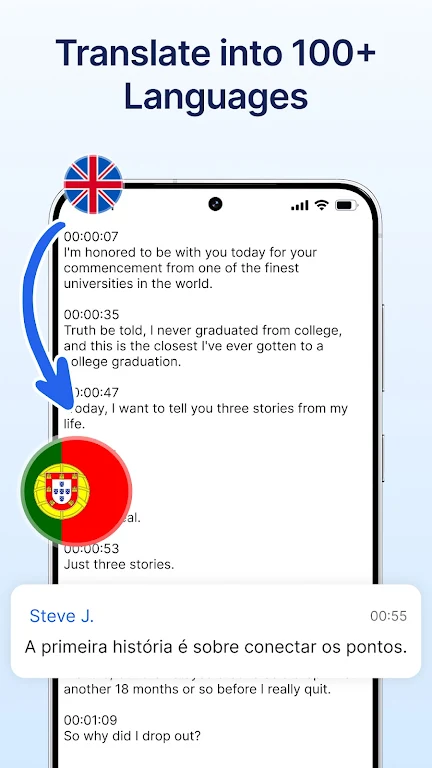
※ Translation and Language Support: Transkriptor supports transcription in over 40 languages, making it perfect for global users and multilingual environments.
※ Organize with AI: Efficiently manage your transcripts with AI-powered folders, tags, and search features to quickly locate what you need.
Get Started with Transkriptor Today!
Can I transcribe for free?
Yes! Sign up to receive free transcription credits. Easily transcribe audio or video files like Amberscript, Otter, Temi, Notta, SoundType AI Rev.com, or HappyScribe!
Convert audio to text
Changelog
We've implemented several performance improvements and fixed various bugs to enhance your overall experience.
Additional information
Screenshots
Reviews
Recommend Article








Similar Apps

All AI Models in One App. Chatbot, Smart Assistant, AI Text & Image Generator

Take notes, create to-do lists, lock ideas, and customize with Notepad.

Organize notes, tasks, and schedules effortlessly with Evernote.
Noita: magical action roguelite in a world where pixels are physically simulated
Fast, easy-to-use and full-featured file manager app with cloud integration.
Craft your story with formatting and grammar tools to ensure it’s right, always