


USB Camera
Hot Novels






Install Tips
Mobile safety & integrity report for the latest package. We provide verifiable checksums and a timestamped scan summary. Latest package USB Camera 11.7.0(642) scanned by multiple engines; no threats detectedas of Tue, 28 Jul 2026 11:34:41 GMT.
After downloading, use a system or third-party checksum tool to calculate the SHA256 and ensure it matches the value provided on this page (case-sensitive, without spaces).
Each engine uses different signature databases and heuristics, so results may vary slightly. We provide a timestamp and checksum to allow you to independently verify the package.
USB Camera Review
*** The Pro version provides some extra features from General Settings and without ads **
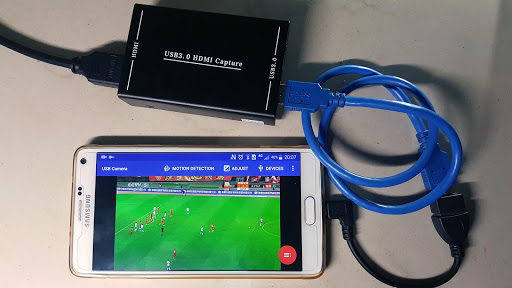
Using USB 3.0 HDMI capture card : https://youtu.be/WkmuyfwKVrs
Using UVC H.264 device : https://youtu.be/j-71QMNuDr0
RTSP real time stream : https://youtu.be/-Qzc0RSDerg
RTMP live streaming : https://youtu.be/S5Bc1r57CUU
Picture In Picture : https://youtu.be/Mbturdxyi5c
VR/FPV View : https://youtu.be/zEqBXLNFnE0
Tip:
Supports following devices:
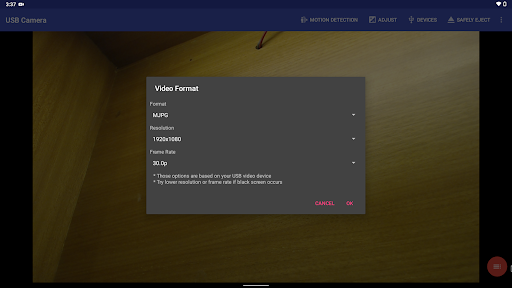
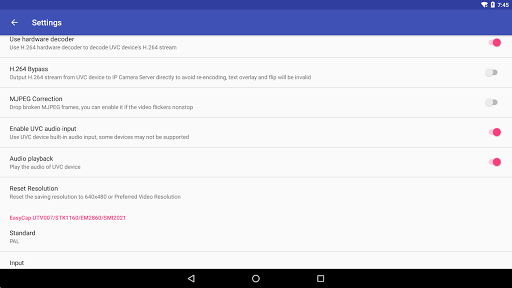
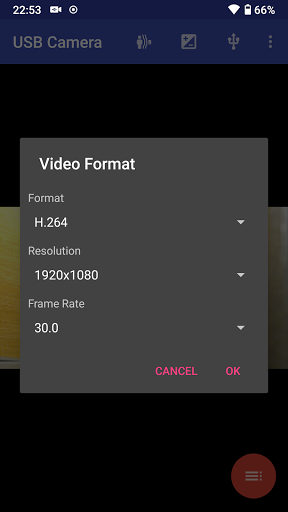
1) UVC WebCam with microphone or external USB Audio input (Supports H.264, H.265, HEVC, MJPG, YUY2, P010, NV12 and so on)
2) UVC video grabber with audio input or external USB Audio input (Up to 4K via HDMI, Supports H.264, H.265, HEVC, MJPG, YUY2, P010, NV12 and so on, Supports progressive and interlaced video)
3) Geek szitman supercamera(2ce3:3828)non-UVC devices, e.g. USB Endoscope
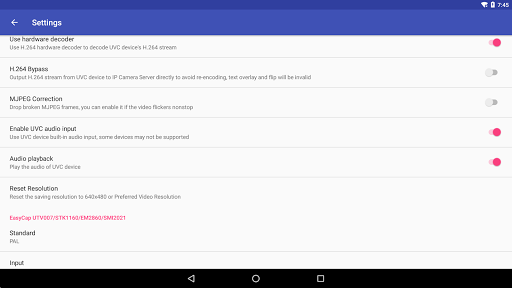
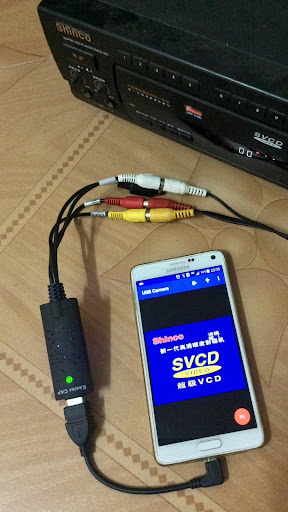
4) EasyCap including audio with UTV007 / HTV600 / HTV800 chipsets (VID_1B71&PID_3002)
5) EasyCap including audio with STK1160 + SAA7113/GM7113 + AC97 chipsets (Audio 48kHz stereo version VID_05E1&PID_0408)
6) EasyCap including audio with STK1160 + SAA7113/GM7113 (Audio 8kHz mono version VID_05E1&PID_0408)
7) EasyCap including audio with EM2860 + SAA7113/GM7113 + AC97 chipsets (VID_EB1A&PID_2861)
8) EasyCap including audio with SMI2021 + SAA7113/GM7113 + ES7240/CS5340 chipsets (VID_1C88&PID_0007, PID_003C, PID_003D, PID_003E, PID_003F, PID_1001)
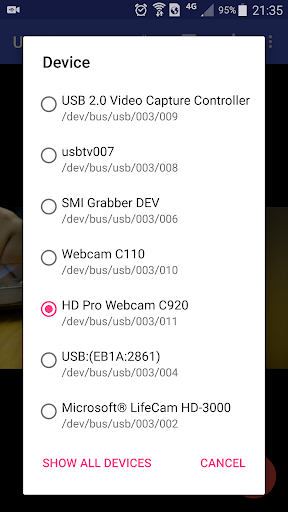
Please click USB icon from toolbar to open Device dialog to open device if the system unable to detect your device.
Please use a good quality OTG cable and ensure power supply. Some devices may need to bridge HUB to enhanced USB signals to work properly, e.g. Elgato Cam link, ezcap Video Grabber.
Using HEVC for video recording/streaming requires Android 5.0 or above, and the device must supports HEVC codec.
Using AV1 for video streaming requires Android 10 or above, and the device must supports AV1 codec.
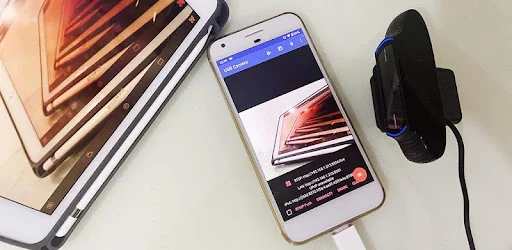
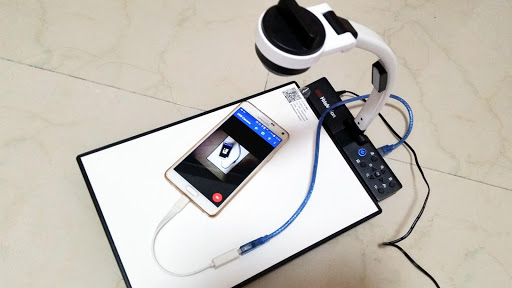
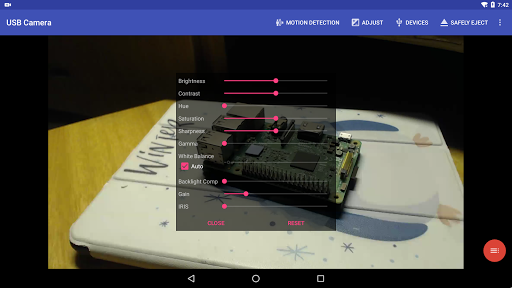
"USB Camera" can let your android device connect to USB WebCam or video capture card via USB-OTG. You can record video or capture snapshot,
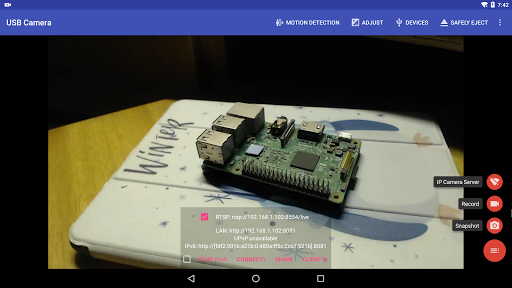
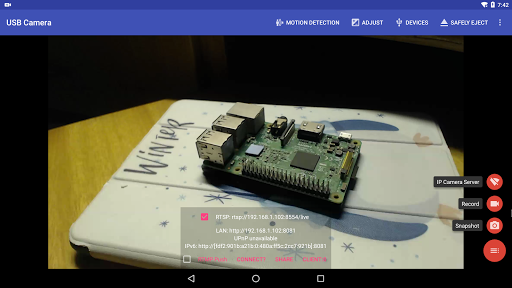
OR turn your phone into a wireless IP Camera via build-in RTSP and HTTP Server for security monitoring WITH Bi-directional audio support
, you can use your browser to view, of course, include "IP Camera" App.
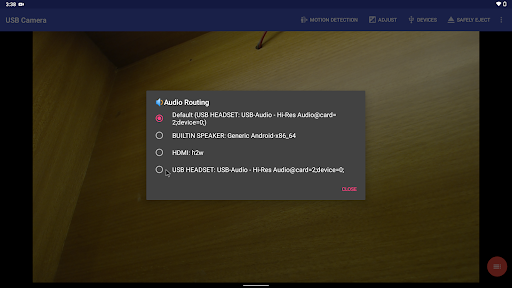
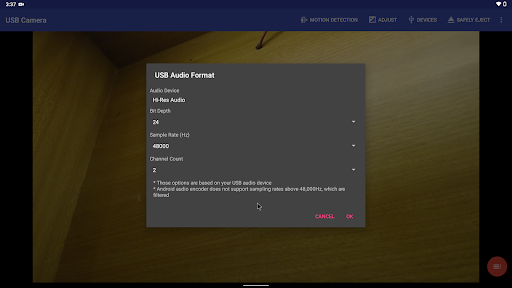
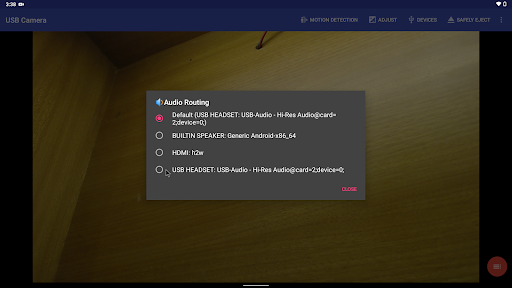
"USB Camera" can mix USB Audio with a built-in microphone and output, or overlay the built-in camera video onto the external camera video.
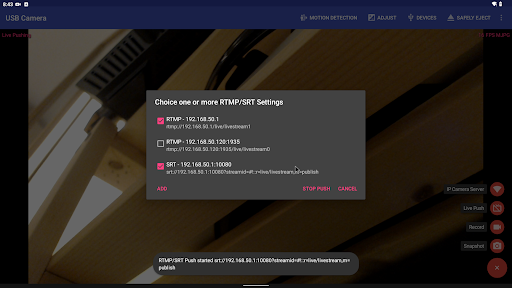
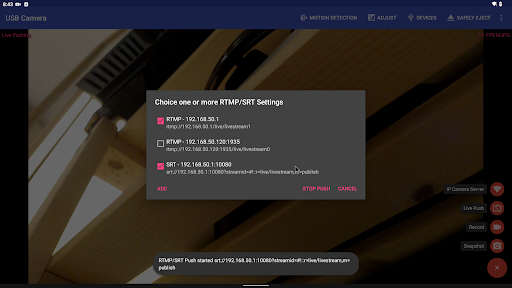
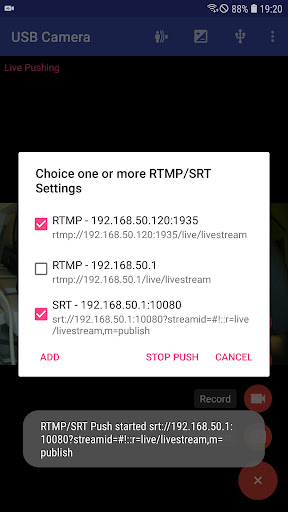
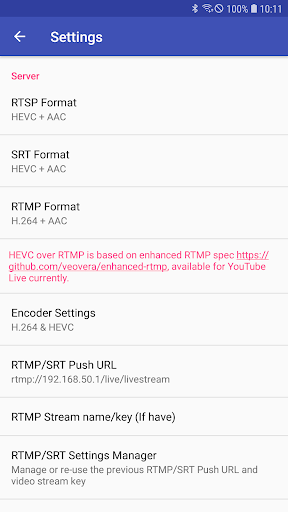
"USB Camera" can push the video and audio to RTMP/SRT live media server and use for network live broadcast. It supports the rtmps security protocol and SRT protocol and it can also push the media to multiple media server at the same time. It also supports HEVC/AV1 over RTMP and can be used for YouTube Live currently.
"USB Camera" supports Side by Side(SBS) view and it can work with FPV goggle
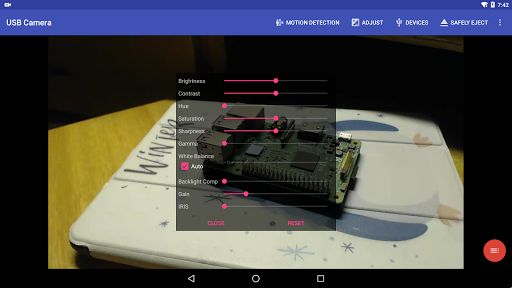
"USB Camera" can add timestamp, GPS, speed and other info on the video frames while recording and can use your headset or Bluetooth headset to capture snapshot and record video. It also supports WebCam's snapshot button.
"USB Camera" supports loop-recording. Can set auto-segment when recording and auto-delete old video archives when no enough storage. "USB Camera" can be used as "Dash Cam"
USB Camera can seamless switching between foreground and background. Just press 'Enter background' from menu. The recording will not interrupted during switching!
It support auto video recording which based on Motion Detection and the video record can be uploaded to FTP server automatically and notify you via Email!
Bi-directional audio requires IP Camera App, you can get it from https://play.google.com/store/apps/details?id=com.shenyaocn.android.WebCam
IMPORTANT! On Android 9 and above, Camera permission is required to get fully USB Video device access..
This is userspace driver so it used for the app only. Android does not allow to install kernel driver so it unable to use for third-party apps.
Additional information
Screenshots
Reviews
Recommend Article










Similar Apps

Mimo is DJI's proprietary application for handheld stabilization devices.

SiMontok is a video app for adults in which you can find all sorts of contents and for all preferences which can be downloaded to your Android for free
Movie maker & video editing app with AI effects and green screen

Watch Tik Tok Offline & Download TikTok videos without watermark in batch.

Find your voice and connect with a global community.

Supports all types of video and audio files, get HD playback effect.