


Meitu
Hot Novels






Install Tips
Mobile safety & integrity report for the latest package. We provide verifiable checksums and a timestamped scan summary. Latest package Meitu 11.22.0(112200) scanned by multiple engines; no threats detectedas of Tue, 28 Jul 2026 11:26:02 GMT.
After downloading, use a system or third-party checksum tool to calculate the SHA256 and ensure it matches the value provided on this page (case-sensitive, without spaces).
Each engine uses different signature databases and heuristics, so results may vary slightly. We provide a timestamp and checksum to allow you to independently verify the package.
Meitu Review
Meitu is a free All-in-one photo and video editor on mobile, which gives you everything you need to create awesome edits.
Meitu Features:
【Photo Editor】
Make your photos stunning and sensational! Whatever your beauty preference, do it all with Meitu!
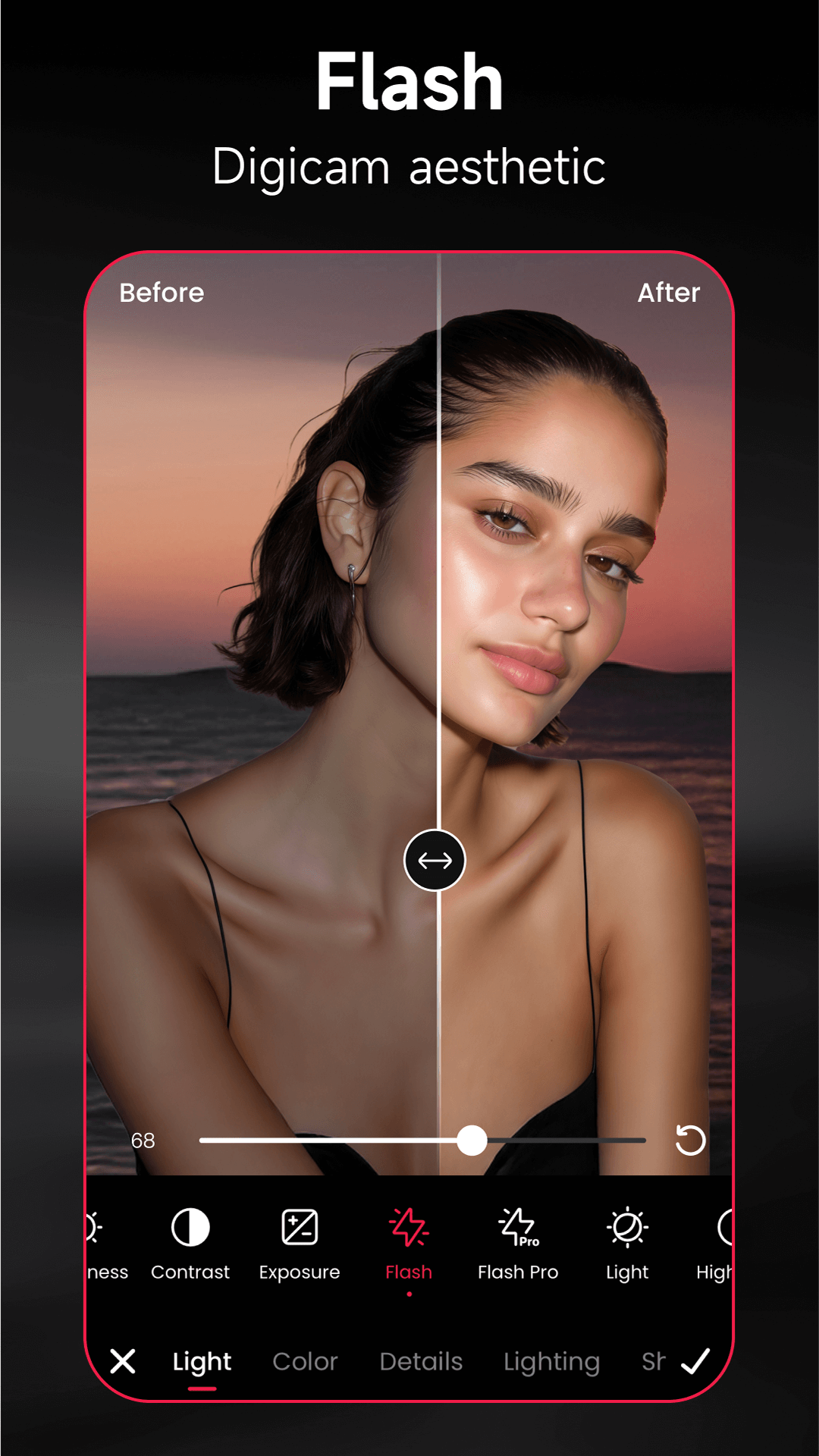
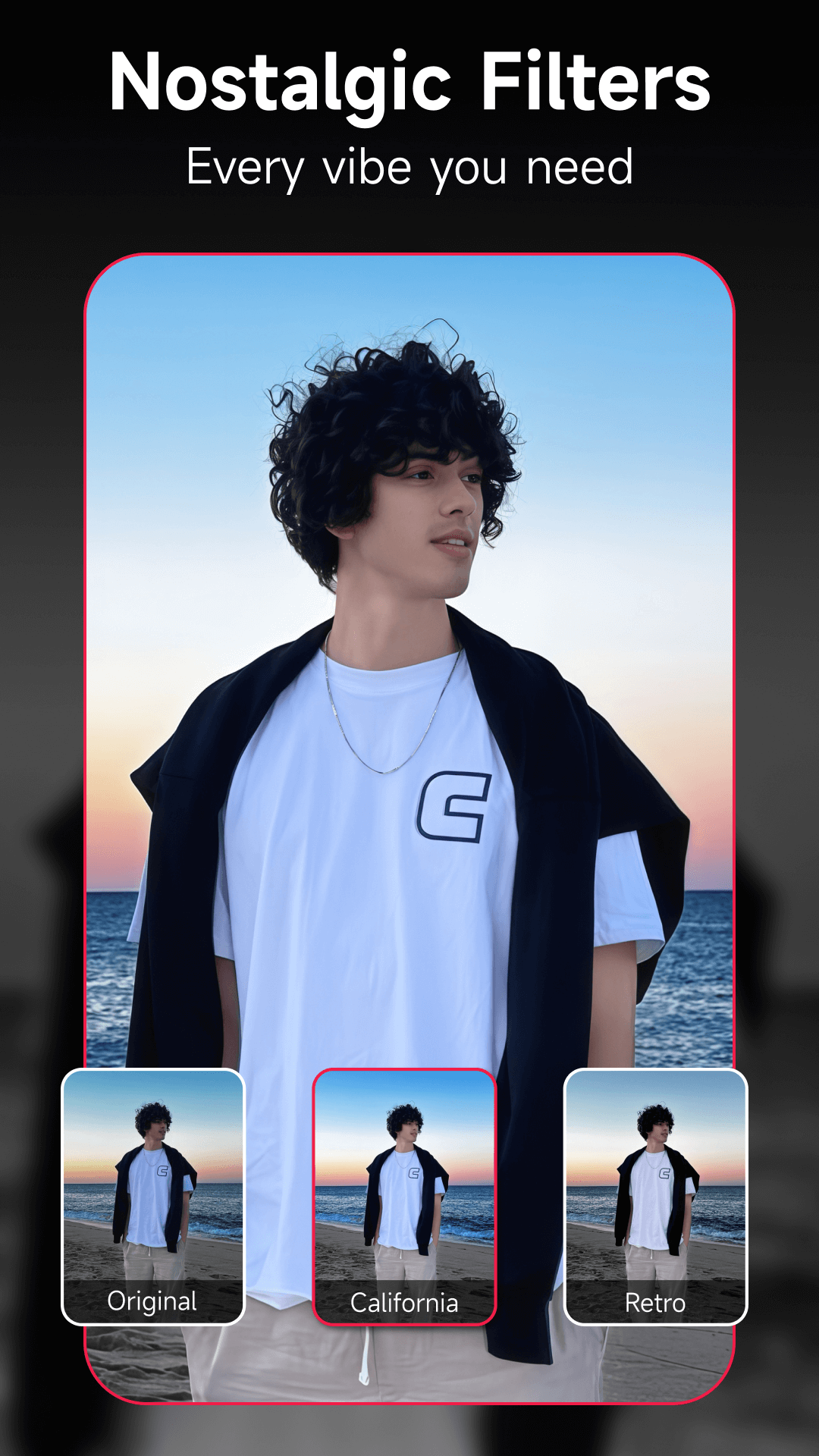
• 200+ Filters: No more dull photos! Animate and liven them up with 200+ original effects, and let the new AI flash feature adjust for vintage aesthetics.
• AI Art Effects: Cutting-edge tech that automatically turns your portraits into stunning illustrations!
• Instant Beautification: Select the beautification level of your choice and get flawless skin, defined muscles, fuller lips, whiter teeth, etc., in just one tap!
• Editing Features
- Mosaic: Cover anything that you want to hide
- Magic Brush: Doodle over your images with different brush options
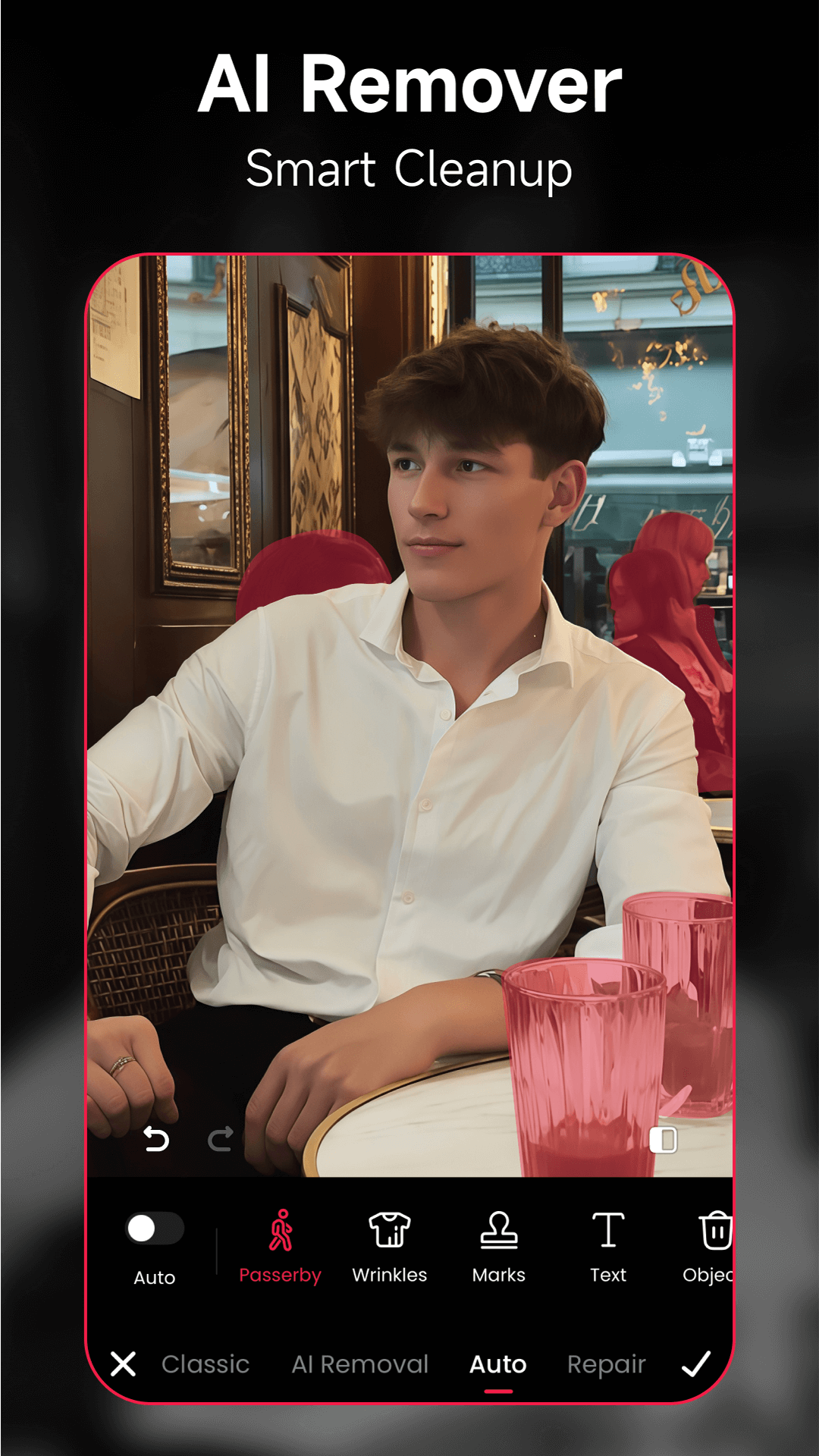
- Remover: Easily erase unwanted objects from your photos using AI
- Add-ons: Customize your pictures by adding frames, text, and stickers
- Collage: Combine photos into one collage using in-app templates, text, and layout options
• Retouch Features
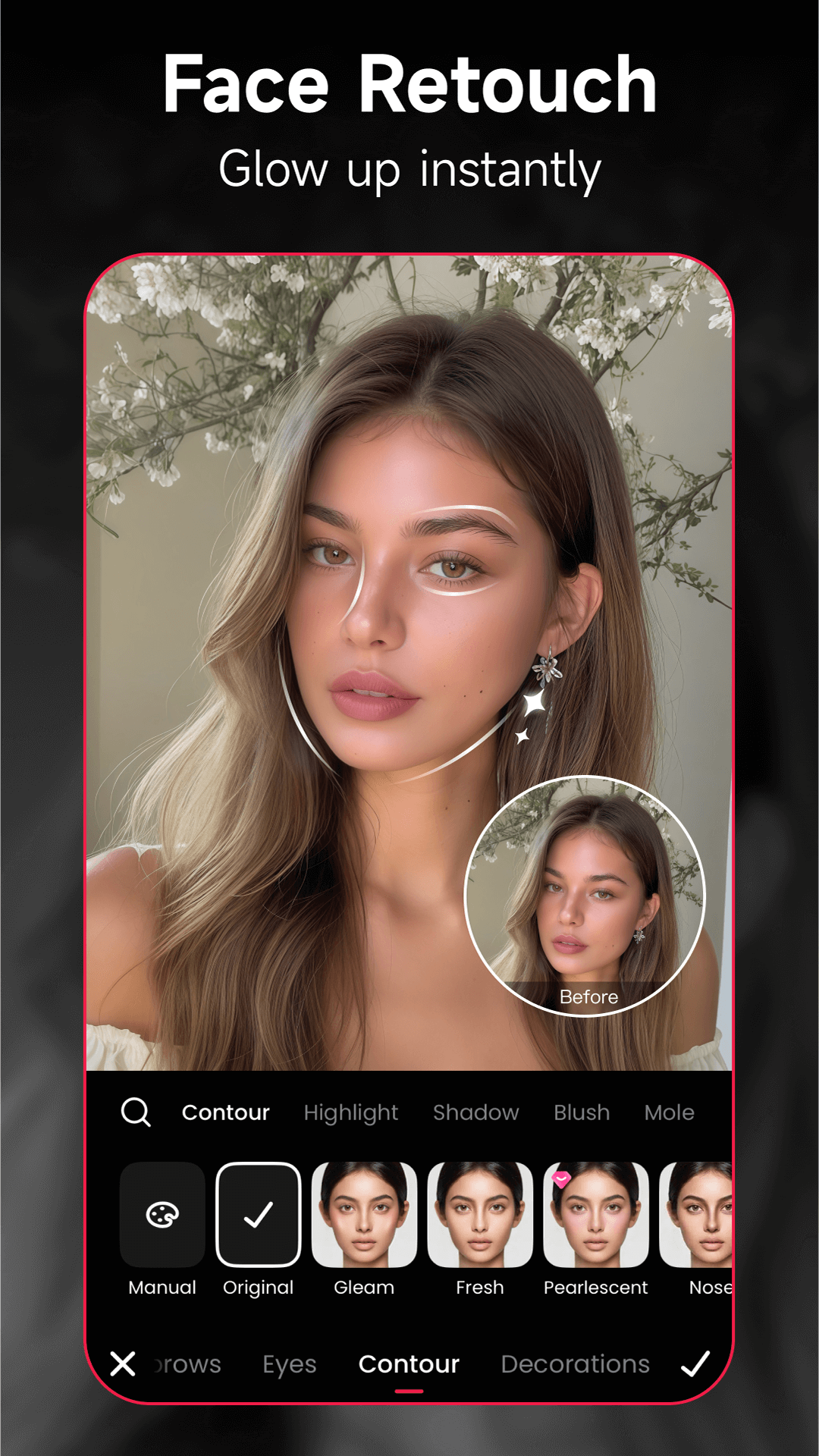
- Skin: Smooth, firm, and tweak your skin color exactly how you want!
- Blemishes: Get rid of any unwanted acne, dark circles, and other imperfections with ease.
- Makeup: Experiment with eyelashes, lipstick, contour, and more to highlight your beauty.
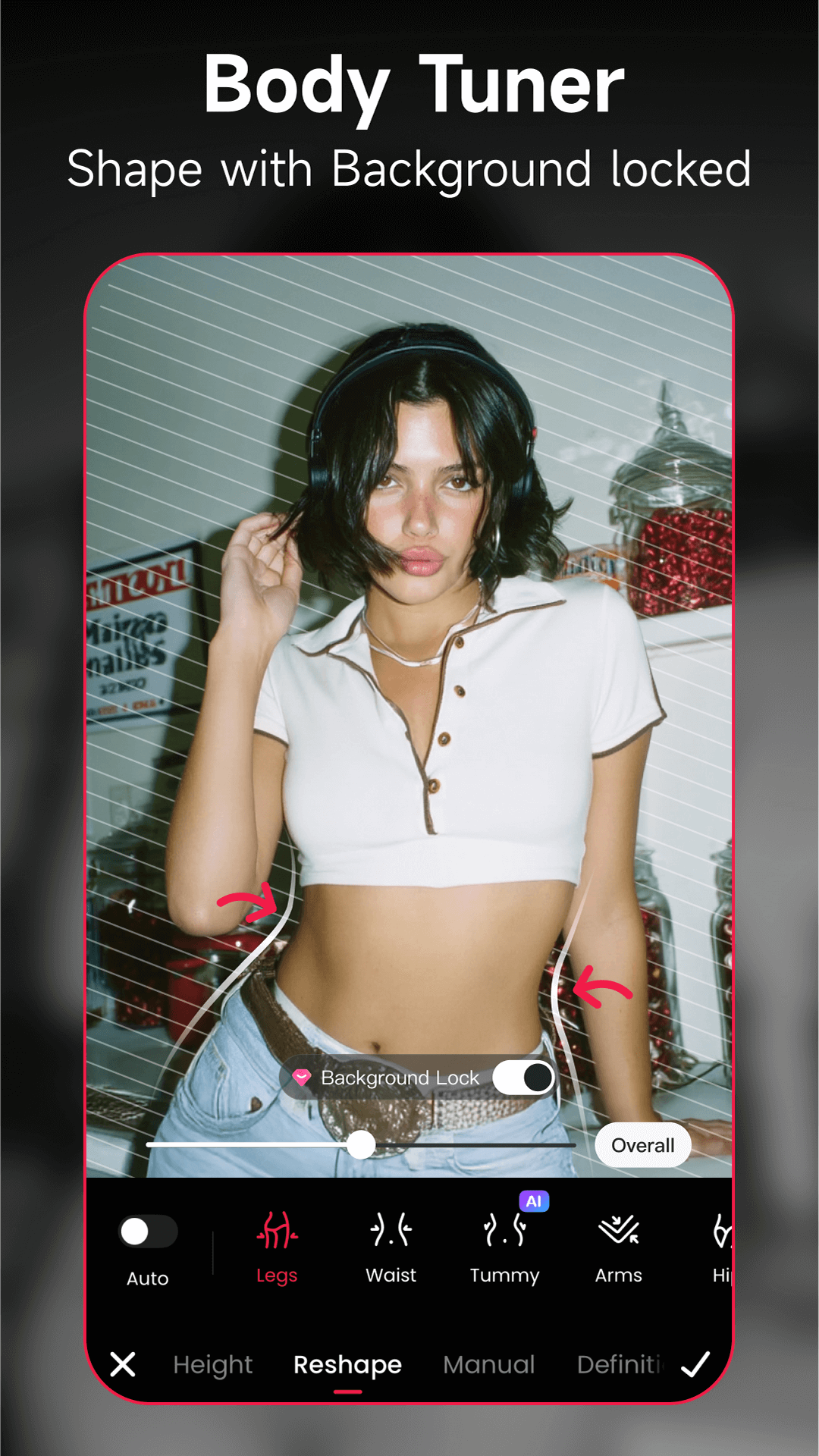
- Body Shape: Shape your body to be curvier, slimmer, more muscular, or taller, with background locked.
• Artificial Intelligence
With groundbreaking AI technology, Meitu automatically detects your facial features and adds cute motion stickers or hand-drawn effects to your face in real time while you take selfies.
【Video Editor】
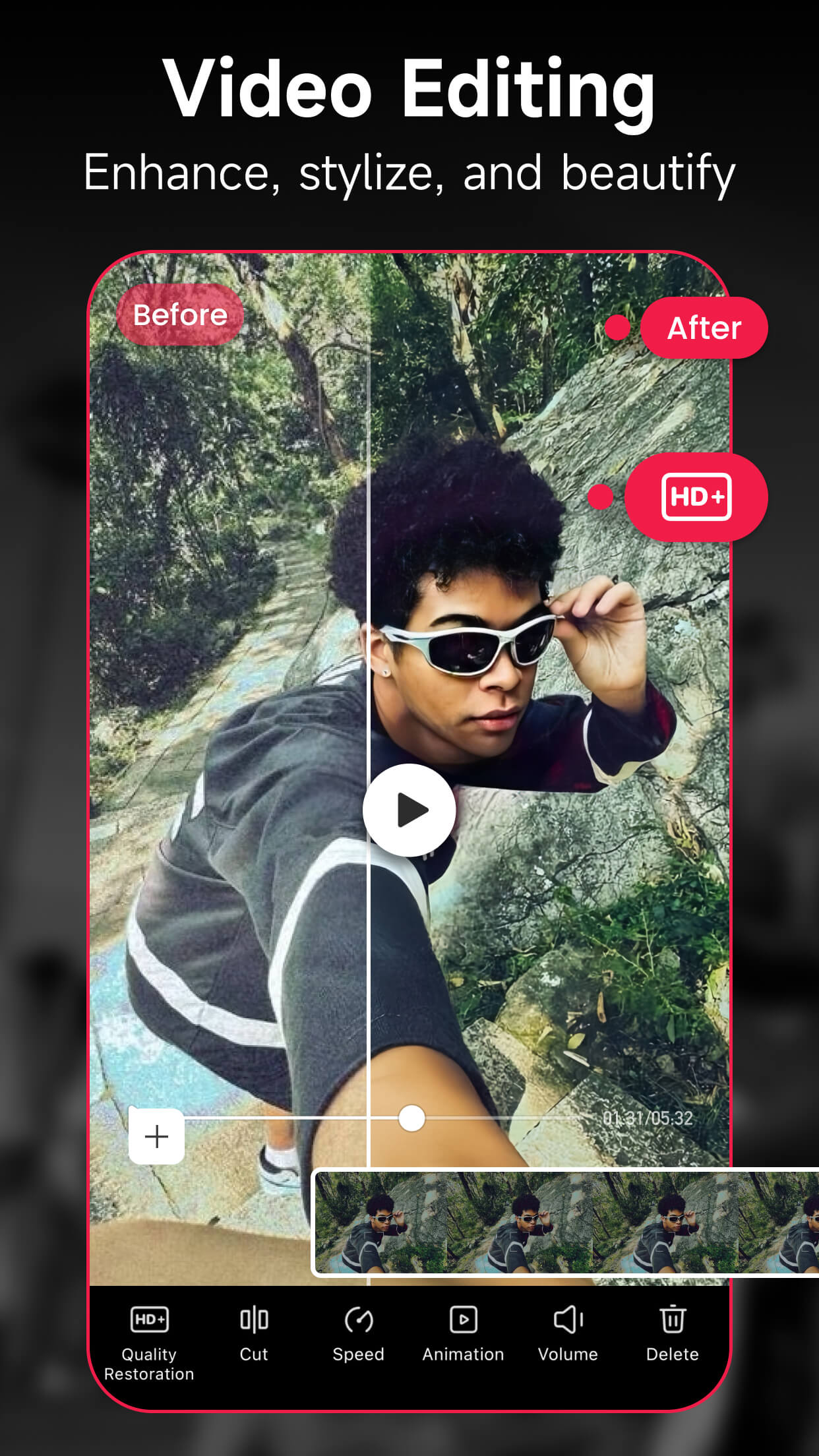
•Editing: Create and edit videos effortlessly, add filters, special fonts, stickers, and music. Make your Vlogs and TikTok videos at a high-end level.
• Retouch: Adjust your portrait with a variety of effects, from makeup and skin firming to body adjustments.
【Meitu VIP】
• Meitu VIP can enjoy 1000+ materials!
All VIP members enjoy free to use the exclusive stickers, filters, AR cameras, stylish makeups, and other materials. (Except special materials from partners)
• Unlock VIP exclusive functions
Experience the Meitu VIP functions instantly, including teeth correction, hair bangs adjustment, wrinkle removal, eye retouch, and more. Meitu delivers a richer, better photo editing experience just for you.
Privacy Policy: https://pro.meitu.com/xiuxiu/agreements/global-privacy-policy.html?lang=en
Contact us: global.support@meitu.com
Changelog
【AI Backlight & Ripple】Bring vacation photos to life with dreamy light effects!
【AI Hair Dye】Adjust color intensity freely for ultra-realistic results!
【Group Retouch】Shape everyone in one tap!
【ID Photo】Instant compliance check after retouching!
Additional information
Screenshots
Reviews
Recommend Article




Similar Apps

Instantly remove watermarks from photos—simple and user-friendly!
Open Source Camera app.

Create Business Headshots, Travel Selfies, Profile Pics and Realistic AI Photos

Phonto is a simple app that allows you to add text to photos.

Photo Pea Photo Editor is the all-in-one editor to fulfill photo editing needs.

Film Simulation Camera in a wide Panoramic format